





How To Zoom In In Prison Architect
How To Zoom In In Prison Architect
Need to get a better view of your prison layout in Prison Architect? Whether you’re managing your facilities or placing objects precisely, zooming in and out is essential. This guide walks you through all the zoom controls available in the game, so you can navigate your prison with ease.
Basic Zoom Controls
The simplest way to zoom in and out in Prison Architect is using your mouse scroll wheel. Simply scroll up to zoom in for a closer view of your prison, or scroll down to zoom out for a wider overview of your facilities.
Keyboard Zoom Controls
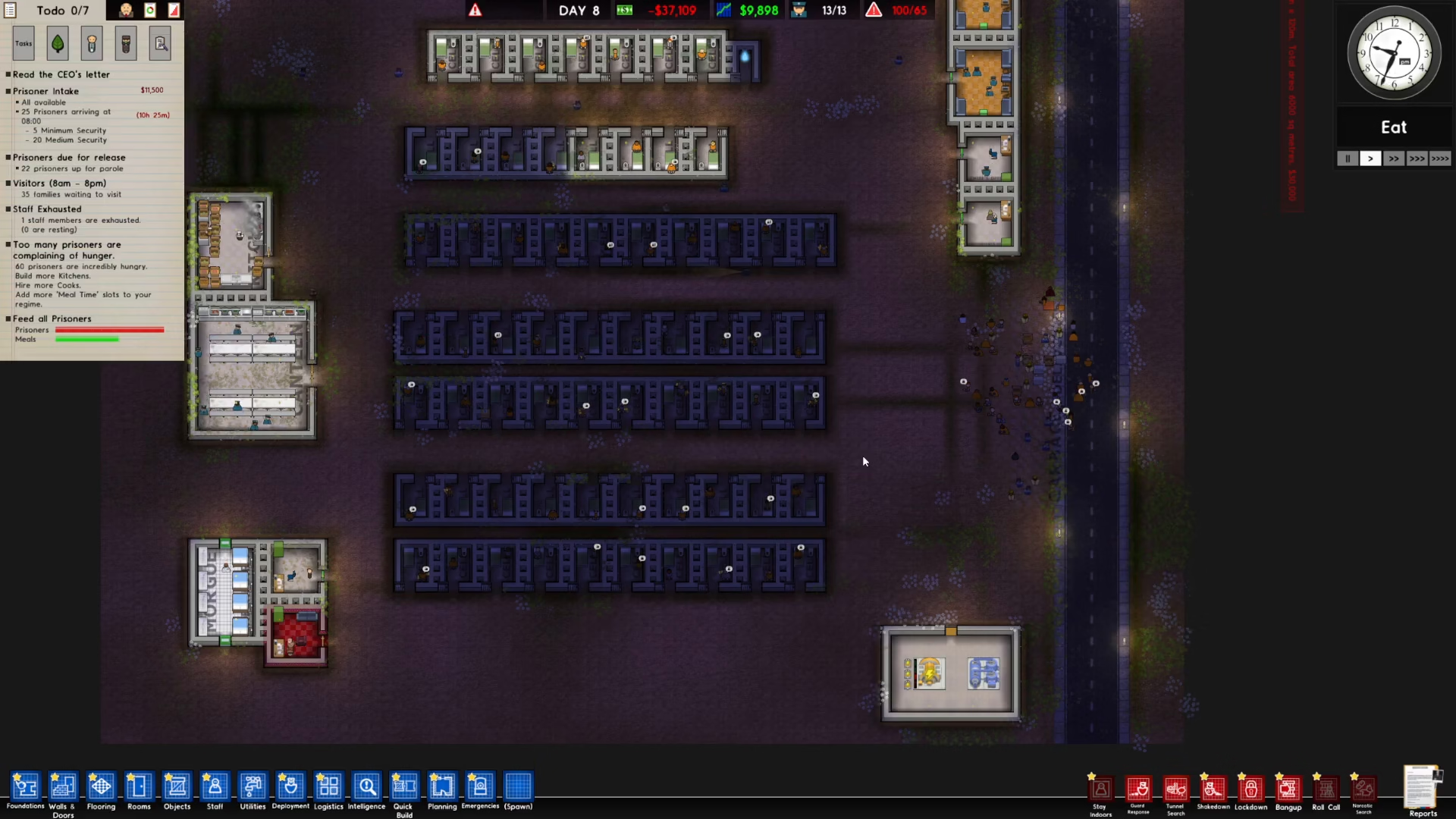
If you prefer using your keyboard, Prison Architect also offers dedicated zoom controls. Press the plus (+) key on your keyboard to zoom in and make the icons bigger on your screen. This is particularly useful when you need to work with smaller details or if you find the default icon size difficult to see.
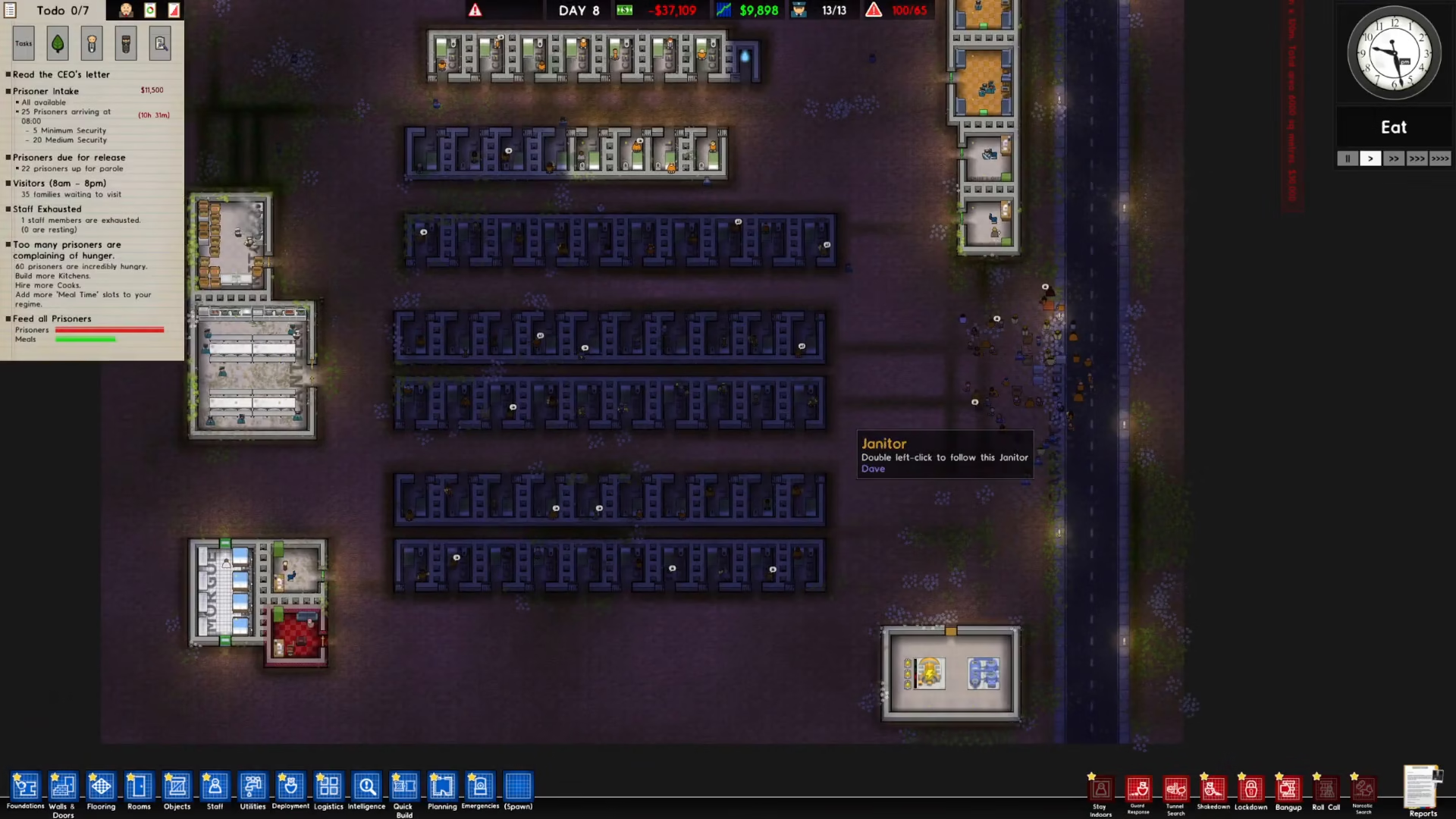
To zoom out and make icons smaller, simply press the minus (-) key on your keyboard. This allows you to quickly adjust your view without relying on the mouse scroll wheel.
Summary
Zooming in Prison Architect is straightforward and intuitive. Use your mouse scroll wheel for quick adjustments, or use the plus and minus keys on your keyboard to zoom in and out while making icons larger or smaller. Master these controls and you’ll have no trouble managing every aspect of your prison.
— Want to Support? —
If you would like to help us continue making these guides – please consider joining our patreon here – https://www.patreon.com/c/JaviHeals
Alternatively – you can join our discord here – https://discord.gg/zD7Gjt6MHF



