





How To View Head Camera In Phasmophobia
How To View Head Camera In Phasmophobia
The head camera is a useful tool in Phasmophobia that allows your team to monitor your perspective while you explore. However, understanding how to properly view and use this feature is essential for effective teamwork. This guide will walk you through the exact steps to view and utilize the head camera in Phasmophobia.
Understanding Head Camera Mechanics
When you equip the head camera in Phasmophobia, it’s important to note that you won’t be able to see the footage yourself. The head camera is primarily designed for your team members who remain in a safe location to monitor your movements and observations.
How to View Head Camera Footage
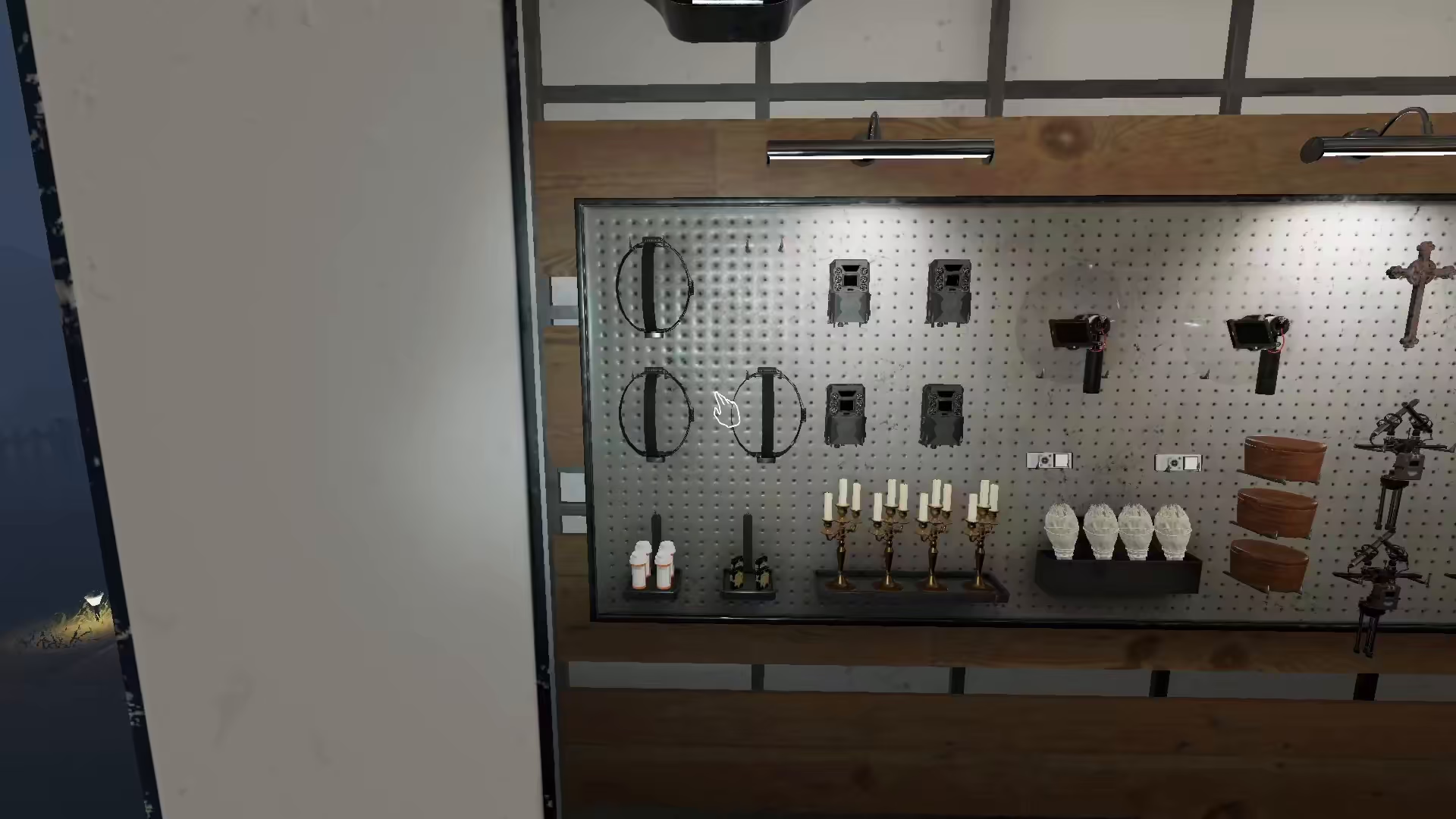
Step 1: Equip the Head Camera
First, make sure you’re wearing the head camera during your investigation. This will allow your teammates to see your perspective.
Step 2: Access the Monitor Screen
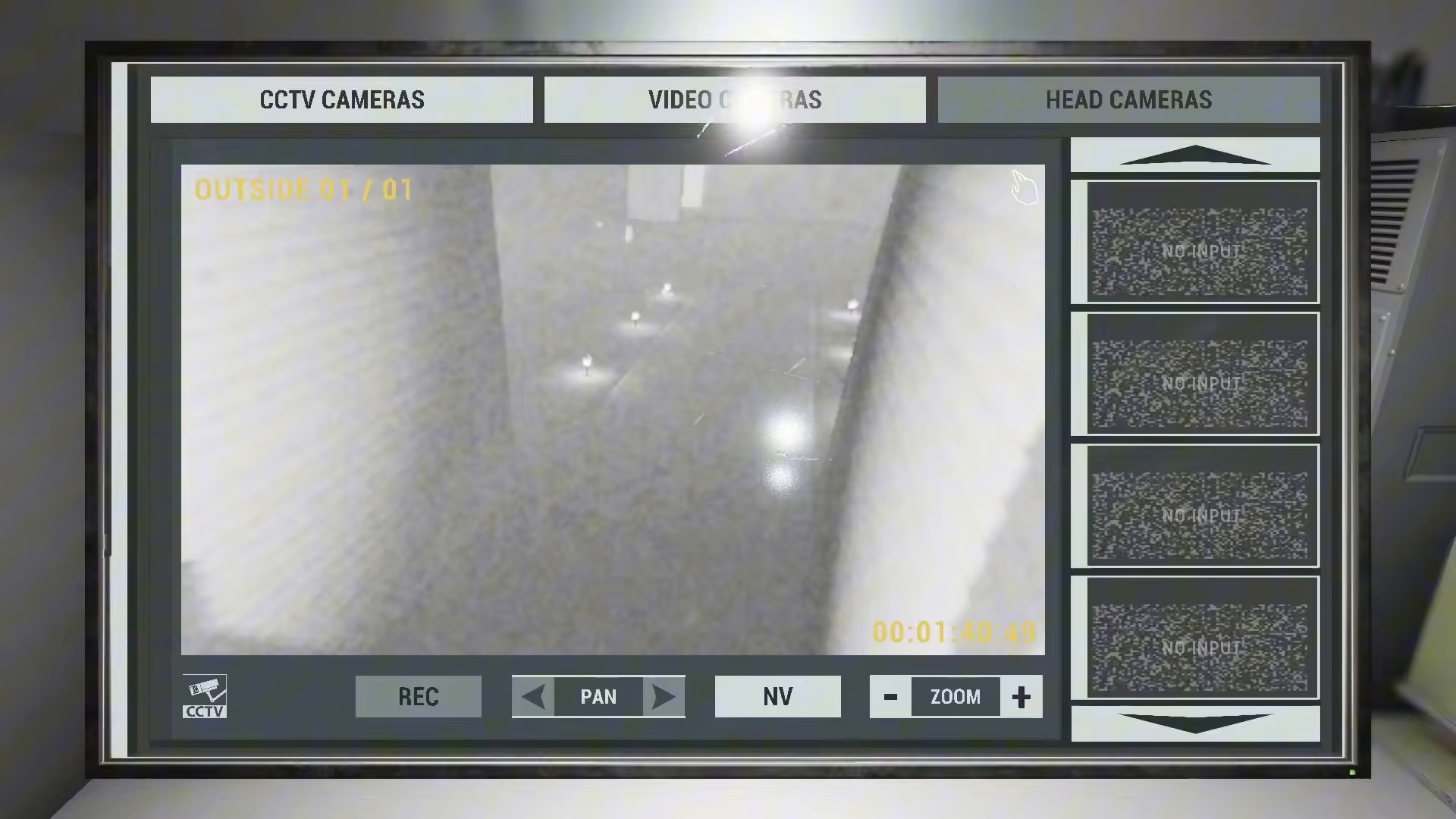
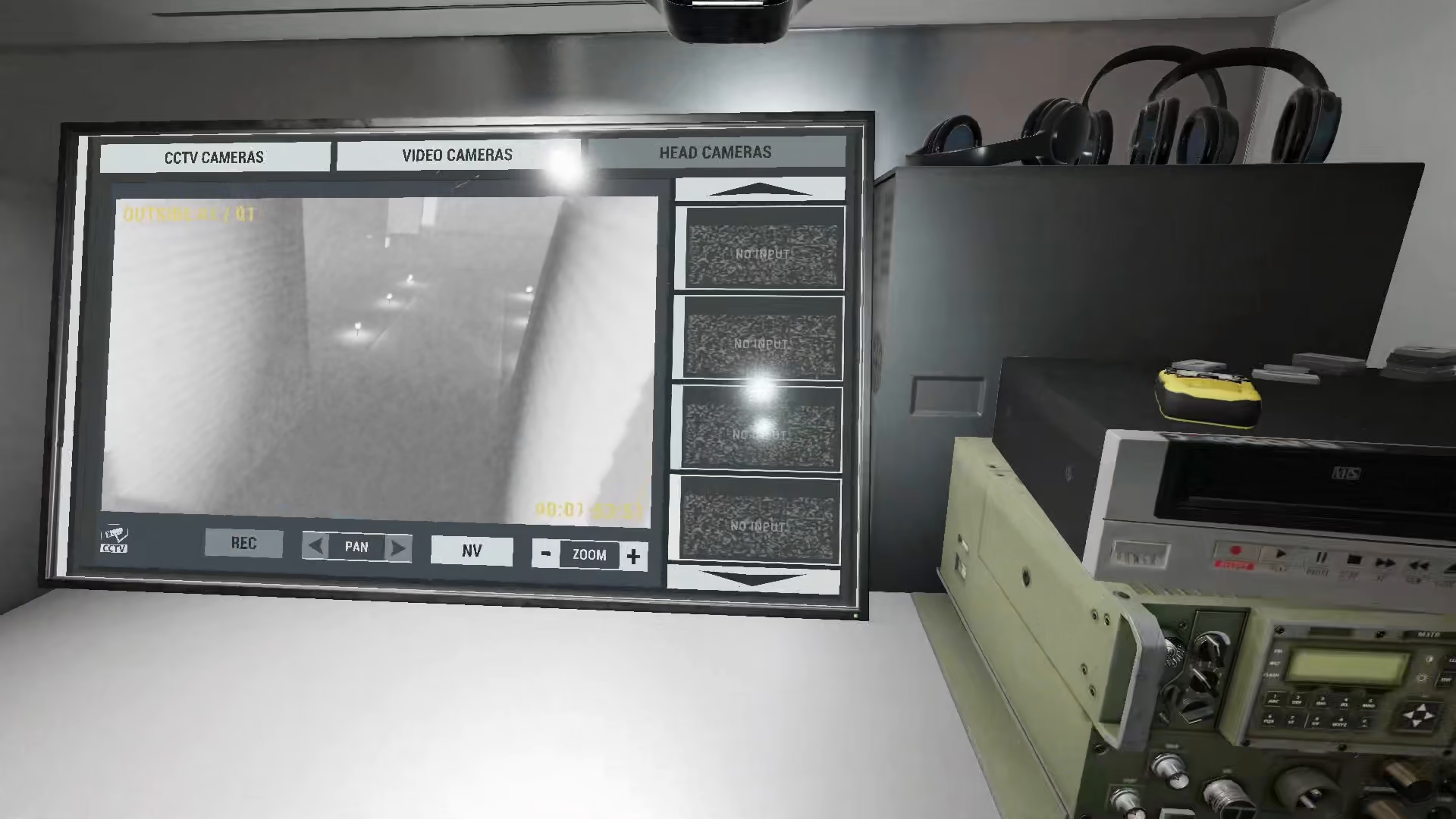
Have one team member go to the monitoring screen where you can view multiple camera feeds. On this screen, you’ll see an option specifically labeled “head camera.”
Step 3: Check the Camera Windows
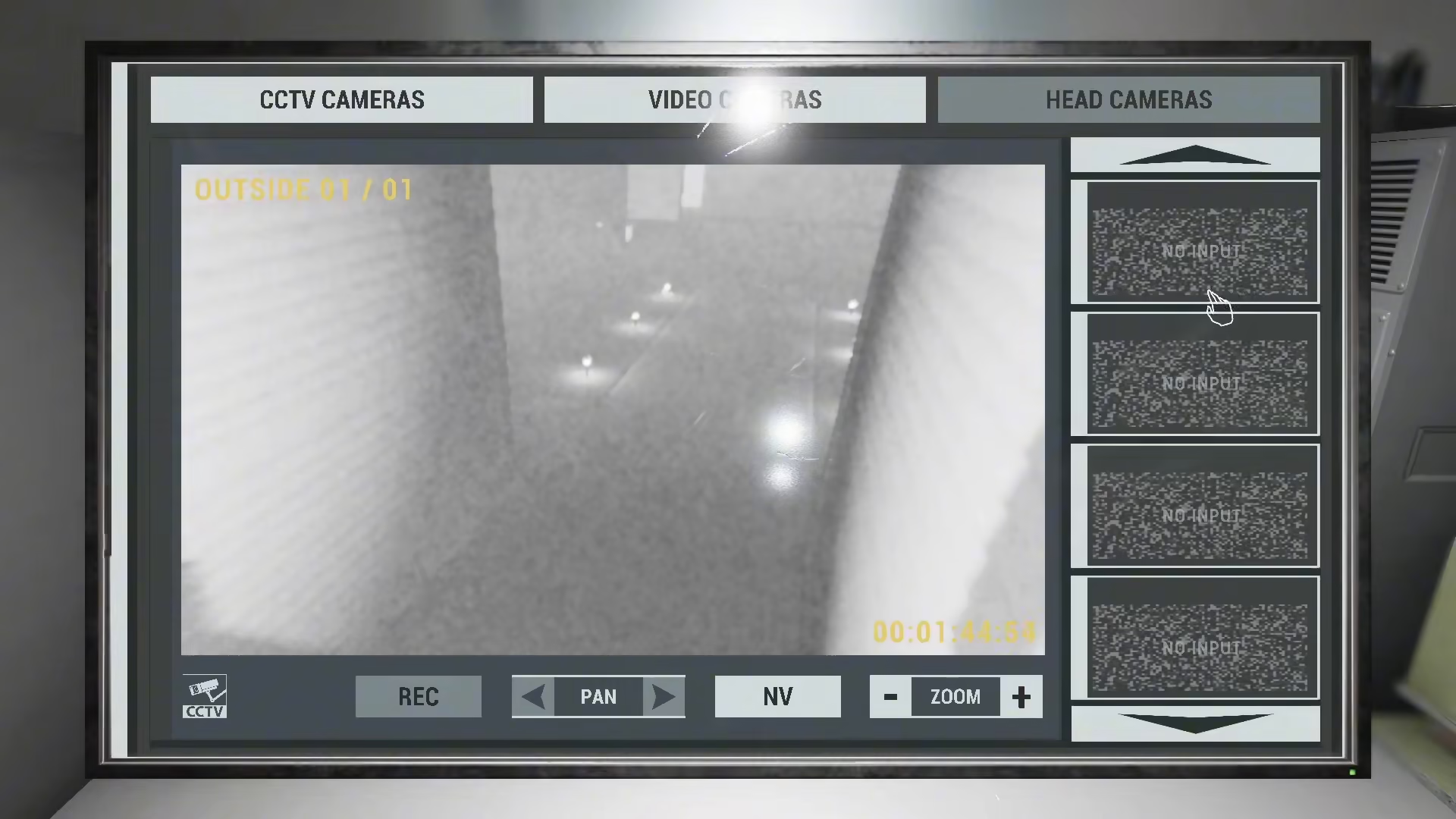
On the monitoring interface, you’ll notice several windows displayed. Initially, many of these may show “no input” until the appropriate cameras are actively transmitting footage.
Step 4: Monitor From Outside
While one player ventures inside the investigation area wearing the head camera, another team member should remain outside or in a safe zone where the monitoring equipment is located. From this position, they can view the live feed from your head camera and track your progress during the investigation.
Summary
Viewing the head camera in Phasmophobia is straightforward once you understand the setup. The wearer cannot see their own footage, but team members at the monitoring station can watch the head camera feed in real-time. This allows for better communication and coordination during ghost hunts, enabling your team to support the investigator with information they might have missed. Make sure one player equips the head camera, another monitors the feed from the safety of your base, and you’ll have a significant tactical advantage in your investigations.
Want to Support?
If you would like to help us continue making these guides – please consider joining our patreon here – https://www.patreon.com/c/JaviHeals
Alternatively – you can join our discord here – https://discord.gg/zD7Gjt6MHF


