





How To Vote For Ghost In Phasmophobia
How To Vote For Ghost In Phasmophobia
In Phasmophobia, voting for a ghost is an essential part of completing your investigation. Once you’ve gathered evidence during your ghost hunt, you’ll need to submit your findings by casting a vote. This guide will walk you through the simple steps needed to vote for a ghost in Phasmophobia.
Opening Your Diary
To begin the voting process, press the J key on your keyboard. This action will open your diary channel, which serves as your central hub for recording and submitting your ghost findings.
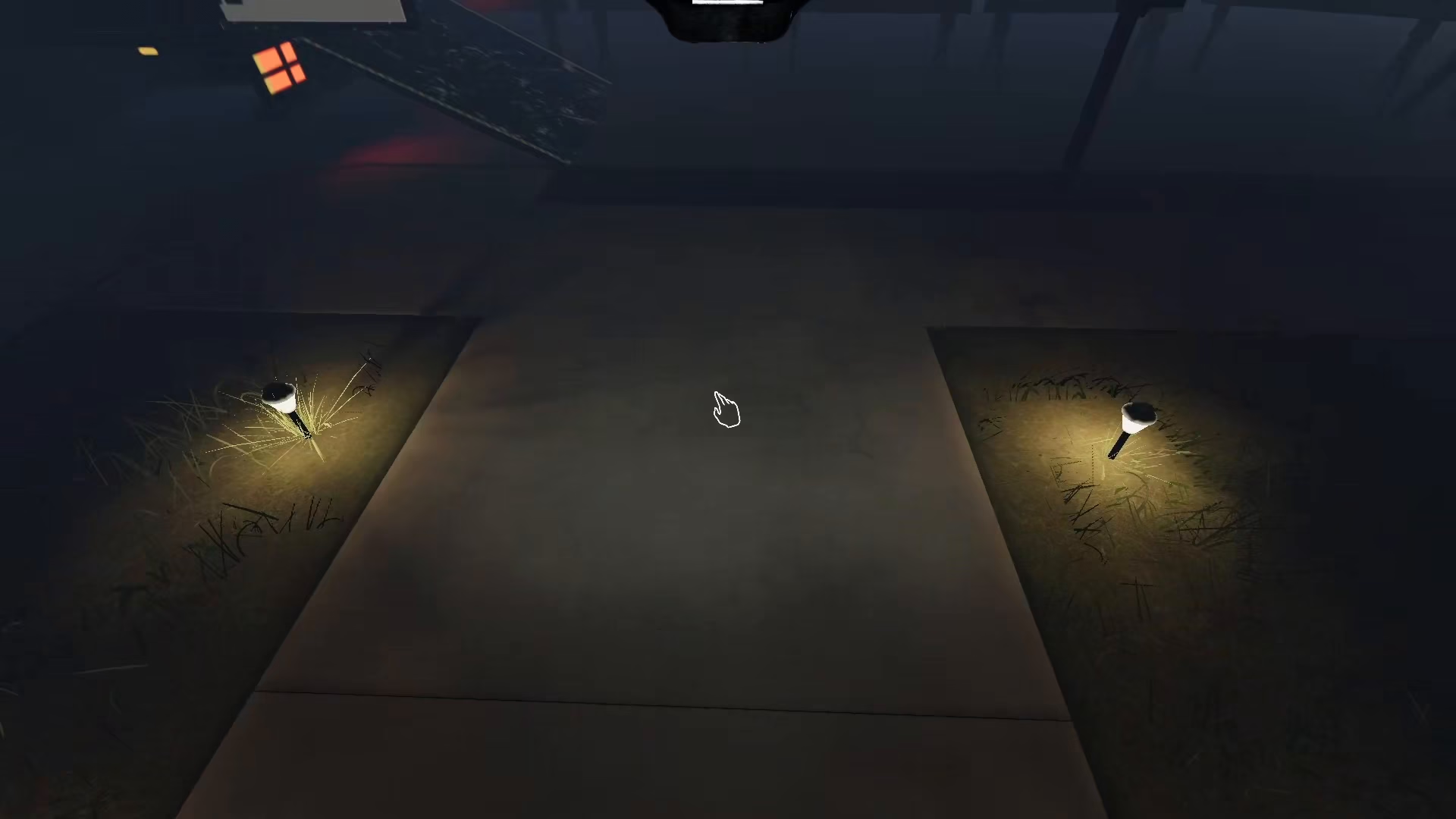
Navigating to Evidence
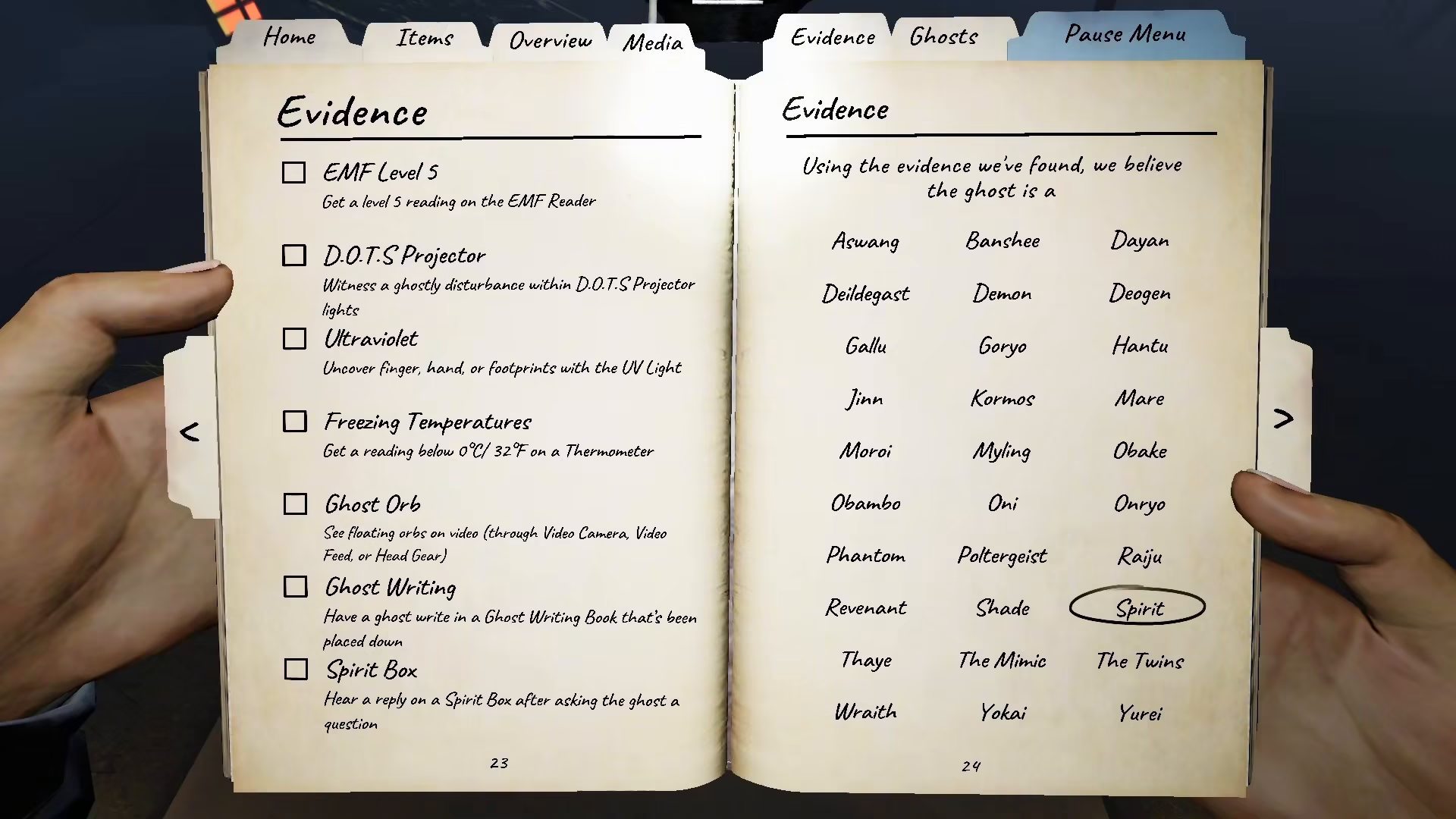
Once your diary is open, navigate to the Evidence section. This is where you’ll review all the evidence you’ve collected during your investigation of the ghost.
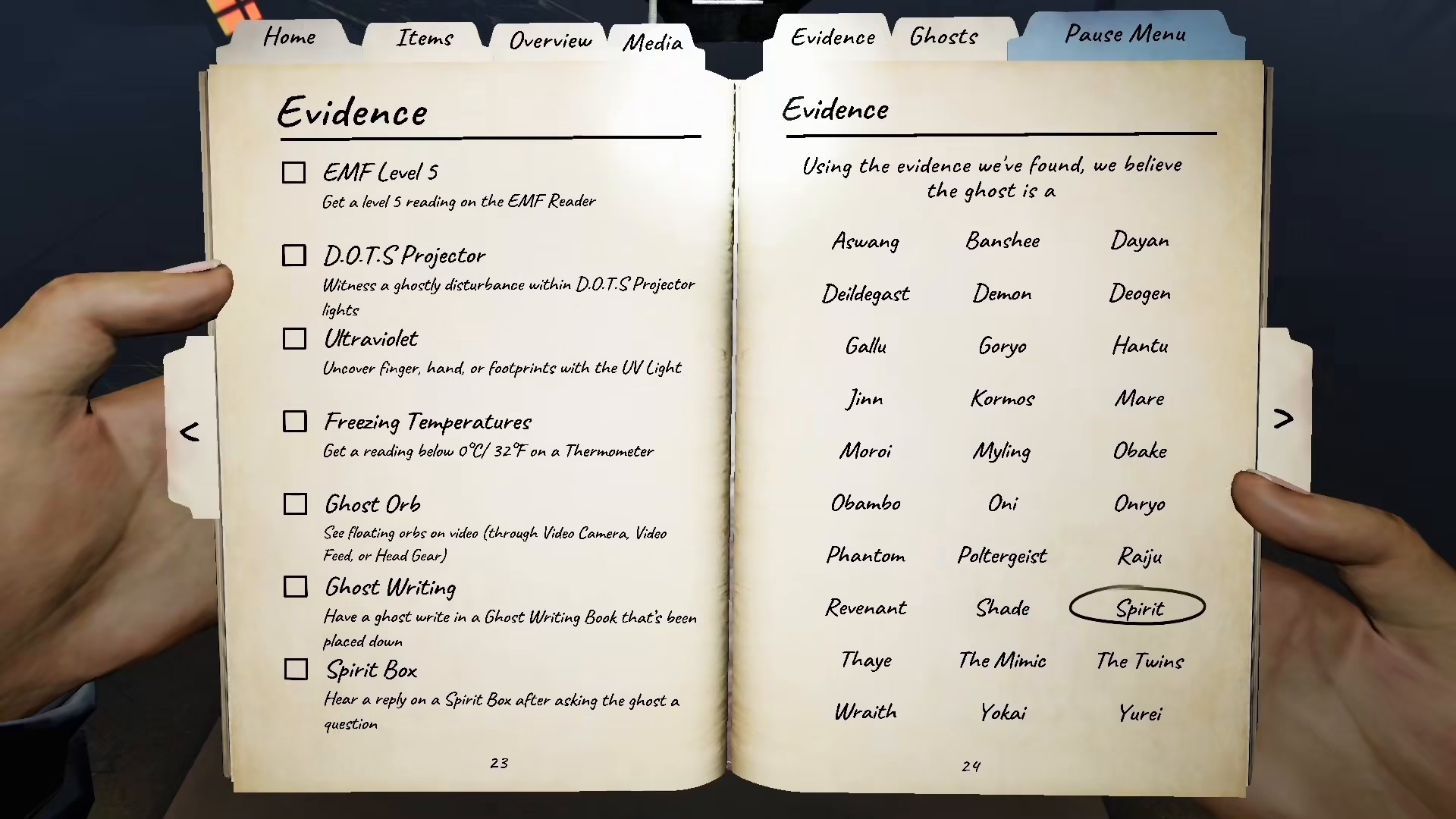
Selecting Your Ghost Vote
In the Evidence section, you can choose whichever ghost you have investigated based on the evidence you’ve gathered. Review your findings carefully and select the ghost type that matches your collected evidence.
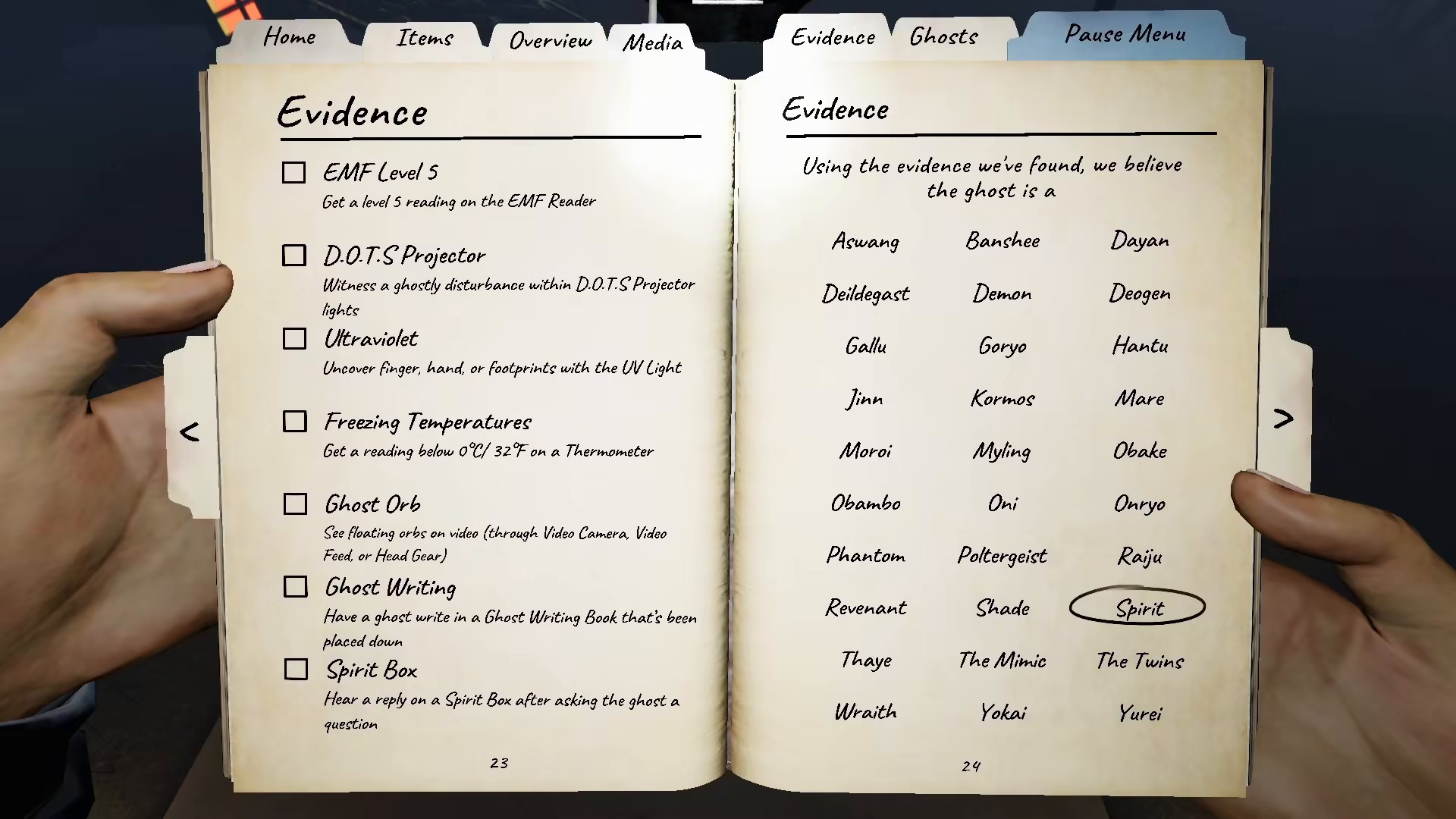
Marking Your Choice
After selecting your ghost, you can mark it by circling it, crossing it, or using any other method to indicate your vote. This confirms your ghost identification based on your investigation data.
Summary
Voting for a ghost in Phasmophobia is straightforward: press J to open your diary, navigate to the Evidence section, select the ghost you’ve identified based on your findings, and mark your choice. With these simple steps, you’ll be able to submit your ghost identification and complete your investigation.
— Want to Support? —
If you would like to help us continue making these guides – please consider joining our patreon here – https://www.patreon.com/c/JaviHeals
Alternatively – you can join our discord here – https://discord.gg/zD7Gjt6MHF


