
How to Visit A Friends Plot On In Palia
How to Visit a Friend’s Plot in Palia
Want to explore your friends’ customized plots in Palia? Visiting a friend’s plot is a straightforward process that requires just a few steps. In this guide, we’ll walk you through everything you need to know to successfully visit your friends’ plots and return to your own.
Prerequisites for Visiting a Friend’s Plot
Before you can visit a friend’s plot, there are a few important requirements to keep in mind. First, your friend must be currently online and inside their plot. Additionally, their plot’s privacy settings must be configured to allow visitors. Your friend can set their privacy to either “open for anyone” or “open for friends only.” If their privacy is set to entirely closed, you won’t be able to visit their plot.
Make sure to check that your friend meets these conditions before attempting to visit.
Visiting a Friend’s Plot: Step-by-Step
Step 1: Access the Friend Bulletin Board
From your own plot, head to the blue bulletin board. This is your main hub for connecting with friends’ plots.
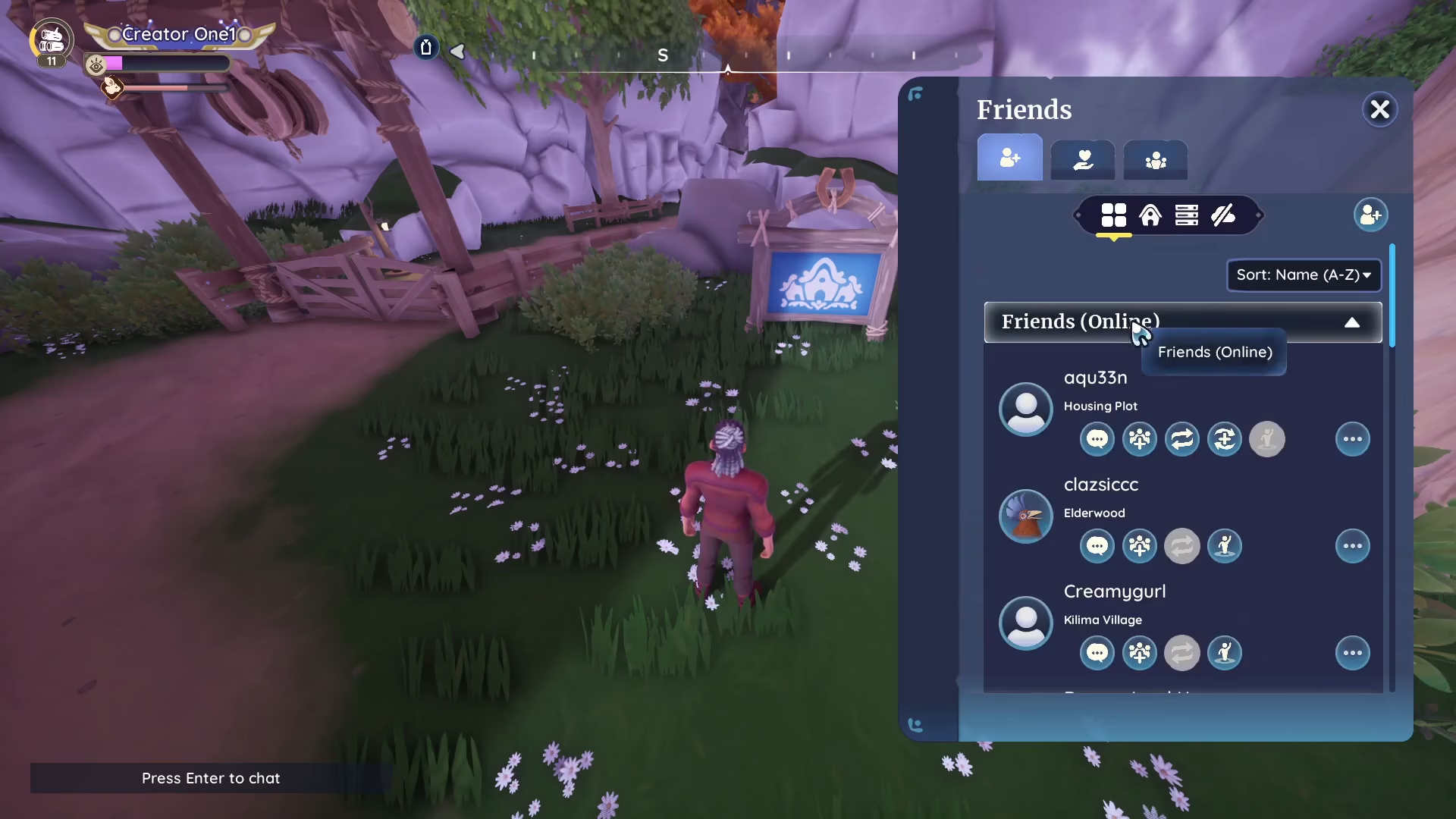
Step 2: View Available Friends
At the bulletin board, you’ll see a list of your friends. The board will display which friends are currently online and located inside their plots. You may see multiple friends available to visit.
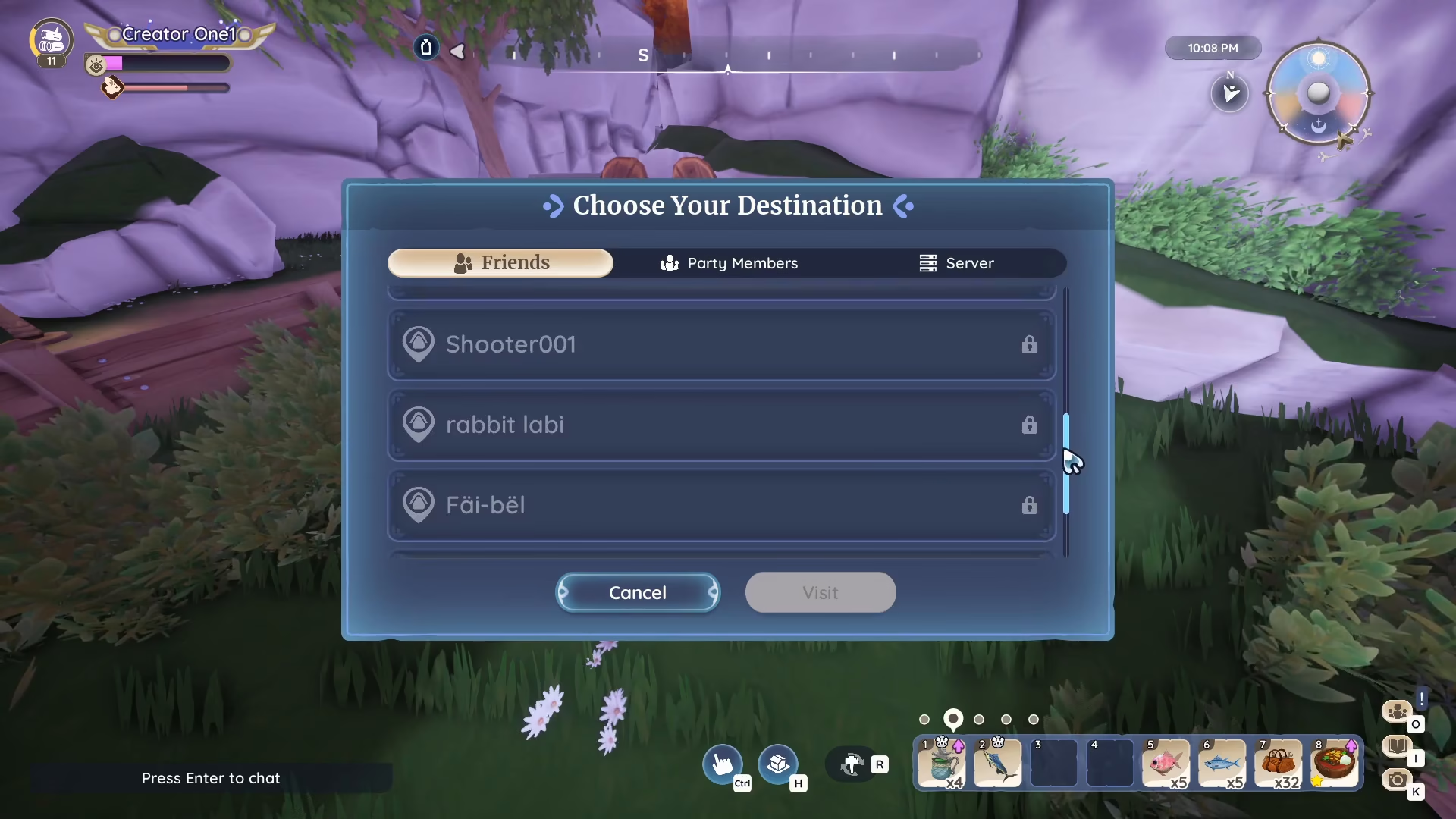
Step 3: Select a Friend to Visit
Click on the name of the friend whose plot you’d like to visit. Once you’ve selected them, a visit option will appear.
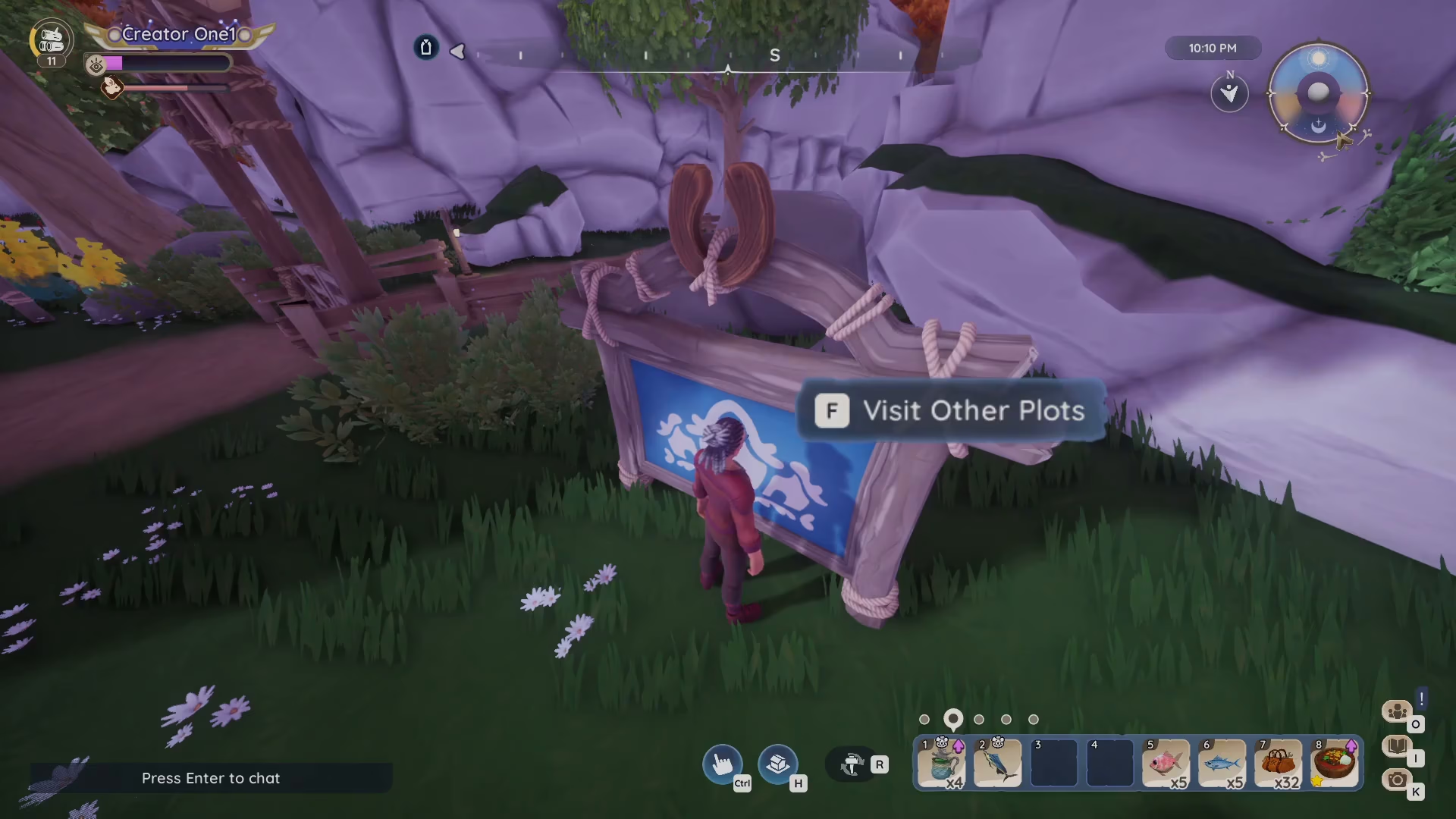
Step 4: Confirm the Visit
Click the “visit” button to travel to your friend’s plot. You’ll be transported directly to their location.
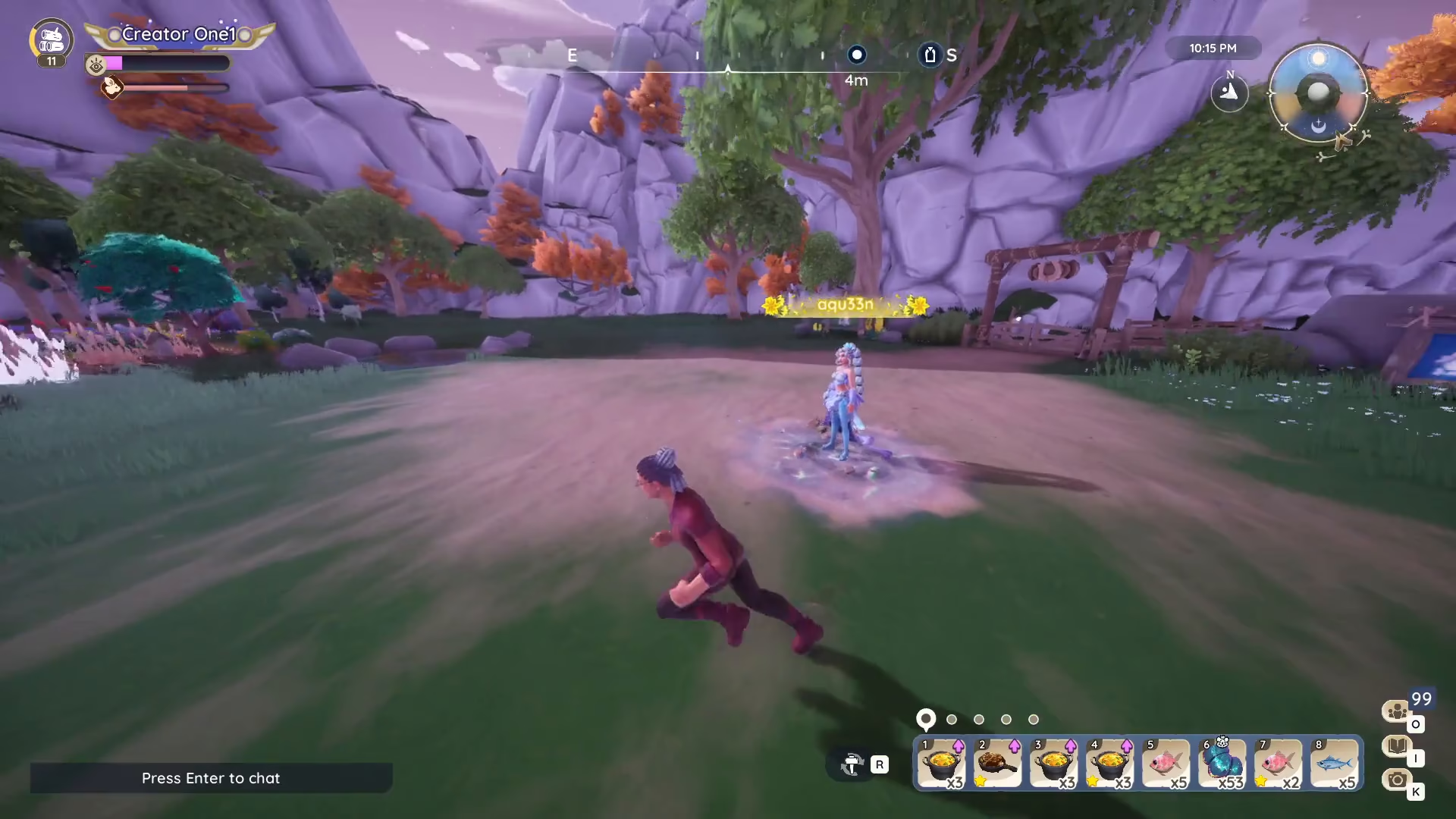
Returning to Your Own Plot
When you’re ready to leave your friend’s plot and return home, look for another blue bulletin board located within their plot. Interact with this board and select the option to “return home.” This will instantly transport you back to your own plot.
Summary
Visiting a friend’s plot in Palia is easy once you know the steps. Remember to ensure your friend is online, their privacy settings permit visits, and then use the blue bulletin board from your plot to access their location. When you’re done exploring, use the bulletin board at their plot to return home. Now you’re ready to check out all your friends’ amazing plot designs!
— Want to Support? —
If you would like to help us continue making these guides – please consider joining our patreon here – https://www.patreon.com/c/JaviHeals
Alternatively – you can join our discord here – https://discord.gg/zD7Gjt6MHF