





How To Vote On A Contract In Phasmophobia
How To Vote On A Contract In Phasmophobia
Learning how to vote on a contract in Phasmophobia is essential for multiplayer gameplay. This guide will walk you through the contract voting system, explaining how you and your teammates can select which map to play together.
Understanding Contracts in Phasmophobia
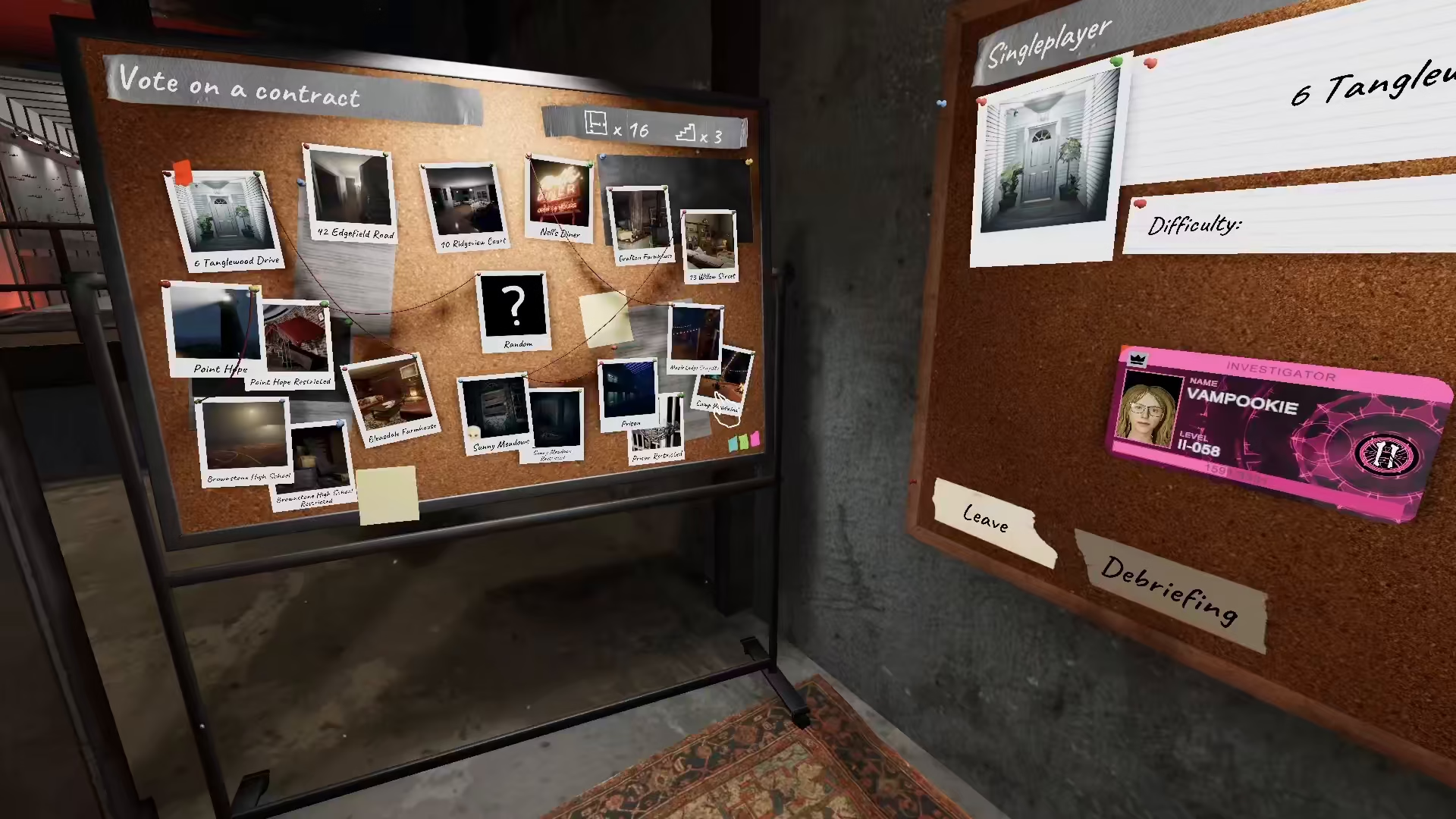
A contract in Phasmophobia requires you to choose a map in order to play the game. This voting system ensures that all players in your lobby have a say in which map will be selected for your gaming session.
How to Vote on a Contract
Selecting Your Map Choice
To vote on a contract, simply click on any of the available maps that you would like to play. Each map represents a different location where you and your team will conduct your ghost hunting operations.
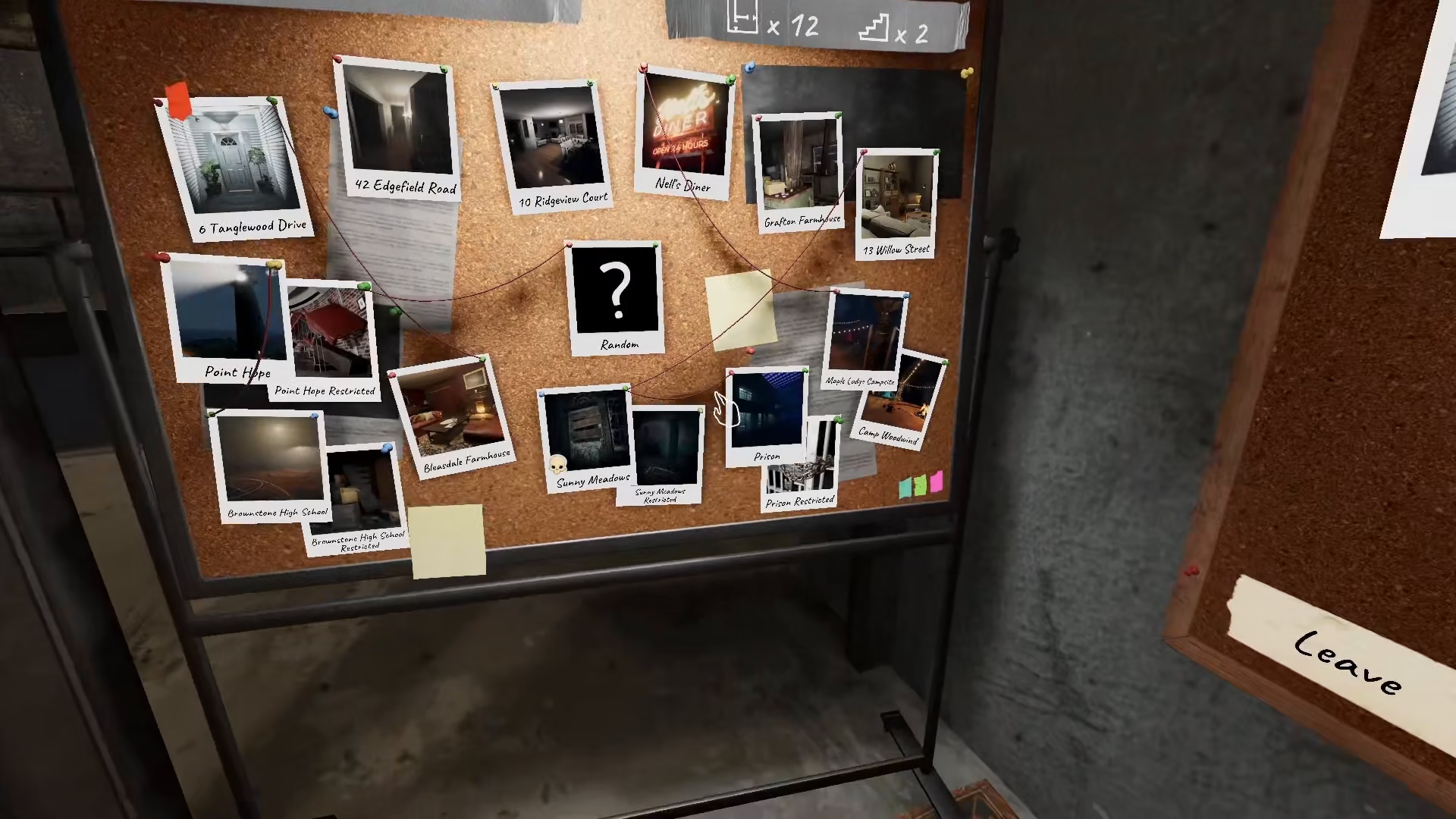
Multiplayer Voting System
When playing with teammates, there are three additional map choices available for your team members to vote on as well. Each teammate can click on their preferred map option.
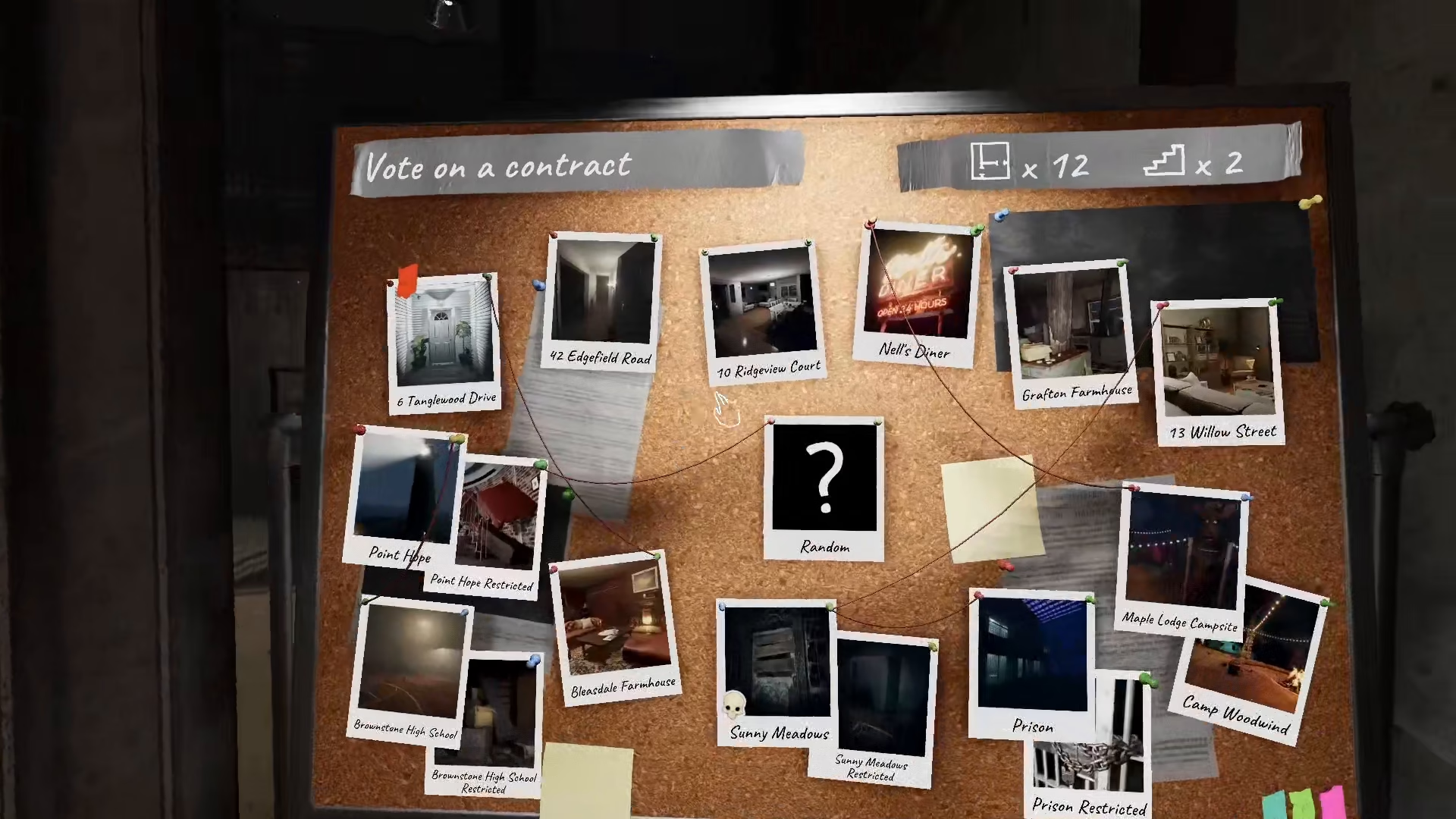
Whichever map receives the most votes from your lobby will be automatically selected for gameplay. This democratic system ensures fairness among all players in your group.
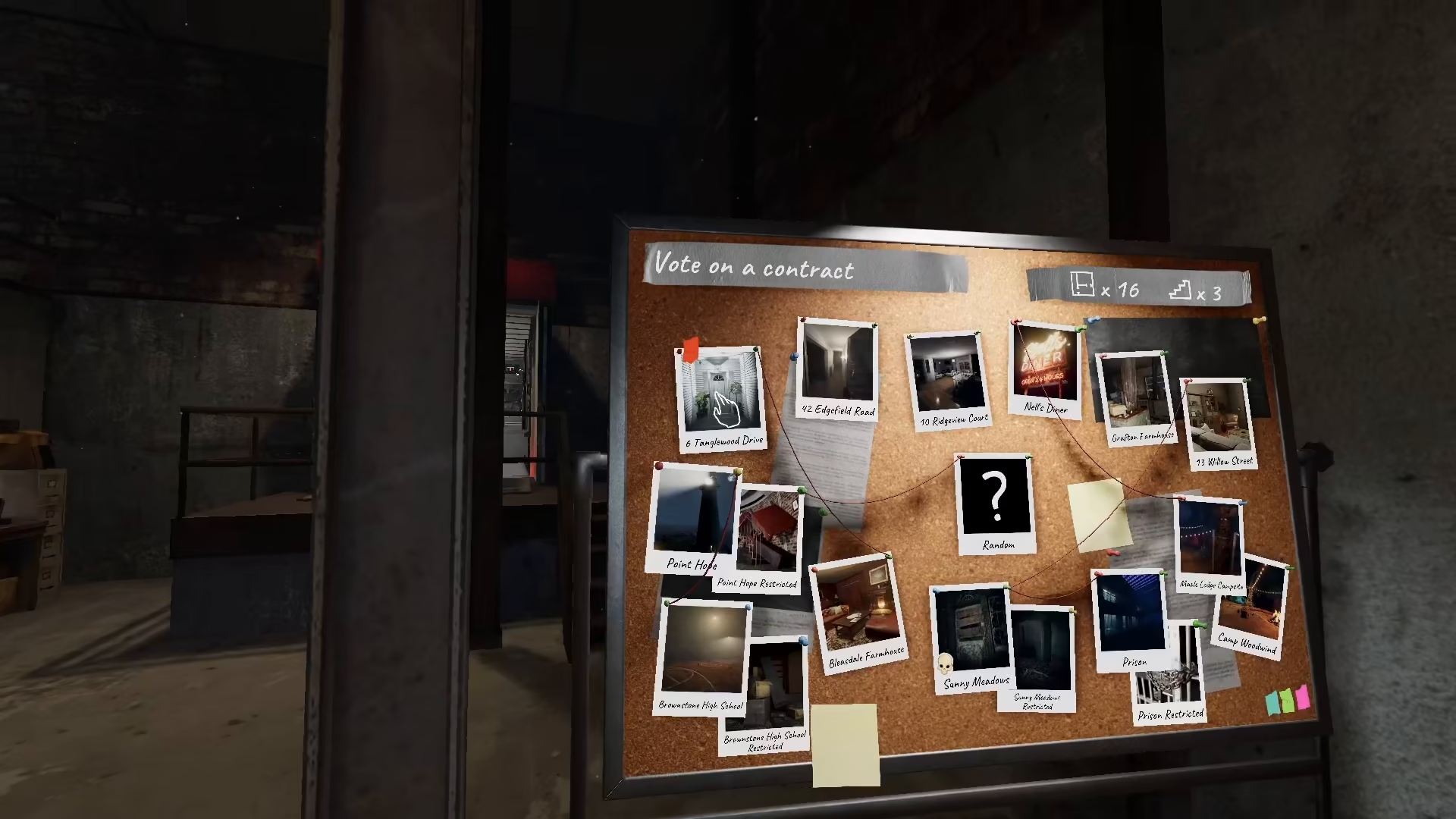
Single Player Map Selection
If you’re playing in single player mode, you have complete control and can simply choose your own map without waiting for team votes.
Summary
Voting on a contract in Phasmophobia is straightforward: click on your preferred map in multiplayer to cast your vote, and the map with the most votes will be selected for your lobby. In single player, you have the freedom to choose directly. This system makes it easy for groups to democratically decide their next haunted location.
— Want to Support? —
If you would like to help us continue making these guides – please consider joining our patreon here – https://www.patreon.com/c/JaviHeals
Alternatively – you can join our discord here – https://discord.gg/zD7Gjt6MHF


