Painting Tutorial – 7 Days to Die
Painting Tutorial – 7 Days to Die
Learn how to paint and customize your base in 7 Days to Die. This comprehensive guide covers everything you need to know about using paint and paintbrushes to change the aesthetic of your structures while maintaining their structural integrity.
Getting Started: Essential Materials
To begin painting in 7 Days to Die, you’ll need two essential items: paint and a paintbrush. Both are straightforward to obtain and craft.
You can craft paint in two different locations:
Campfire
Chemistry Station
Basic Painting Techniques
Left Click vs. Right Click
Once you have your paint and paintbrush equipped, the painting mechanic is simple to learn:
Left Click: Removes paint from surfaces
Right Click: Covers the entire block or surface with paint
Paint Application Modes
Paint Surface Mode
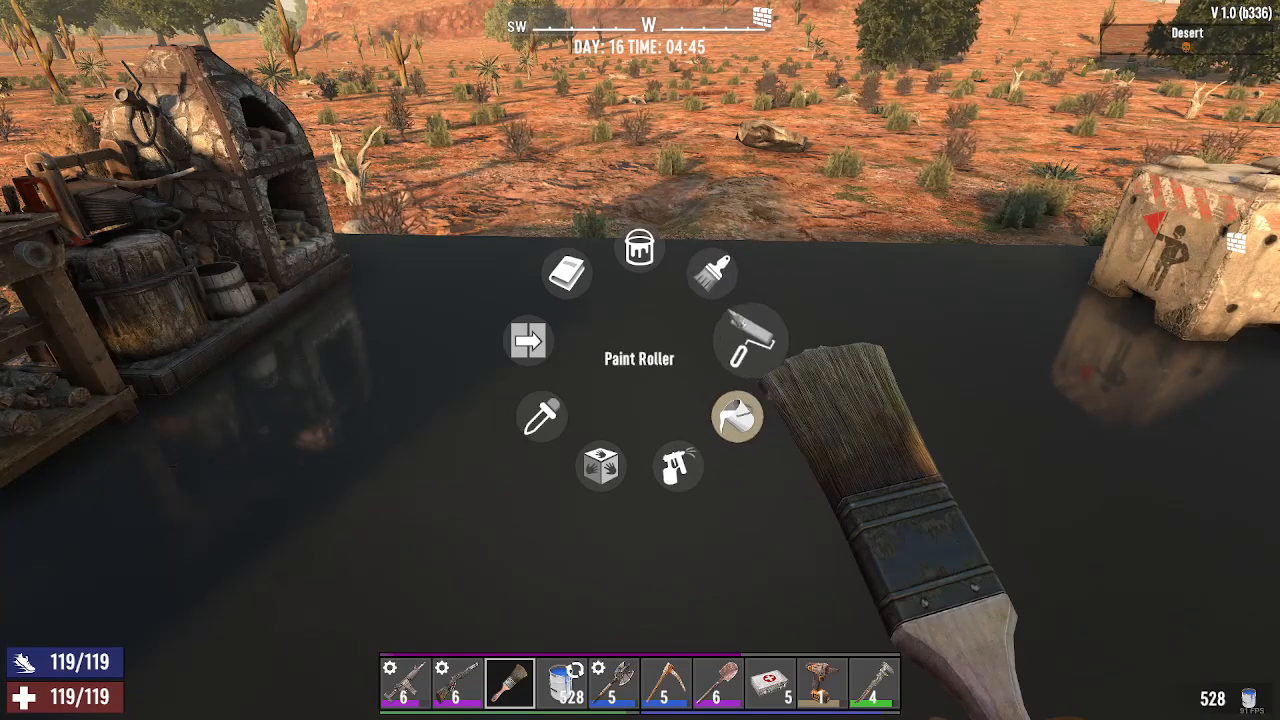
By default, paint surface mode is enabled, which means it will fill the entire block with paint when you right click.
Paintbrush Mode
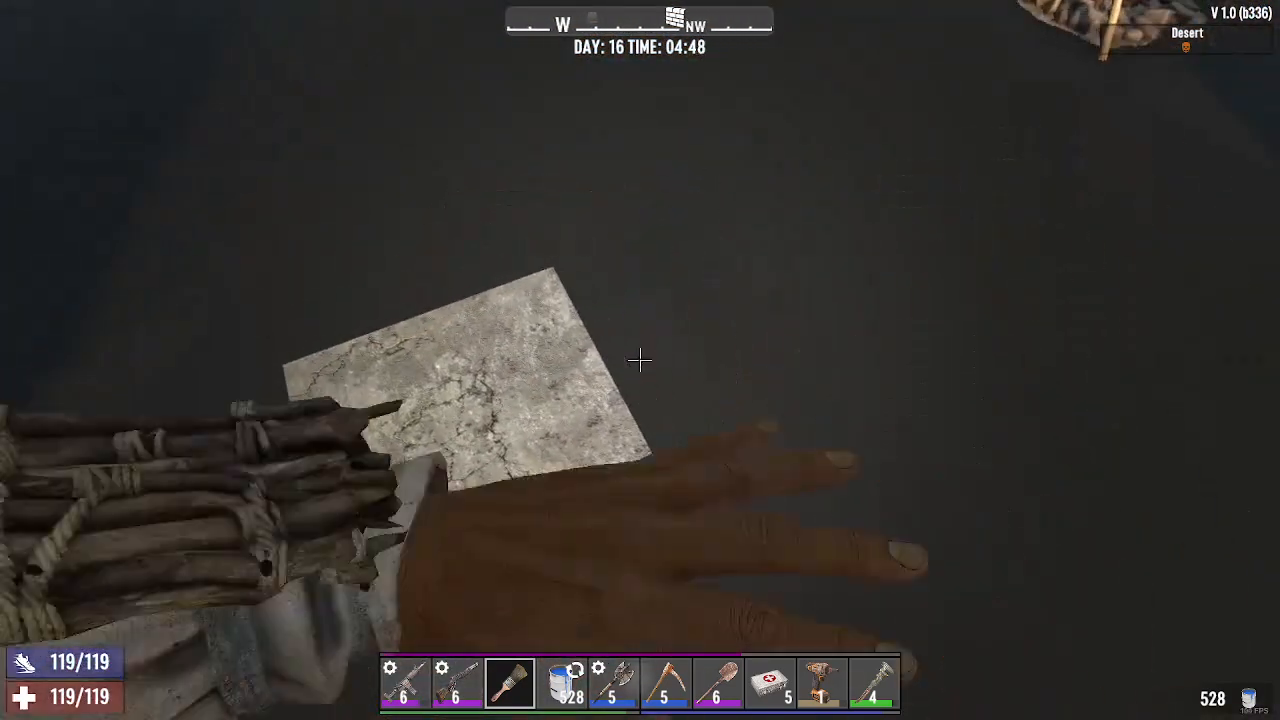
If you want more precise control, you can switch to paintbrush mode. When activated, left clicking will remove paint one section at a time instead of filling the entire block.
Changing Paint Materials and Textures
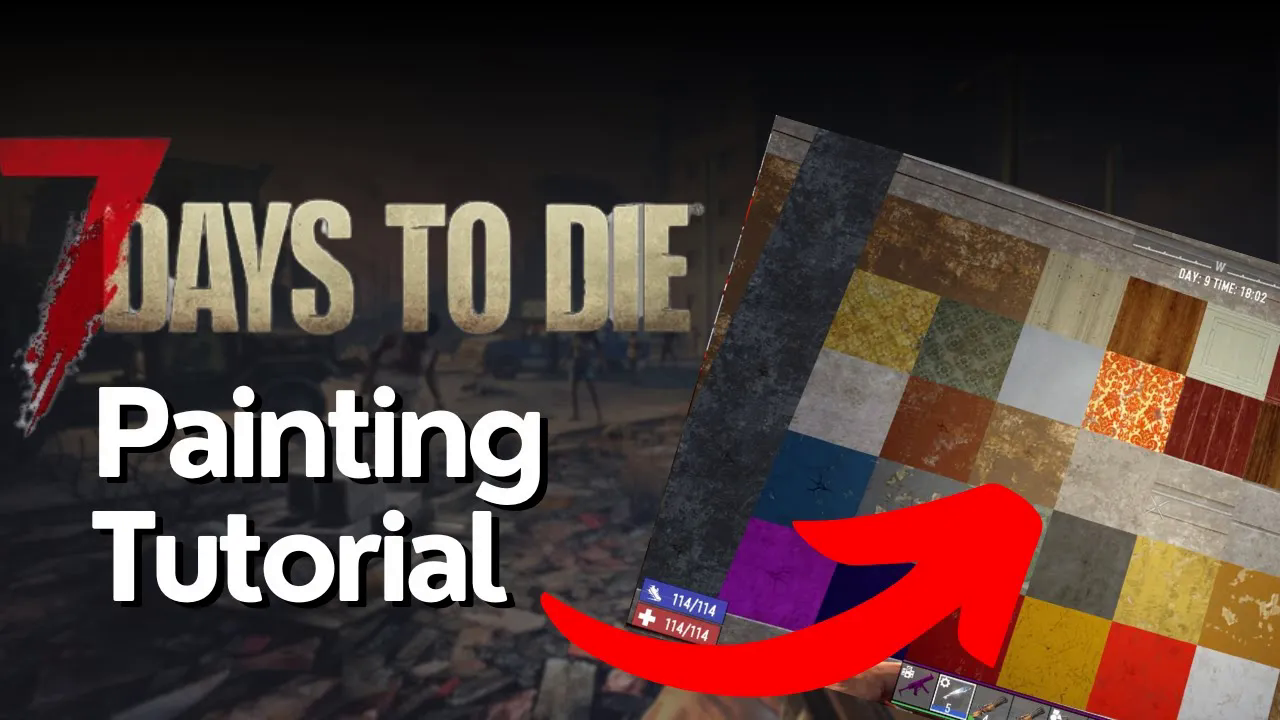
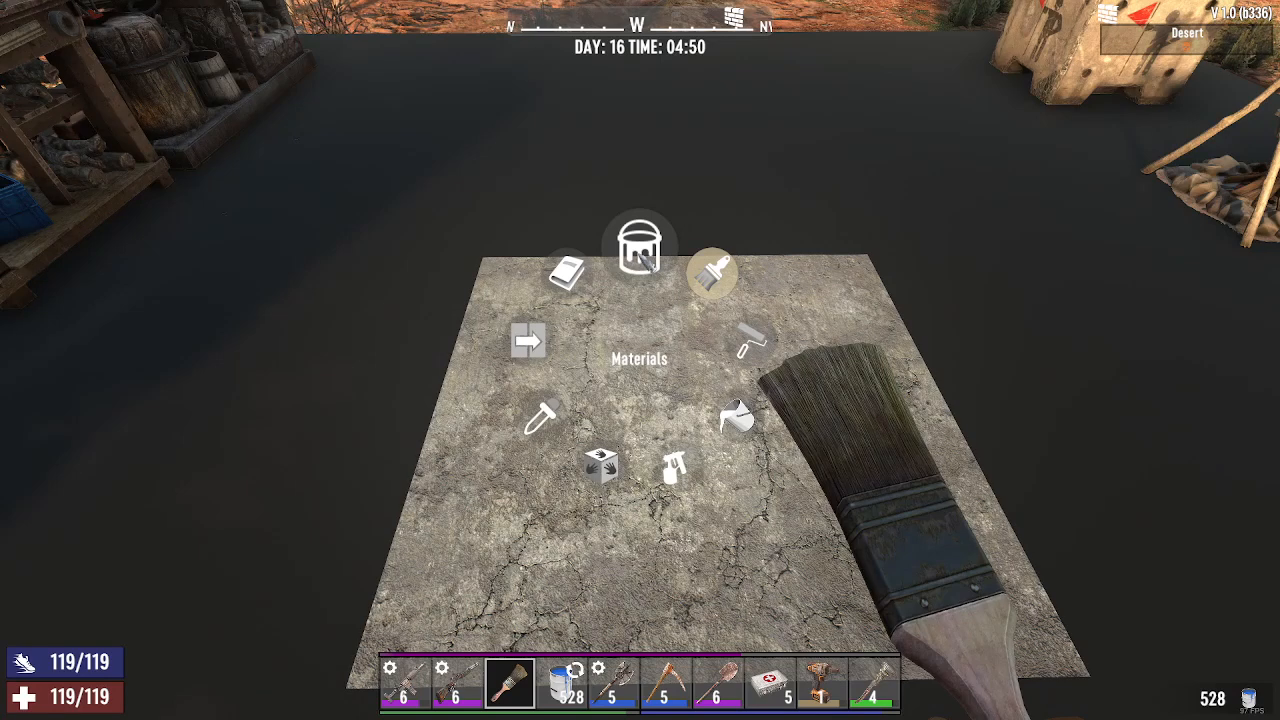
To change what your painted surface looks like, hold the R key. This is the same method you use to switch between paintbrush and paint surface modes. This will bring up the materials menu.
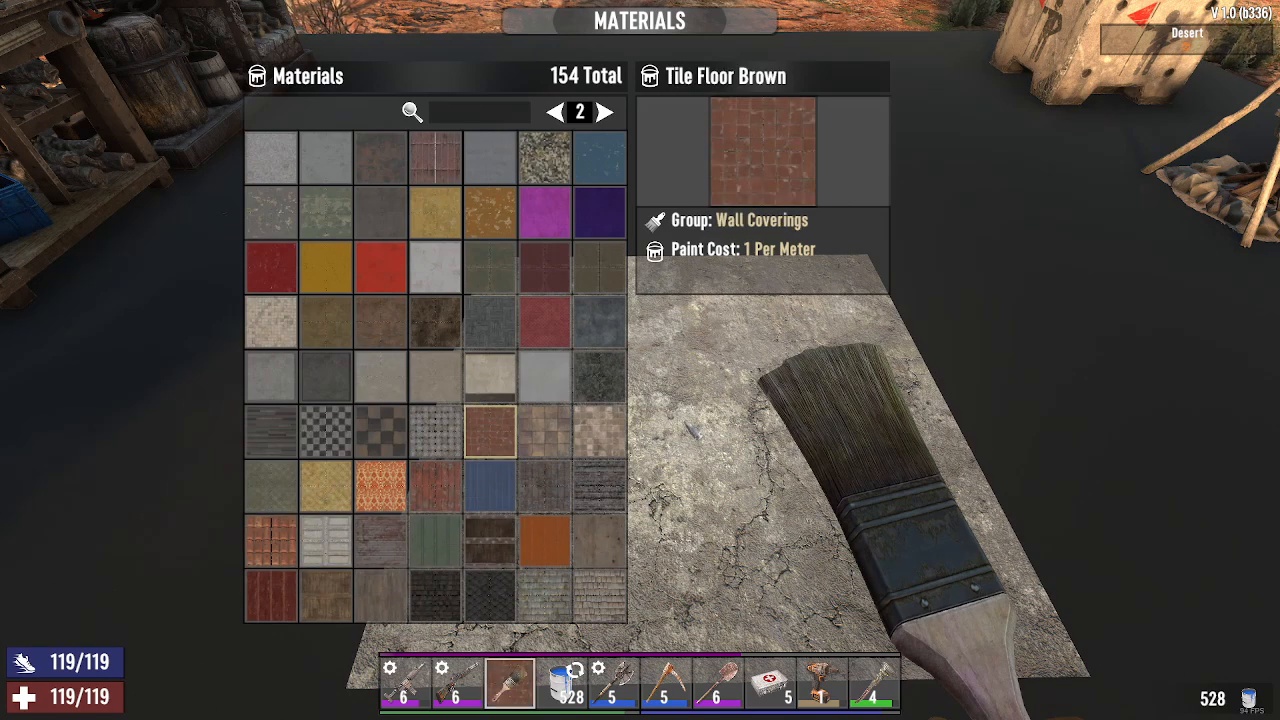
From the materials menu, you can select different textures to customize your base’s appearance. For example, you can make your floor look like it’s made of tiles, even if the underlying block is made of concrete or another material.
Example: Tile Texture Application
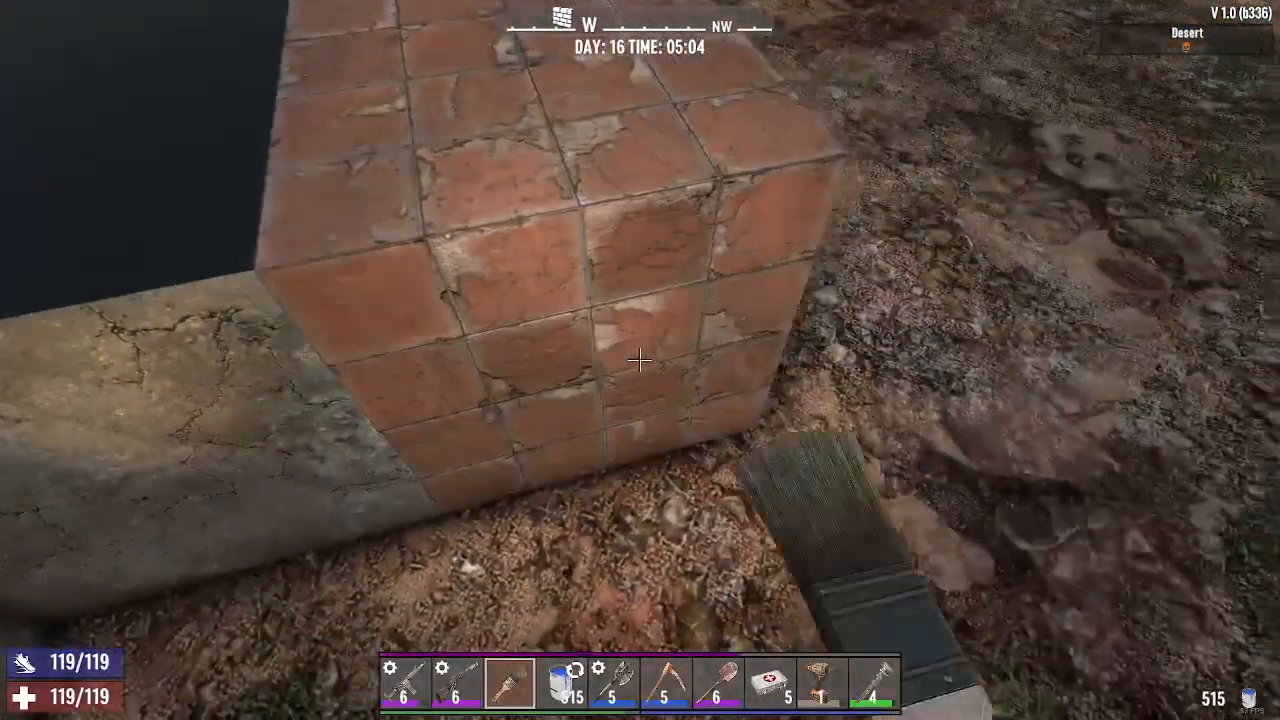
Once you’ve selected a material like tiles from the menu, right click to apply it. Your surface will now display the tile shape and appearance.
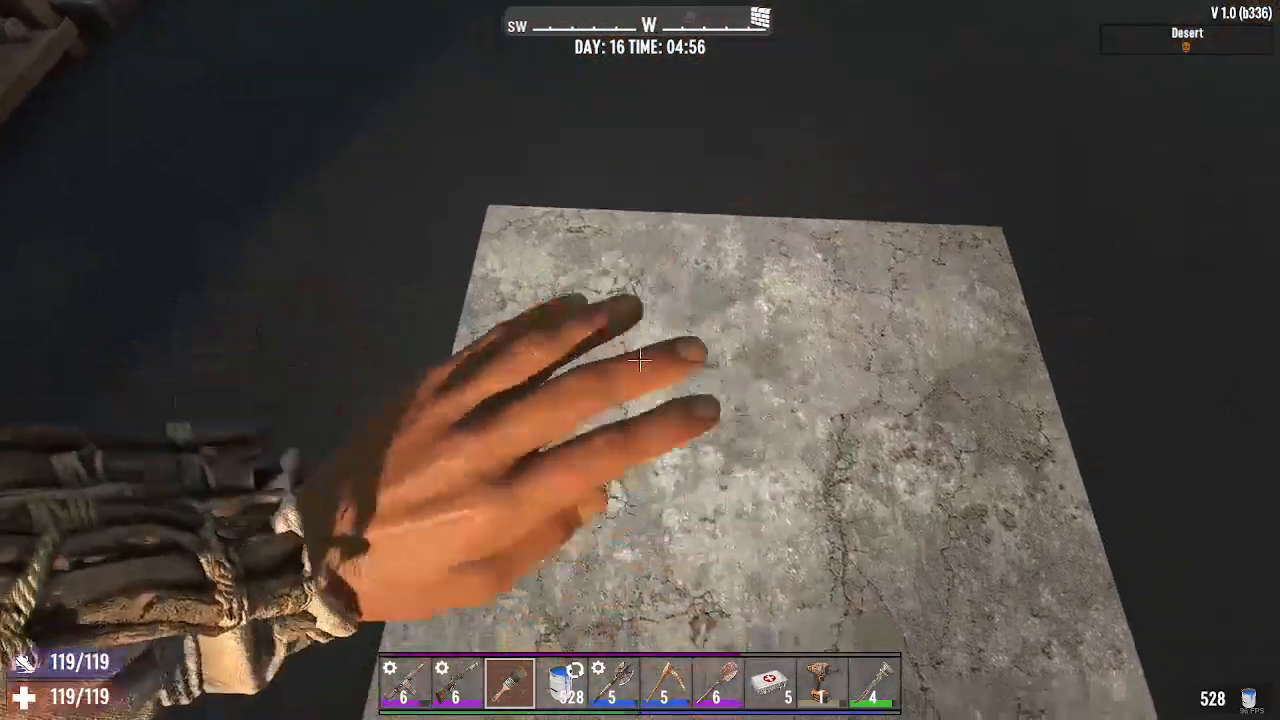
When you paint a steel block with a tile texture, it will look like tile all the way around while maintaining the security properties of steel underneath.
Why Painting Matters for Base Building
Painting is an excellent feature for players who enjoy the artistic side of base building. It allows you to:
Customize the aesthetic appearance of your base exactly how you want it
Maintain the structural security of tougher materials like steel or concrete
Create visually appealing bases without sacrificing durability
Apply beautiful textures to materials that might not look ideal in their natural state
This balance between form and function makes painting an invaluable tool for creative base builders who don’t want to compromise on defense.
Summary
Painting in 7 Days to Die is a simple yet powerful feature that enhances your base-building experience. By mastering basic techniques like left and right clicking, switching between paint modes with the R key, and selecting different materials from the menu, you can transform your structures into visually stunning fortifications. Whether you’re building a base that looks like a tiled fortress or a steel stronghold with a beautiful facade, painting gives you the creative freedom to design your ideal survival home.
— Want to Support? —
If you would like to help us continue making these guides – please consider joining our patreon here – https://www.patreon.com/c/JaviHeals
Alternatively – you can join our discord here – https://discord.gg/zD7Gjt6MHF