





Photo Fervor Quest Guide in Disney Dreamlight Valley
Photo Fervor Quest Guide in Disney Dreamlight Valley
Welcome to this comprehensive quest guide for the Photo Fervor quest in Disney Dreamlight Valley. In this quest, you’ll work with Goofy to expand his scrapbook by photographing various landmarks and pillars throughout the valley. Whether you’re a beginner or looking for a quick refresher, this guide will walk you through each step to complete the quest successfully.
Starting the Photo Fervor Quest
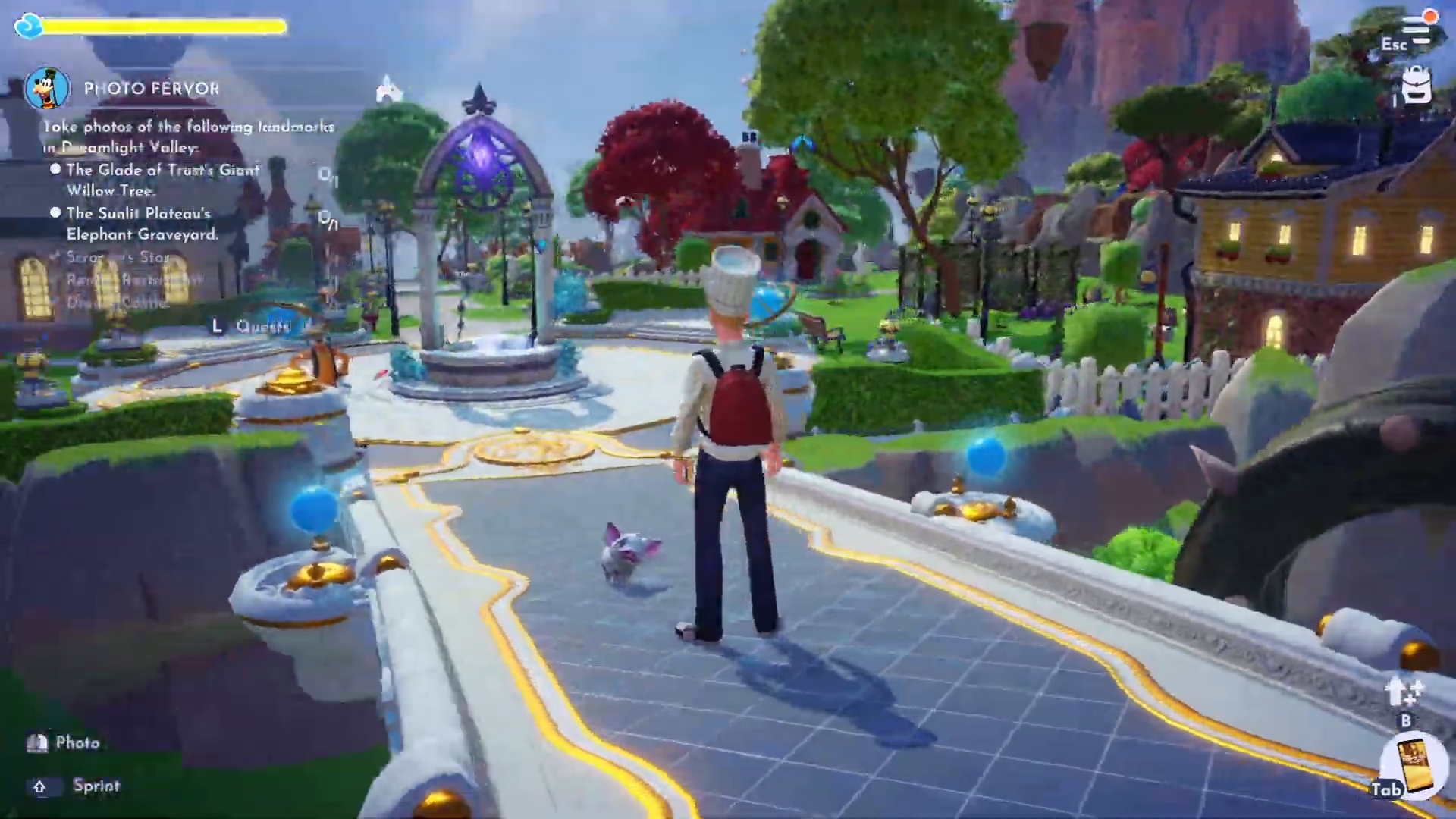
Begin by speaking with Goofy, who expresses his desire to add more memories to his scrapbook. He’ll ask you to take pictures of six specific locations across Disney Dreamlight Valley. The locations you need to photograph are:
The Glade of Trusts’ Giant Willow Tree
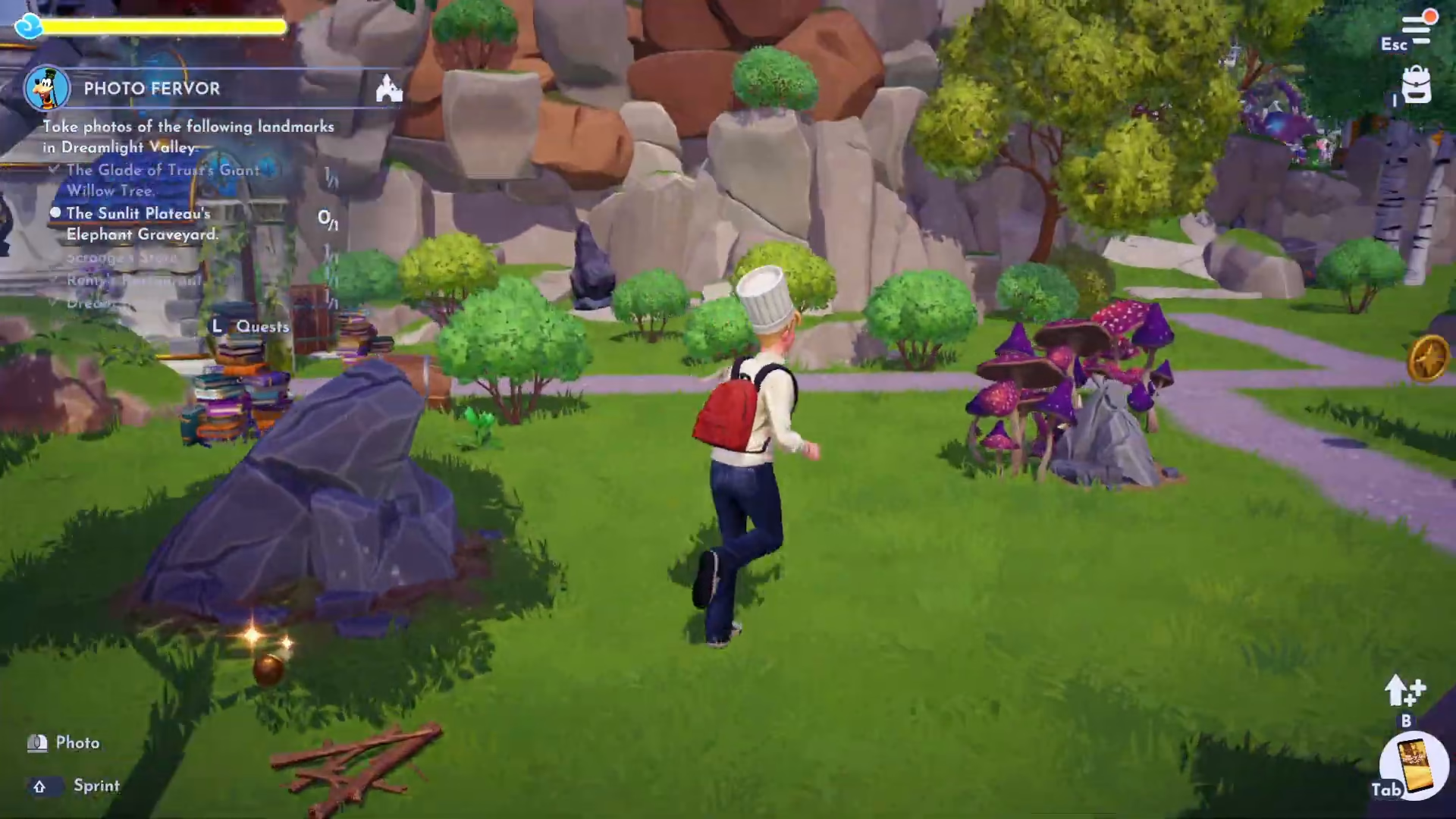
The Sunlit Plateau’s Elephant Graveyard
Scroogeous Store
Remy’s Restaurant
The Dream Castle
How to Use the Camera
If you’re unfamiliar with the camera mechanics, here’s how to take photos: Press Tab to open your inventory menu, then scroll to locate the camera icon. Once selected, right-click to take a photo. This simple process is essential for completing all tasks in this quest.

Photographing the Landmarks
Scroogeous Store
Start by taking a photograph of Scroogeous Store. Make sure the storefront is clearly visible in your shot before moving on.
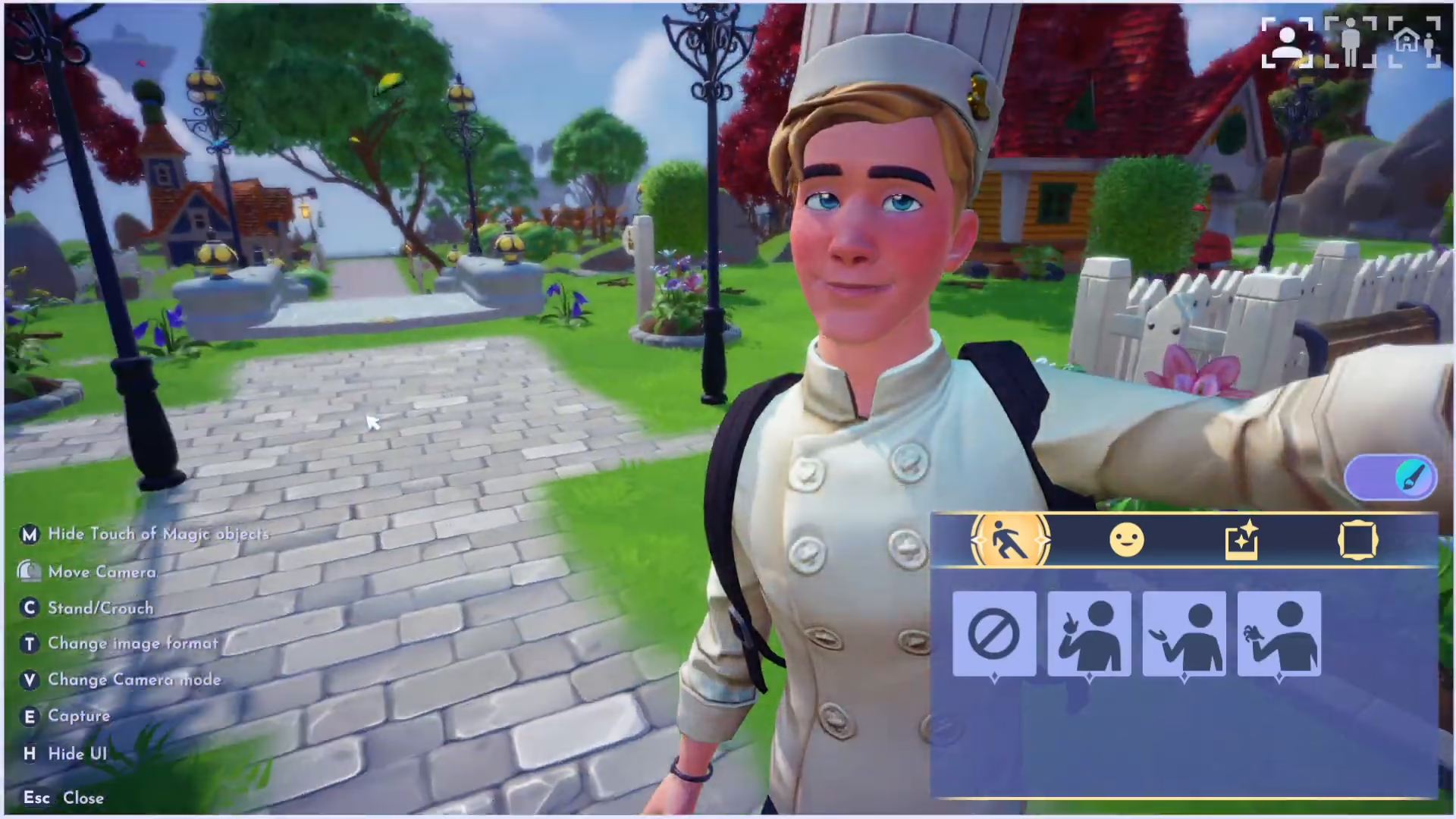
Remy’s Restaurant
Next, head to Remy’s Restaurant and take a photo. Ensure the restaurant is properly framed in your picture before proceeding to the next location.
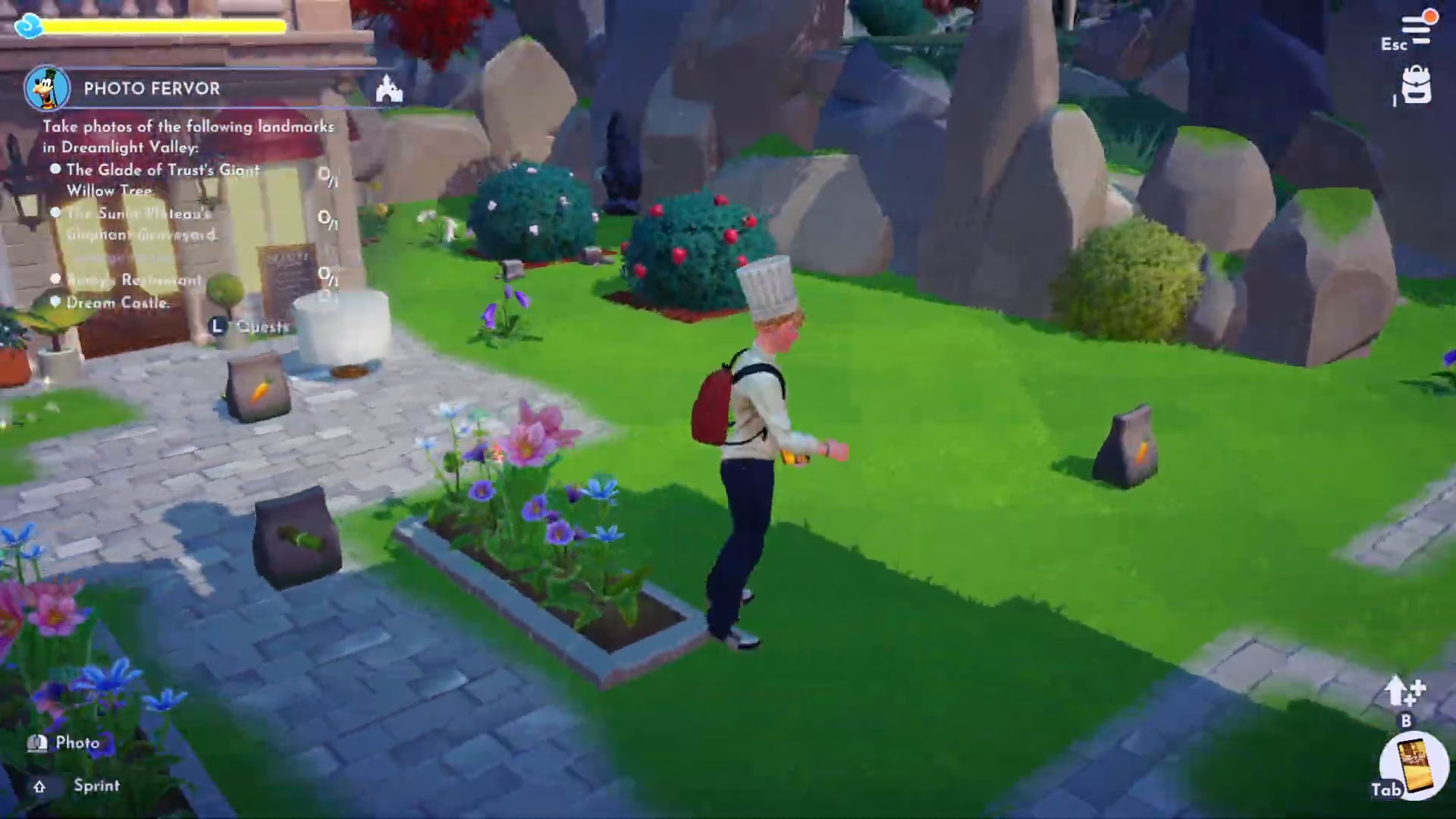
The Dream Castle
Travel to The Dream Castle and photograph it. The quest accepts photos taken from outside the Dream Castle, so you don’t need to enter the interior.
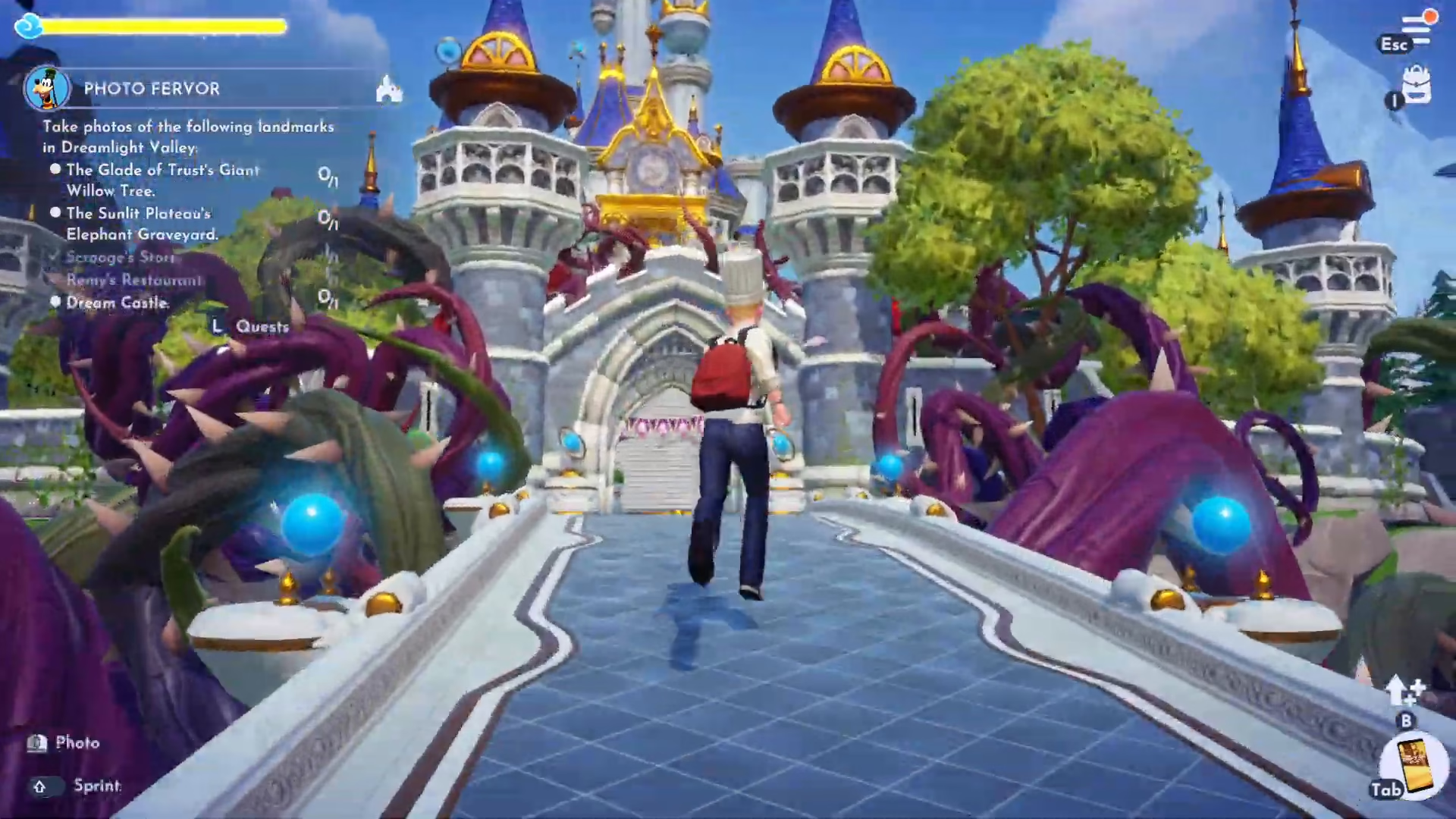
The Glade of Trusts’ Giant Willow Tree
Head to the Glade of Trusts where you’ll find the Giant Willow Tree. This distinctive landmark serves as the primary photo subject in this location.
The Sunlit Plateau’s Elephant Graveyard
Travel to the Sunlit Plateau and locate the Elephant Graveyard. This area is recognizable as you progress toward the upper section of the valley.
Returning to Goofy
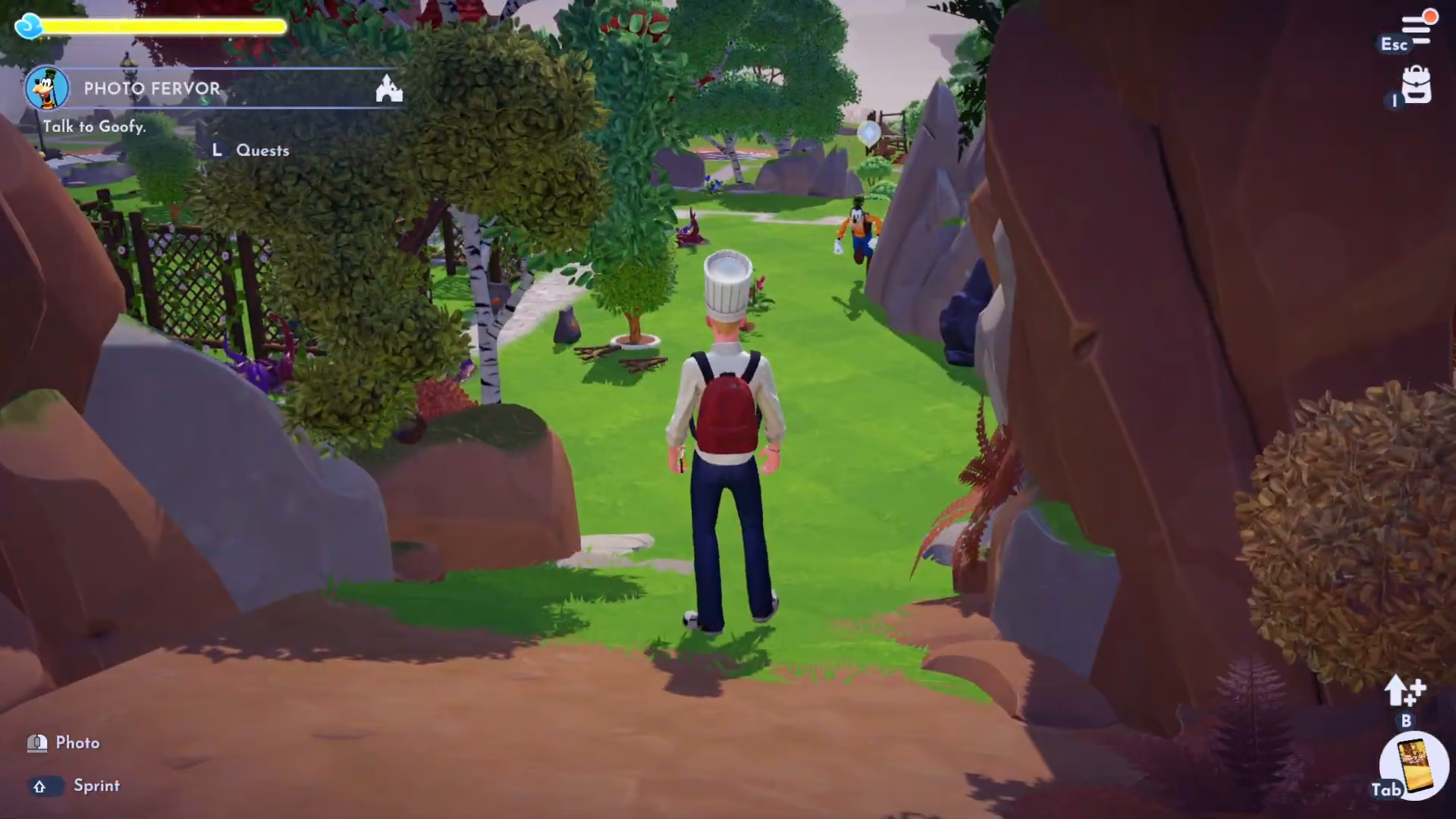
Once you’ve successfully photographed all six landmarks, return to Goofy to report your progress. He’ll be pleased with your work and will move the quest forward to the next phase.
Photographing the Pillars
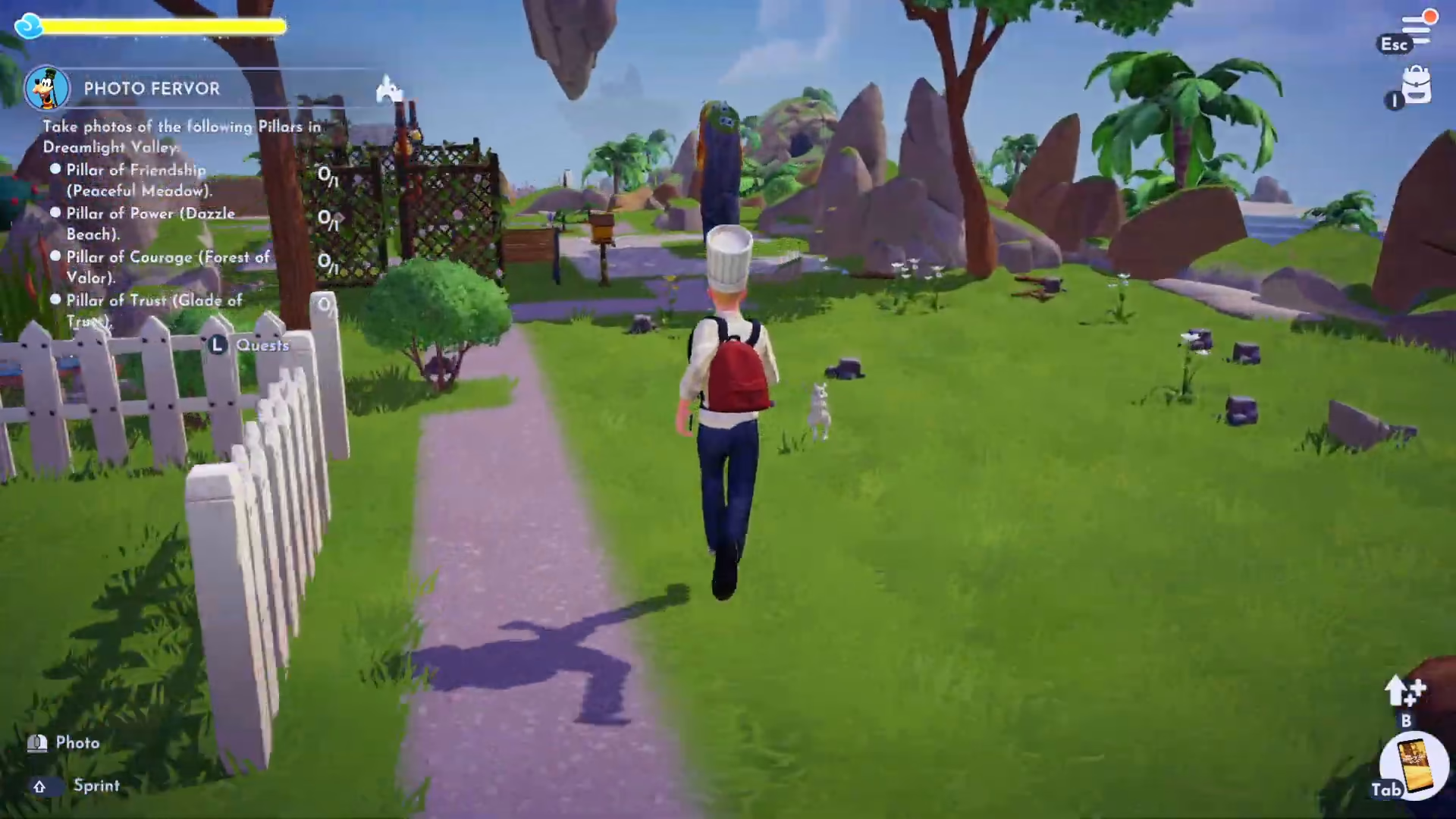
Goofy will next ask you to photograph four important pillars throughout the valley. These mystical structures hold significance and are likely familiar if you’ve completed previous quests. The four pillars you need to photograph are:
Pillar of Friendship
Pillar of Power
Pillar of Trust
Pillar of Courage
Pillar of Friendship
Begin with the Pillar of Friendship and take a clear photograph of it.
Pillar of Power
The Pillar of Power is located on Basil Beach. Head to this beachside location and photograph the pillar. Note that the surrounding beach scenery may also appear in your shot.
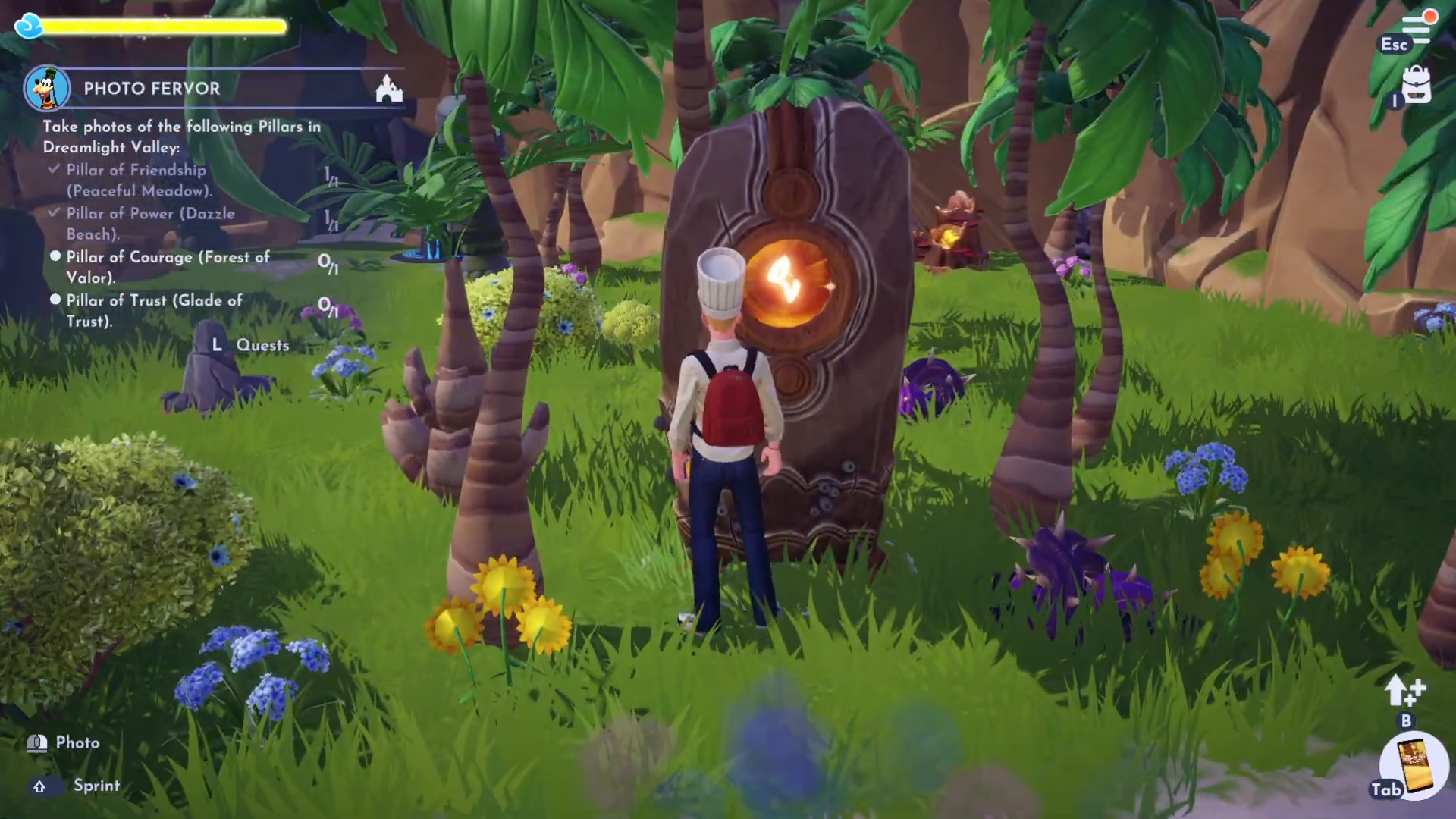
Pillar of Trust
Travel to the Glade of Trust to find and photograph the Pillar of Trust.
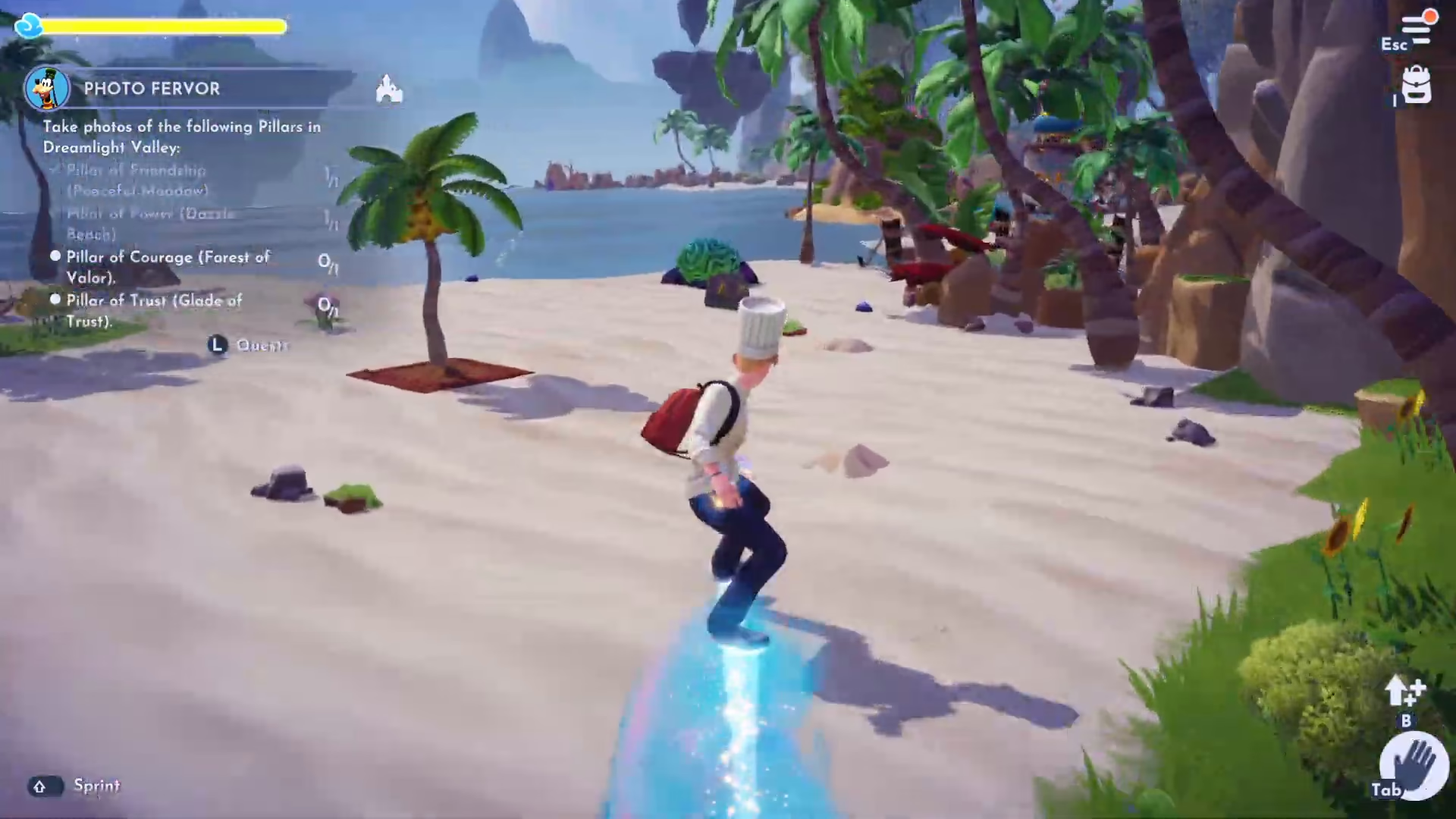
Pillar of Courage
The final pillar, the Pillar of Courage, is located in the Forest of Valor near Christoph. Head to this area and capture a photo of this last pillar.
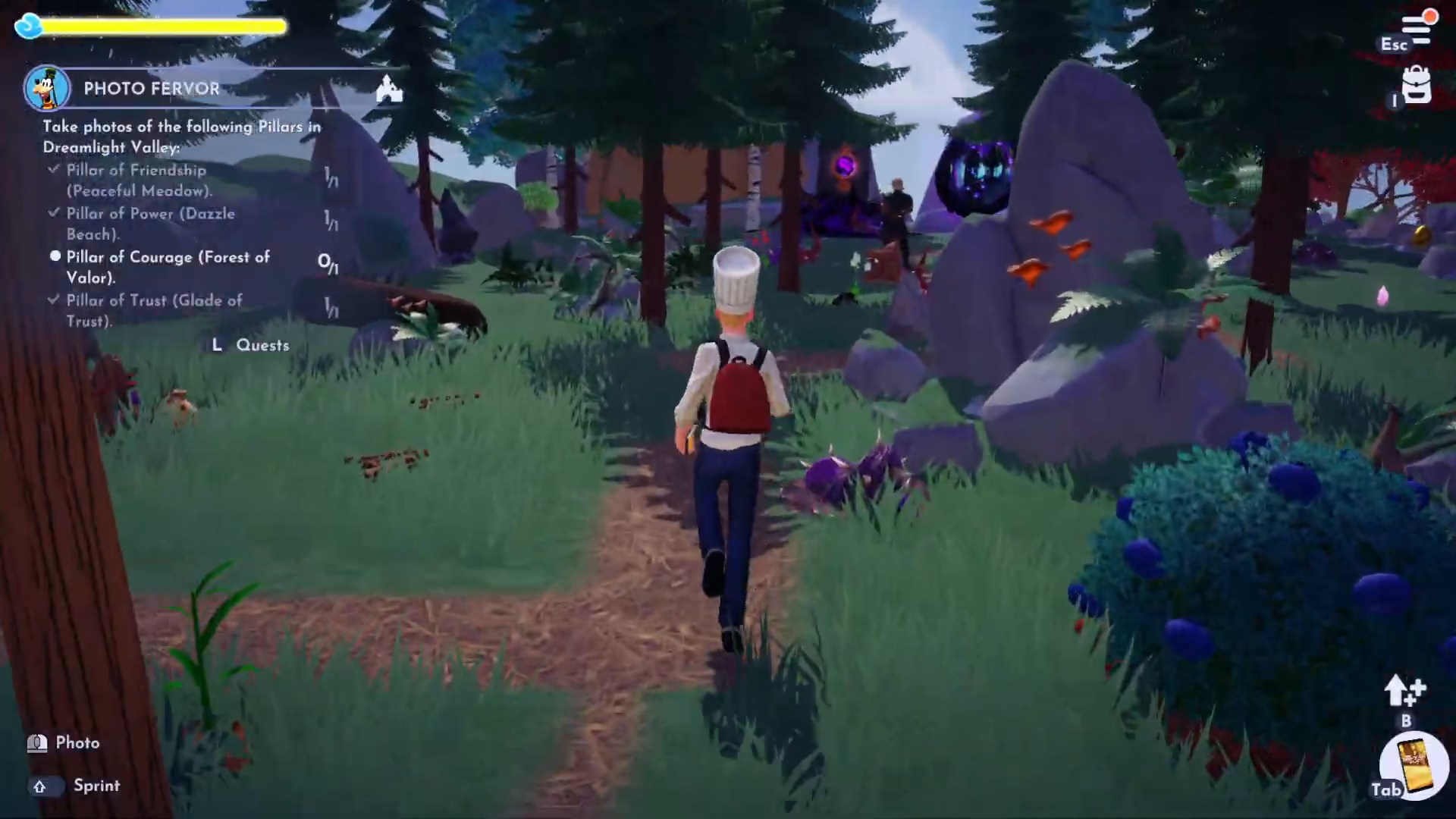
Completing the Quest with a Selfie
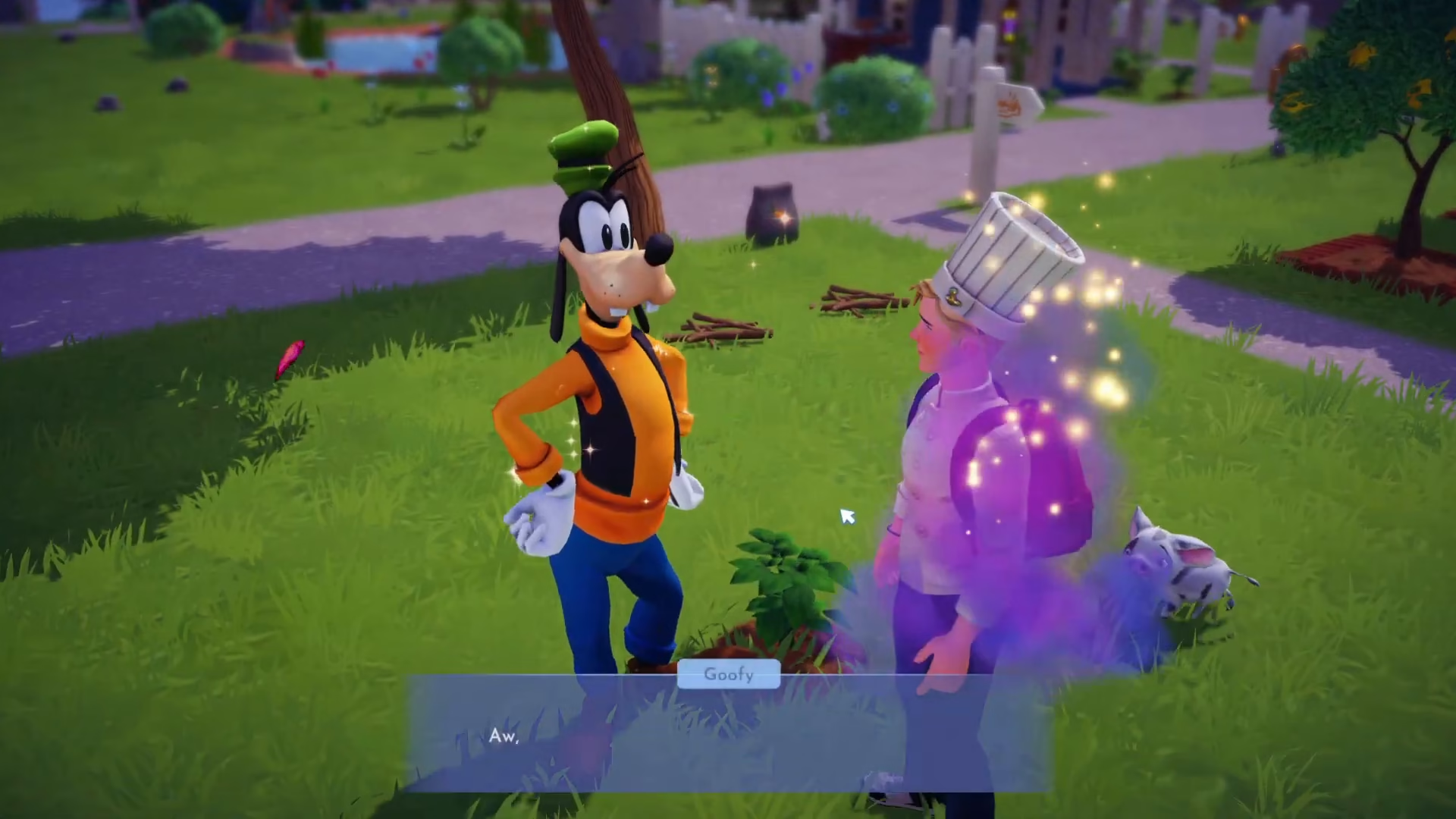
After photographing all four pillars, return to Goofy once more. He’ll now ask you to take a selfie with him. Position yourself near Goofy and use the camera to capture a photo of the two of you together.
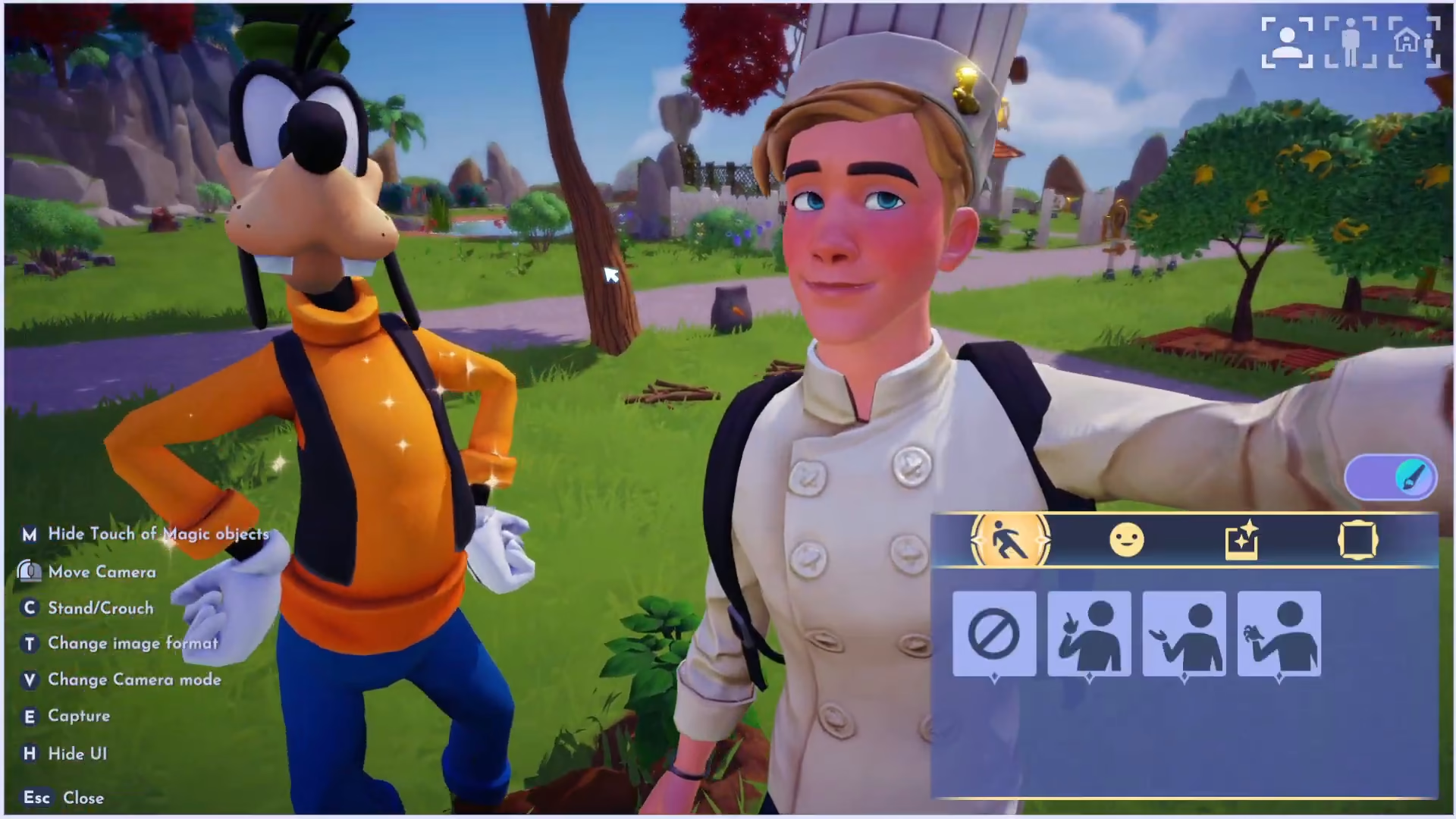
Sharing Your Memory
Show Goofy the selfie you’ve taken together. He’ll express his happiness about the memory you’ve captured, commenting on your great smile and how perfect it is for his scrapbook. Goofy will explain that capturing memories together is what truly matters, and with that heartfelt sentiment, the Photo Fervor quest will be completed.
Quest Complete!
Congratulations! You’ve successfully completed the Photo Fervor quest in Disney Dreamlight Valley. By photographing six key landmarks and four important pillars, then capturing a special selfie with Goofy, you’ve helped him expand his cherished scrapbook with wonderful memories. This quest demonstrates the importance of friendship and creating lasting moments in the valley.
Want to Support?
If you would like to help us continue making these guides – please consider joining our patreon here – https://www.patreon.com/c/JaviHeals
Alternatively – you can join our discord here – https://discord.gg/zD7Gjt6MHF



