Soybean Complete Guide How To Grow, Harvest & Sell Soybeans In Farming Simulator 25
Soybean Complete Guide: How To Grow, Harvest & Sell Soybeans In Farming Simulator 25
In Farming Simulator 25, soybeans are a valuable crop that requires proper preparation, planting, care, and harvesting to maximize your profits. This comprehensive guide walks you through every step of the soybean farming process—from soil preparation to selling your harvest at the best prices. Whether you’re a beginner or looking to optimize your soybean operation, you’ll learn all the machines you need, the correct procedures, and where to sell for maximum profit.
Field Preparation for Soybeans
Plowing Your Field
To start growing soybeans, you’ll need to prepare your soil properly. Begin by plowing your field periodically. A plow is a much larger version of a subsoiler and will bring up stones if you have them enabled in your settings. If stones are turned on, you’ll need to use a stone picker afterward, as stones can damage your machines and increase repair costs.
Pro Tip for Beginners: If you’re just starting out, we recommend disabling both stones and weeds in your settings to simplify the farming process and reduce maintenance time.
Liming Your Field
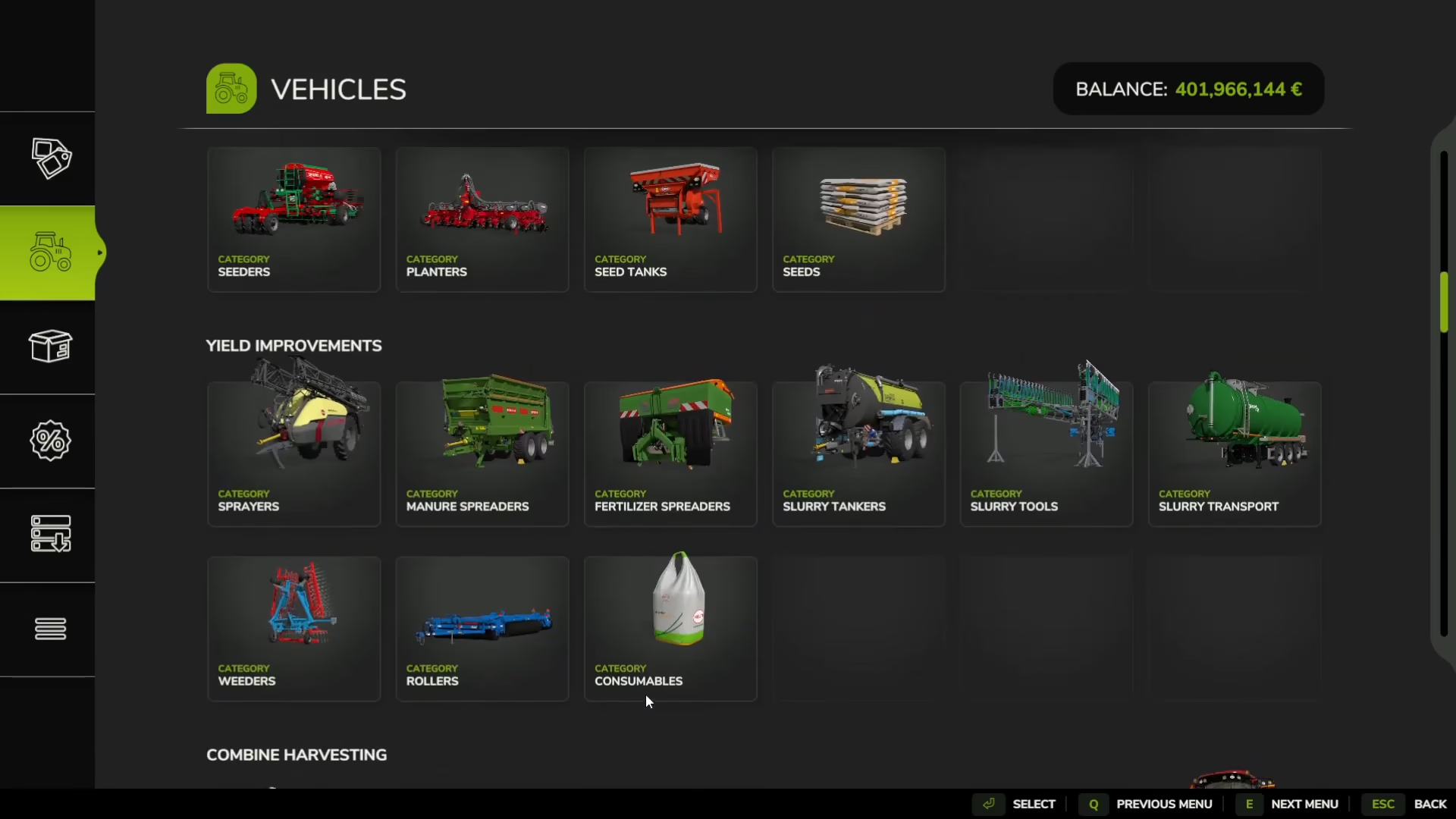
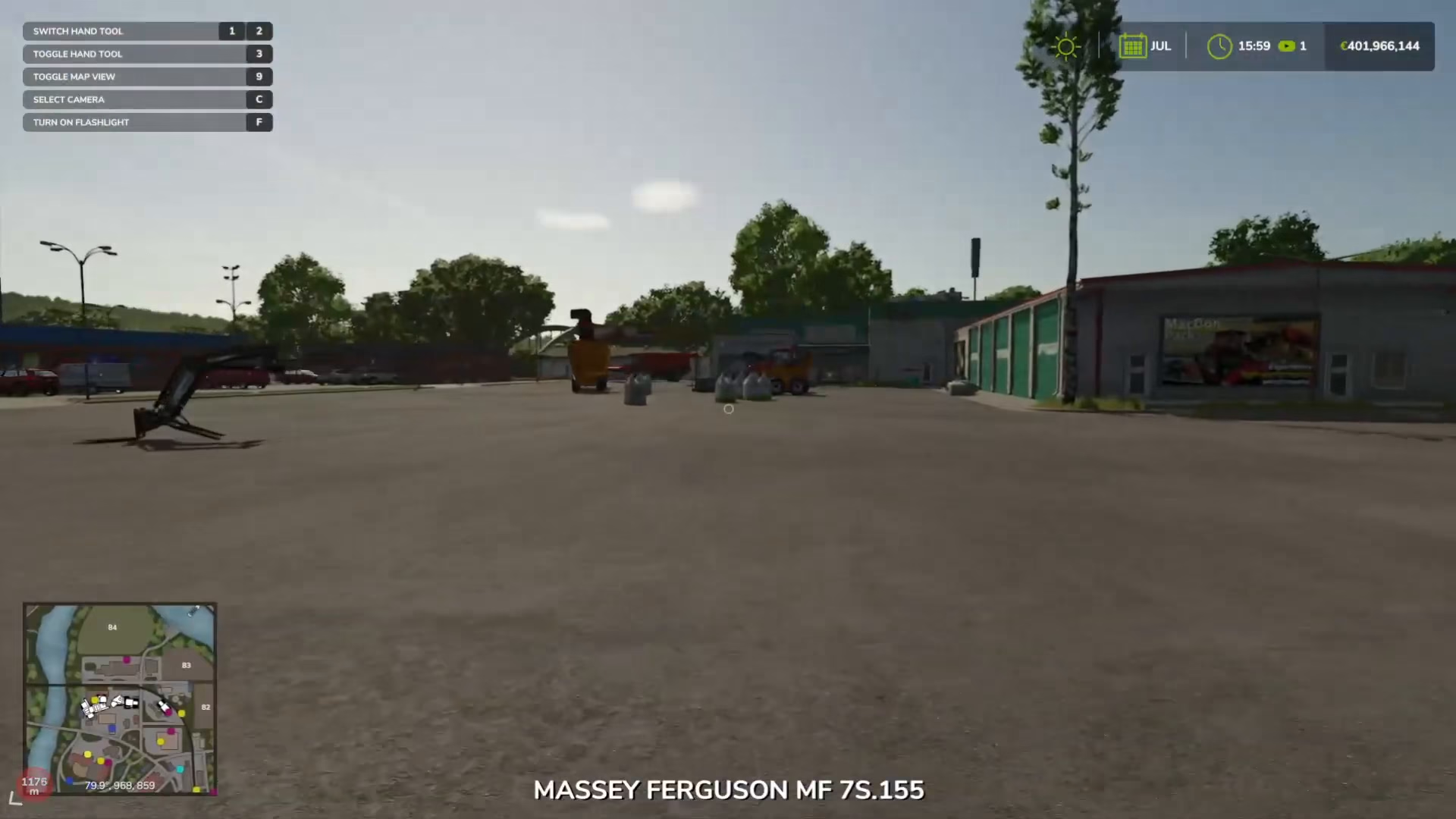
After plowing, your next step is to lime your field. To do this, you’ll use a breeder machine. Purchase bags of lime from the store and drive your tractor with the attached breeder next to the lime bags to refill it. Once filled, spread the lime across your entire field. This white substance prepares the soil for planting soybeans.
Planting Soybeans
Choosing the Right Planter
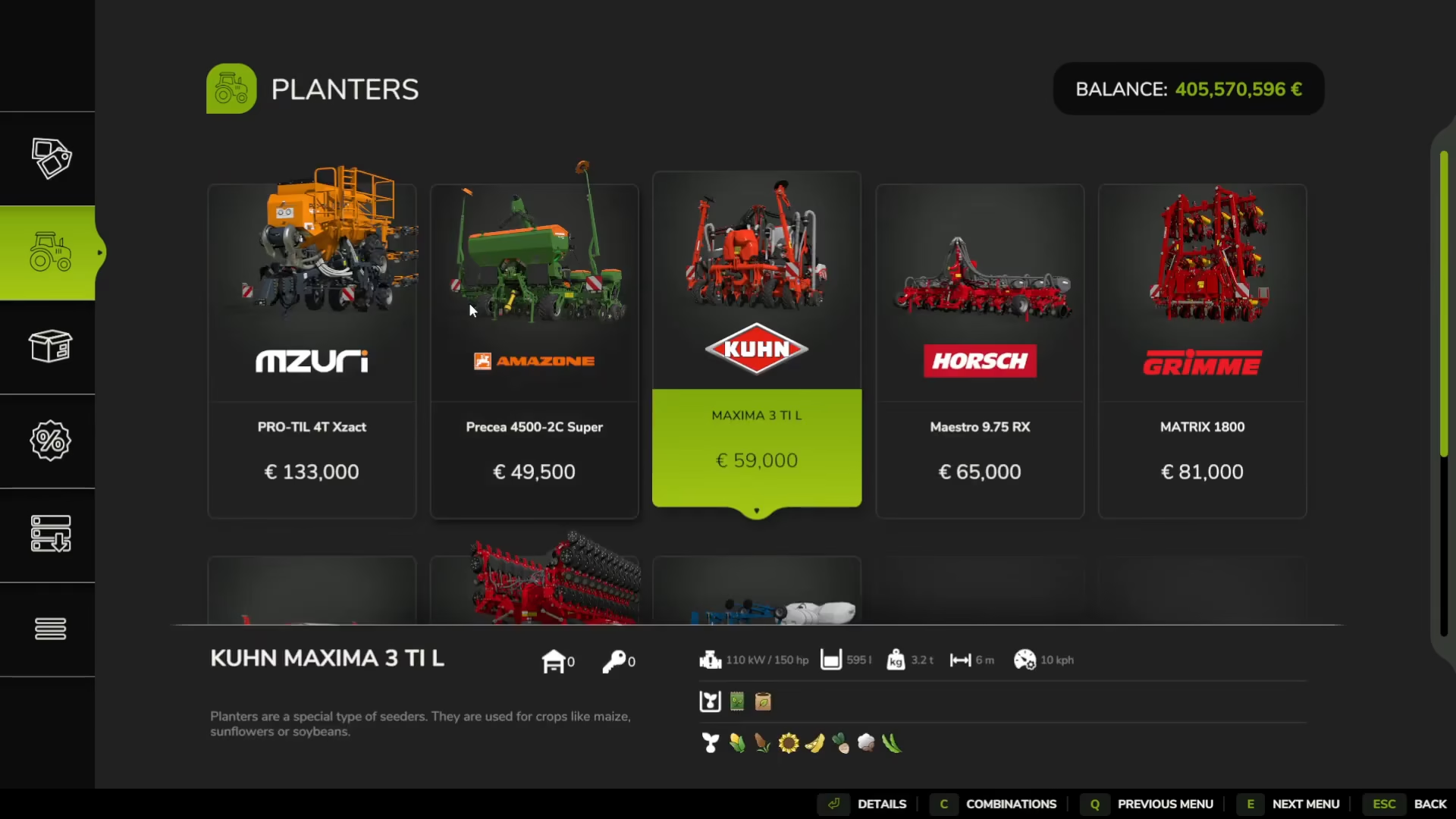
When you’re ready to plant, you’ll need a planter machine for soybeans. In the equipment menu, navigate to Seeding > Planters and look for the soybean planter—it’s marked with a small yellow icon next to the sunflower symbol. This is your soybean planter.
Filling and Operating Your Planter
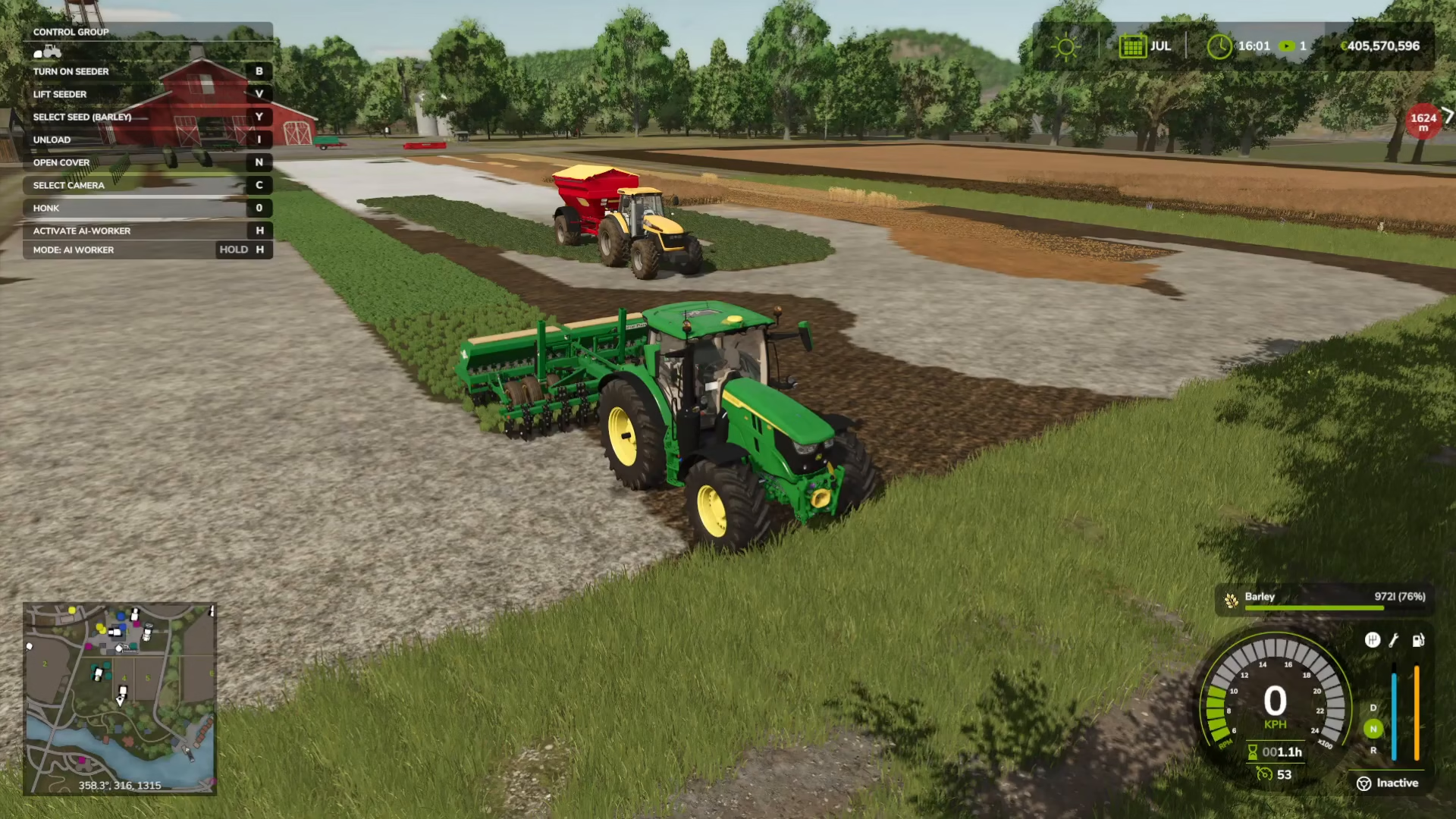
Drive your planter up to the seed bags to refill it with soybean seeds. Before planting, you can cycle through different seed types by pressing Y. Make sure it displays “Soybeans” before you start planting. Some planters come equipped with a fertilizer icon, which means they can fertilize while planting in one operation.
Fertilizing Your Soybeans
Initial Fertilization During Planting
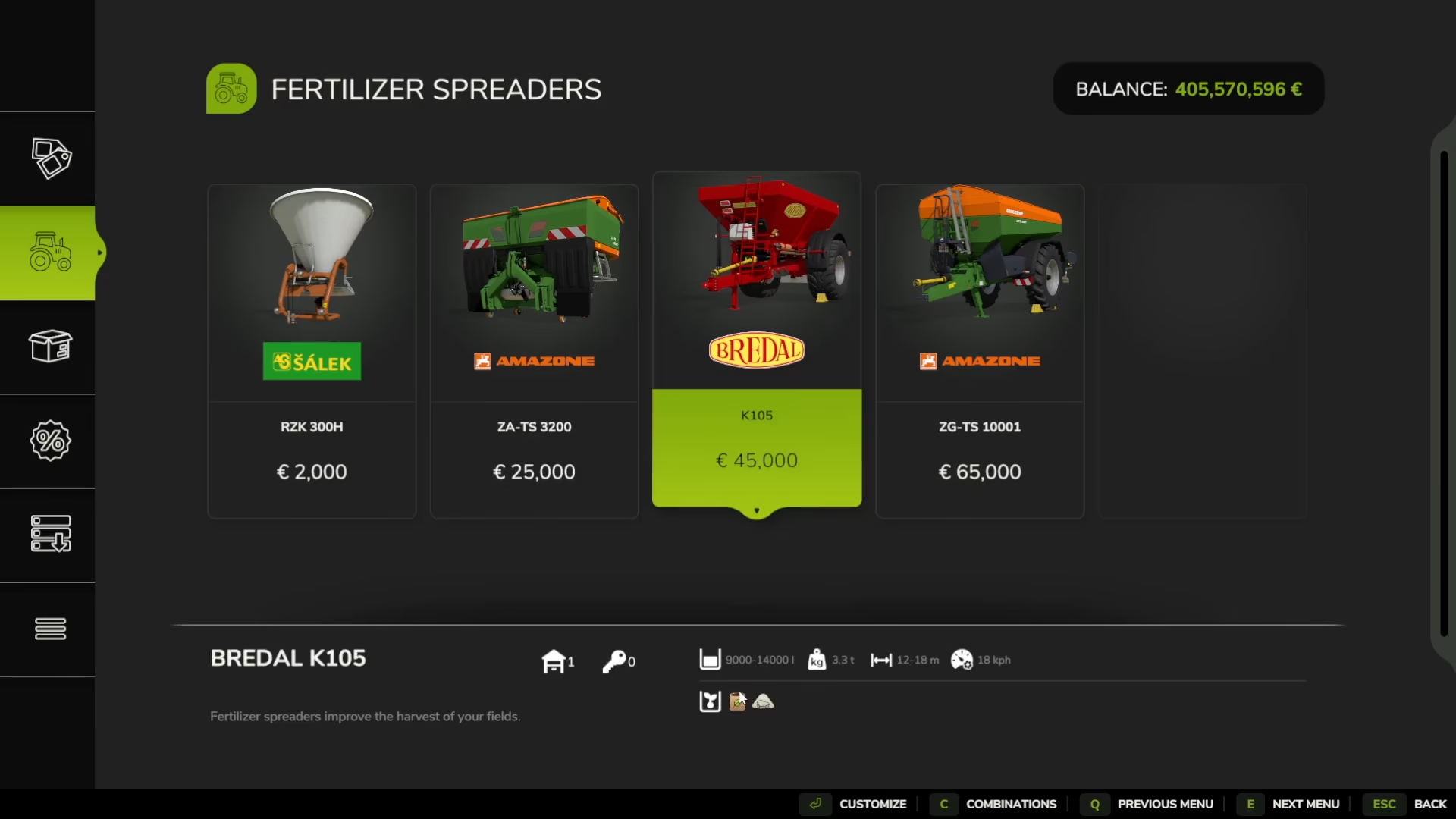
Many modern planters include a fertilizer capacity, indicated by a brown bag icon on the machine. If your planter has this feature, you can fill it with fertilizer before planting. This will apply the first round of fertilization (50%) while you’re planting your soybeans, saving you time and fuel.
Secondary Fertilization
At a later growth stage (typically the next month), you’ll need to apply a second round of fertilizer to bring your field to 100% fertilization. You can either use a standalone fertilizer spreader or use your breeder machine if you empty the lime first. Attach the fertilizer-equipped machine to your tractor, fill it with fertilizer, and spray it across your entire field.
Weed Management
If you have weeds enabled in your settings, you’ll need to perform weeding operations on your field. However, we strongly recommend that beginners disable weeds in the settings to streamline your farming experience and reduce the number of operations required.
Harvesting Soybeans
Equipment You’ll Need
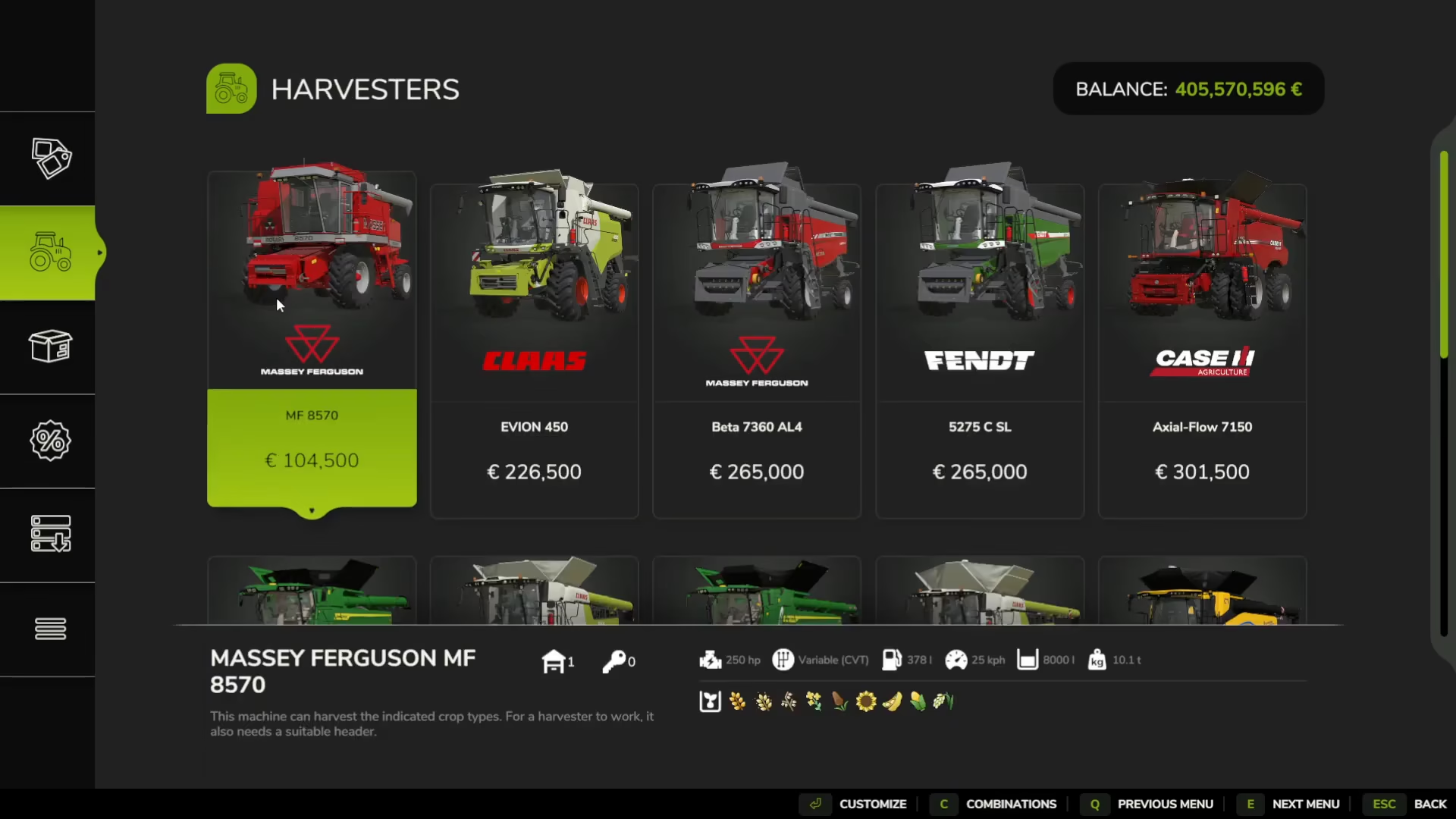
Once your soybeans are fully grown, you’ll need to harvest them. If you started with a start-of-farm setup, you’ll have access to the Massey Ferguson Combine. For harvesting soybeans specifically, you’ll need a grain header attachment—this also comes with the start-of-farm package. You can identify a compatible header by the soybean icon displayed on the equipment.
Operating the Combine
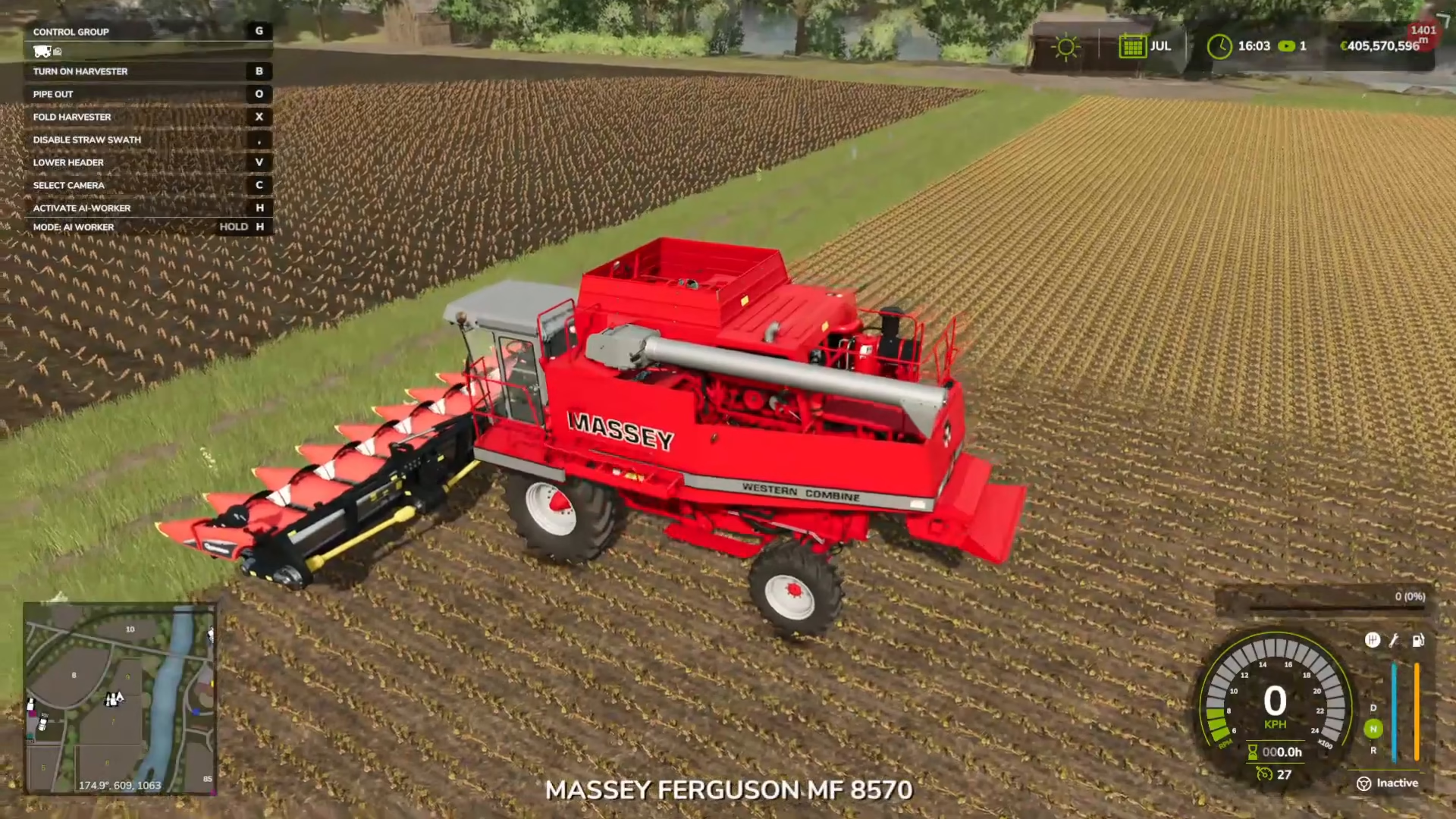
Once your combine is full of soybeans, press O to extend the pipe. Position a trailer directly underneath the pipe, and the soybeans will automatically unload into the trailer as it fills. This ensures efficient harvesting and transport of your crop.
Storing and Selling Your Soybeans
Storage Options
After harvesting, you can store your soybeans in a silo on your farm by unloading your trailer there. Storage is useful if you want to wait for better prices before selling.
Finding the Best Selling Prices
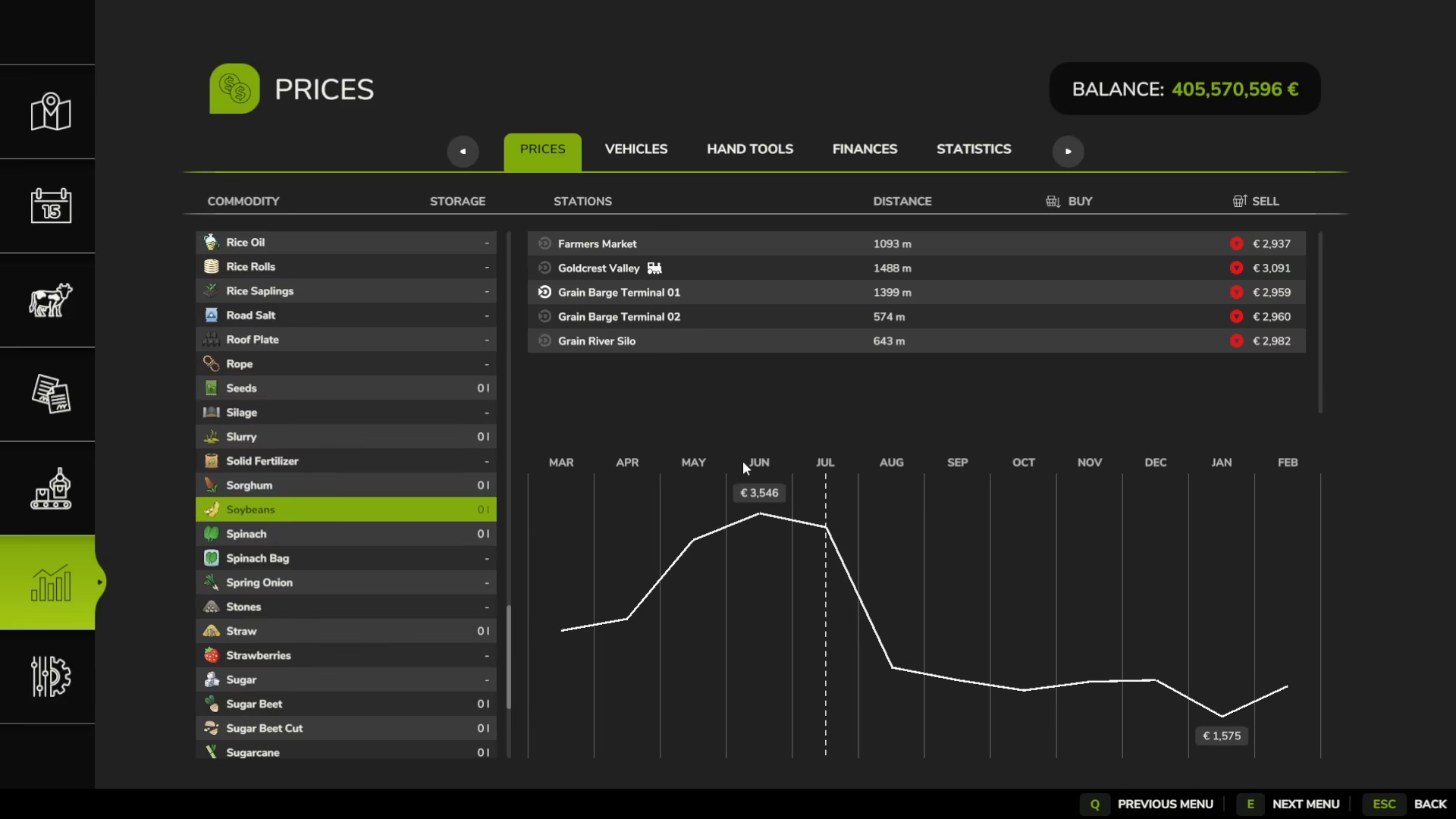
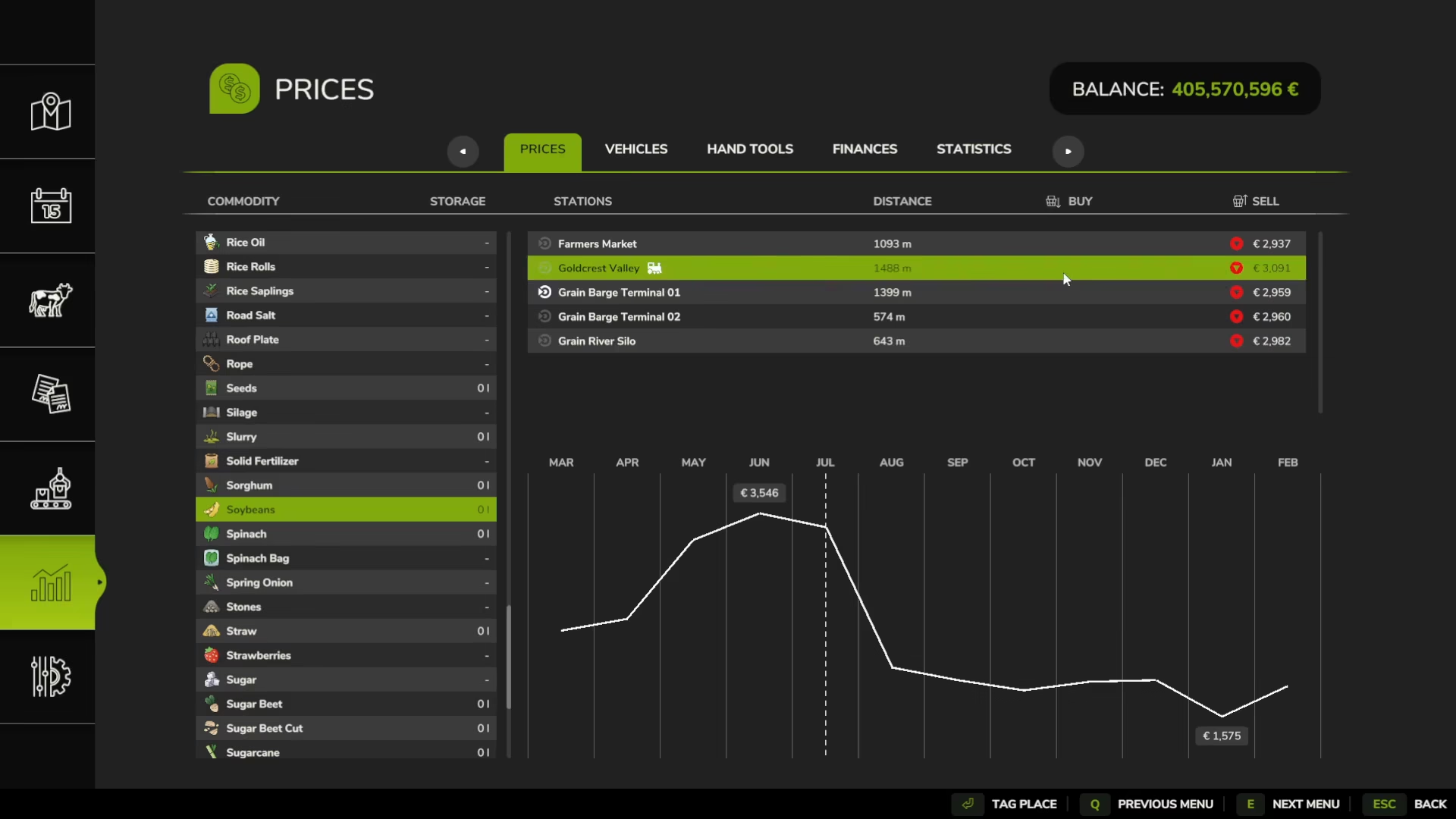
Soybean prices fluctuate throughout the year. June is the highest price point for soybeans, while January offers the worst prices. Check the price menu to plan your sales accordingly. If you click on soybeans in your menu, you’ll see all available selling locations and their current prices.
Recommended Selling Locations
Multiple buying stations accept soybeans, and they offer different prices. Based on the current market, the Goldcrest Valley train station is typically the best place to sell your soybeans. To find its location, click “Tag place” on the menu, and a red circle will appear on the map showing the distance (in this case, 1500 meters away). The location will also flash on your map for easy navigation.
Summary
Growing and selling soybeans in Farming Simulator 25 involves a systematic approach: prepare your soil with plowing and lime, plant with a dedicated soybean planter, fertilize at least twice during the growing season, harvest with a combine and grain header, and finally sell at the best available prices (ideally in June). By following these steps and understanding the price fluctuations throughout the year, you’ll maximize your soybean profits and develop a successful farming operation.
For more information on basic farming mechanics like liming fields and operating machines, check out our complete beginner’s guide to Farming Simulator 25, which covers all the fundamentals you need to succeed.
Want to Support?
If you would like to help us continue making these guides – please consider joining our patreon here – https://www.patreon.com/c/JaviHeals
Alternatively – you can join our discord here – https://discord.gg/zD7Gjt6MHF