






The Shy Little Robot Quest Guide in Disney Dreamlight Valley
The Shy Little Robot Quest Guide in Disney Dreamlight Valley
Welcome to this complete quest guide for “The Shy Little Robot” in Disney Dreamlight Valley. This quest takes place in the Wally realm and involves unlocking Wally as a villager, exploring his realm, and helping him regrow his home. Whether you’re a newcomer or looking for clarification on specific steps, this guide will walk you through every objective needed to complete this heartwarming quest.
Unlocking Wally’s Realm and Starting the Quest
To begin this quest, you’ll need to unlock the Wally realm first. Head to the left-hand side of the castle and unlock the fawns to visit Wally, which is located on the bottom floor. Once you enter Wally’s realm for the first time, “The Shy Little Robot” quest will automatically start.
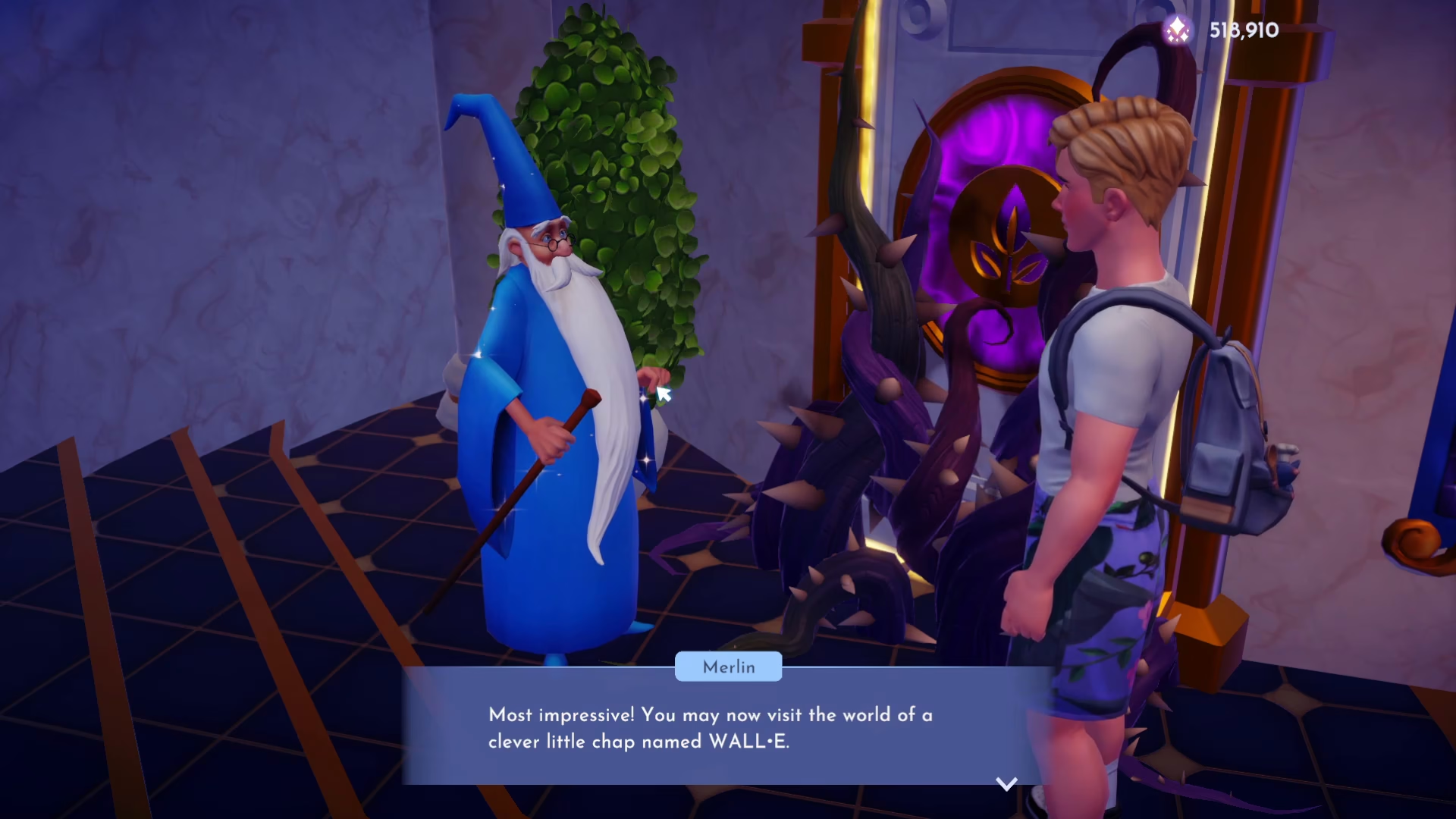
Meeting Wally and Clearing the Realm
When you first arrive in the realm, explore the area and locate Wally. Before you can interact with him properly, you’ll need to remove the junk scattered throughout the space. Wally cannot move, so you’ll need to search the realm for ways to repair him.
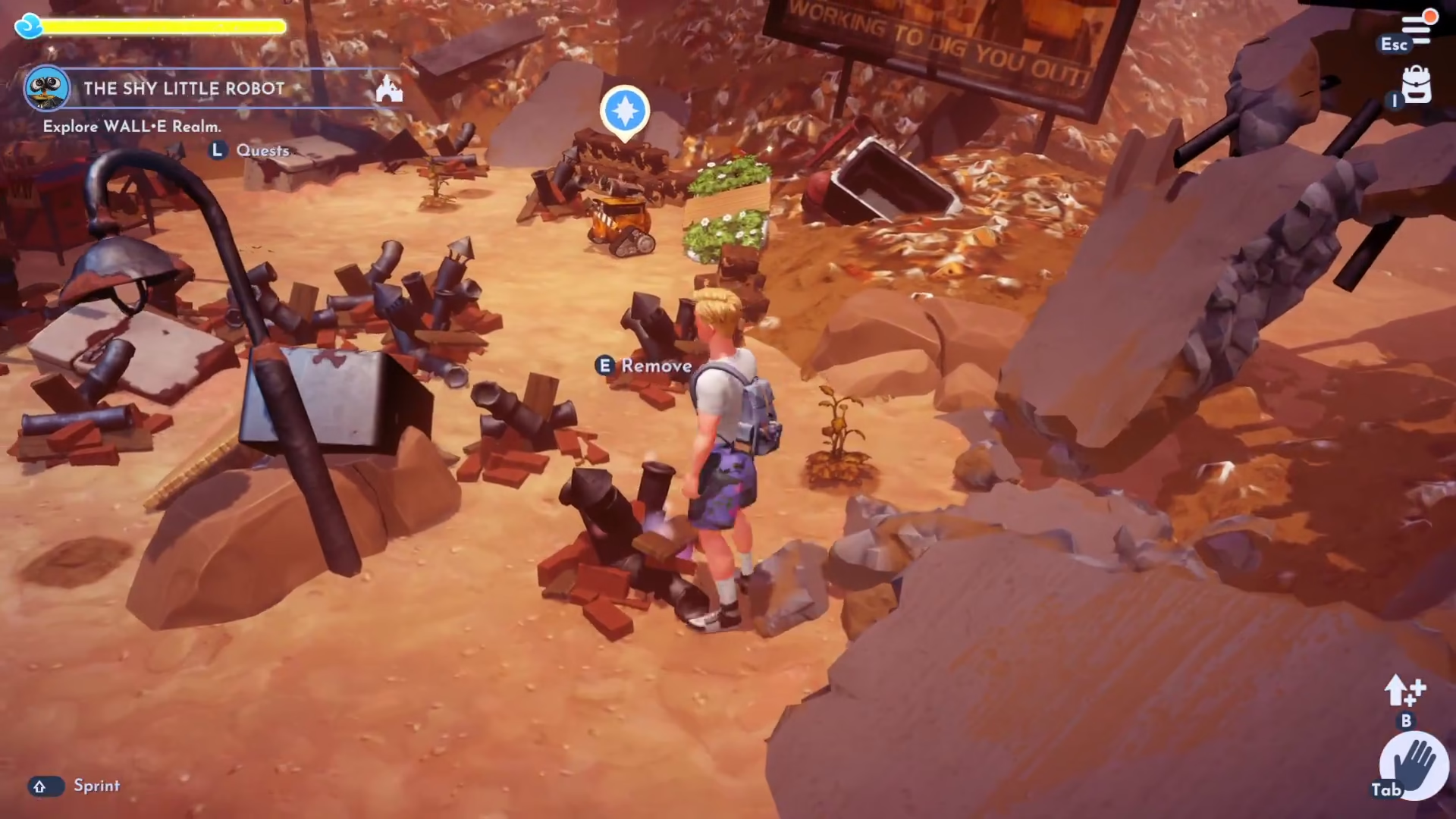
Finding the Fridge Door Handle
As you remove trash piles and junk, you’ll pick up a fridge door handle. Use this handle to open a fridge hidden among the trash. This storage container contains a clothing bag and, more importantly, Wally’s track — an essential item for this quest.
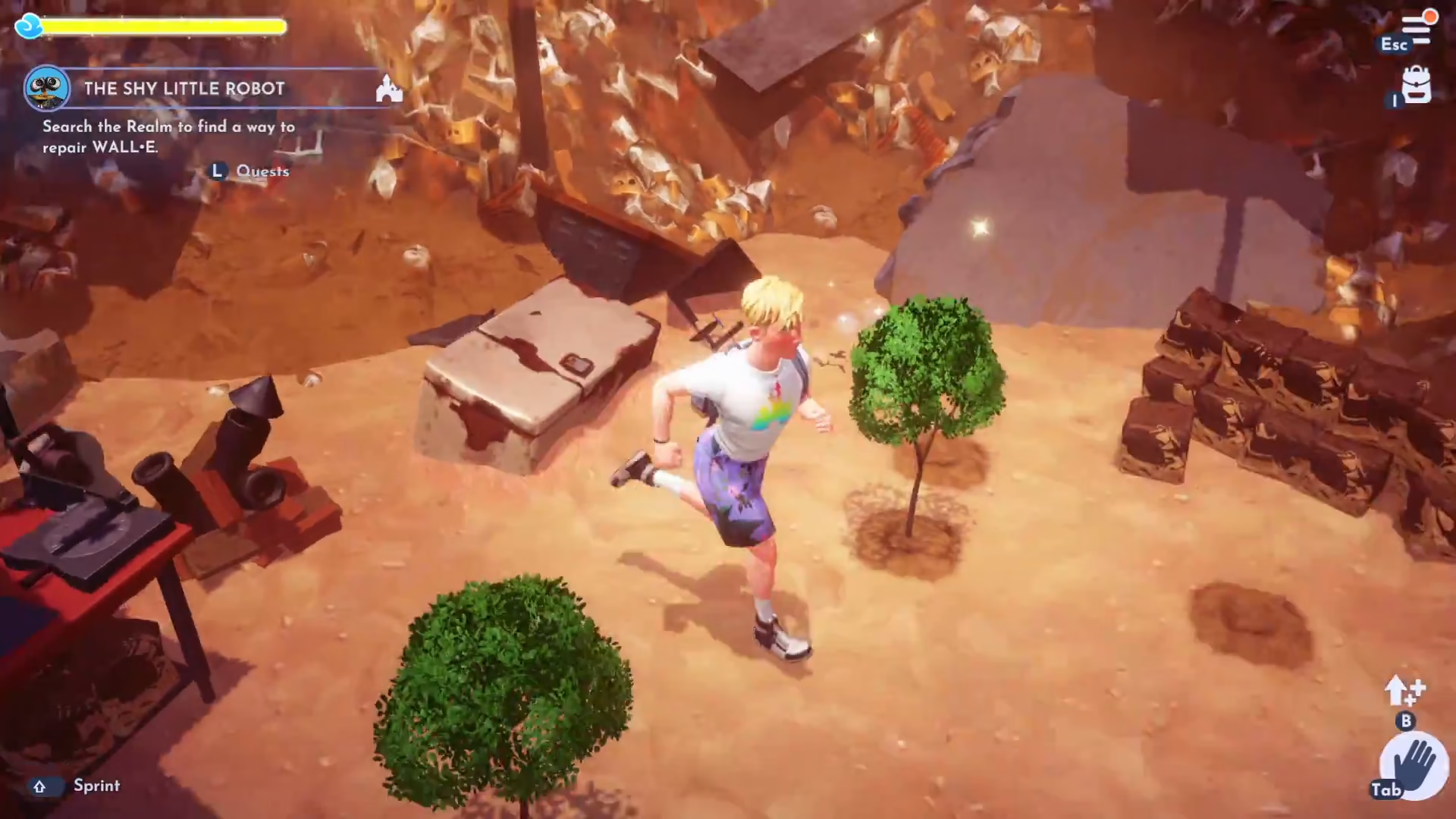
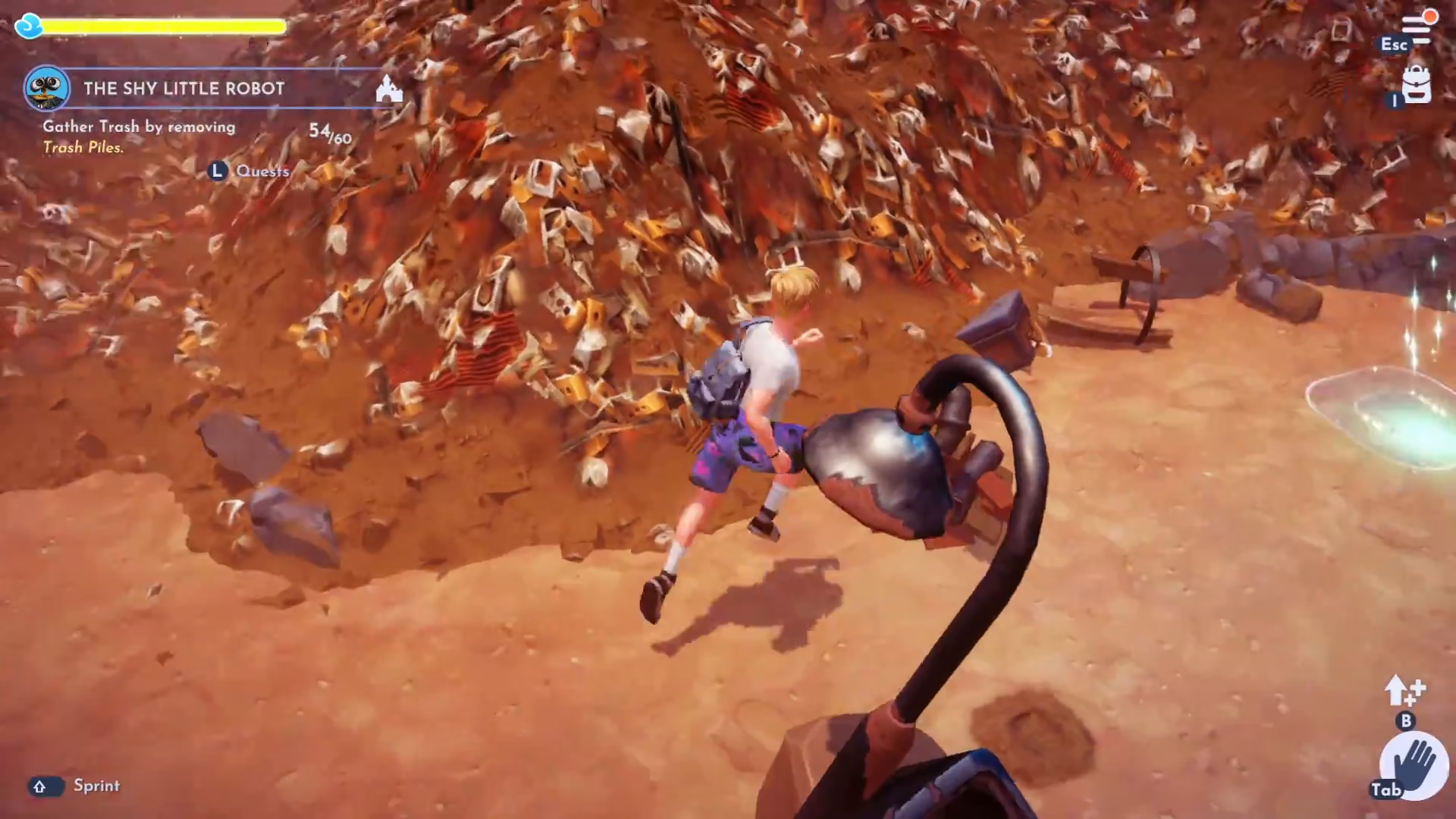
Gathering Trash and Crafting Trash Cubes
Continue removing the remaining trash piles throughout the realm. You should collect approximately 60 trash in total. Once you have enough trash, head to the crafting station and create trash cubes from your collected trash. You’ll need to make six trash cubes from the 60 trash you’ve gathered.
Giving Wally His Track and Trash Cubes
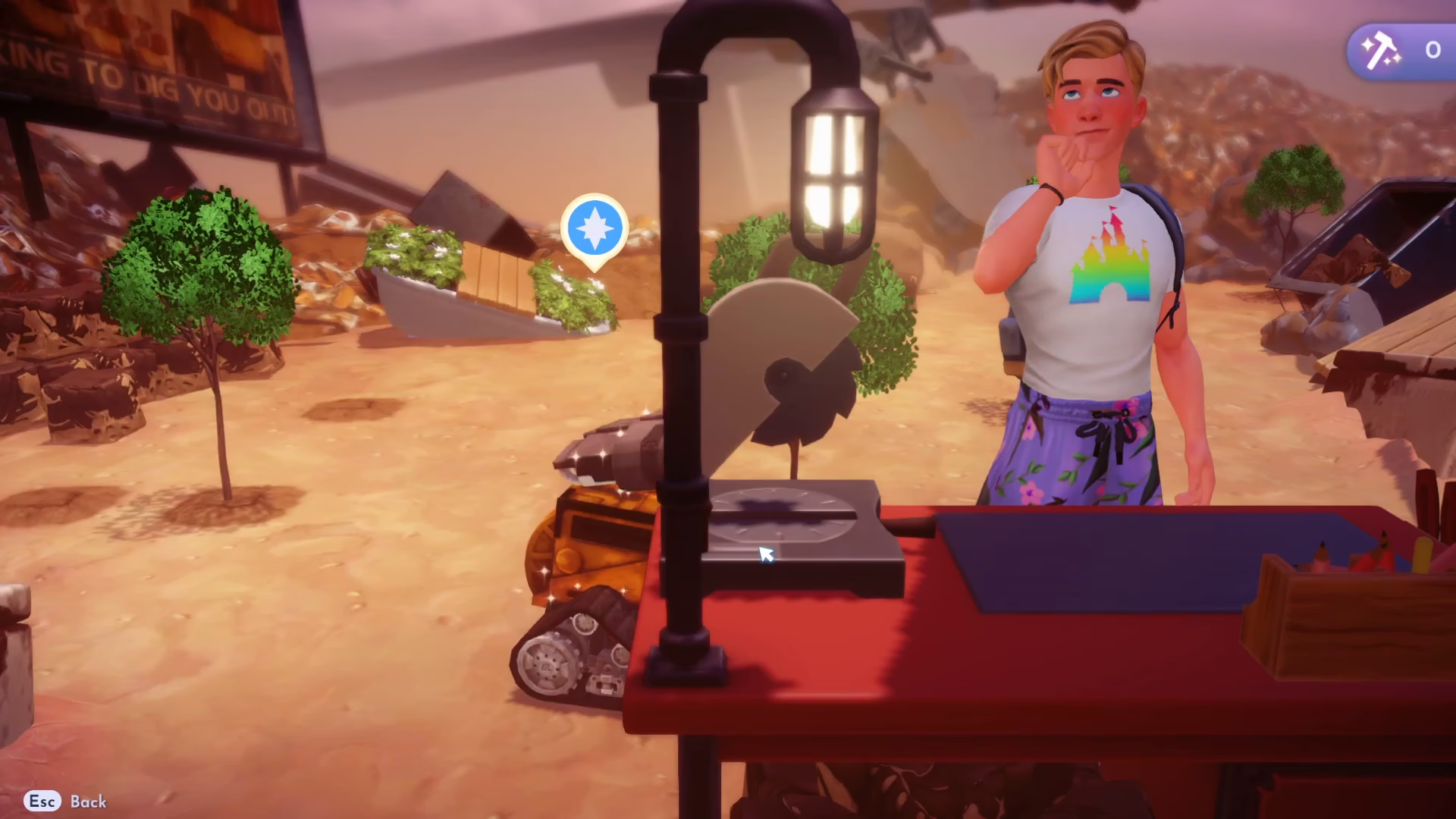
Speak to Wally and give him his track first. Then, return to him with all six trash cubes you’ve crafted. Upon receiving these items, Wally will give you special seeds that you’ll use to help regrow the realm.
Planting Wally’s Special Seeds
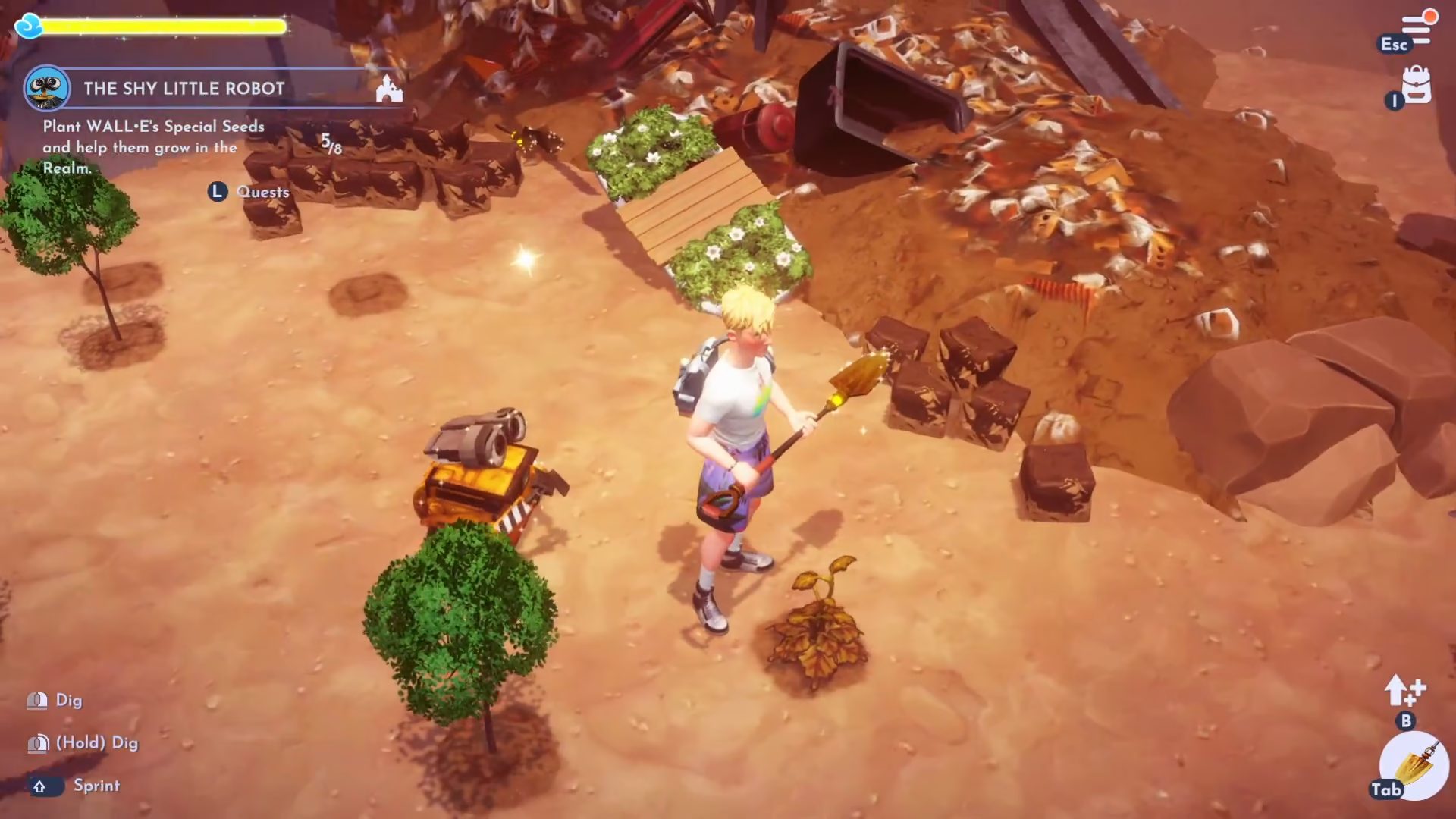
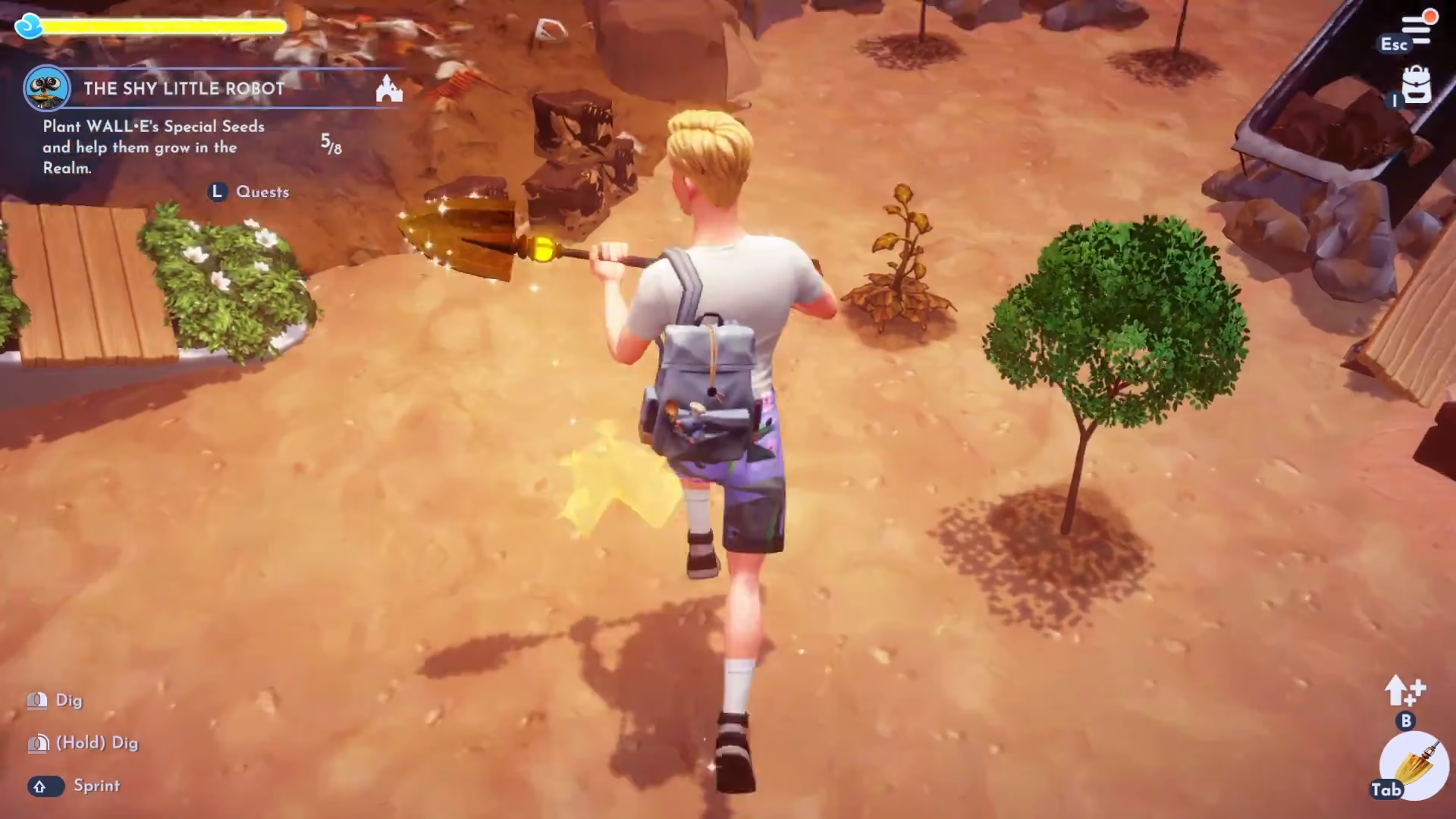
You’ll need to plant a total of eight garden seeds throughout the realm to help restore it. Equip your shovel and begin planting the seeds Wally gave you.
Finding Garden Seeds
Garden seeds can be found in multiple locations:
Dig in spots where you see shiny bits on the ground
Search inside the fridge you opened earlier
Explore other areas of the realm
Watering Your Plants
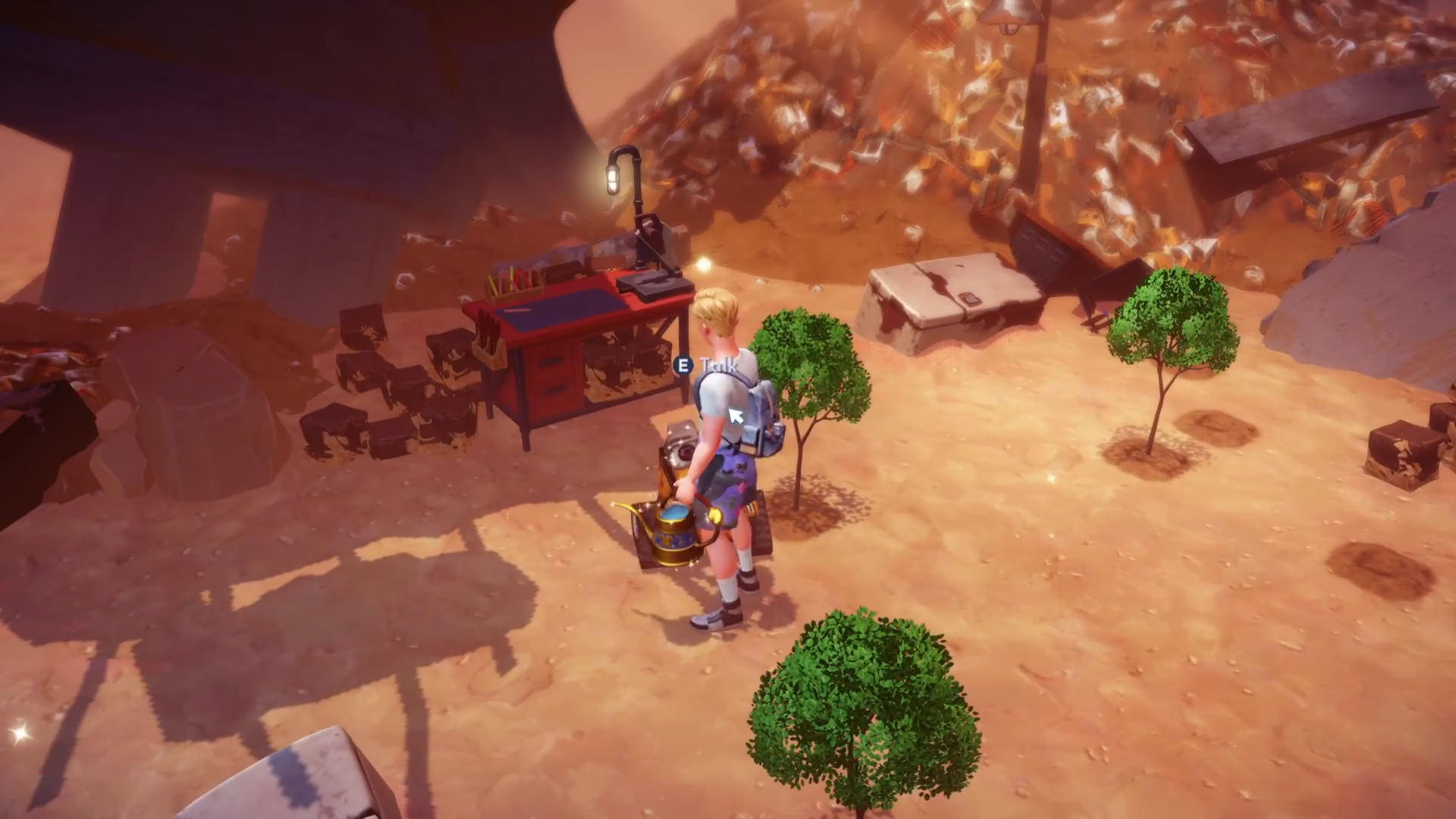
After planting each seed, water it. You must complete all eight plantings before moving forward with the quest.
Consulting with Merlin and Scrooge McDuck
Once you’ve planted all eight seeds, speak with Wally again. He’ll suggest you talk to Merlin for help. Find Merlin and ask him about Wally.
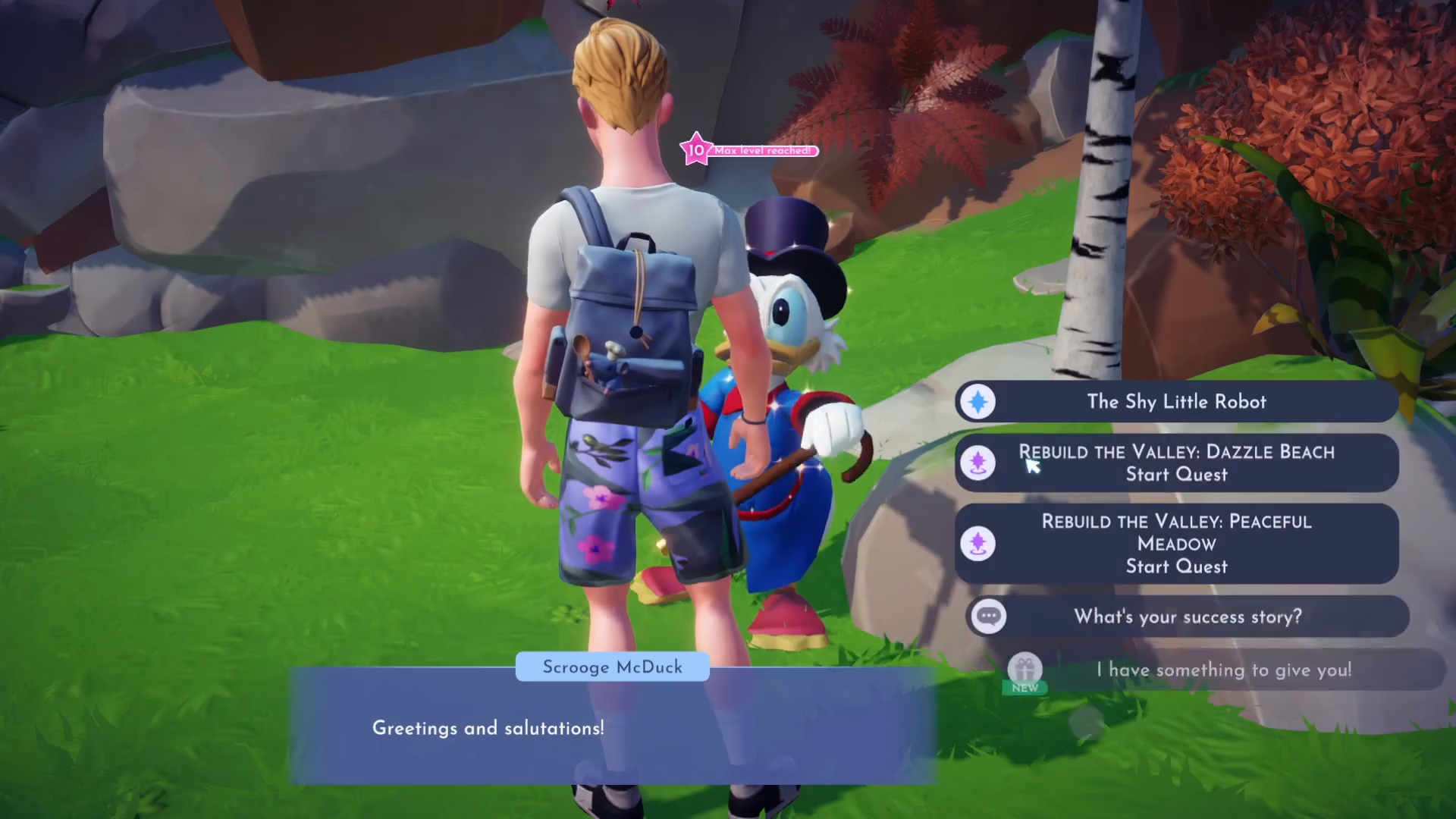
Merlin will direct you to Scrooge McDuck, who has an interesting object that might help. Locate Scrooge and speak with him. He’ll mention he has an item for you but needs two garnets in exchange.
Mining for Garnets
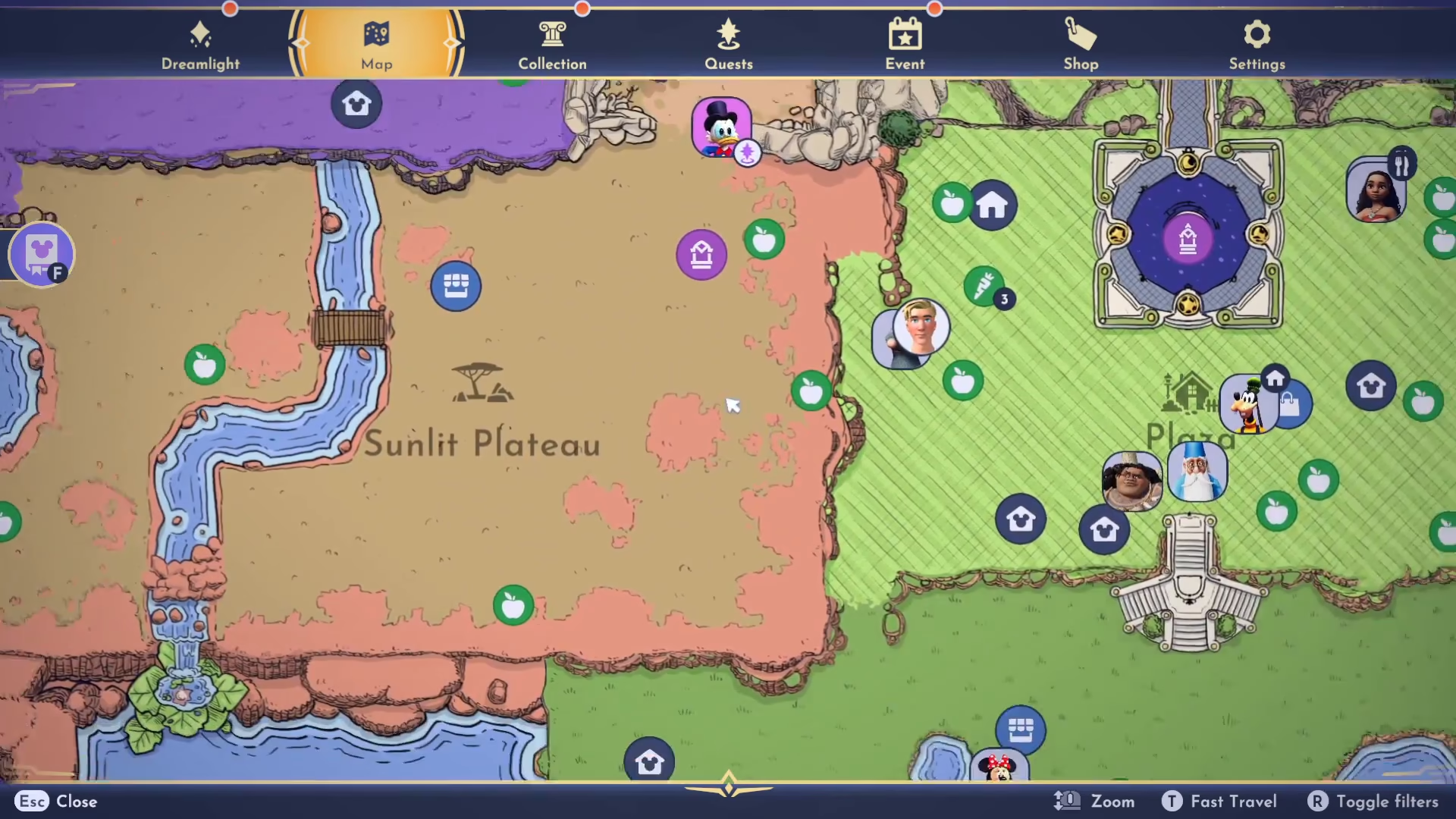
Garnets are red gems found by mining rocks in two specific locations:
The Plaza
The Peaceful Meadow
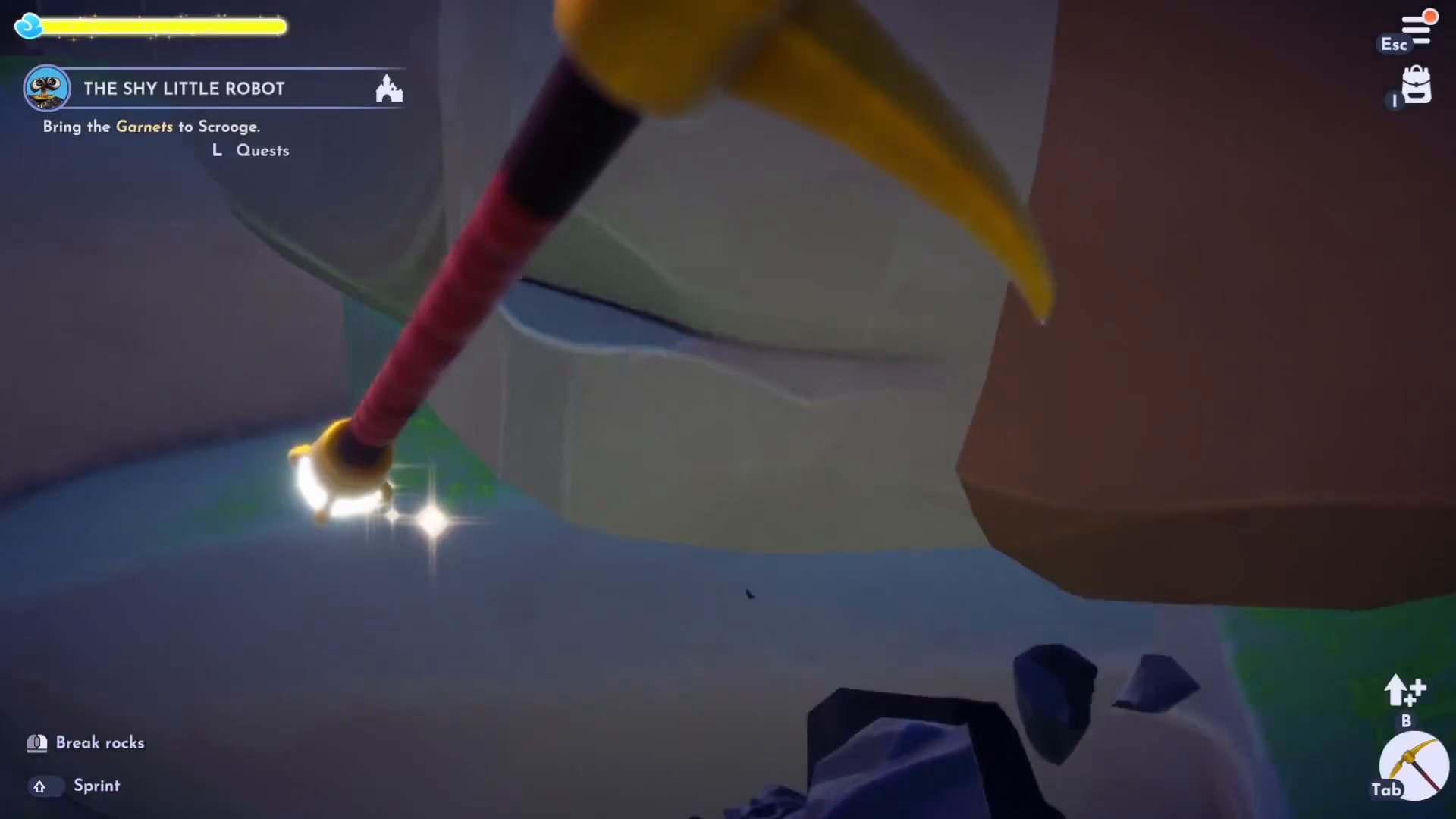
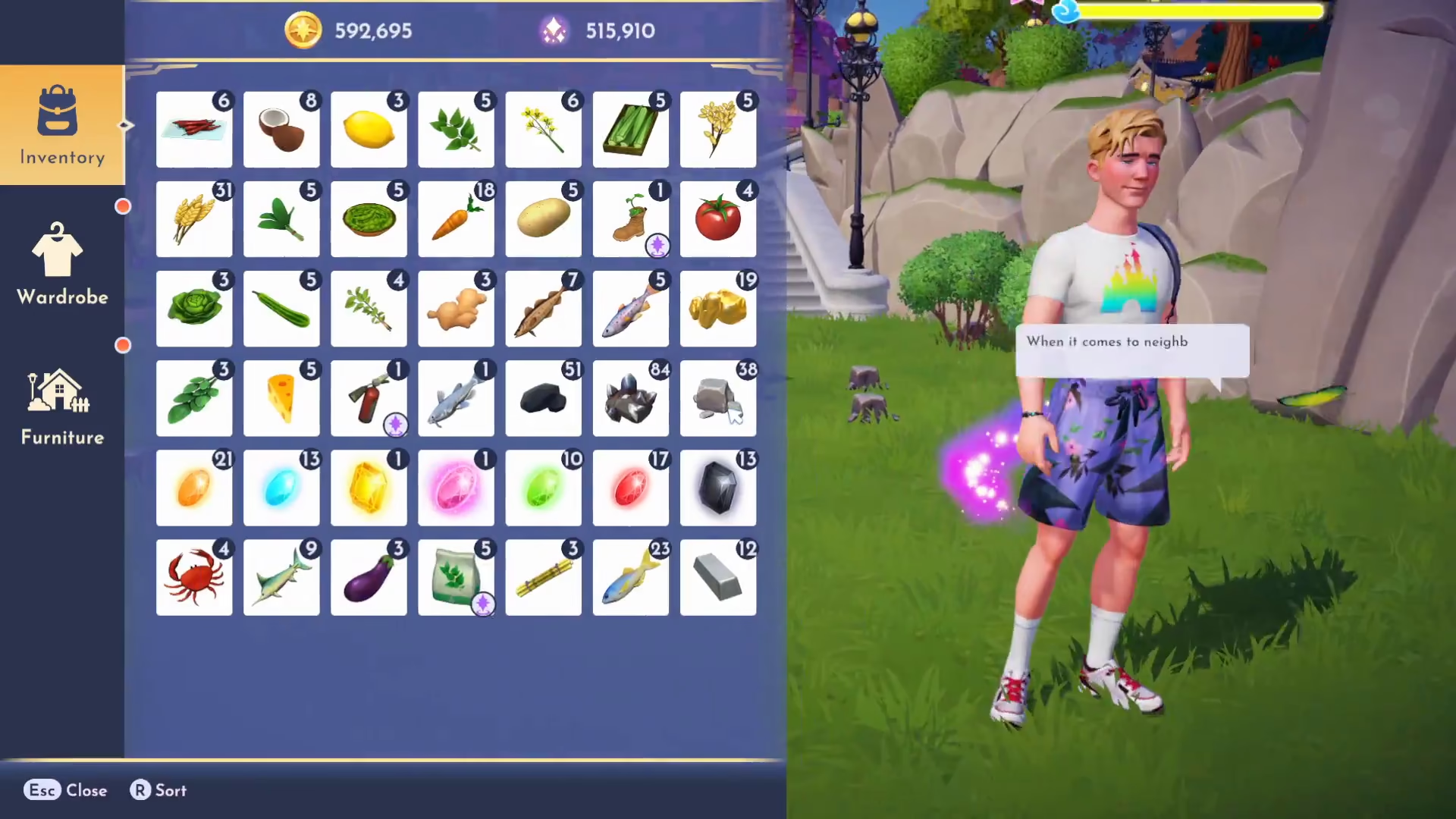
Not all rocks will visibly show gems on the surface, but you can still mine them for a chance to obtain garnets. Keep mining until you collect two red garnets. Remember that you may also receive other gems like peridot — these are not what you need.
Receiving the Fire Extinguisher from Scrooge
Return to Scrooge McDuck with your two garnets and trade them for the fire extinguisher. This is the first of three special items Wally will need.
Collecting Items from Mickey and Goofy
Getting the Sprout Boot from Goofy
Find Goofy in the village. He’ll mention having a boot with a plant growing in it that he fished from the pond. To find this Sprout boot, you’ll need to fish in the golden fishing circles located in the pond at the Peaceful Meadow. Regular fishing spots won’t work — only the golden circles contain the boot you’re looking for.

Retrieving the Bouncy Ball from Mickey
Next, locate Mickey and speak with him. He has a bouncy ball for Wally that he’s stored at his house. Go to Mickey’s house and search inside. The ball is hidden behind the couch in the top left-hand corner of the house. You may need to move some chests out of the way to access it.
Giving Wally His Gifts
Now that you have all three items — the fire extinguisher, the Sprout boot, and the bouncy ball — return to Wally in his realm. Give him these gifts, and he’ll be delighted with them. He’ll also mention that there’s much more trash throughout the valley for him to collect.

Placing Wally’s House in the Village
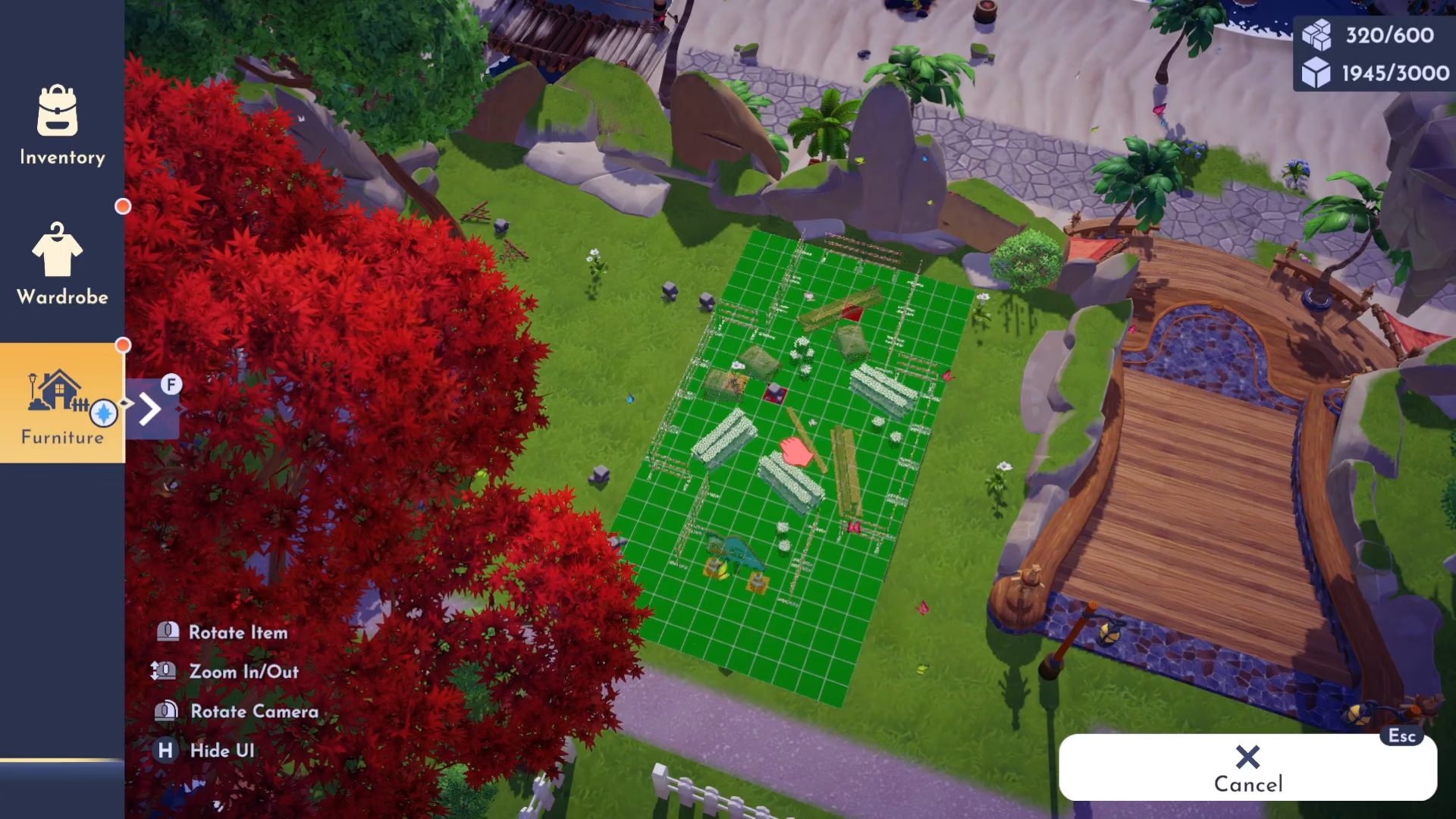
Return to the main village and open your inventory by pressing I on your keyboard. Navigate to the Furniture section and then to Requests. You’ll see Wally’s house (which is actually his truck) available for placement.

Choosing a Location and Unlocking the House
Place Wally’s house wherever you’d like in the village. Make sure to clear any obstacles from your chosen spot first. Once placed, you’ll need to unlock the house using Scrooge McDuck’s sign, which will cost you 2,000 gold.
Welcoming Wally to the Village
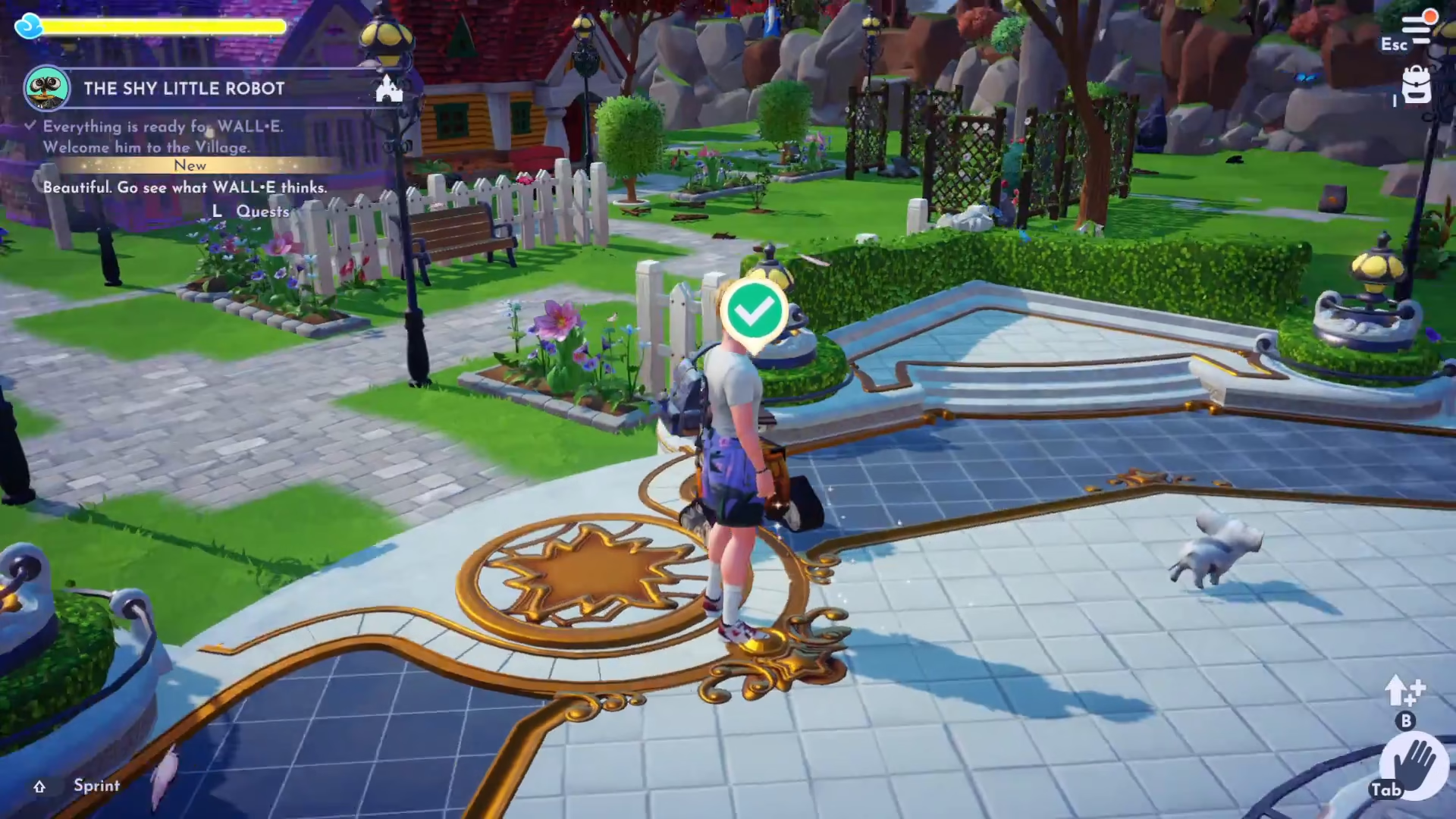
With Wally’s house now unlocked and placed in the village, you can finally welcome him to the community. Speak with Wally in the plaza to complete the quest and welcome him into the village. Congratulations — you’ve successfully completed “The Shy Little Robot” quest and unlocked Wally as a villager!
Quest Summary
Completing “The Shy Little Robot” quest involves exploring Wally’s realm, clearing junk, crafting trash cubes, planting seeds, mining for garnets, fishing for boots, and collecting items from various villagers. The final step is placing Wally’s house in the village and welcoming him as a new resident. This quest is a wonderful introduction to the collaborative nature of Disney Dreamlight Valley and sets the stage for future interactions with Wally.
Want to Support?
If you would like to help us continue making these guides – please consider joining our patreon here – https://www.patreon.com/c/JaviHeals
Alternatively – you can join our discord here – https://discord.gg/zD7Gjt6MHF



