You Have Mail Quest in Disney Dreamlight Valley
You Have Mail Quest Guide – Disney Dreamlight Valley
This comprehensive guide will walk you through the “You Have Mail” quest in Disney Dreamlight Valley. Completing this quest is essential for unlocking Daisy as a character and gaining access to the boutique feature. The quest becomes available after you complete the Valley Visits quest with Vanilla Pea, so make sure you’ve finished that first before proceeding.
Starting the Quest: Speaking with Mickey Mouse
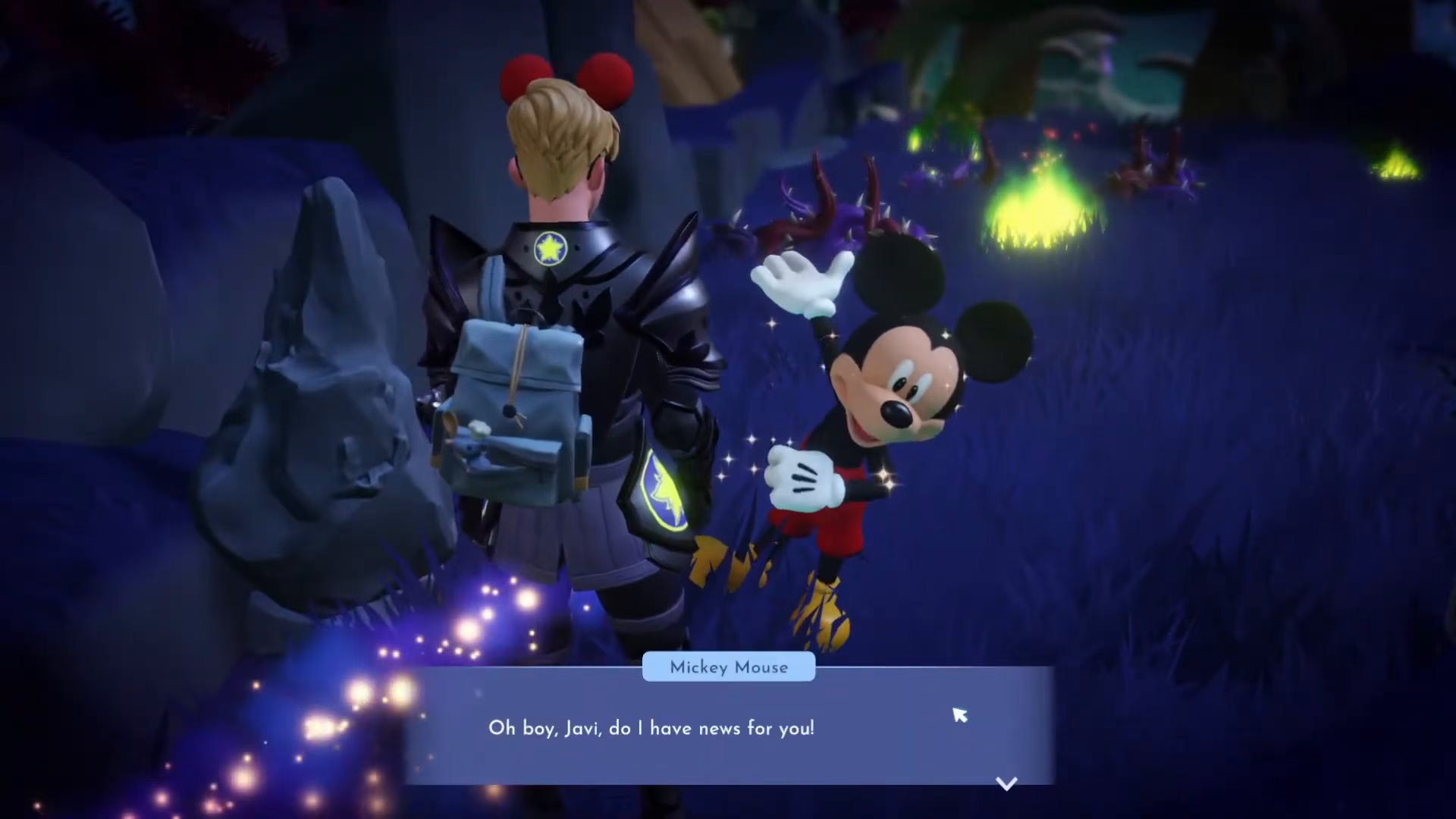
To begin the “You Have Mail” quest, you need to locate and speak with Mickey Mouse. He has important news for you regarding this quest. Once you talk to him, you’ll receive Daisy’s house as a reward item that you can place in your valley.
Placing Daisy’s House
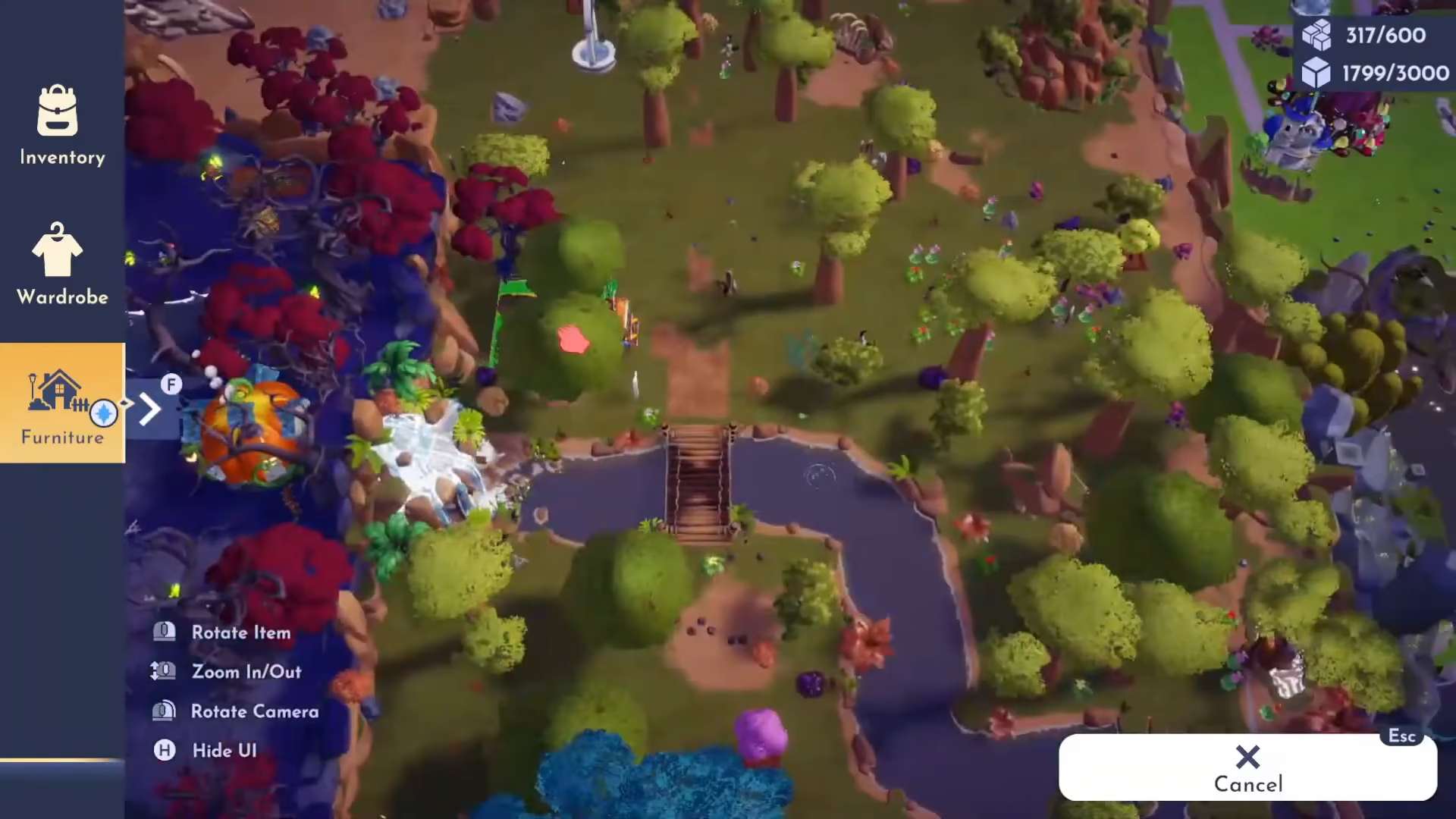
After receiving Daisy’s house from Mickey, head to your inventory and navigate to Furniture > Requests. Find Daisy’s house in this section. You’ll need to decide where to place it in your valley. Many players choose to place it near the other character houses for aesthetic organization. Once you’ve selected the location, you can place the house.
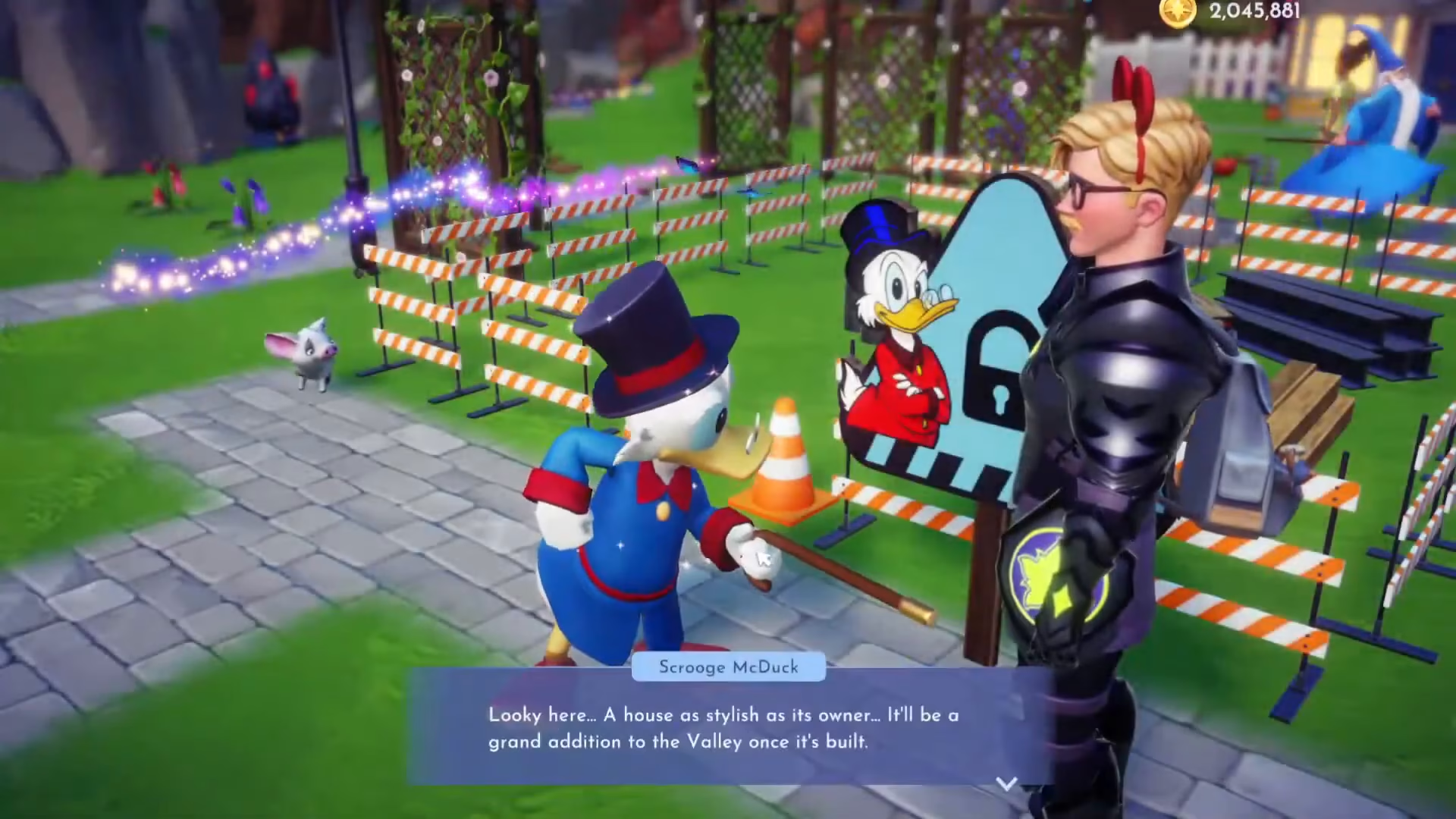
To unlock Daisy’s house fully, you’ll need to pay 20,000 currency. After paying this fee, Daisy will move into the valley and you can interact with her and take a photo together.
Visiting Daisy’s House
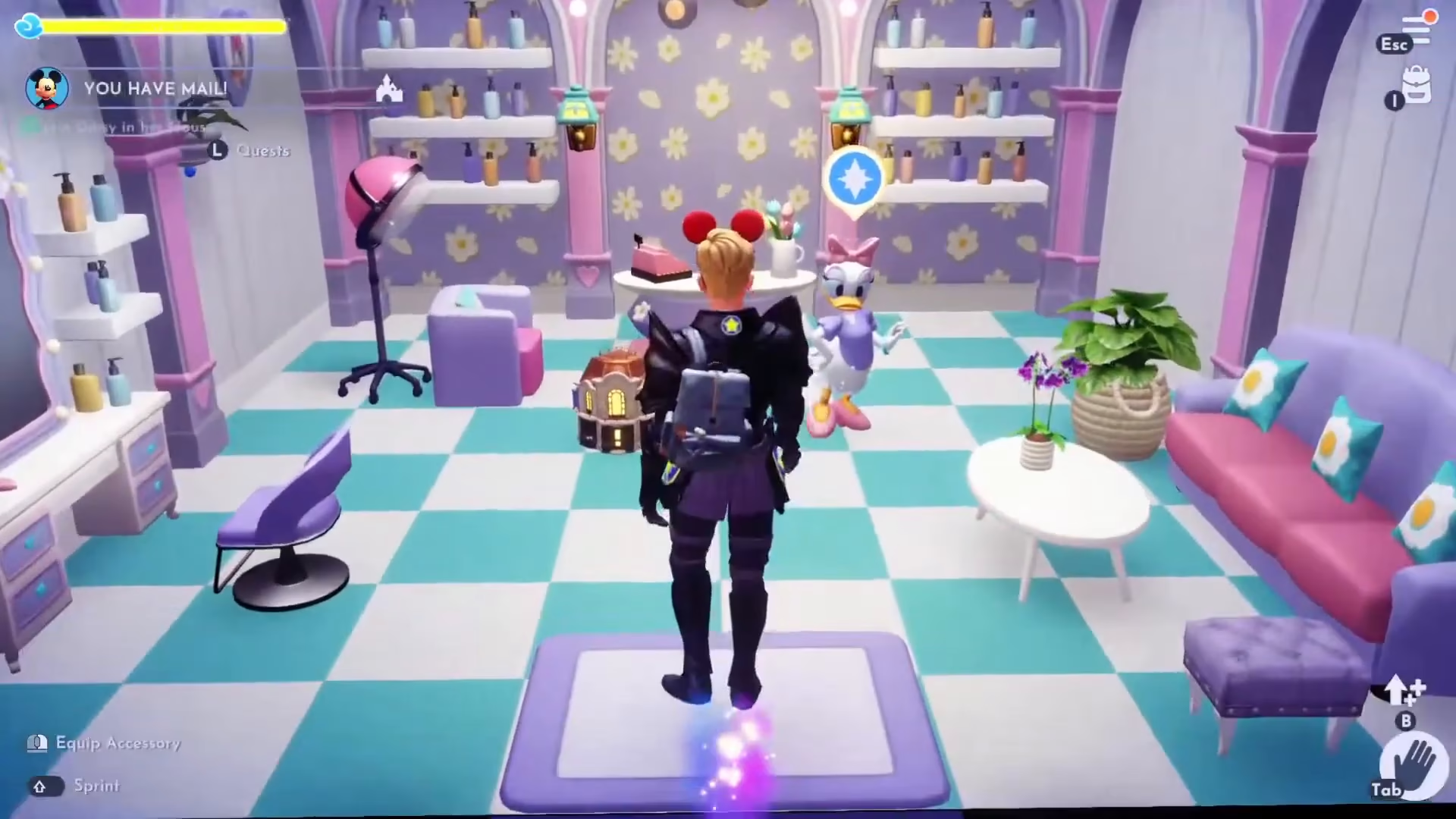
Once Daisy has moved in, you can enter her house to continue the quest. Inside, you’ll need to speak with Daisy to receive your next task.
Crafting the Wanderland Amplification Elixir
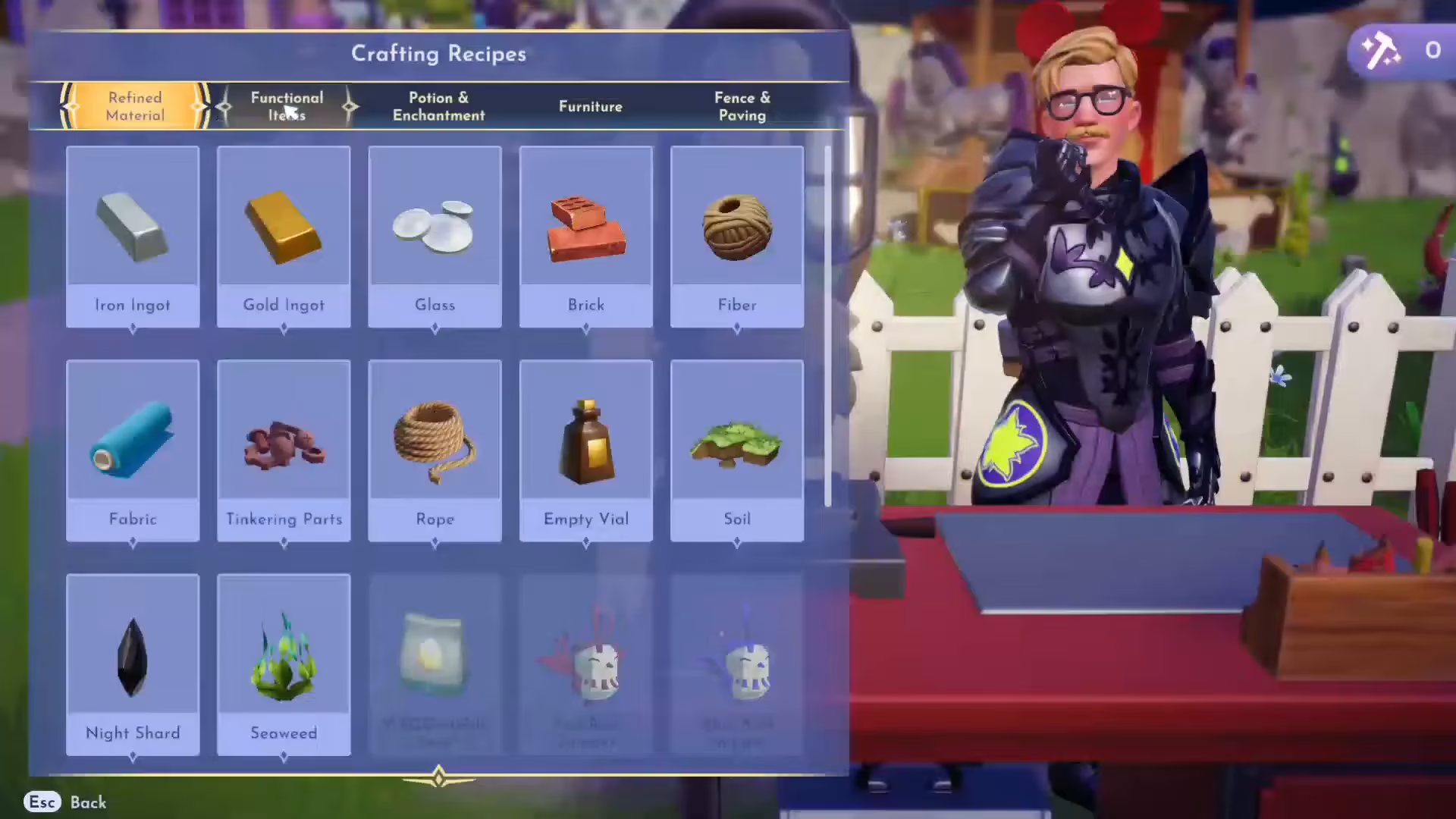
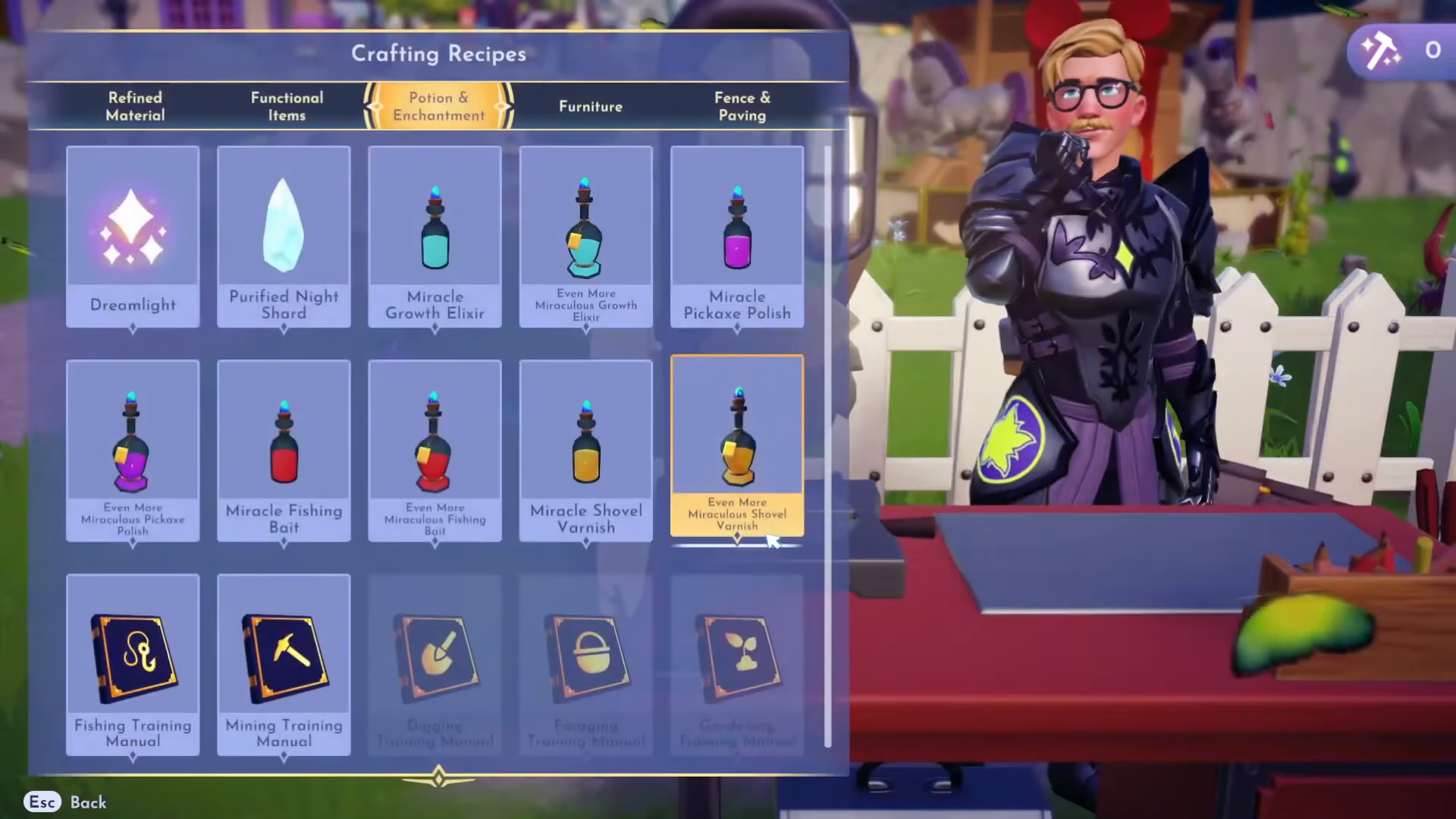
The next step requires you to craft the Wanderland Amplification Elixir. Head to your crafting bench and locate this recipe under Potions and Enchantments. The Wanderland Amplification Elixir requires the following ingredients:
Dream Shards
Carrots
White Daisies
Topaz
Gather these ingredients and craft the elixir at your crafting bench.
Using the Elixir to Grow the Boutique
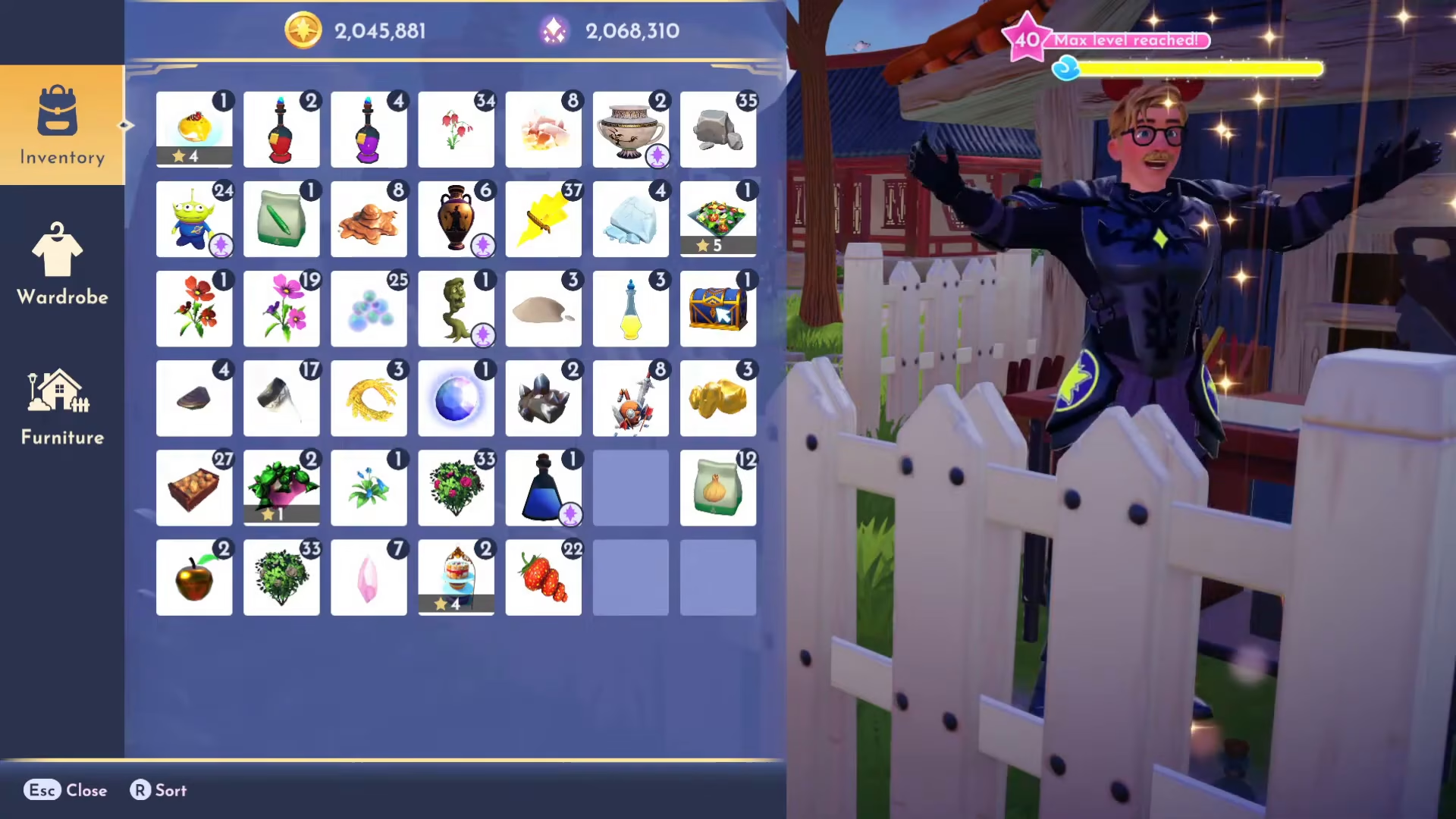
After crafting the Wanderland Amplification Elixir, go to your inventory and use it. This special elixir will allow you to water a miniature boutique located in Daisy’s house. The amplification mixture acts as a special growth catalyst for the boutique.
Water the mini boutique with the elixir and then pick it up. You can now remove it from Daisy’s house and place it anywhere in your valley.
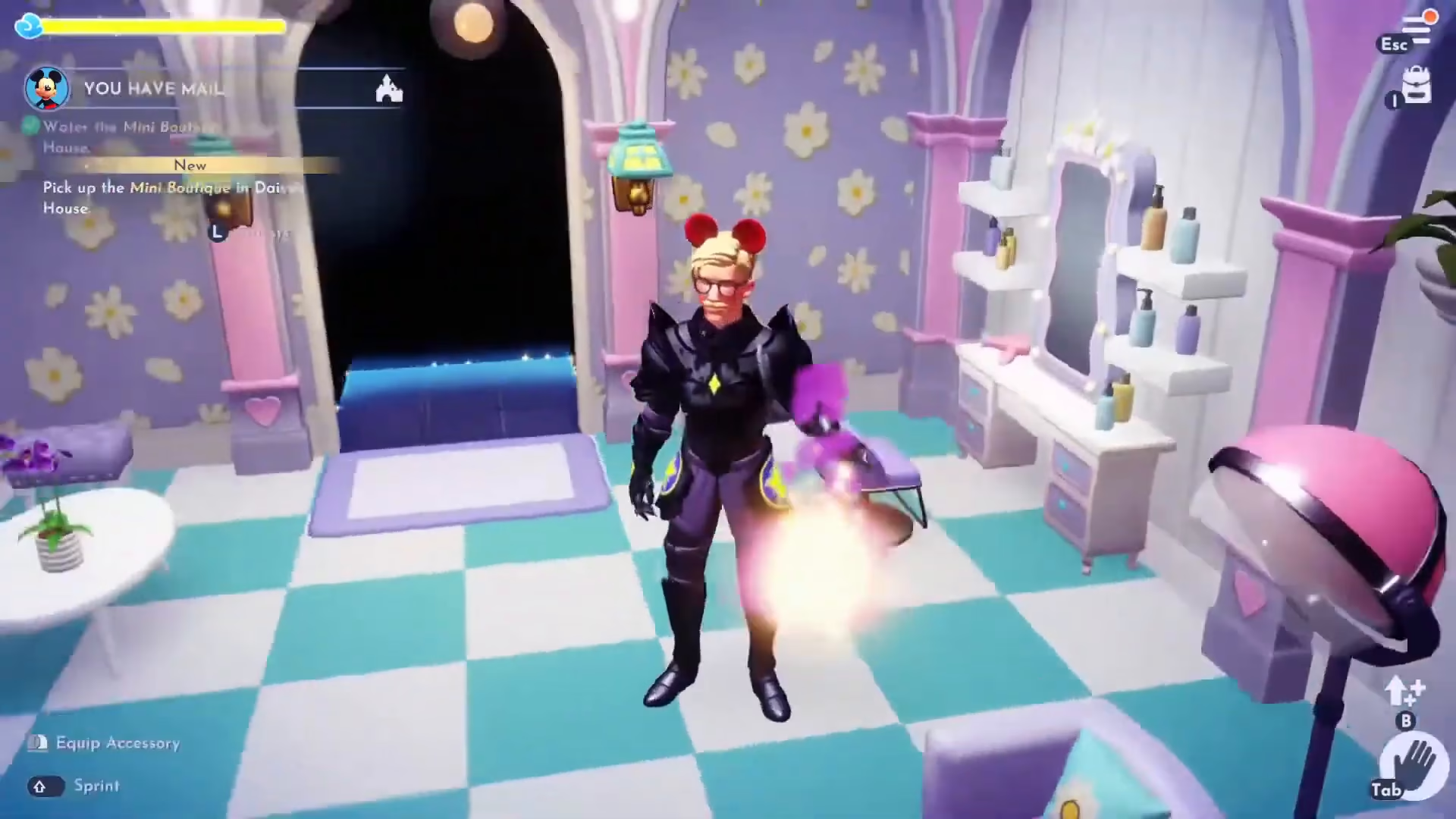
Placing the Boutique in Your Valley
Exit Daisy’s house and decide where to place the boutique. Many players prefer to set up a commercial district with all their shops together. Choose a location that fits your valley’s layout and aesthetic.
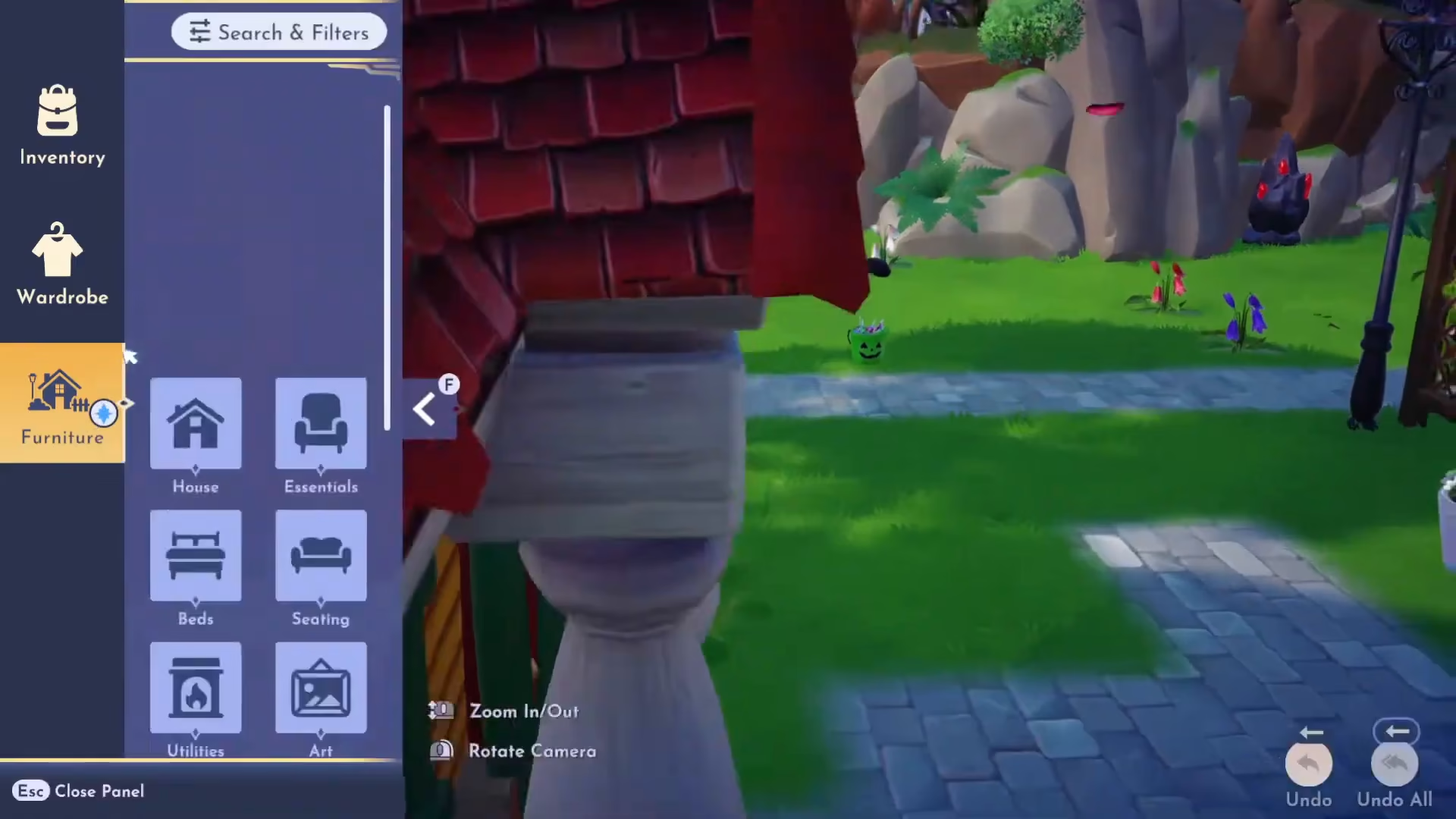
Exploring the Boutique Interior
Once the boutique is placed, enter it to explore this new feature. Inside, you’ll find Daisy and several interactive elements, including mannequins and display stands for furniture and clothing items.
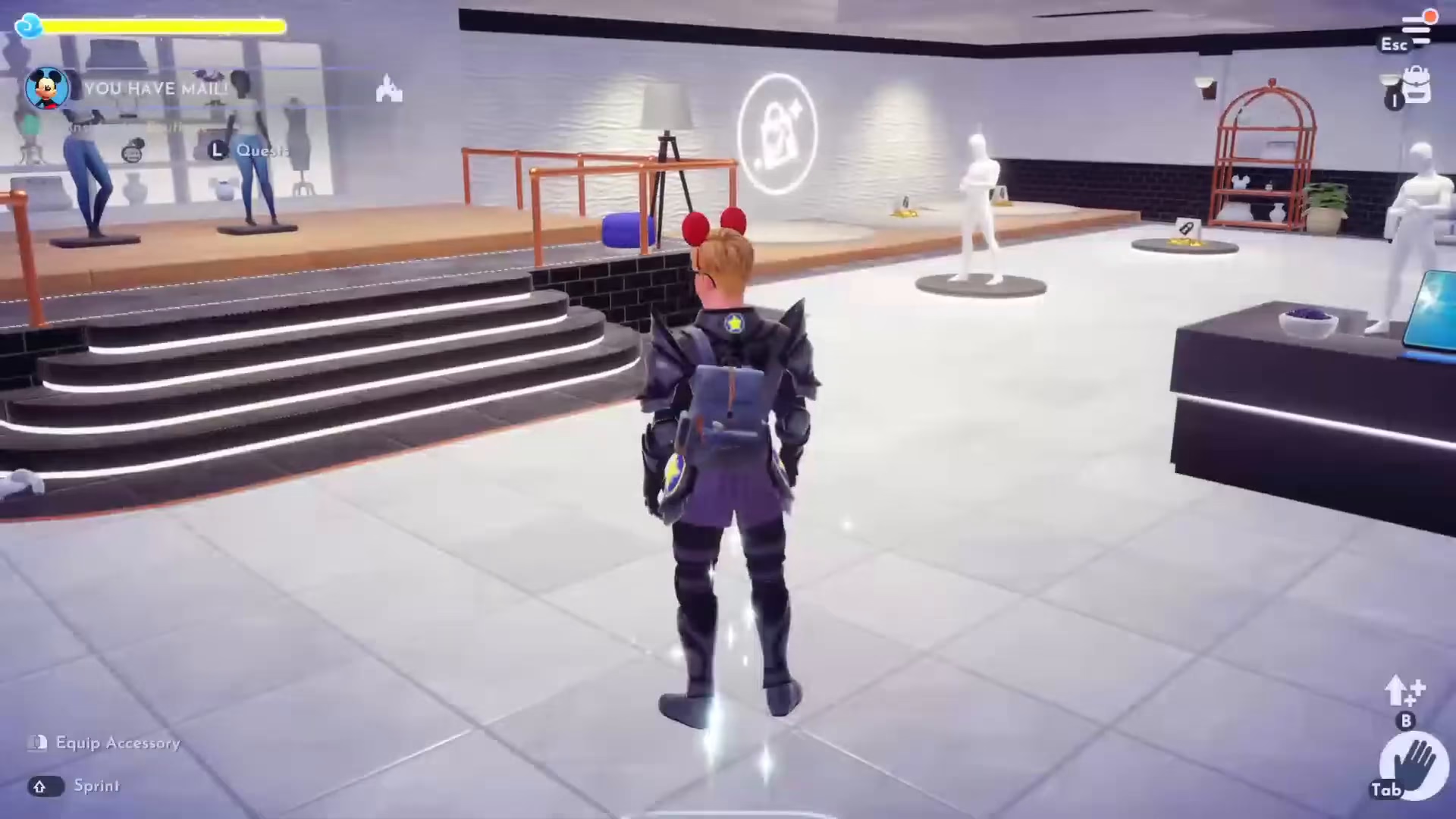
Understanding the Boutique Display System
The boutique allows you to display clothing and furniture items on mannequins and stands. These displays can feature custom designs you’ve created using the Touch of Magic feature. You can invite visitors to your valley to borrow items from your boutique displays, which is a great way to share your creativity with other players.
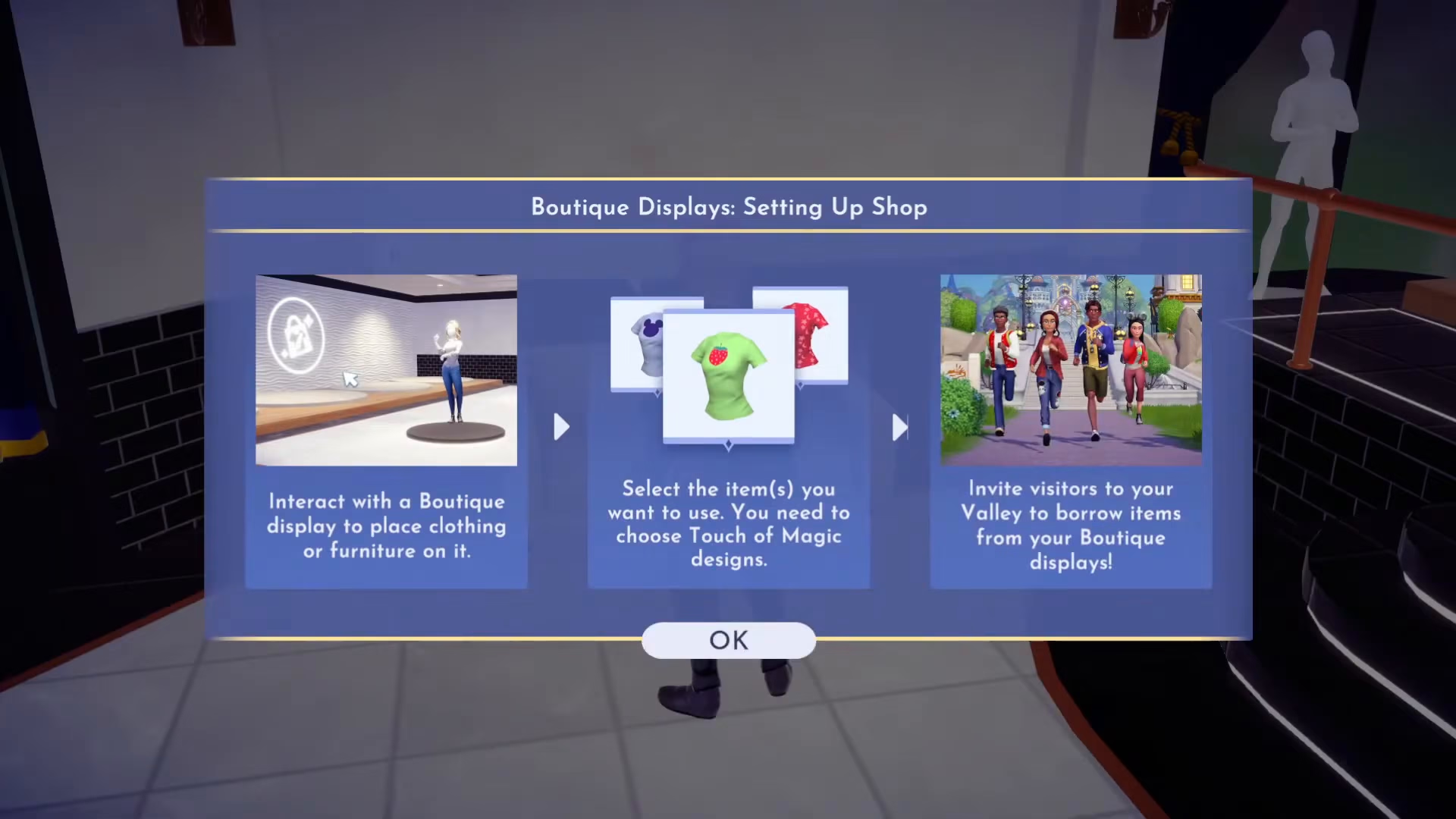
Creating Custom Clothing Designs
To add custom clothing to your boutique displays, go to your Inventory > Wardrobe > Customize > Add New. Select a clothing item, such as a polo shirt, and press Create. You can then customize your design by:
Adding design layers and shapes
Positioning elements on the clothing
Changing colors of both the design elements and the base clothing item
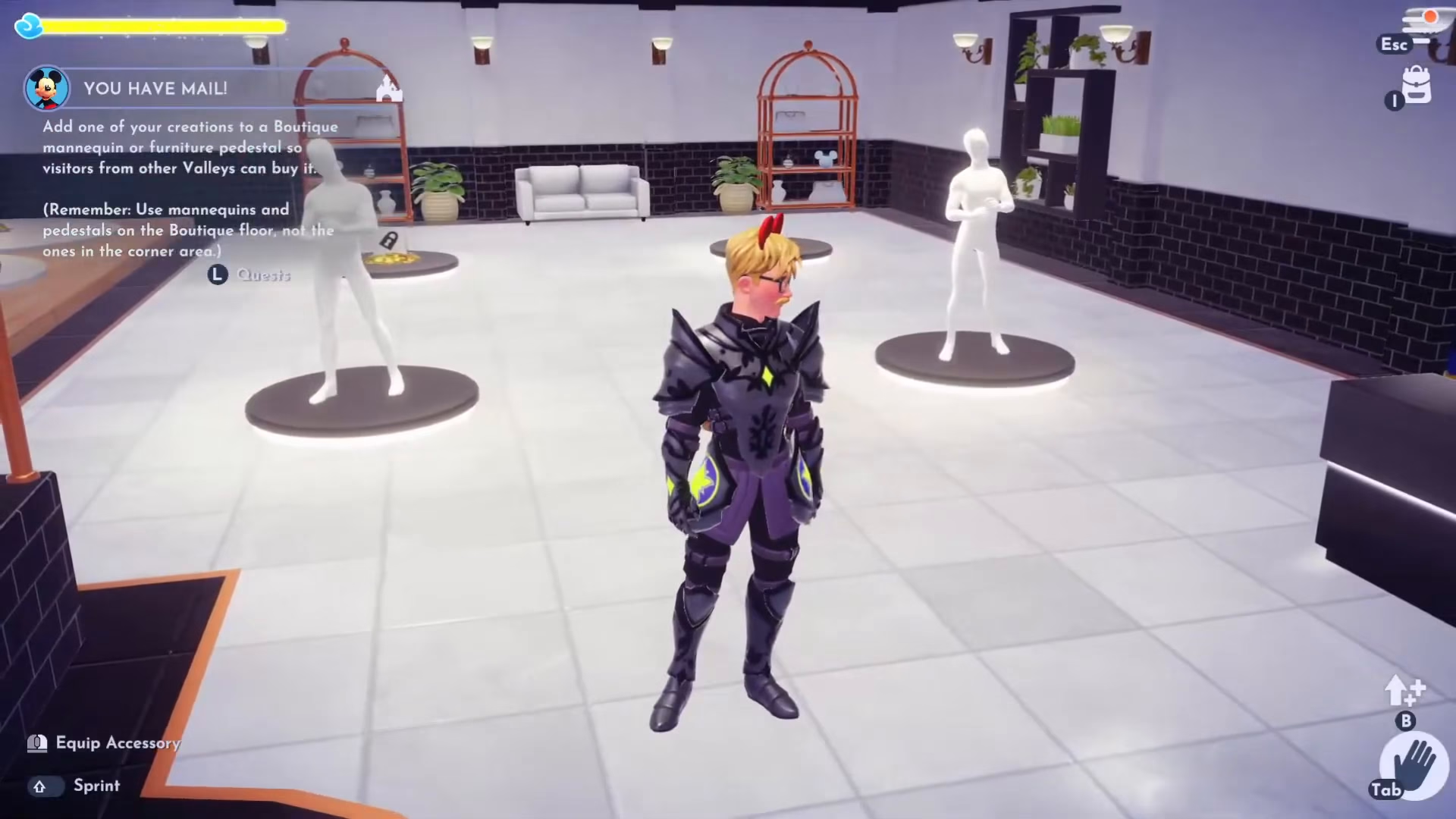
Once you’re satisfied with your design, press Escape to save and exit the customization screen.
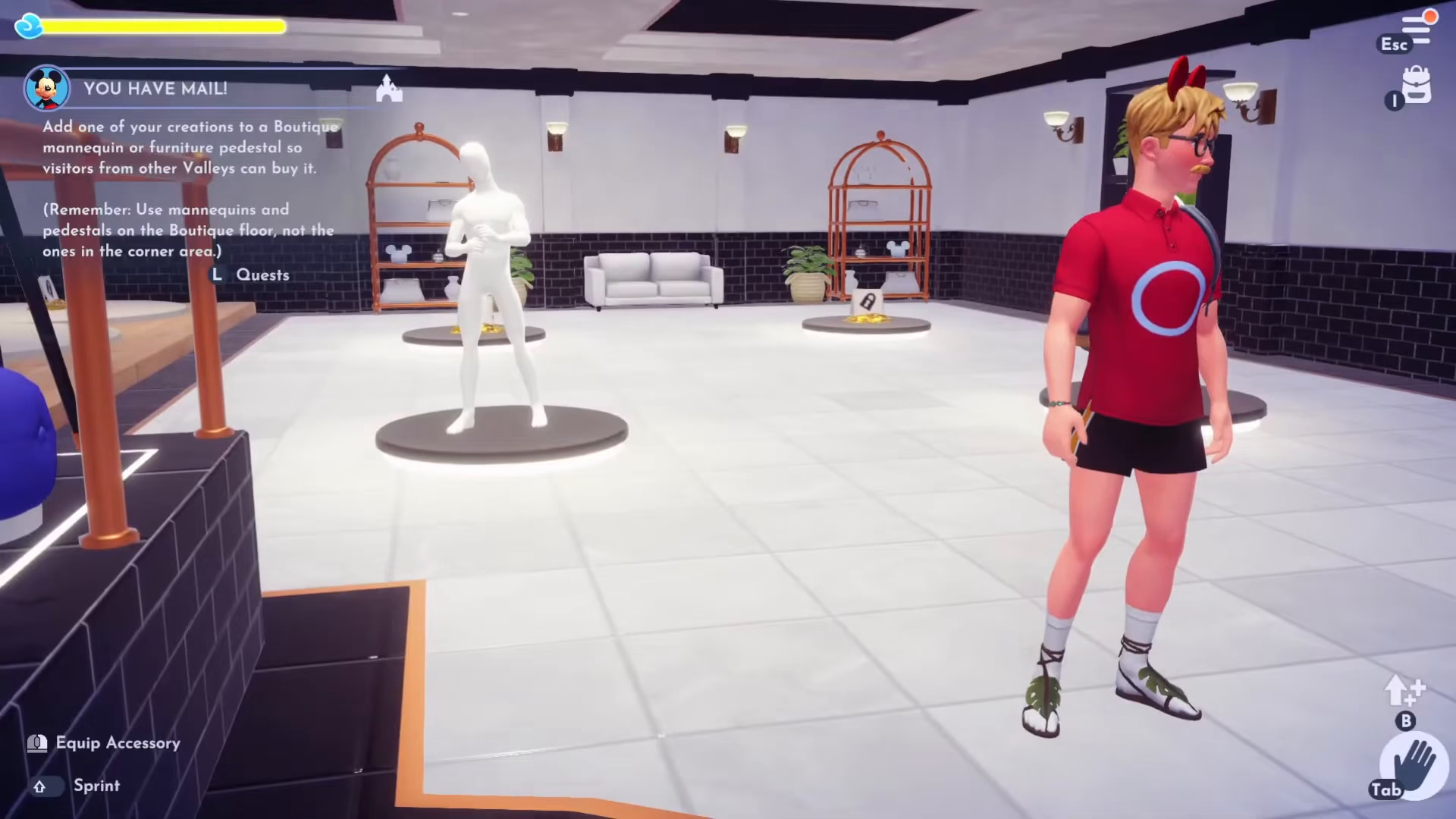
You can then interact with the mannequin to place your custom outfit on display.
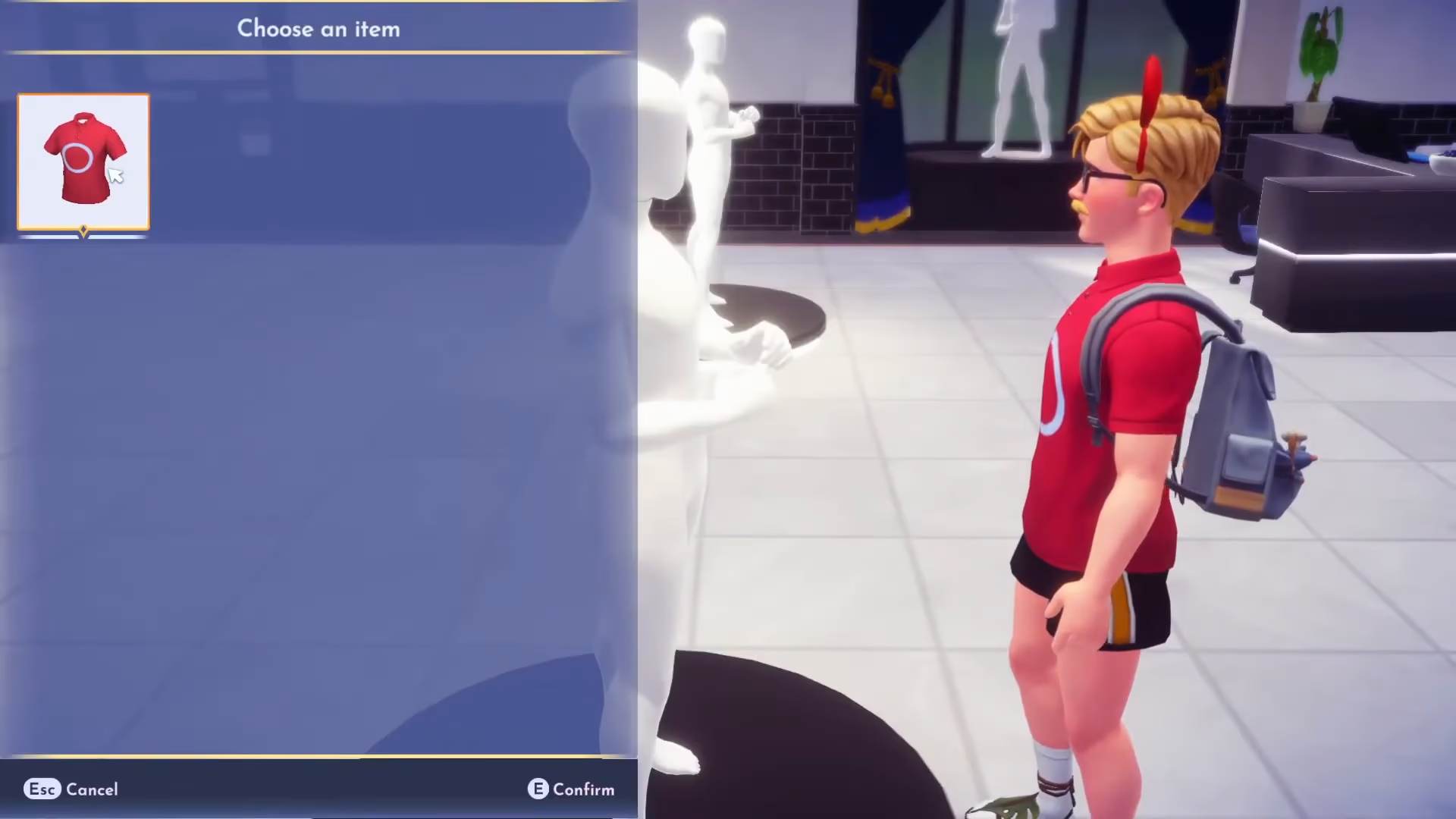
Customizing Furniture Displays
Similarly, you can customize furniture for display. Go to Inventory > Furniture > Customize > Add New, select a furniture item like a basic chair, and add design elements and colors. Save your custom furniture design when complete.
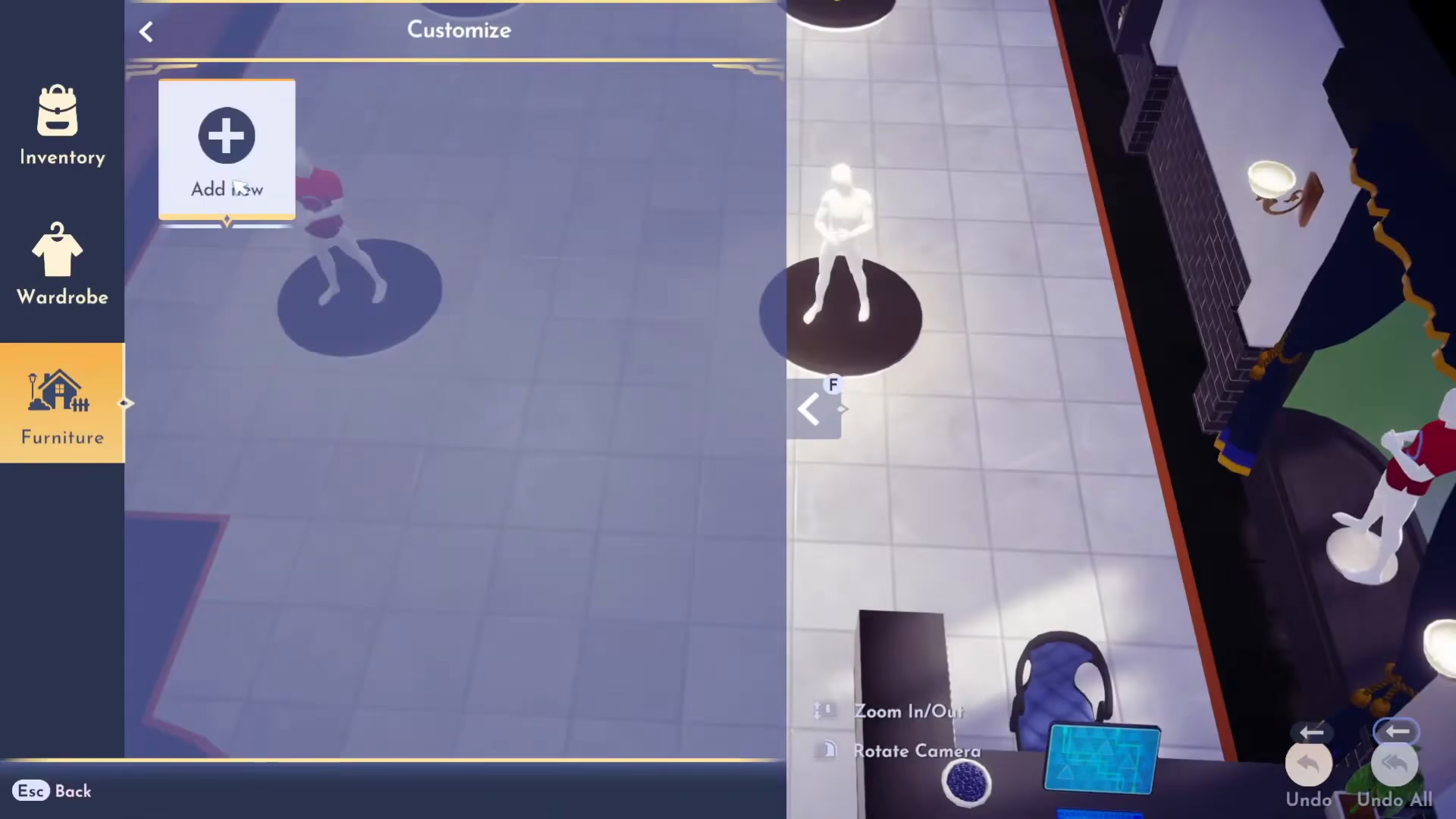
These custom furniture pieces can be placed on the display stands in your boutique.
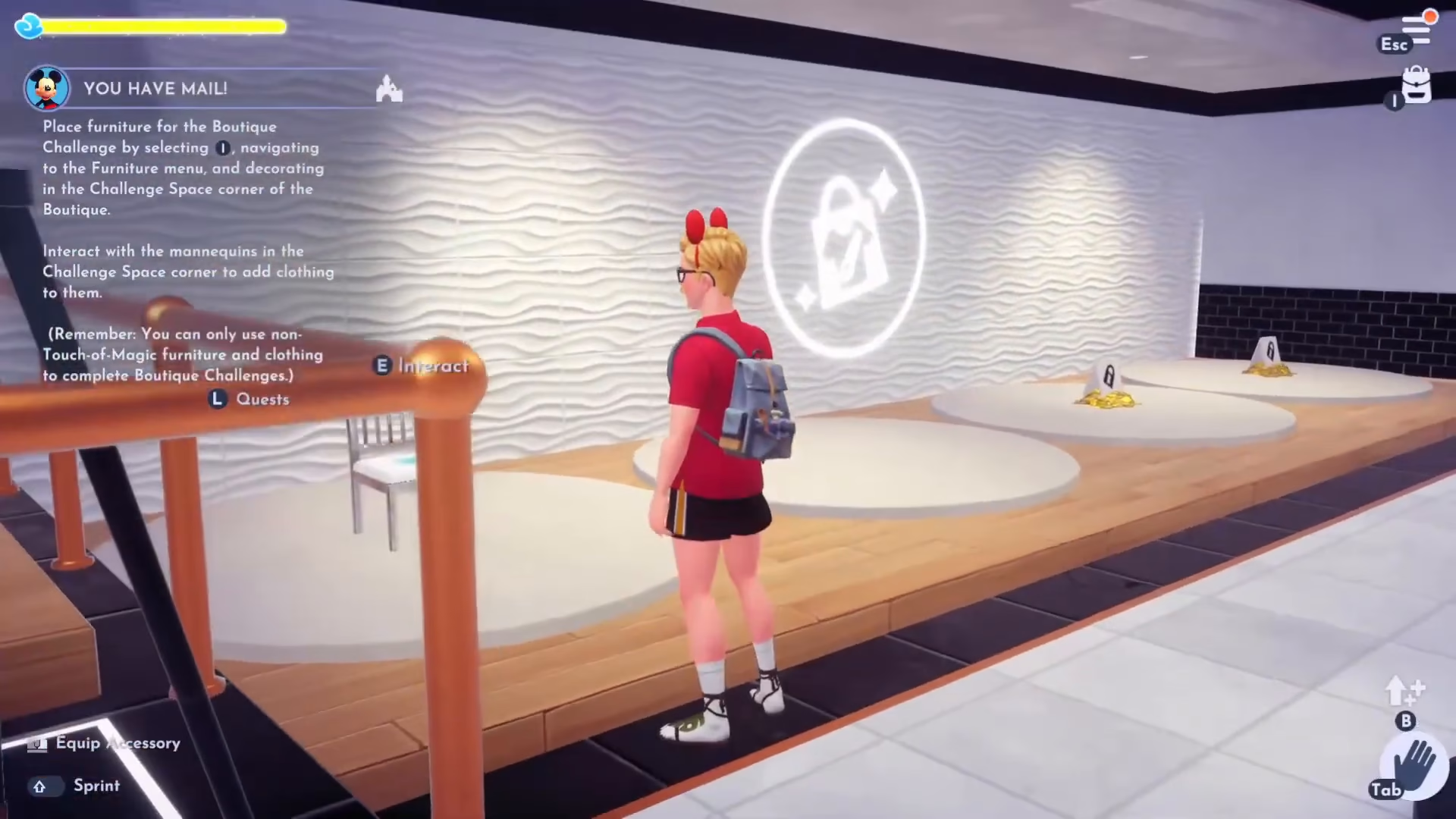
Completing Boutique Challenges
One of the key features of the boutique is the daily challenge system. Talk to Daisy inside your boutique to view the current challenge requirements. Note that boutique challenges require non-Touch of Magic furniture and clothing — you cannot use customized items for challenges.
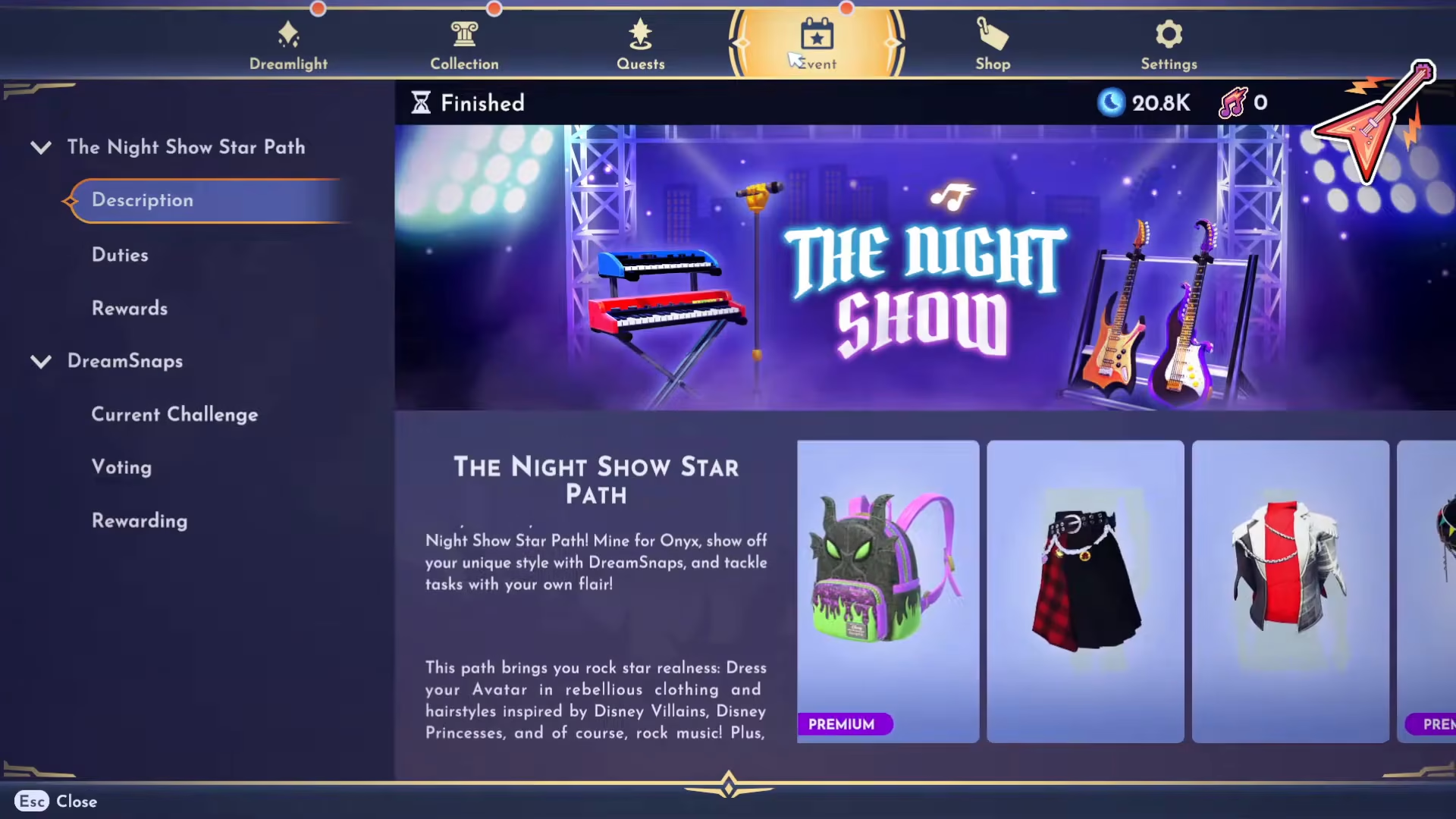
Understanding Challenge Requirements
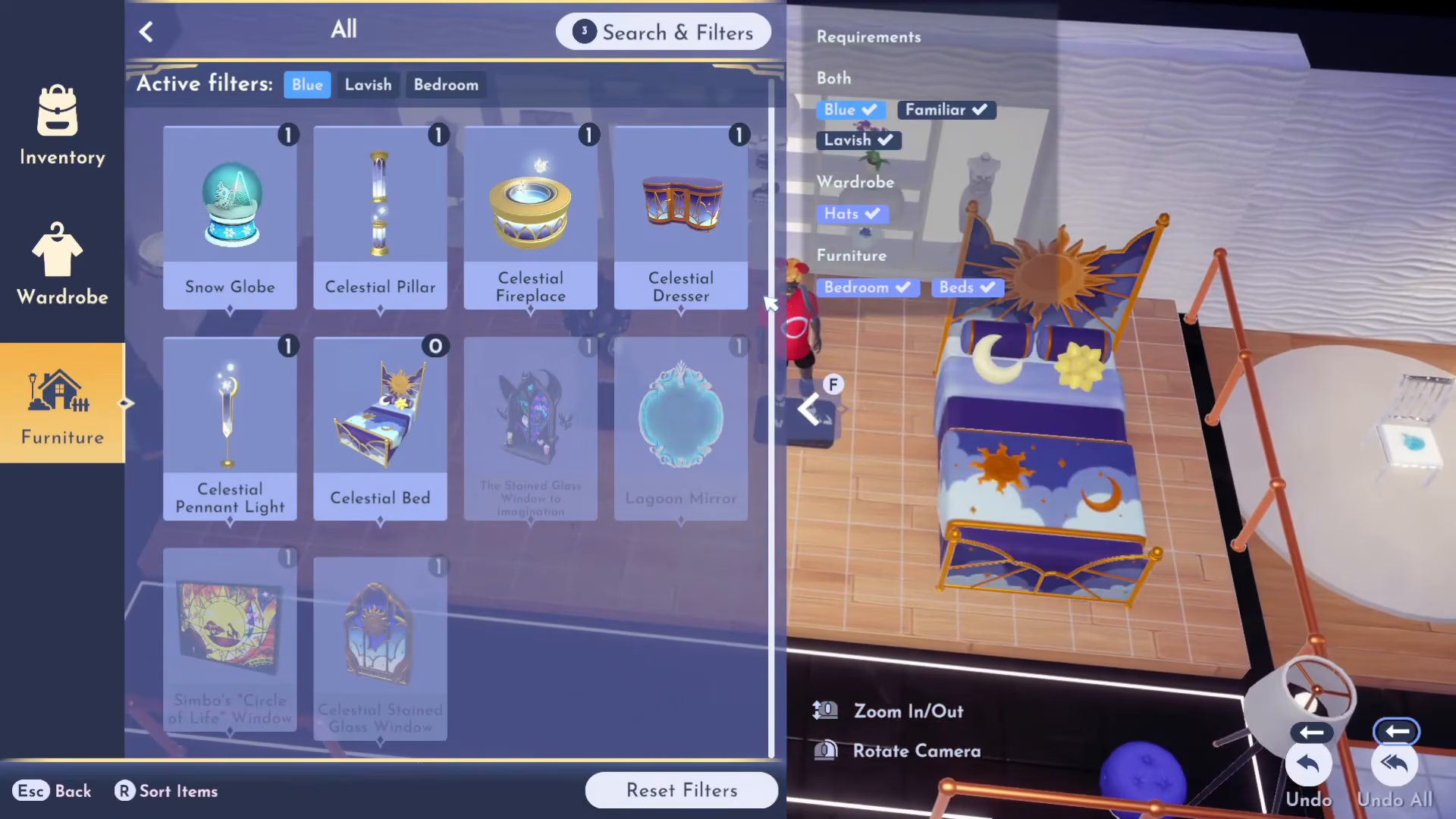
Each boutique challenge will specify certain requirements. For example, a challenge might ask you to design something that uses hats, beds, bedroom furniture, items that are blue, familiar, and lavish in style. These requirements help guide what items you should use.
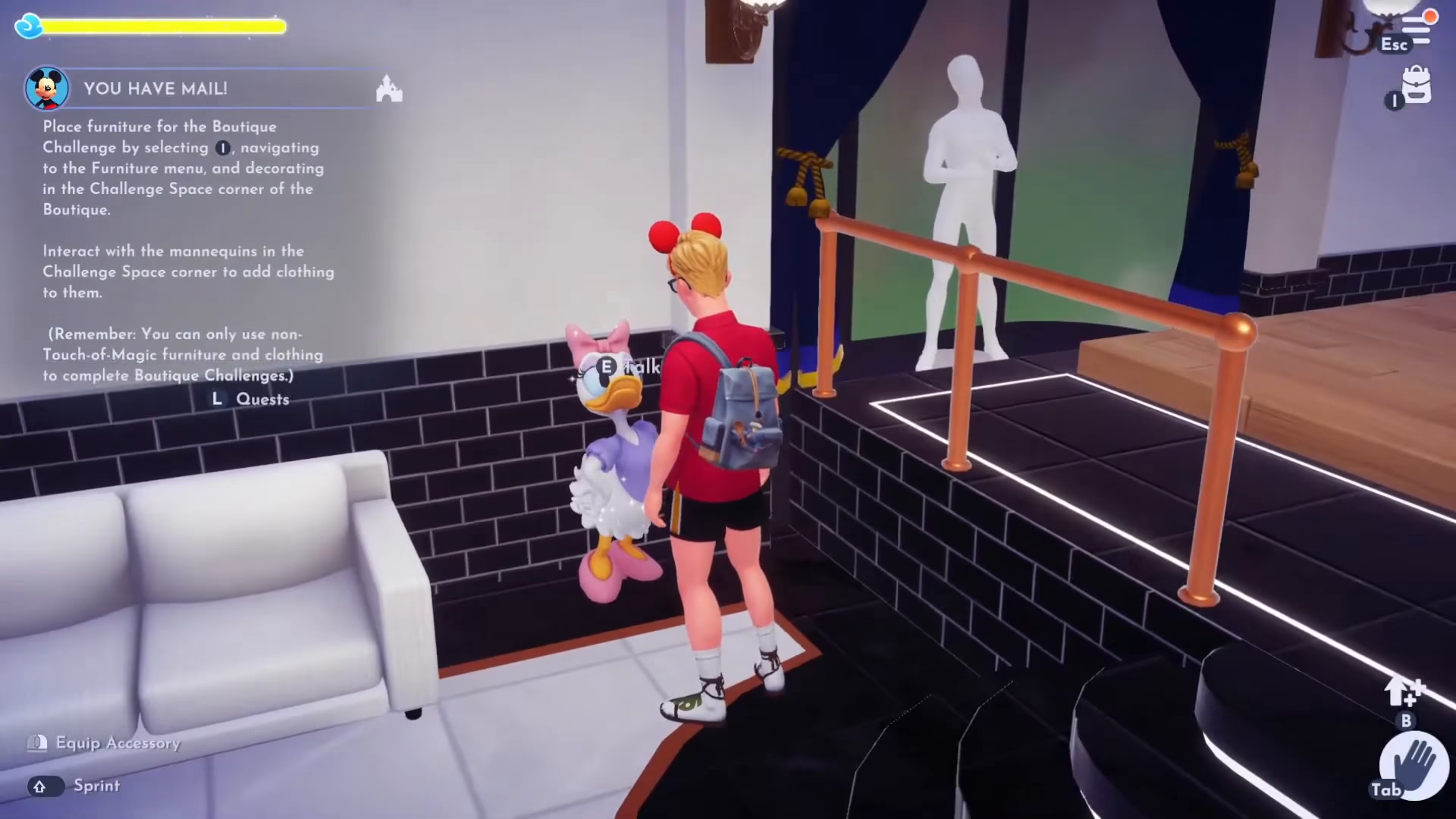
Finding Items That Meet Challenge Criteria
To find items matching the challenge requirements, go to your Furniture section and use the Search and Filters feature. You can filter by style (such as Lavish, Familiar) and color (such as Blue). Apply the filters to see only items that match your challenge criteria.
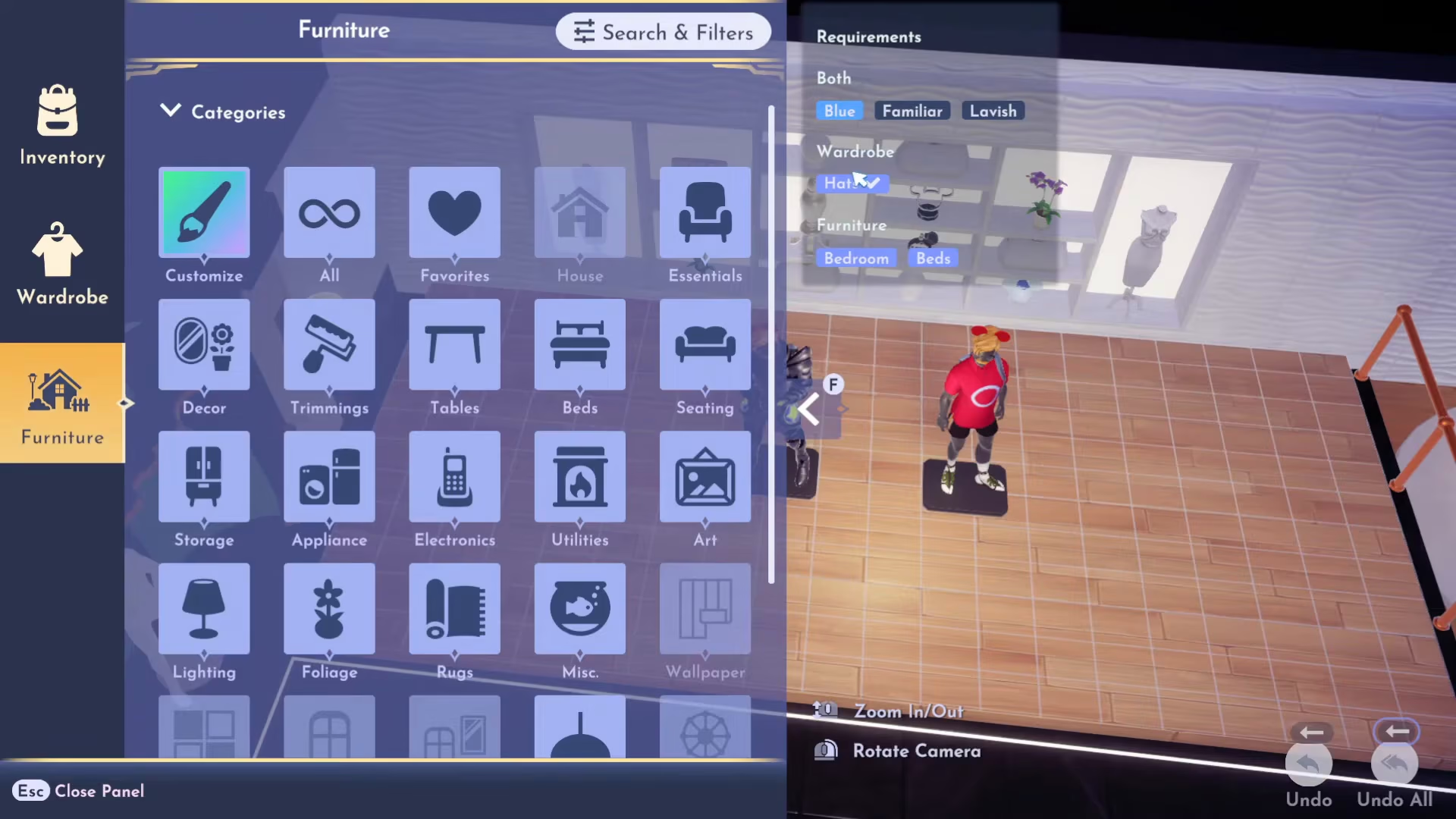
Place the filtered furniture and clothing items in the challenge area of your boutique display as specified.
Completing the Challenge and Earning Rewards
Once you’ve arranged all the items according to the challenge requirements, talk to Daisy to verify that you’ve completed the challenge correctly. If successful, she’ll confirm your completion and award you Daisy Coins as your reward.
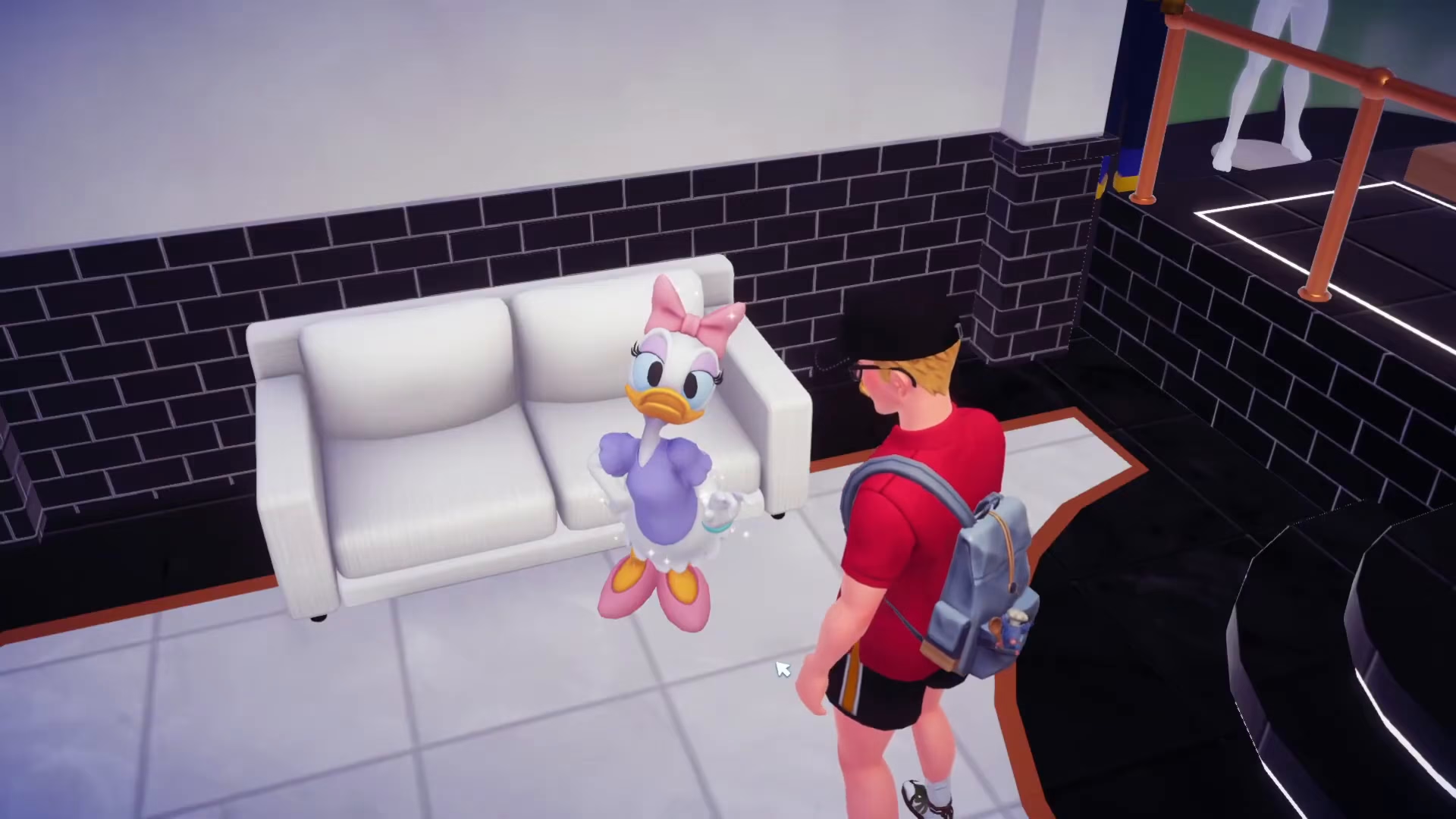
You can use Daisy Coins to purchase items from her, so completing challenges regularly is a great way to earn currency for the boutique shop.
Completing the Quest
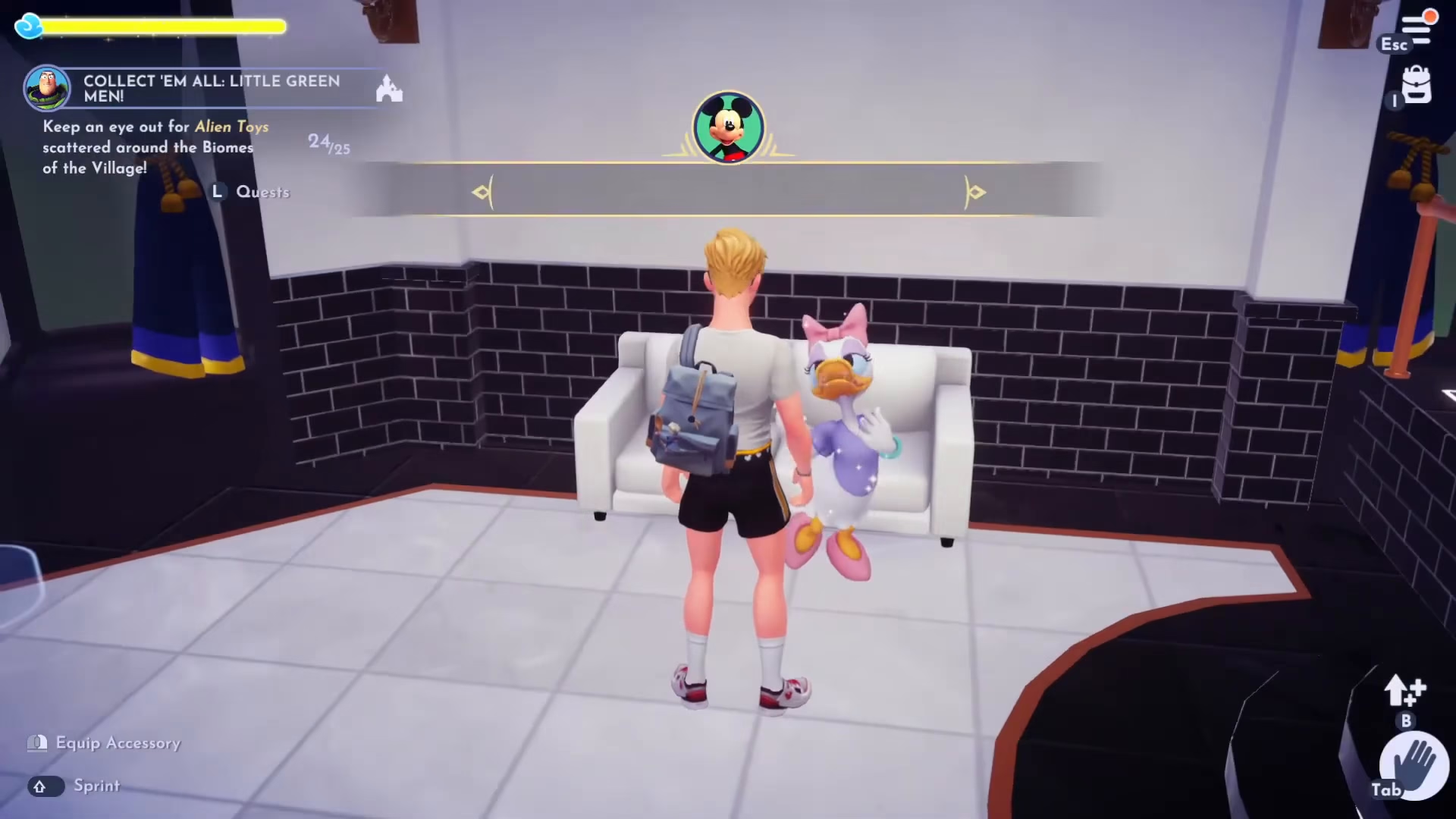
After you’ve set up your boutique displays and interacted with all the boutique features, talk to Daisy one final time to complete the “You Have Mail” quest.
Summary
Congratulations! You’ve successfully completed the “You Have Mail” quest in Disney Dreamlight Valley. This quest unlocks two major features: Daisy as a playable character and the boutique building where you can display custom clothing and furniture designs. The boutique also offers a daily challenge system that rewards you with Daisy Coins. Whether you’re interested in fashion design, furniture customization, or simply expanding your valley with new characters and buildings, the boutique adds a creative dimension to your Disney Dreamlight Valley experience.
Want to Support?
If you would like to help us continue making these guides – please consider joining our patreon here – https://www.patreon.com/c/JaviHeals
Alternatively – you can join our discord here – https://discord.gg/zD7Gjt6MHF