How to Enable God Mode and Cheat Mode in 7 Days to Die
How to Enable God Mode and Cheat Mode in 7 Days to Die
Want to explore 7 Days to Die without worrying about survival mechanics? Enabling cheat mode and god mode is a straightforward process that works whether you’re starting a new game or continuing an existing one. This guide walks you through every step to unlock creative freedom and powerful debugging tools.
Getting Started: Enable Creative Mode
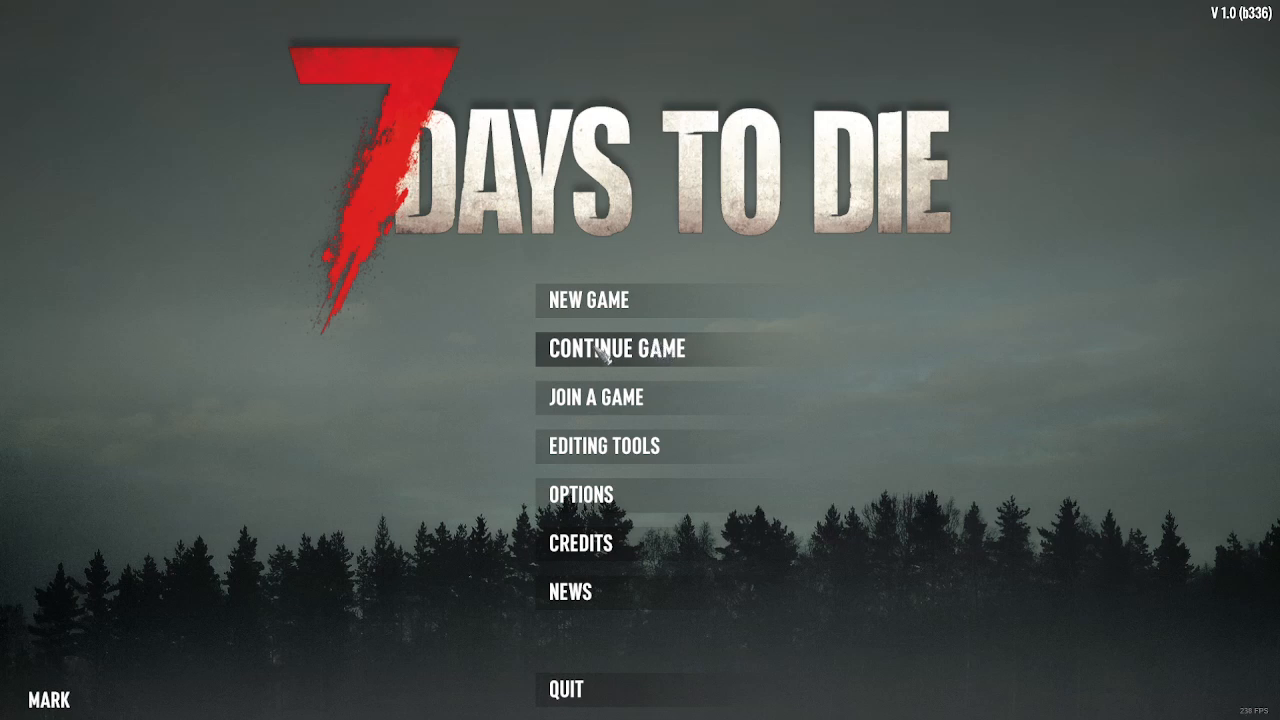
The first step is to enable Creative Mode, which serves as the foundation for accessing cheat features. When you launch the game, select either a new game or continue your existing save. Navigate to the Advanced Settings and toggle Creative Mode on.
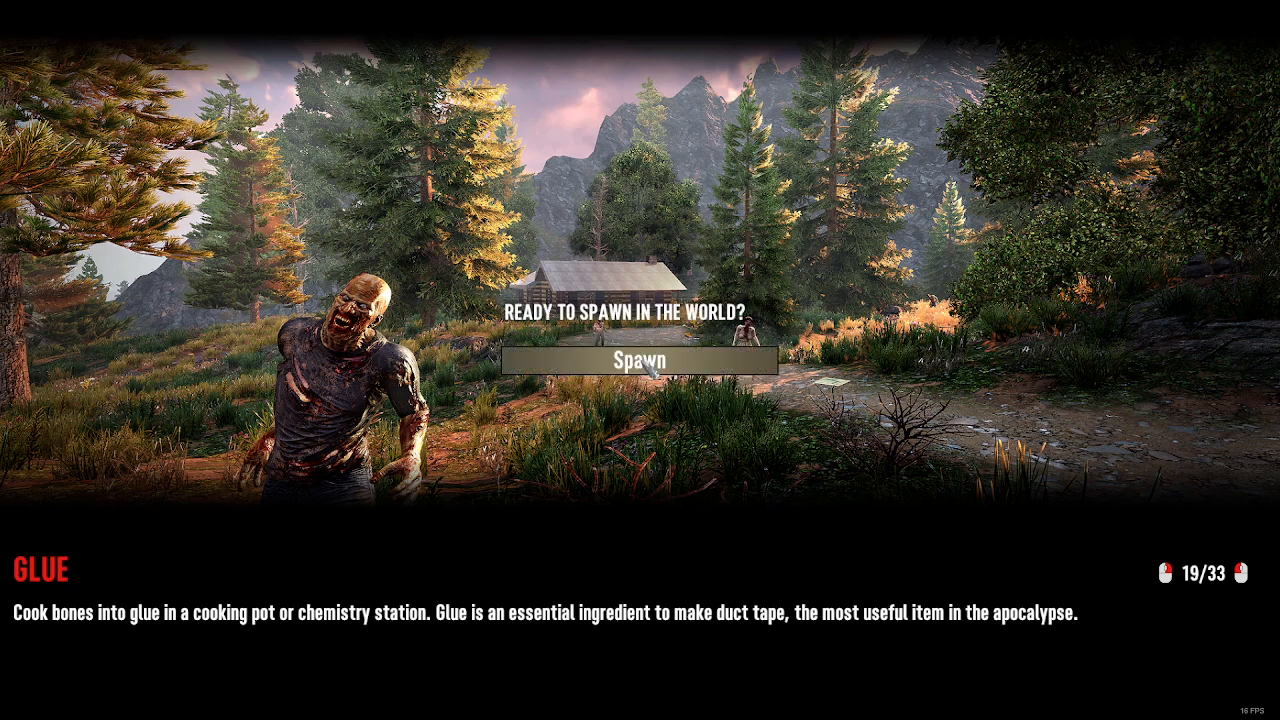
Once you’ve enabled Creative Mode, hit the Start button and wait for the world to load.
Activating the Debug Menu
After you’ve spawned into the world, you’ll need to access the console commands. Press F1 to open the console. Once it’s open, type dm to enable the Debug Menu.
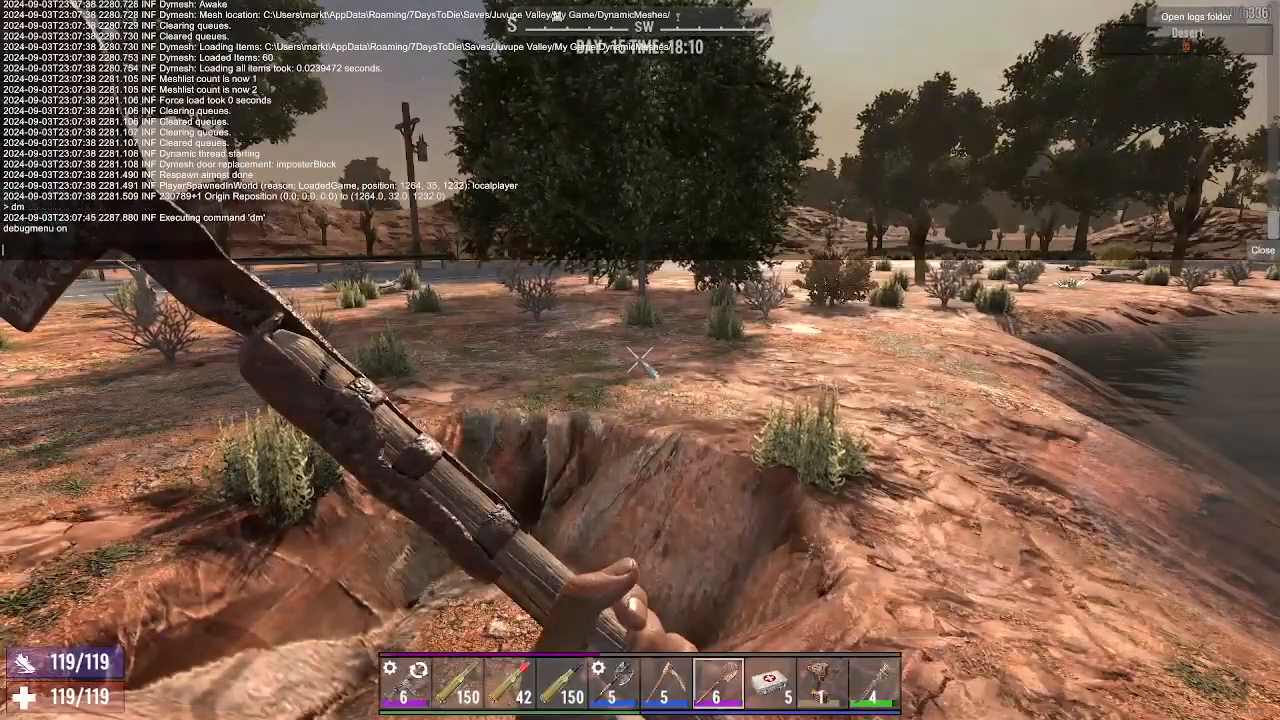
What the Debug Menu Offers
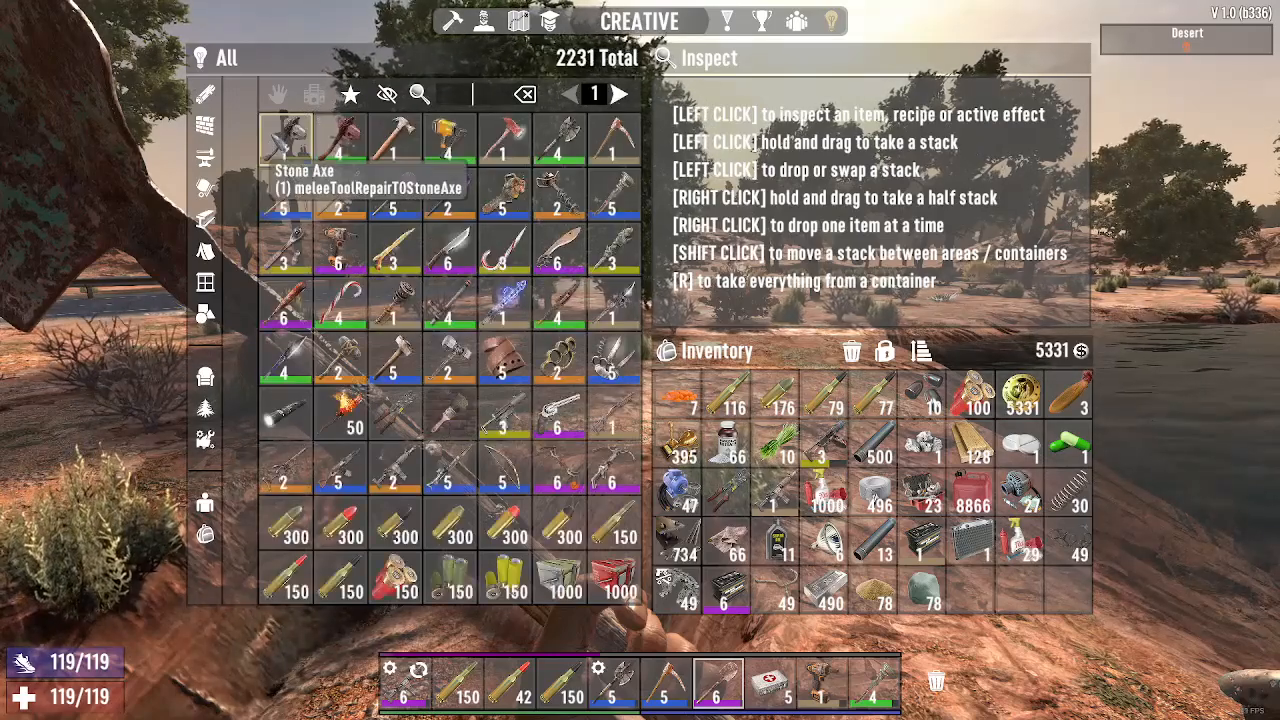
With the Debug Menu active and Creative Mode enabled, you gain access to every single item in the entire game. Simply type the item name into the console and it will appear in your inventory instantly. For example, type m60 to spawn an M60 rifle.
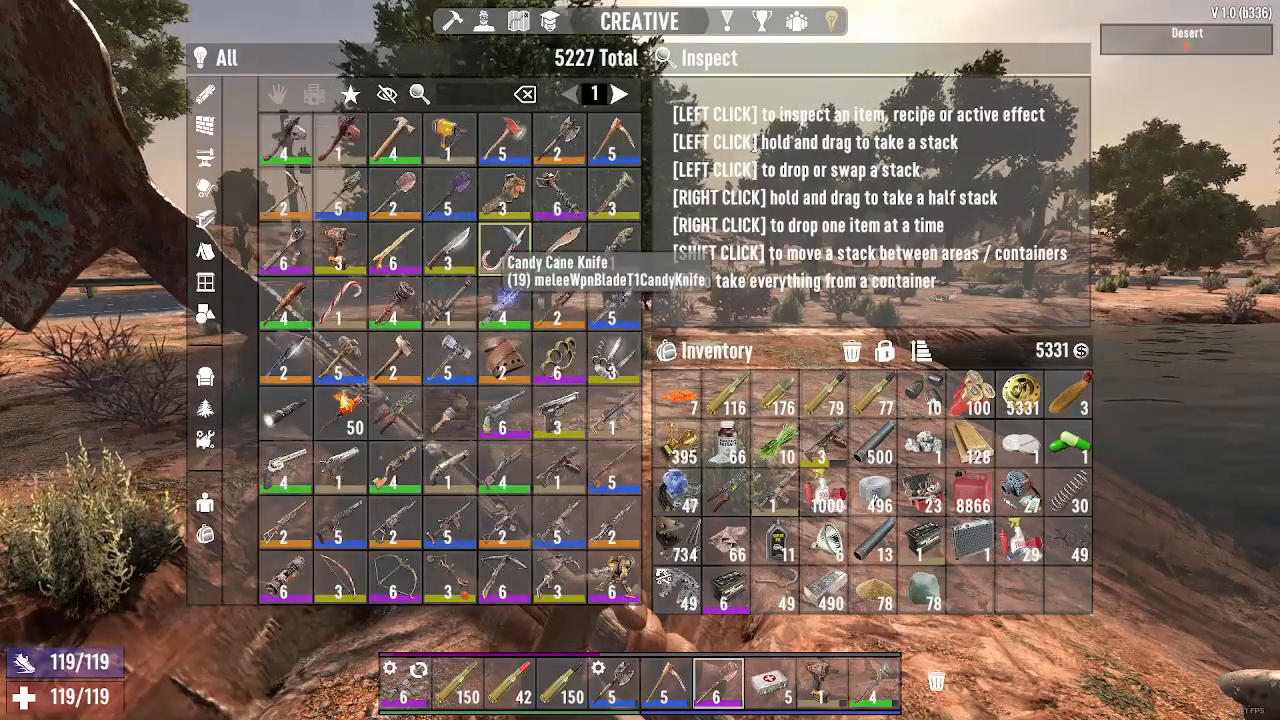
Enabling God Mode
To become invincible, press Q to toggle god mode on. Once activated, you cannot take damage, run significantly faster, and gain complete immunity from all threats in the game.
Exploring with the P.O.I. Teleporter
God Mode is perfect for players who want to focus on exploration rather than survival progression. While in god mode, press Escape to open the P.O.I. (Point of Interest) Teleporter. This tool allows you to instantly teleport to any P.O.I. across the entire map, making exploration seamless and efficient.
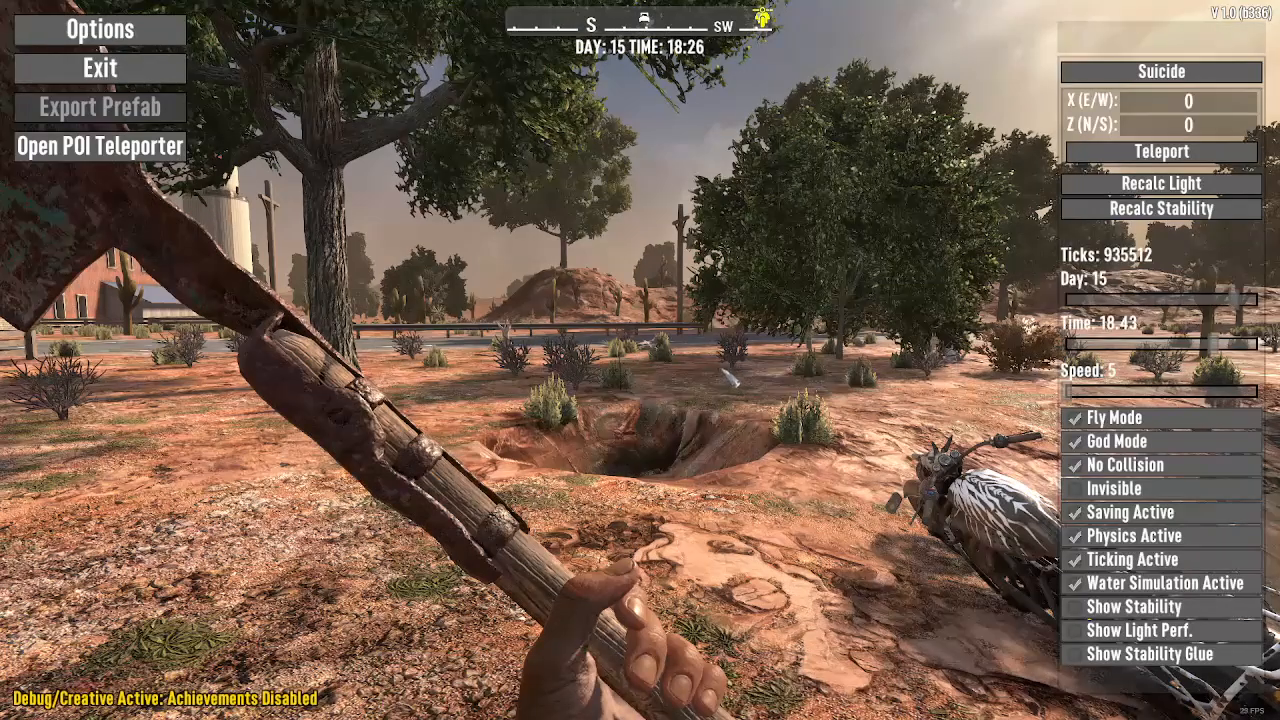
Summary
Enabling cheat mode and god mode in 7 Days to Die is simple: activate Creative Mode in Advanced Settings, press F1 and type dm to enable the Debug Menu, press Q to activate god mode, and use the P.O.I. Teleporter (accessible via Escape) to explore the map freely. Whether you’re looking to test items, explore the world, or simply enjoy the game without survival pressure, these tools provide the ultimate creative freedom.
— Want to Support? —
If you would like to help us continue making these guides – please consider joining our patreon here – https://www.patreon.com/c/JaviHeals
Alternatively – you can join our discord here – https://discord.gg/zD7Gjt6MHF