
How to Make Ramps in 7 Days to Die
How to Make Ramps in 7 Days to Die
Building ramps in 7 Days to Die is a simple yet essential skill for creating vehicle access to your structures. Whether you’re constructing a dedicated garage or need a quick way to drive your vehicles uphill, this guide will show you the fastest method to transform any block into a functional ramp.
Creating Ramps: Step-by-Step Guide
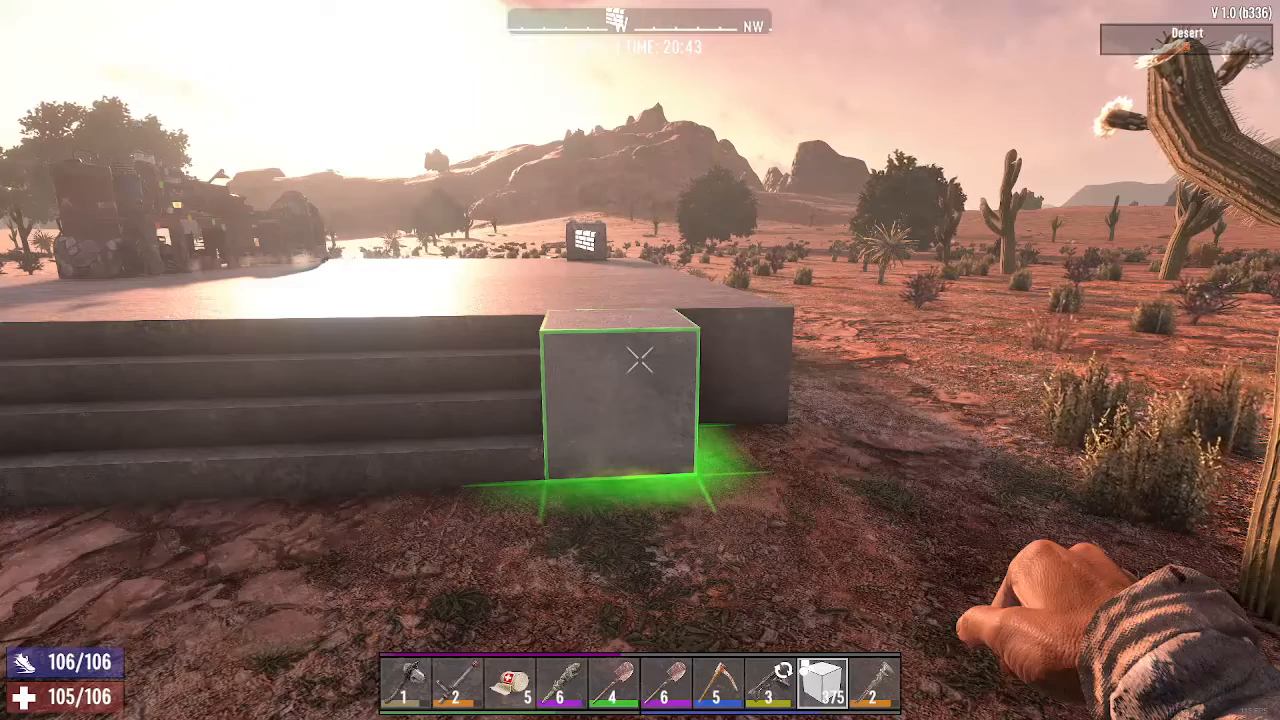
Step 1: Select Your Block
Start by choosing the type of block you want to convert into a ramp. You can use any block material available in your inventory—concrete, wood, stone, or any other building material works perfectly for this purpose.
Step 2: Access the Block Shapes Menu
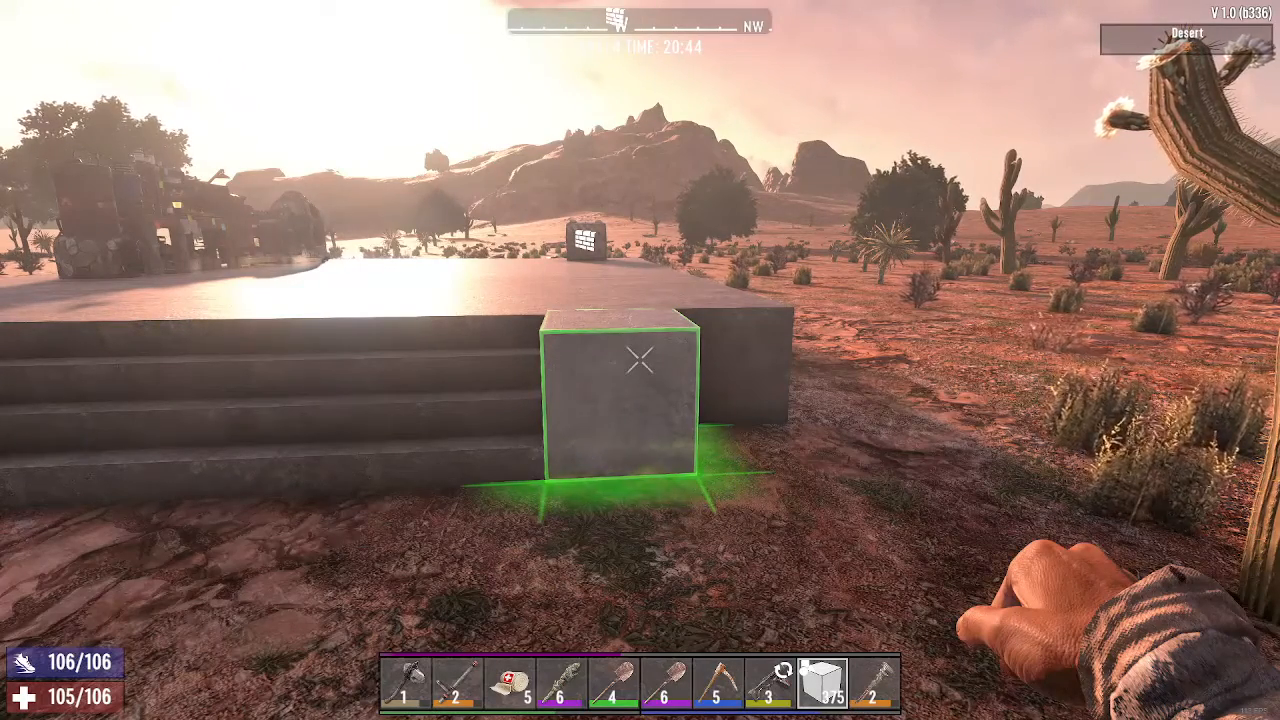
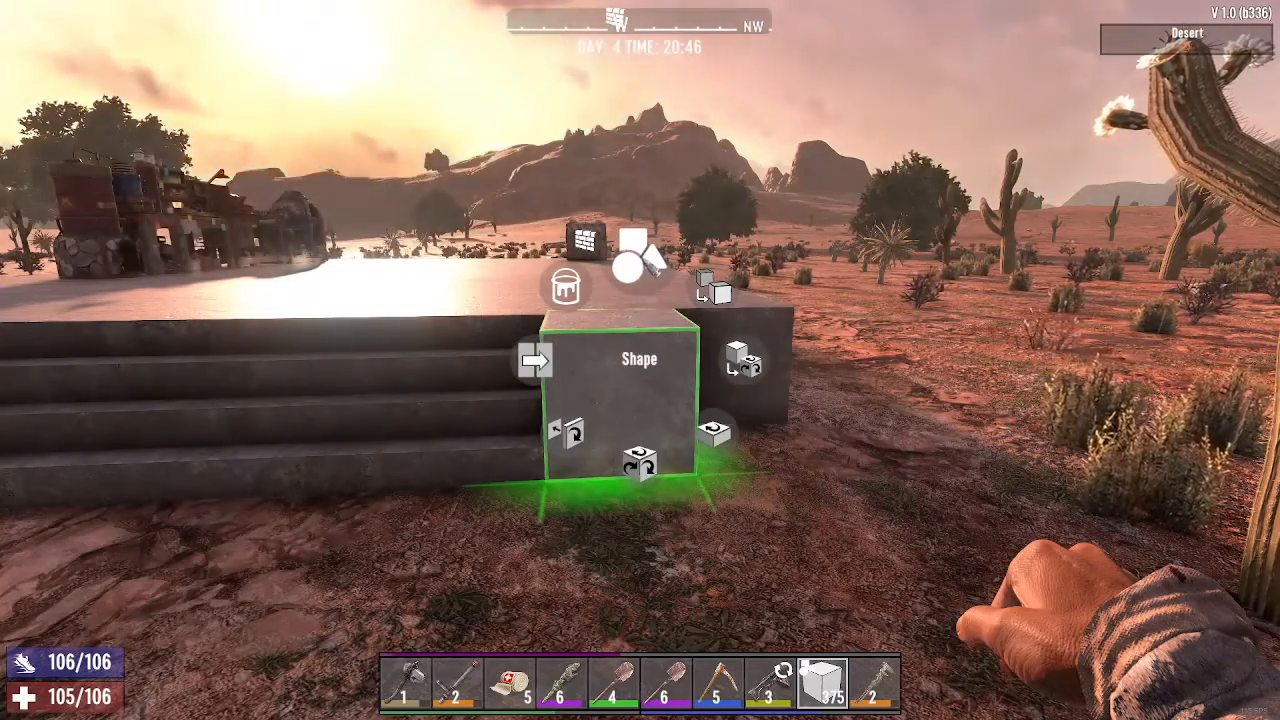
Hold down the reload button (your baseline key) while hovering over your selected block. This will open the shapes customization menu.
Step 3: Select the Ramp Shape
In the shapes menu, navigate to the top middle section. Look for the second shape from the right on the top row—this is the ramp shape. Click on it to select it.
Step 4: Confirm Your Selection
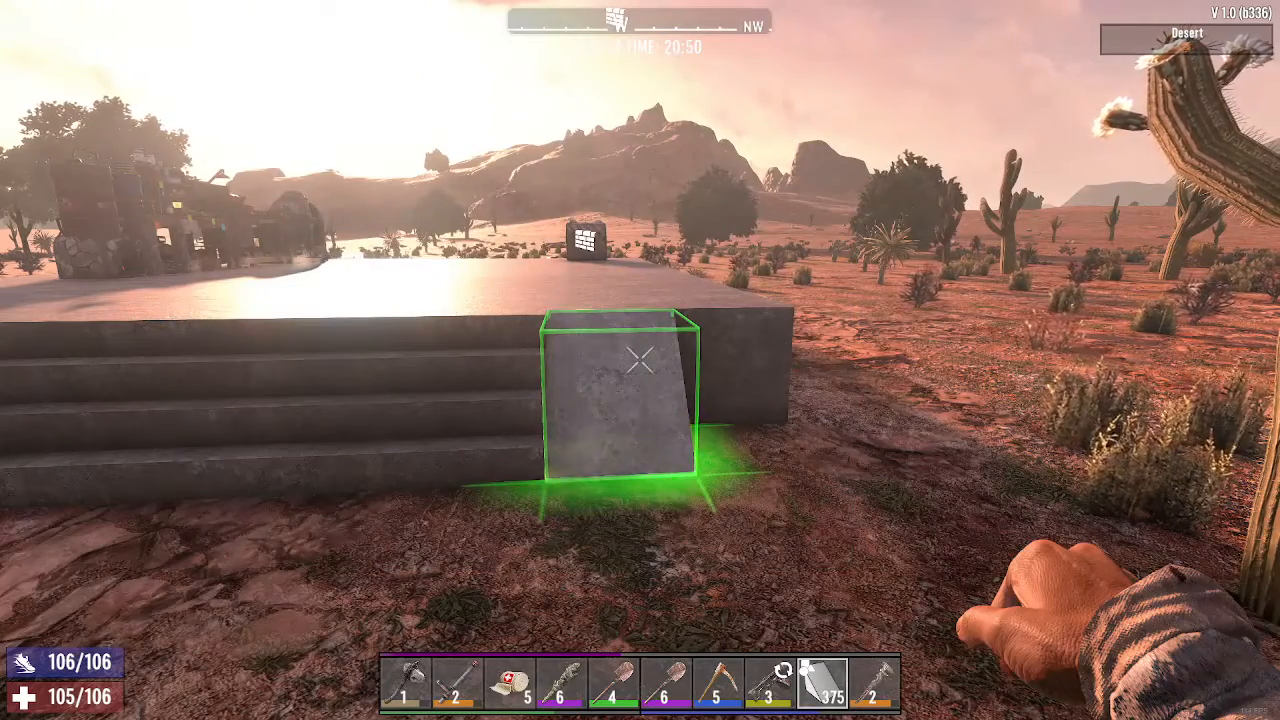
Press the escape key to close the menu and apply the ramp shape to your block. Your block will instantly transform into a functional ramp that you can drive your vehicles up.
Summary
Making ramps in 7 Days to Die is quick and straightforward. By holding your reload button, accessing the shapes menu, and selecting the ramp shape from the top row options, you can instantly convert any block into a vehicle ramp. This simple technique is perfect for creating garages, vehicle access routes, or any structure where you need angled surfaces for movement.
Want to Support?
If you would like to help us continue making these guides – please consider joining our patreon here – https://www.patreon.com/c/JaviHeals Alternatively – you can join our discord here – https://discord.gg/zD7Gjt6MHF