
How To Remove Stones In Farming Simulator 25
How To Remove Stones In Farming Simulator 25
Stones on your fields in Farming Simulator 25 can cause serious damage to your equipment and lead to expensive repairs. This guide will walk you through everything you need to know about identifying stones, removing them efficiently, and selling them for profit.
Understanding Stones in Farming Simulator 25
Stones appear on your fields as small dots scattered across the terrain. They have a significant impact on your farming operations—they can damage your equipment, including combines, and lead to costly repairs. Understanding the different types of stones is crucial for effective field management.
Stone Classification System
Farming Simulator 25 uses a color-coded system to classify stones based on severity. You can view this information by enabling soil composition data on your field map.
Yellow Stones
Yellow stones are the least problematic type. These small stones don’t cause significant equipment damage and can be managed with a roller instead of a stone picker. By using a roller across your field, you’ll improve the upper soil quality and push the yellow stones back into the soil, making them harmless.
Orange and Red Stones
Orange and red stones are more serious and must be removed using a stone picker. These stones pose a genuine threat to your equipment and can quickly lead to expensive repairs if left unaddressed.
What You Need: The Stone Picker
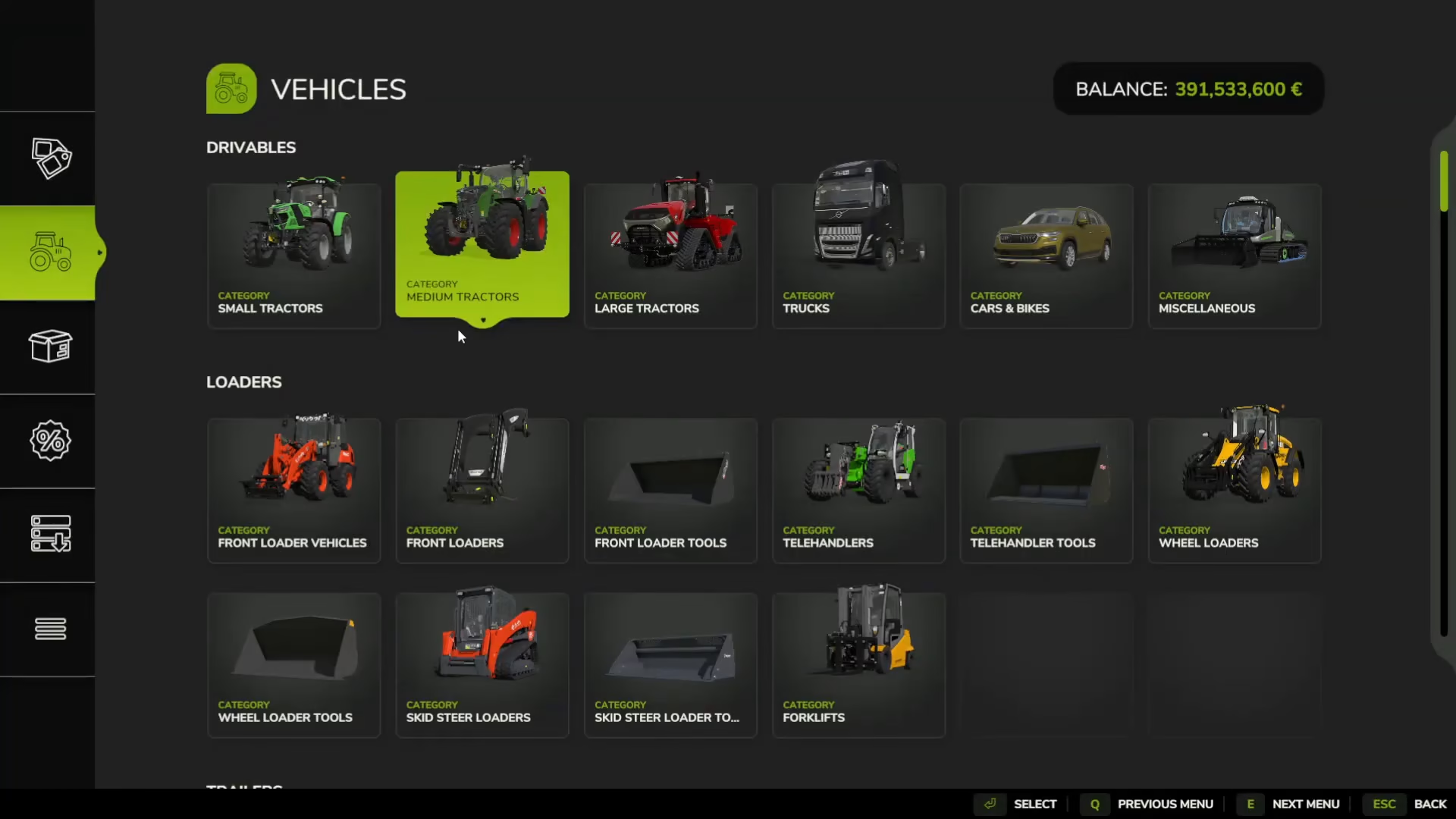
To remove orange and red stones, you’ll need a stone picker—the distinctive orange machine used for this task. The stone picker is located in the shop under the “Soil cultivation” category.
Setting Up Your Stone Picker
Once you’ve purchased a stone picker, attach it to your tractor and unfold it just like any other farming machine. Drive the stone picker across your field in the areas where you’ve identified orange or red stones. The machine will automatically collect the stones as you work.

Checking Your Field for Stones
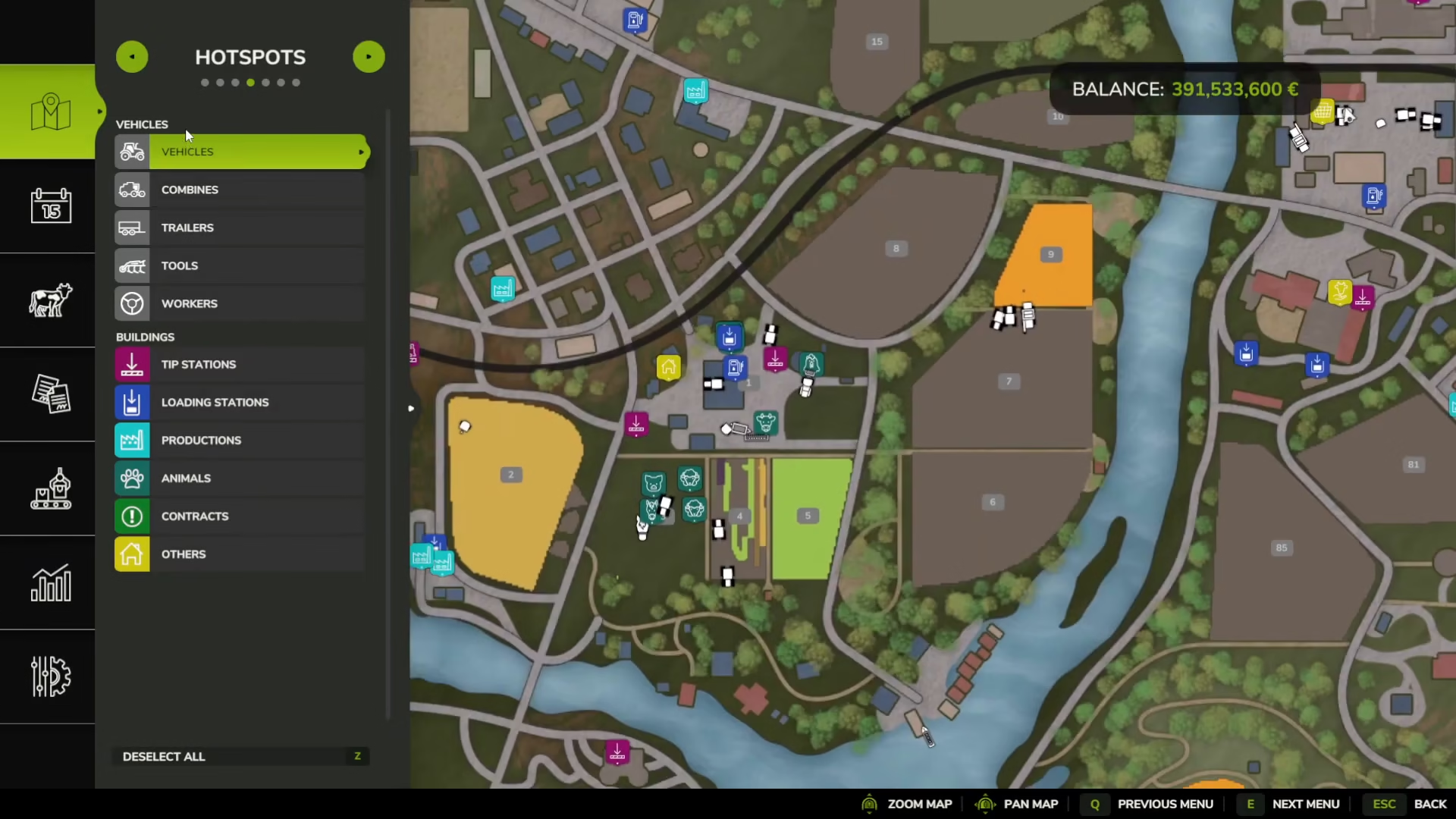
Before you start stone removal, you need to identify which fields have stones and how severe the problem is. Access your field information through the soil composition menu and enable the stones layer. This will display your field’s stone distribution using the color-coded system: yellow, orange, and red.
The Stone Picker Process
When you operate the stone picker, it collects stones just like a combine harvester collects grain. However, unlike grain, you can’t keep stones—they need to be offloaded at a designated location.
Where to Sell Your Stones
You can sell collected stones at the cement factory. To locate the cement factory and plan your route, access the statistics menu and search for “stones.” The cement factory will be marked on your map with a sell price displayed. Press the tag/place option to activate a navigation marker (shown as a red circle) that will guide you to the drop-off location.
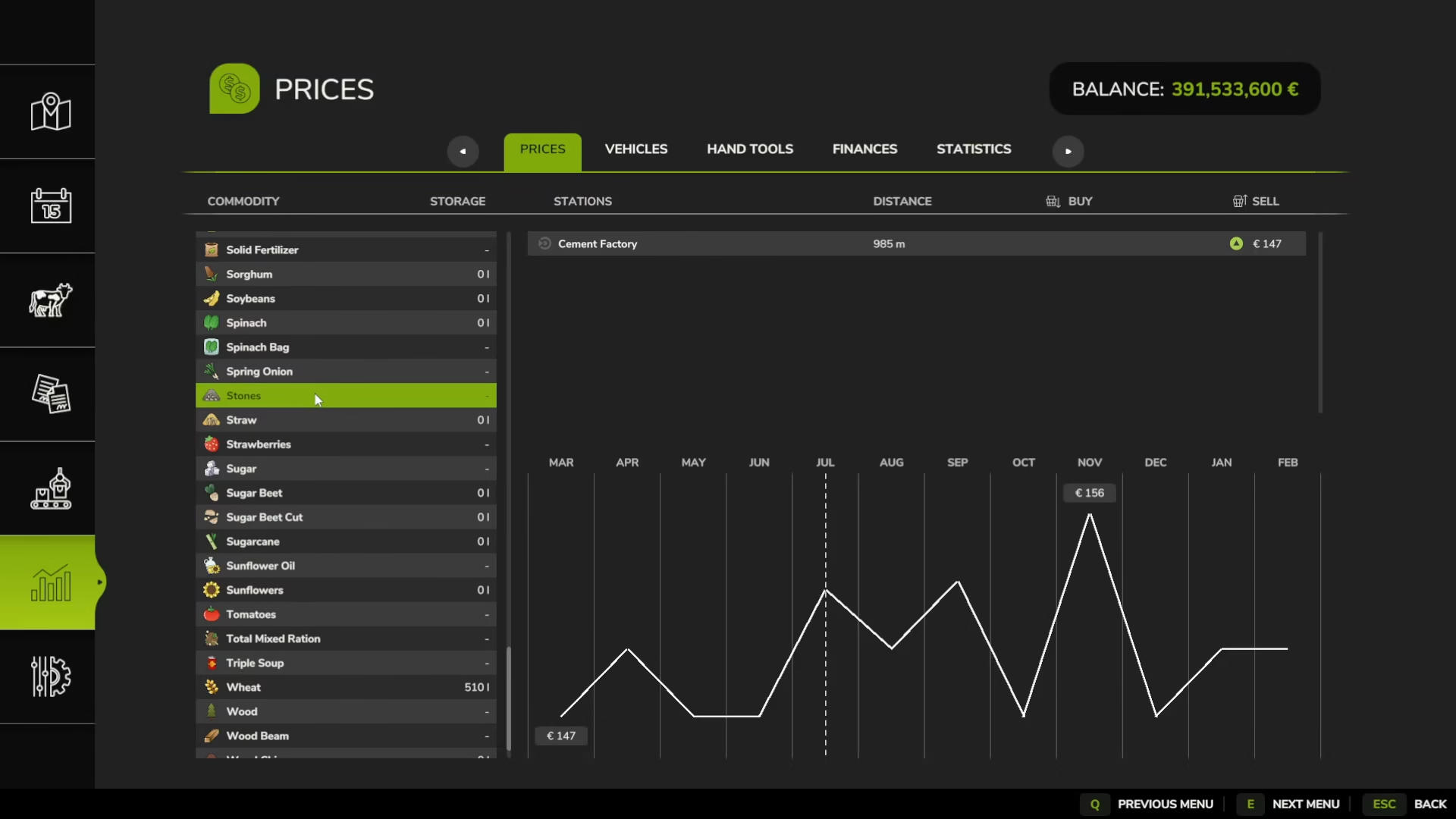
Once you arrive at the cement factory, offload your stones to complete the process and earn money from the sale.
Summary
Removing stones from your fields in Farming Simulator 25 is an essential maintenance task that protects your equipment and prevents expensive repairs. Use rollers for yellow stones to improve soil quality, and always use a stone picker for orange and red stones. Once collected, transport your stones to the cement factory to sell them and clear your fields completely. With this method, your fields will remain in excellent condition and your equipment will last much longer.
Want to Support?
If you would like to help us continue making these guides – please consider joining our patreon here – https://www.patreon.com/c/JaviHeals
Alternatively – you can join our discord here – https://discord.gg/zD7Gjt6MHF