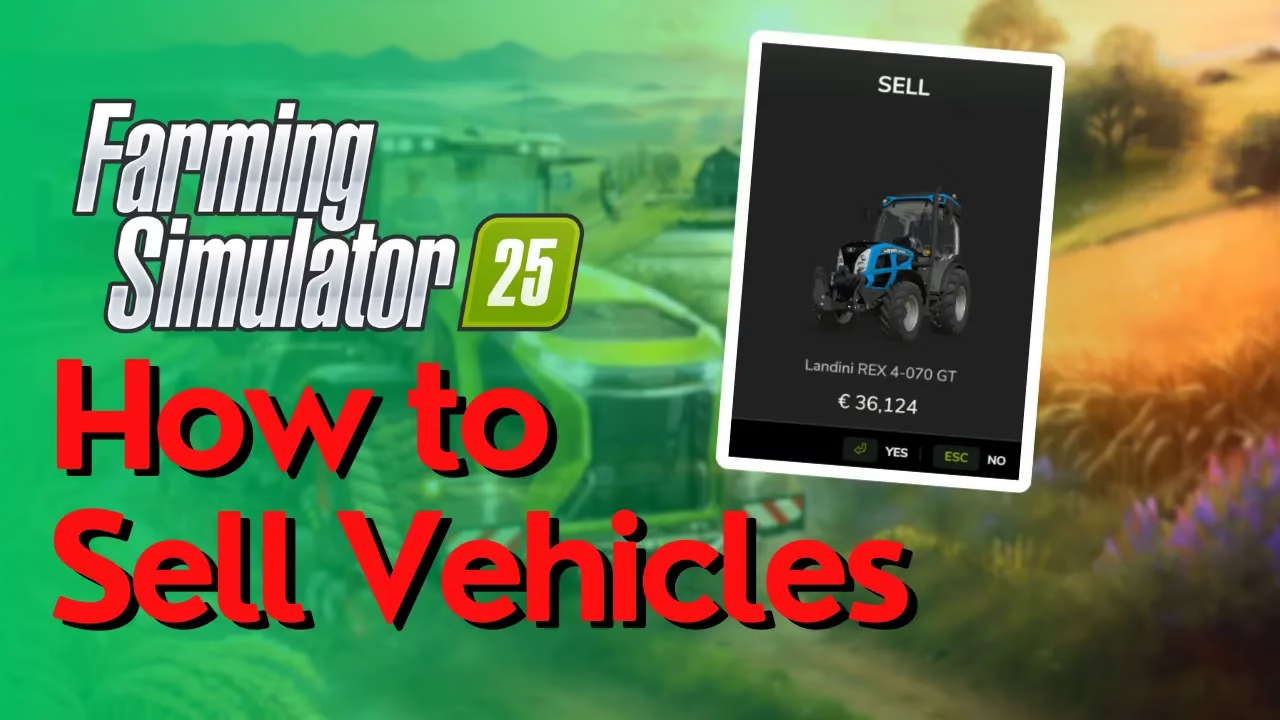
How To Sell Vehicles In Farming Simulator 25
How To Sell Vehicles In Farming Simulator 25
Learning how to sell vehicles in Farming Simulator 25 is essential if you want to manage your farm efficiently and avoid being stuck with equipment you don’t need. This guide will walk you through the straightforward process of selling any vehicle at your farm’s store.
Getting Started: Purchase a Vehicle
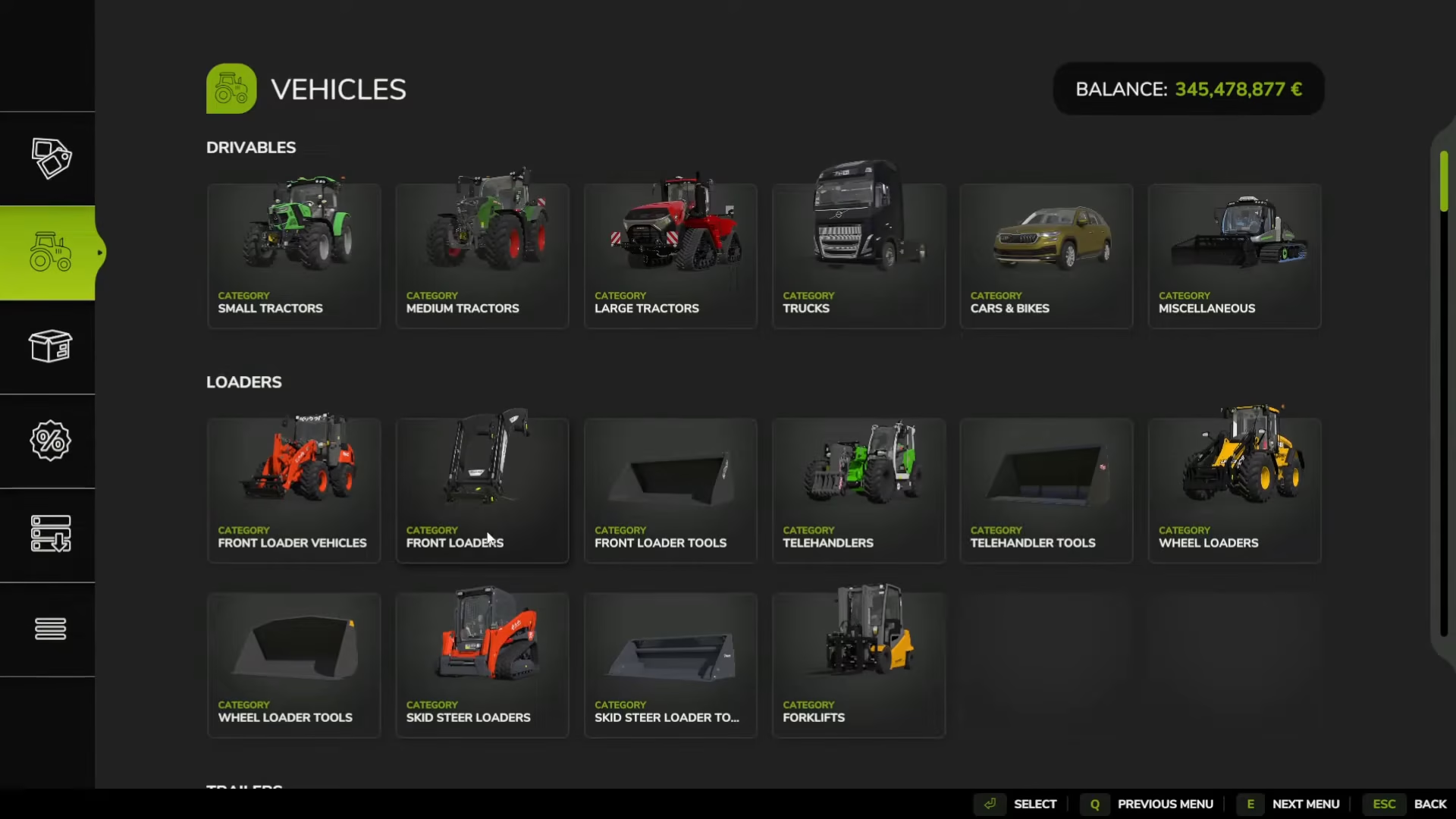
To demonstrate the selling process, you’ll first need to have a vehicle to sell. Visit your farm store and purchase any vehicle—in this example, we’ll be buying a tractor to show you the complete workflow from purchase to sale.
Locating Your Farm Store
The store in Farming Simulator 25 is marked by a yellow basket icon on your map. Navigate to this location—the exact position may vary depending on which map you’re playing on. Once you arrive at the store, look for the green garage areas nearby.
Driving to the Designated Sale Area
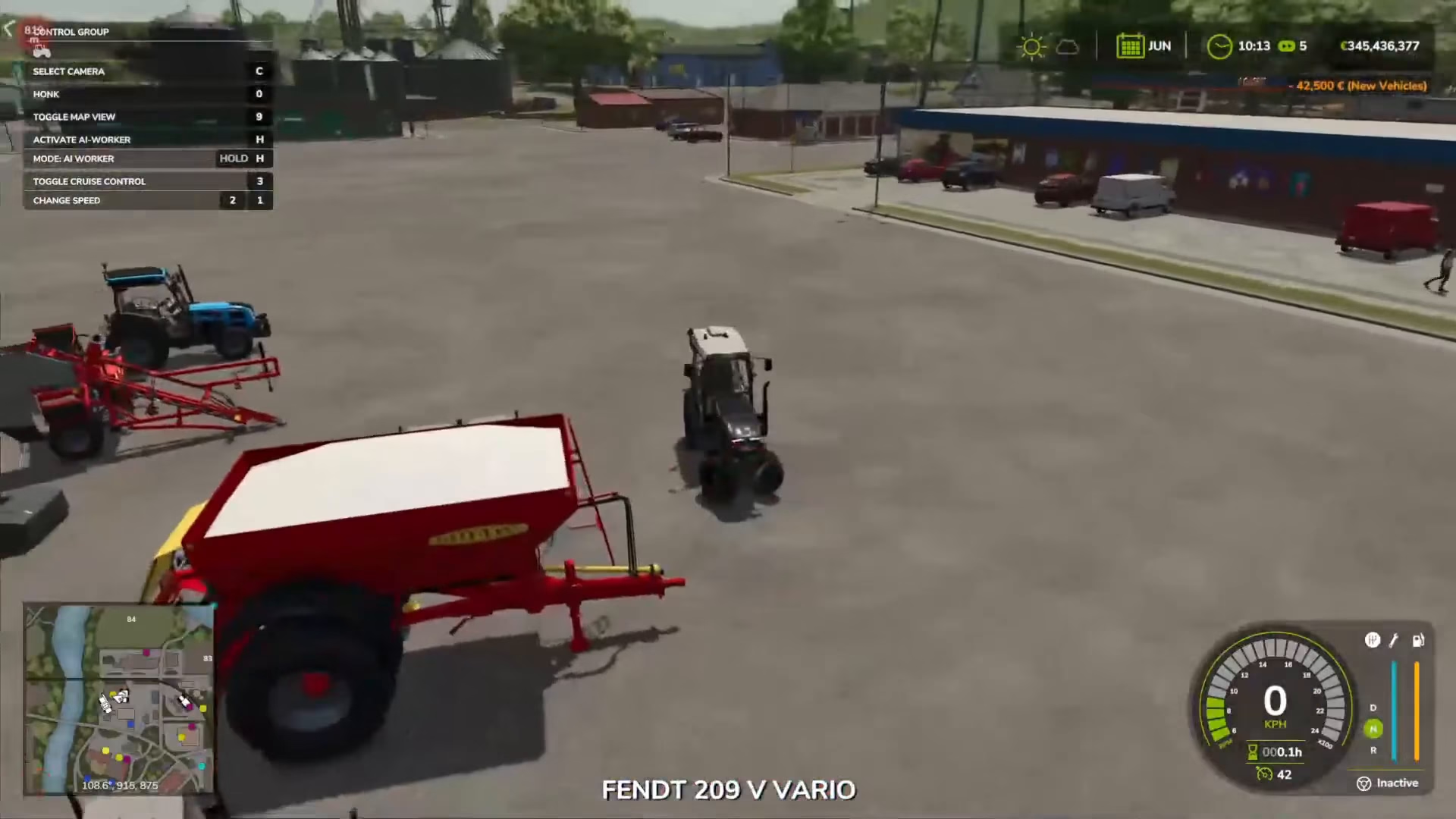
Drive your vehicle into the green garage area marked at the store. You’ll notice caution guidelines indicating where to position your vehicle. Make sure to stay within these marked boundaries to activate the sale menu.
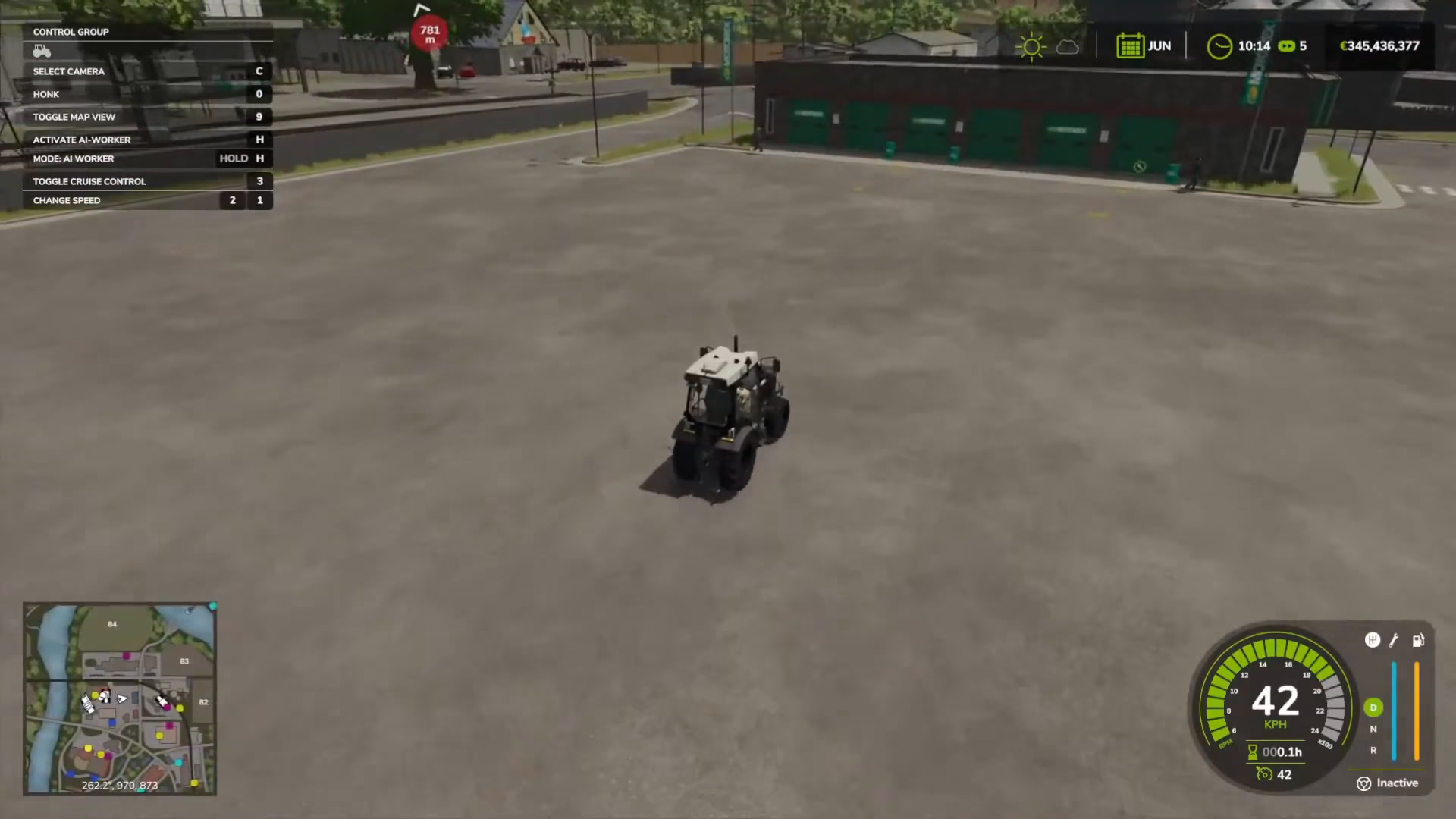
Selling Your Vehicle
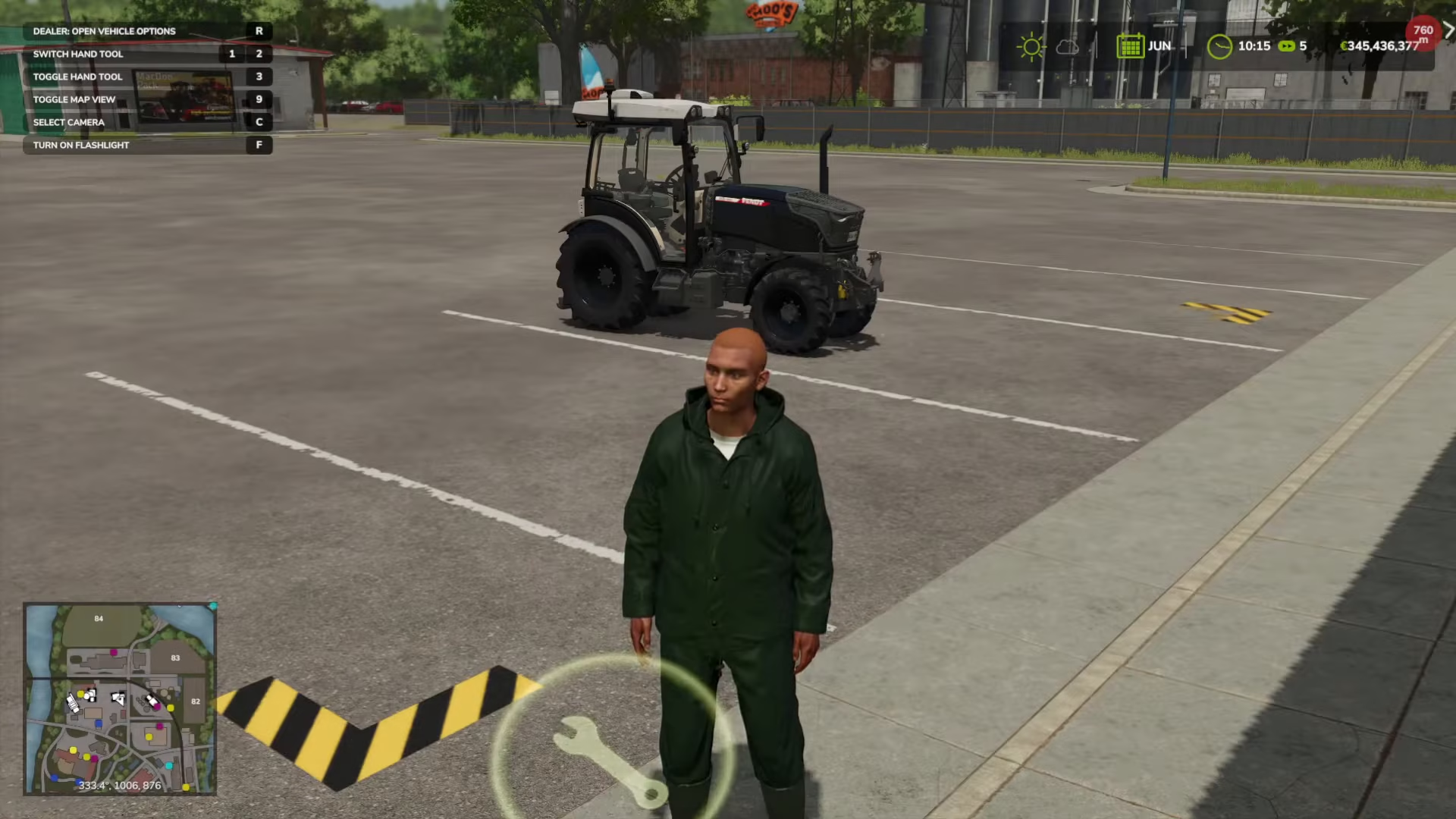
Once your vehicle is positioned correctly in the garage area, a repair icon will appear on your screen. Press the R key (Romeo) to interact with the NPC at the sale location. On console, check the on-screen key binds for the correct button to press.
At the bottom of your screen, you’ll see a prompt asking if you want to sell the vehicle. Select “Yes” to confirm the sale. Your vehicle will immediately be sold, and you’ll receive payment for it.
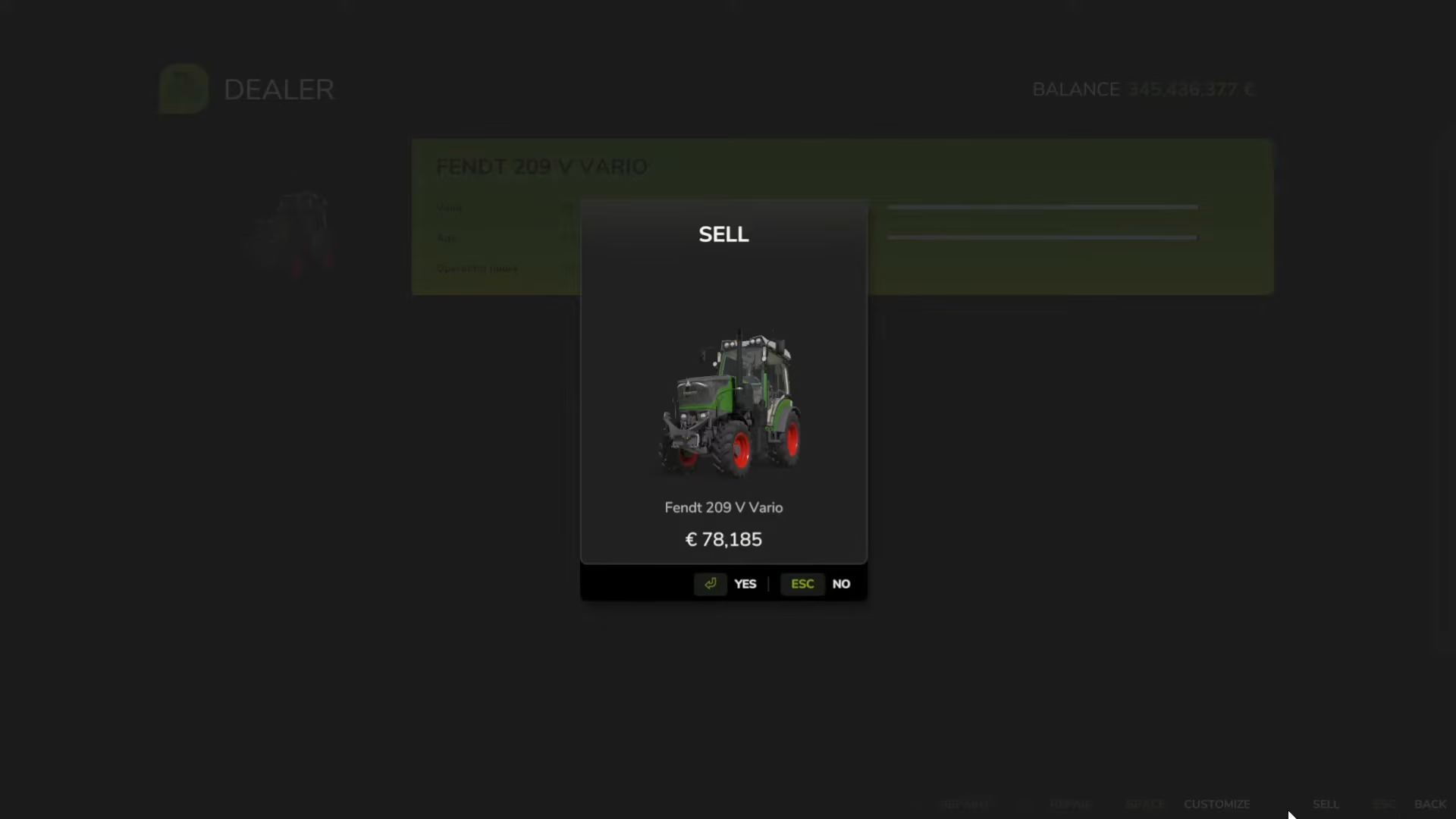
Summary
Selling vehicles in Farming Simulator 25 is a simple three-step process: locate the yellow basket store icon on your map, drive your vehicle into the green garage area, and press R to interact with the NPC. Confirm the sale when prompted, and you’re done! This mechanic makes it easy to adjust your vehicle inventory and avoid equipment you no longer need.
— Want to Support? —
If you would like to help us continue making these guides – please consider joining our patreon here – https://www.patreon.com/c/JaviHeals
Alternatively – you can join our discord here – https://discord.gg/zD7Gjt6MHF