
How To Speed Up & Slow down Time in Farming Simulator 25
How To Speed Up & Slow Down Time in Farming Simulator 25
Managing time and seasonal progression is essential for an efficient farming experience in Farming Simulator 25. Whether you want to accelerate through your farming tasks or slow down for a more realistic gameplay experience, the game’s settings menu provides multiple options to customize your time scale. This guide walks you through all the available time and season adjustment options.
Accessing Game Settings
To begin adjusting your time settings, press Escape to open the main menu.
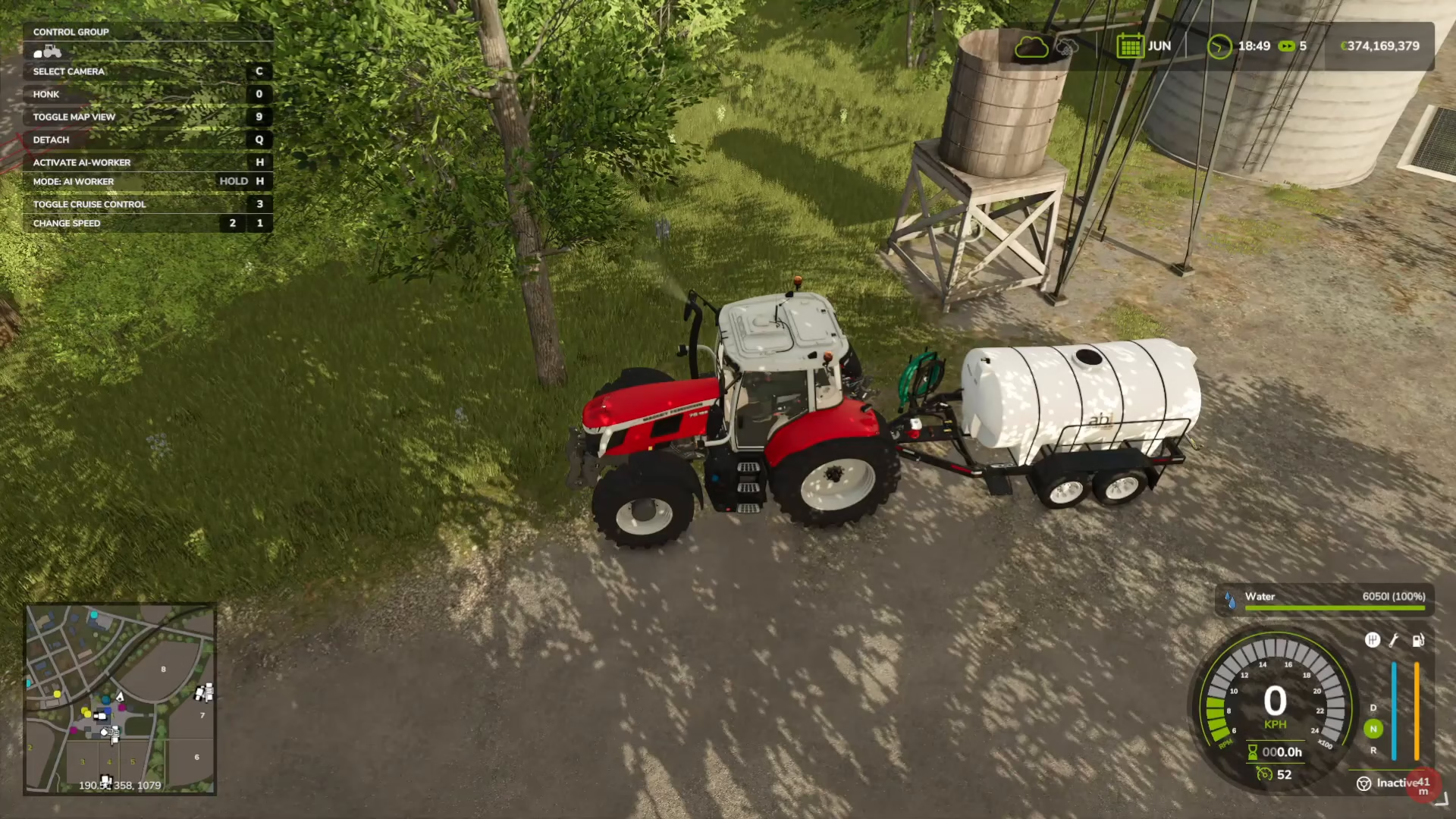
From here, navigate to Settings and then select Game Settings. This is where you’ll find all the time and season adjustment controls you need.
Time Scale Options
The Time Scale setting allows you to control how fast or slow time passes in your game. You have numerous multiplier options available:
3x speed
2x speed
5x speed
6x speed
10x speed
15x speed
30x speed
60x speed
120x speed
240x speed
360x speed
0.5x speed (slow motion)
Real time (1x)
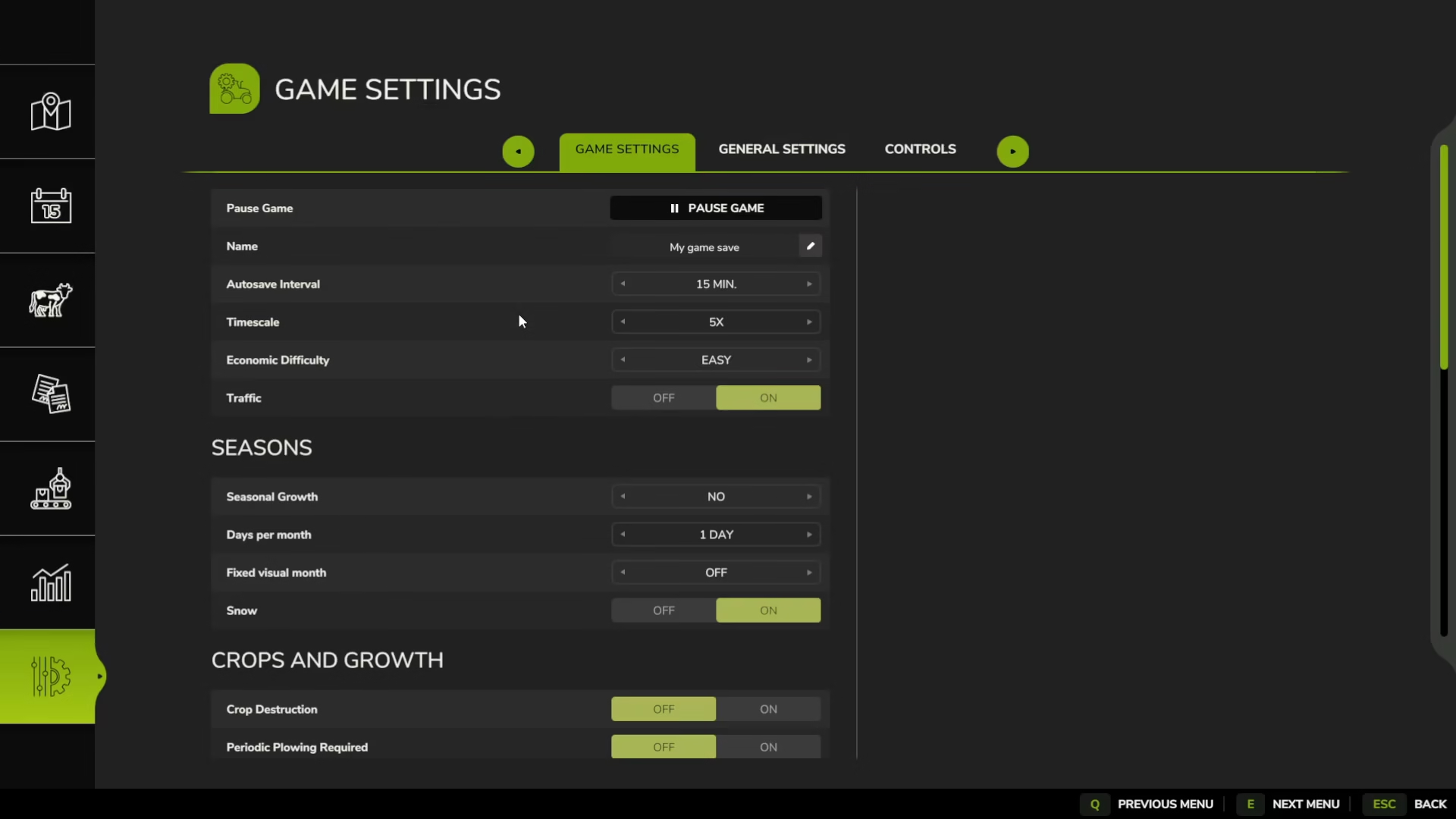
Choose whichever multiplier best suits your playstyle. If you prefer faster farming cycles and less waiting, higher multipliers like 120x or 240x are ideal. For a more immersive, slower-paced experience, stick with lower multipliers or real time.
Seasonal Growth Settings
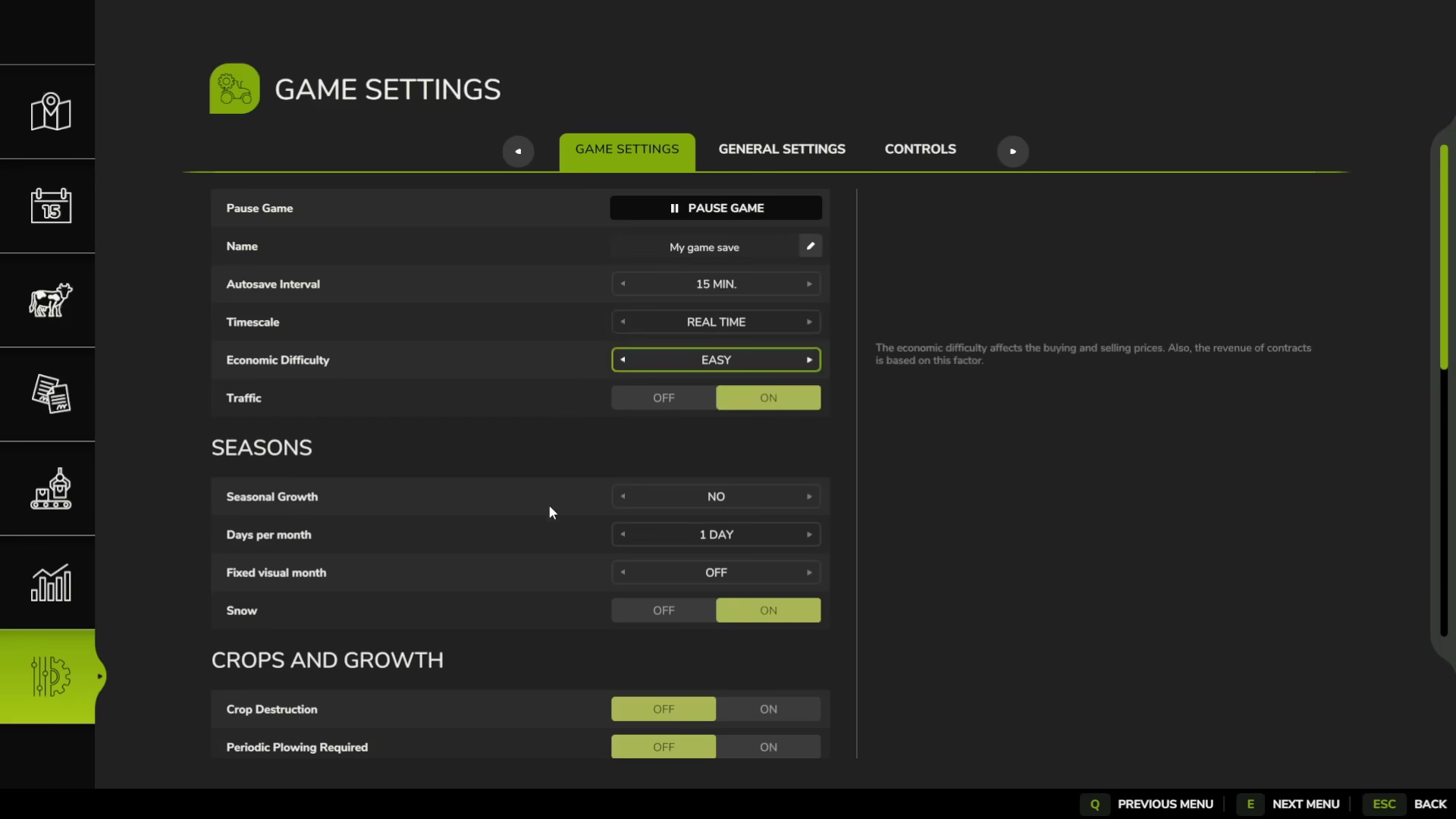
Below the Time Scale option, you’ll find the Seasons section where you can customize seasonal progression.
Toggling Seasonal Growth
You can enable or disable seasonal growth entirely depending on your preference. This controls whether crops progress through different growth stages as seasons change.
Adjusting Days Per Month
One of the most important seasonal settings is the number of days per month. You can adjust this anywhere from 1 day to 28 days per month.
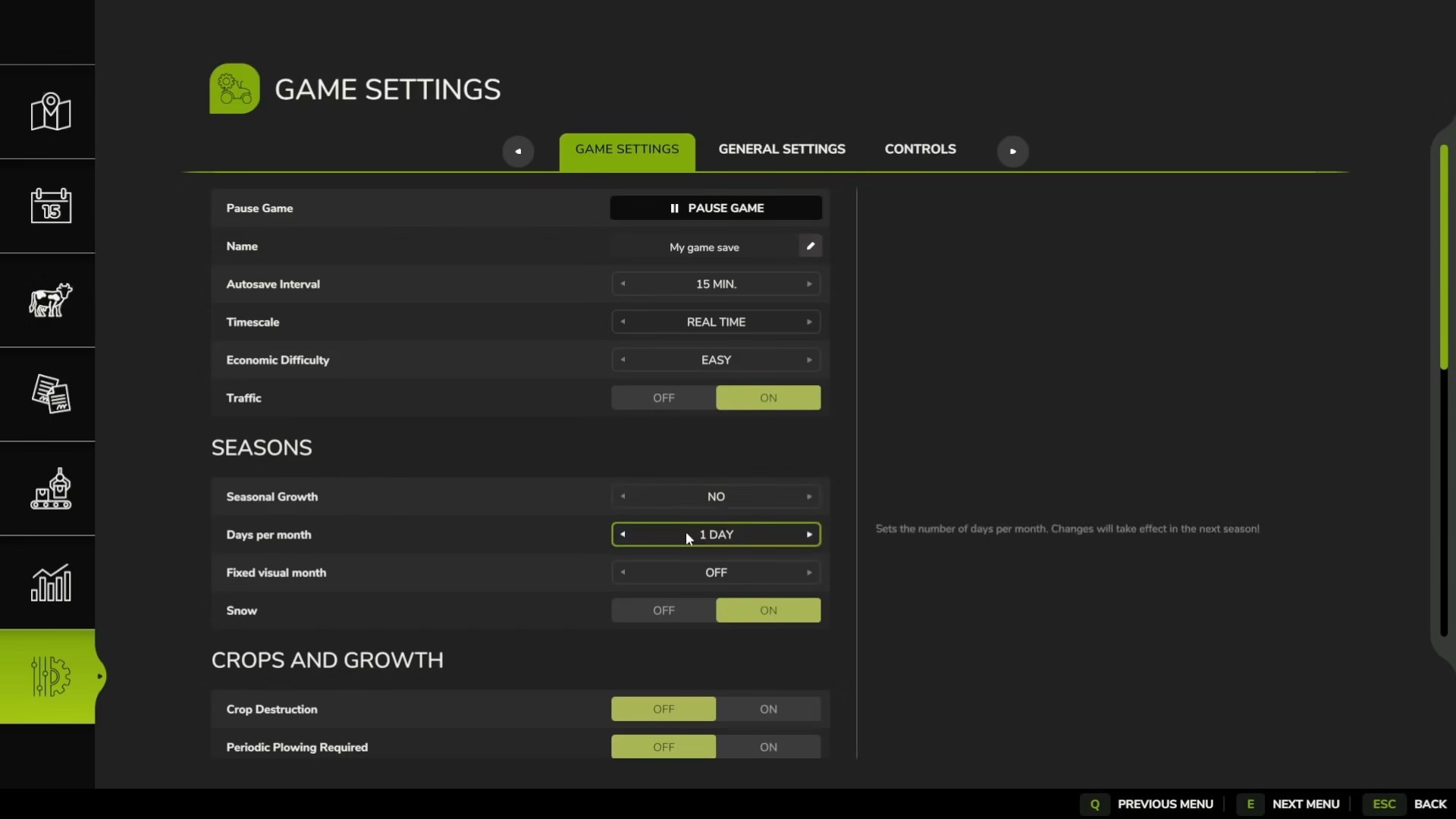
1 Day Per Month: This setting means that after each complete day cycle in-game, the calendar will advance to the next month. This results in extremely fast seasonal progression and is useful if you want to cycle through seasons quickly.
28 Days Per Month: Setting this to the maximum of 28 days per month creates a much more realistic monthly calendar. However, be aware that this will make seasonal progression significantly slower, as you’ll need to wait much longer for seasons to change in-game.
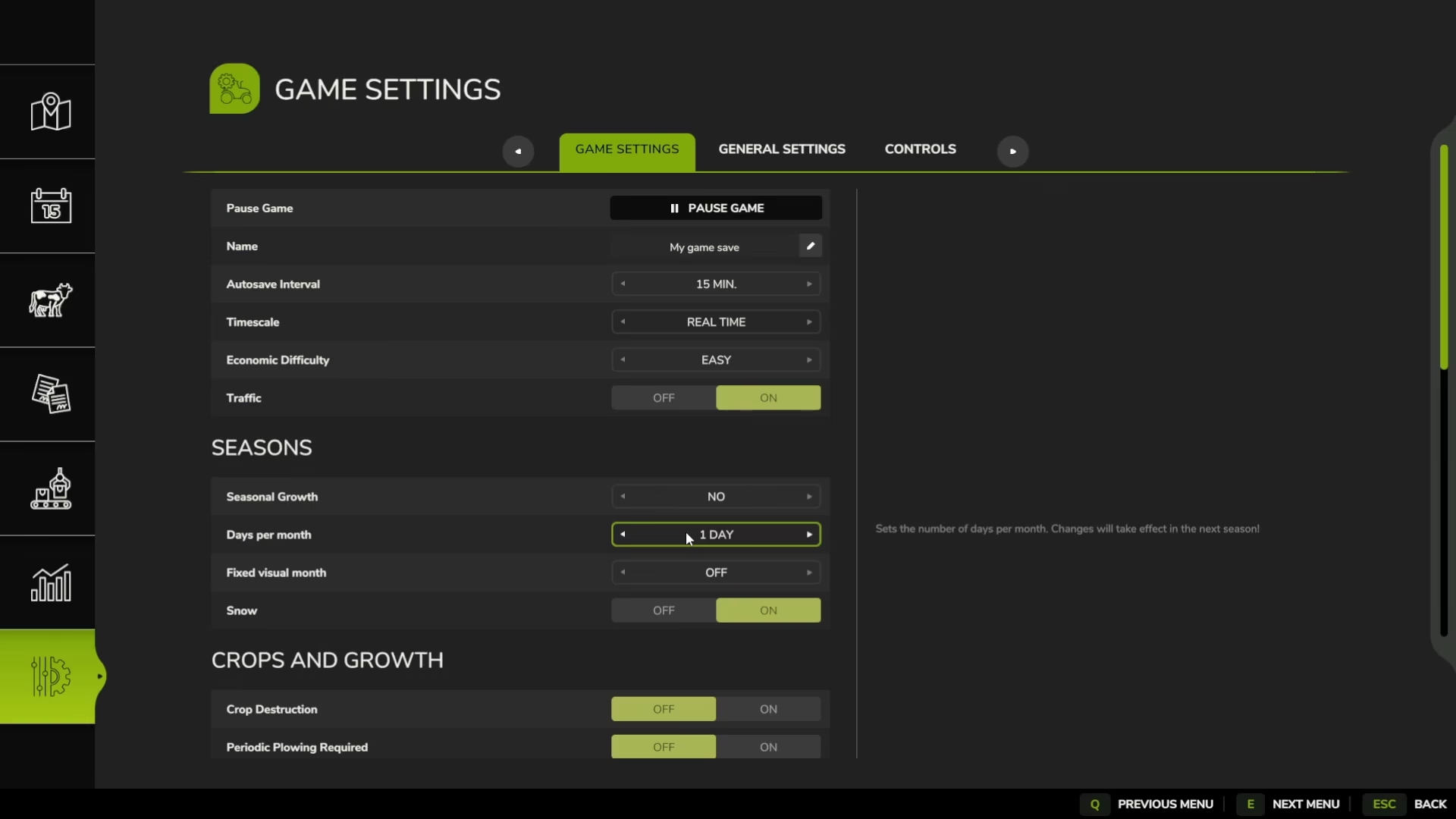
Find the balance that works best for your gameplay style. If you want realism without excessive wait times, consider using a moderate setting like 14 days per month combined with a reasonable time multiplier.
Summary
Adjusting time and seasons in Farming Simulator 25 is straightforward and offers tremendous flexibility. By accessing Game Settings from the main menu, you can customize both your time scale (from 0.5x to 360x speed) and seasonal progression (from 1 to 28 days per month). Experiment with different combinations to find the perfect balance between efficiency and immersion for your farming experience.
— Want to Support? —
If you would like to help us continue making these guides – please consider joining our patreon here – https://www.patreon.com/c/JaviHeals
Alternatively – you can join our discord here – https://discord.gg/zD7Gjt6MHF