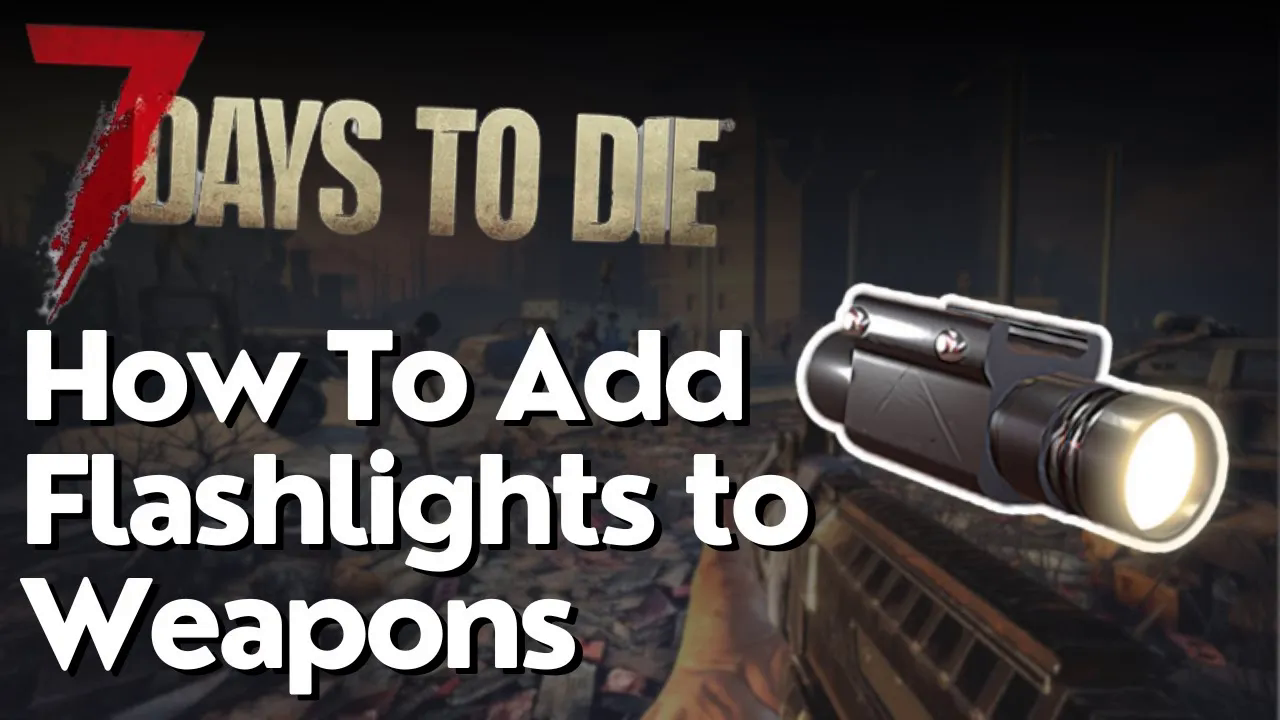
How to Add Flashlights to Weapons in 7 Days to Die
How to Add Flashlights to Weapons in 7 Days to Die
Want to improve your visibility during combat and exploration in 7 Days to Die? Adding flashlights to your weapons is a game-changing modification that makes nighttime engagements much easier. This guide walks you through the simple steps to equip weapon flashlight mods on any compatible firearm.
Getting Started with Weapon Flashlight Mods
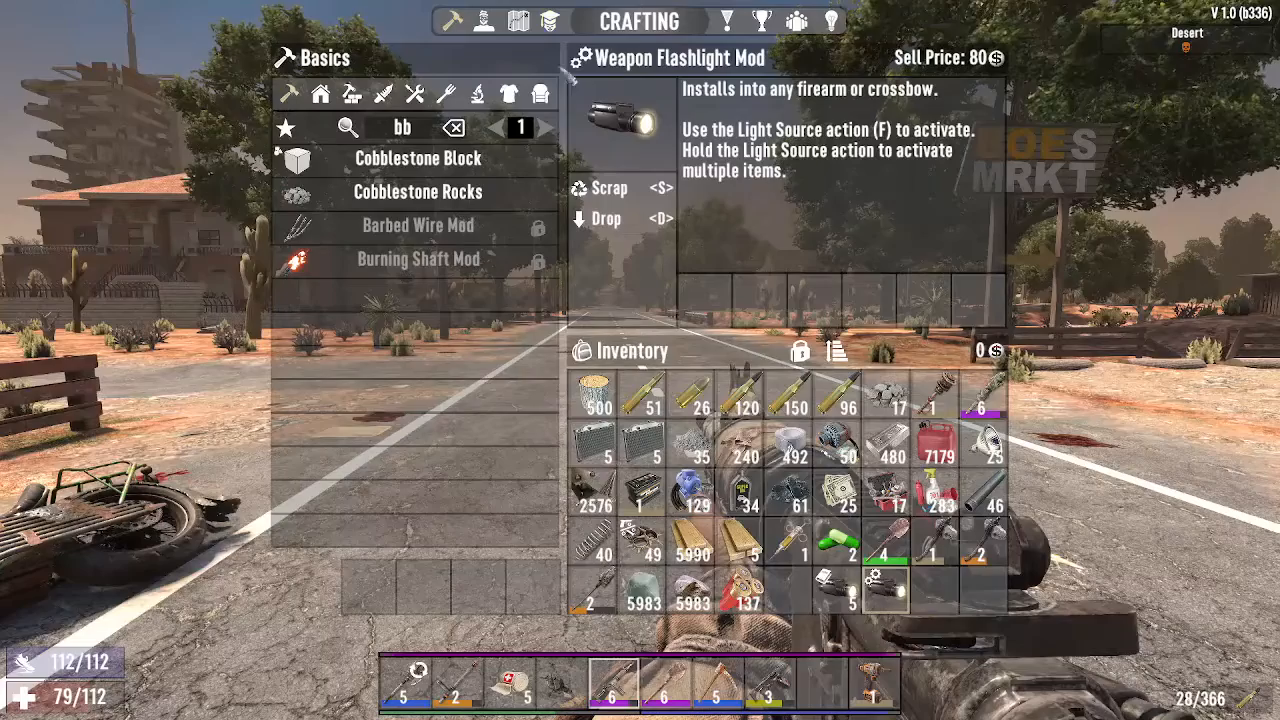
The first step is to open your inventory. Look for the Weapon Flashlight Mod—you’ll recognize it by the two small gear icons displayed on the item.
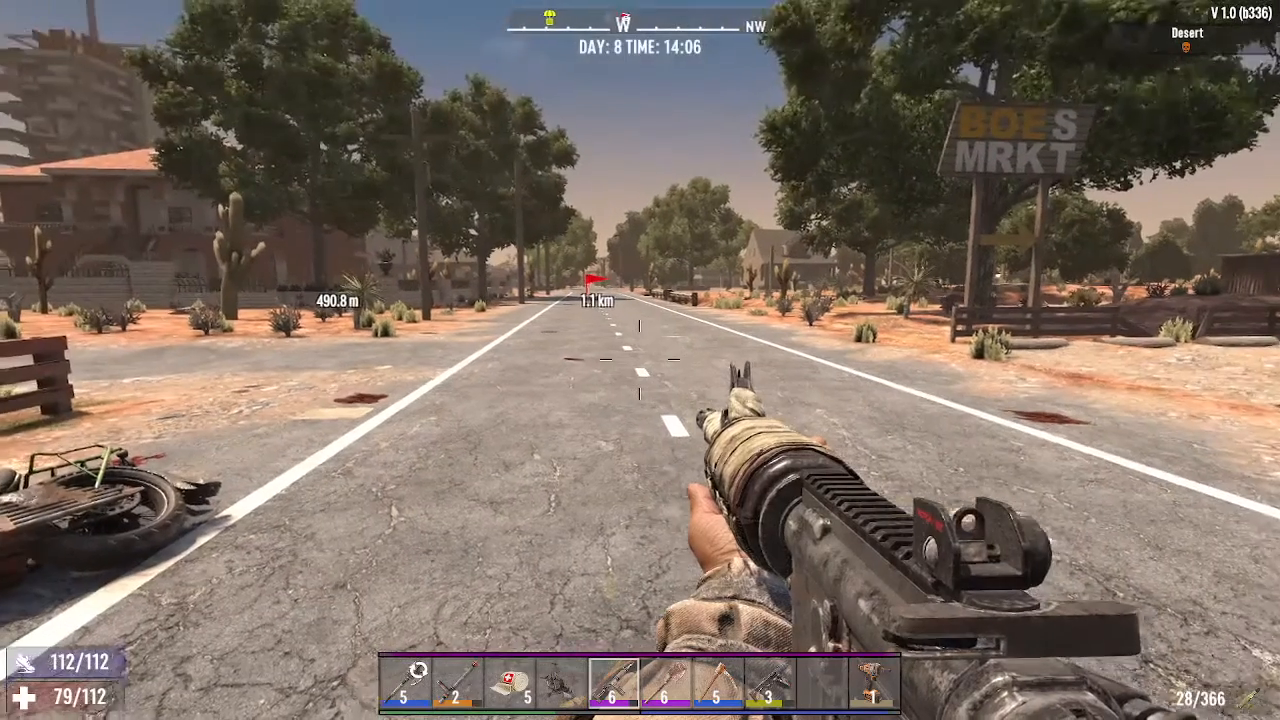
Crafting the Flashlight Mod
To craft a Weapon Flashlight Mod, you’ll need to find the schematic for it. Once you’ve obtained the schematic, use it once to learn the recipe. After that, you’ll be able to craft the mod whenever you have the necessary materials.
Installing the Flashlight on Your Weapon
Once you have a Weapon Flashlight Mod crafted, follow these steps to attach it to your gun:
Step 1: Select Your Weapon
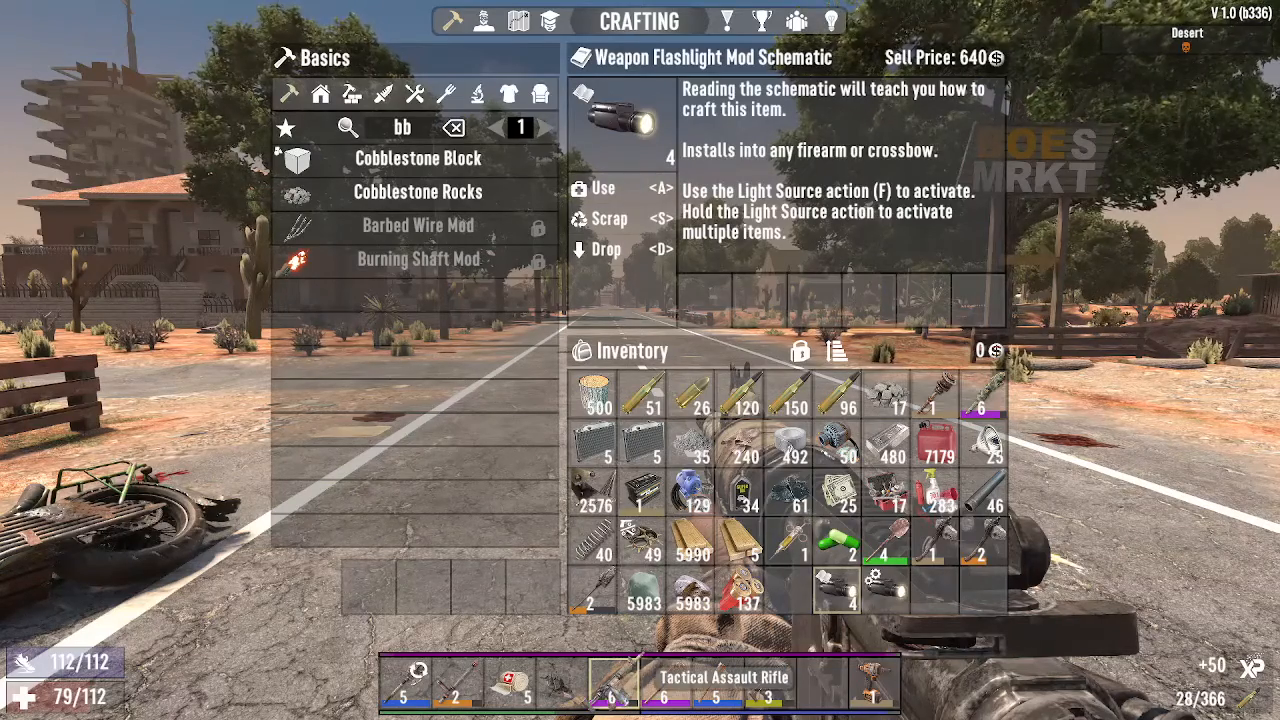
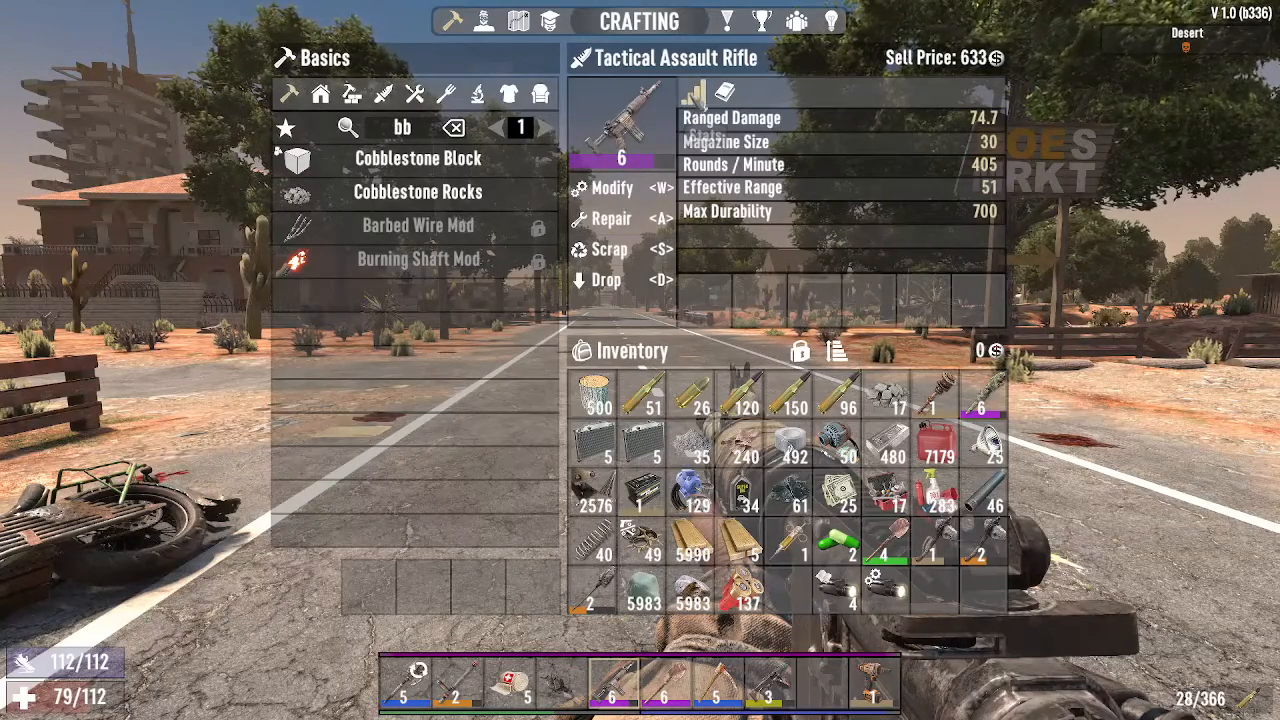
Click on the weapon you want to modify. In this example, we’re using a Tactical Assault Rifle.
Step 2: Enter Modification Mode
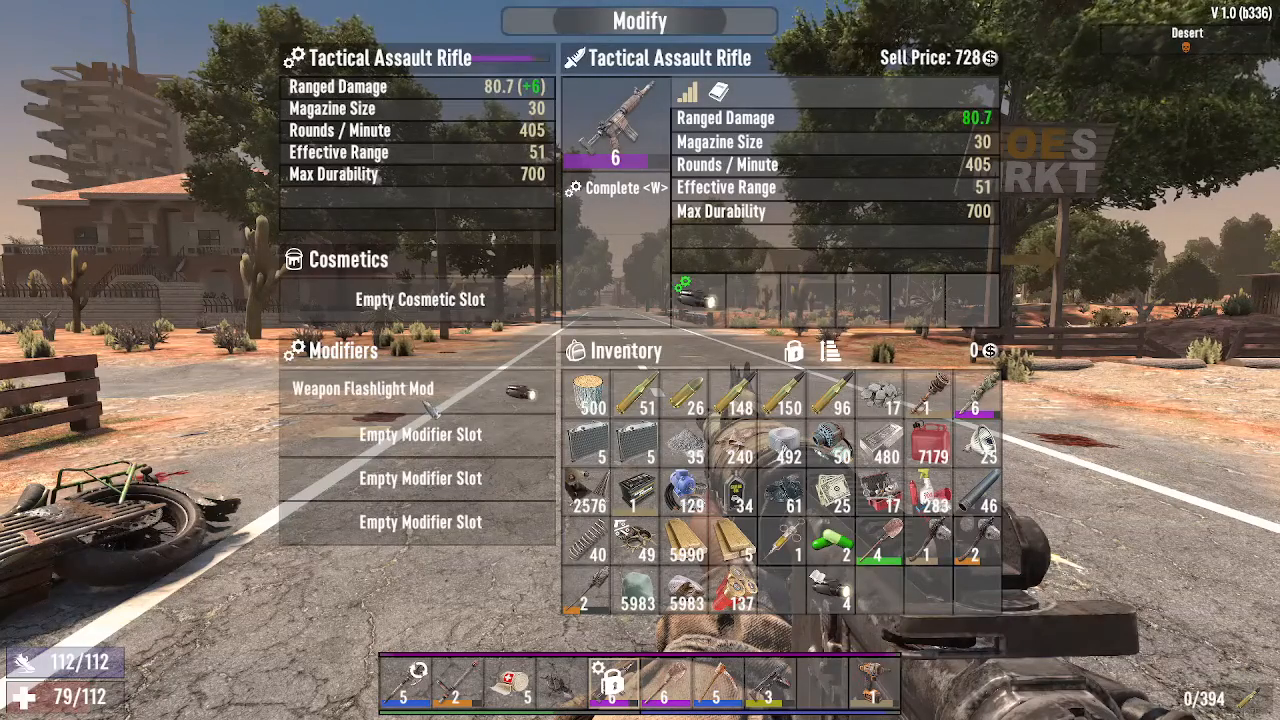
Press the W key to enter modification mode. If your weapon is compatible with the flashlight mod, you’ll see two green flashing indicators in the top left corner of your screen.
Step 3: Place the Mod in an Empty Slot
Insert the Weapon Flashlight Mod into any empty modifier slot on your weapon. You’ll now see the flashlight equipped on your gun.
Activating Your Weapon Flashlight
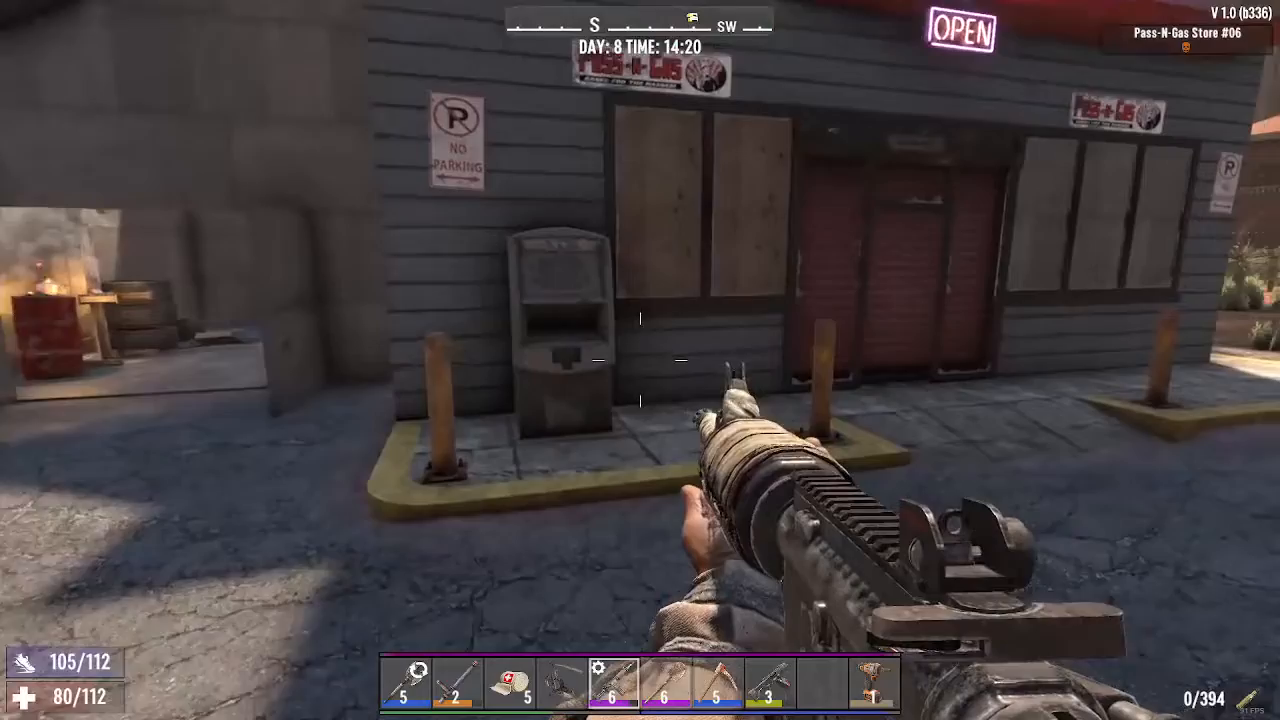
With the flashlight mod successfully installed, activating it is straightforward. Simply press the F key to turn on your weapon’s flashlight, just like you would with any other light source in the game.
Summary
Adding flashlights to your weapons in 7 Days to Die is quick and easy. Find or craft a Weapon Flashlight Mod, select your compatible weapon, press W to modify, place the mod in an empty slot, and press F to activate it. This simple modification significantly improves your combat effectiveness in low-light situations and makes exploring dangerous areas much safer.
— Want to Support? —
If you would like to help us continue making these guides – please consider joining our patreon here – https://www.patreon.com/c/JaviHeals
Alternatively – you can join our discord here – https://discord.gg/zD7Gjt6MHF