
How to Expand Your House In Palia
How to Expand Your House in Palia
Want to make your home bigger in Palia? Expanding your house is a straightforward process that allows you to add more rooms and increase your housing space. This guide walks you through every step needed to purchase room expansions and build new additions to your home.
Getting Started: Visit City Hall
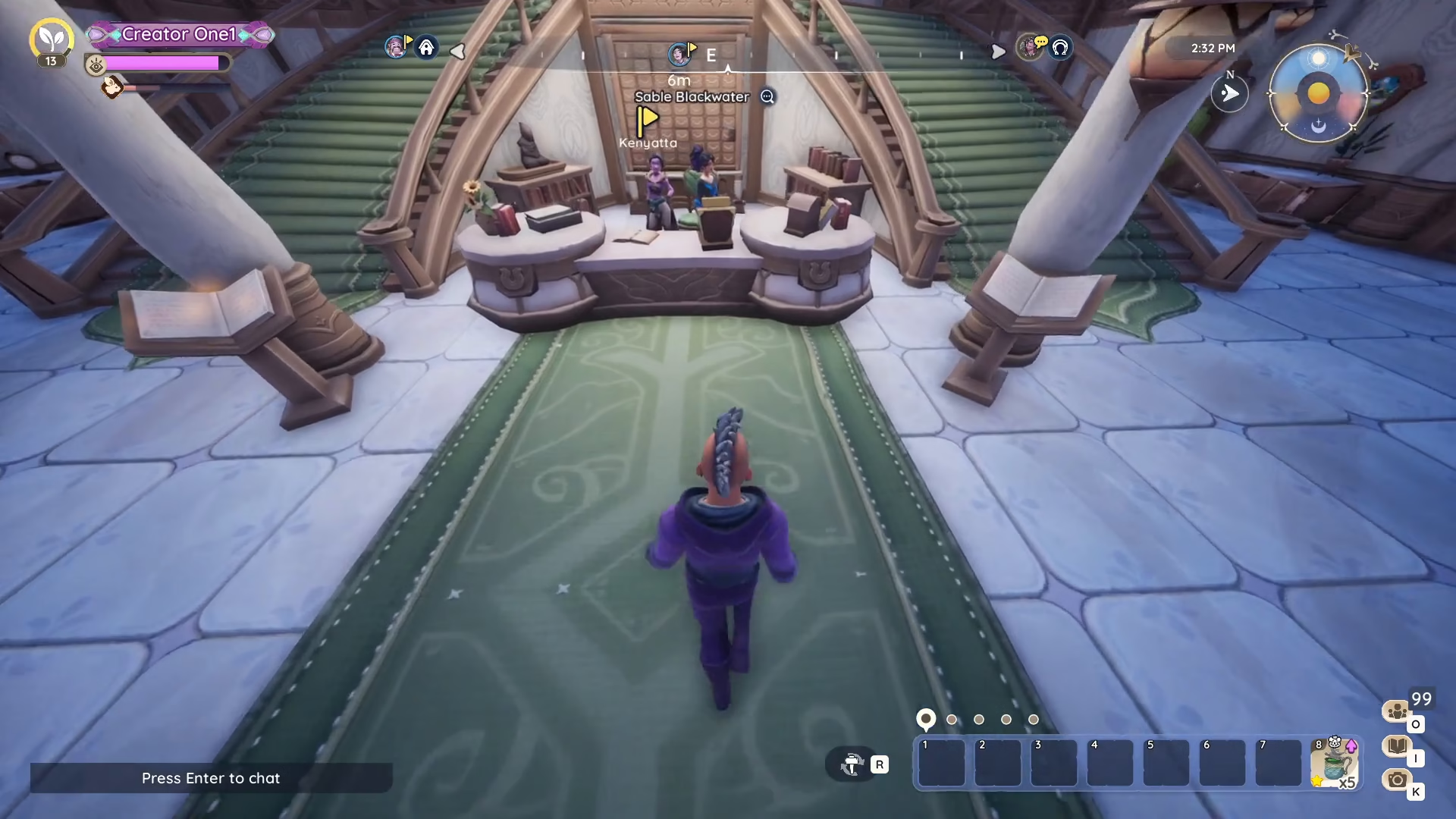
The first step in expanding your house is to head to City Hall. Once you arrive, interact with the register located there.
Understanding RIDs and Purchasing Room Expansions
At the City Hall register, you’ll purchase an item called a RID. RIDs are the key to expanding your housing space—they unlock the ability to add new rooms to your home.
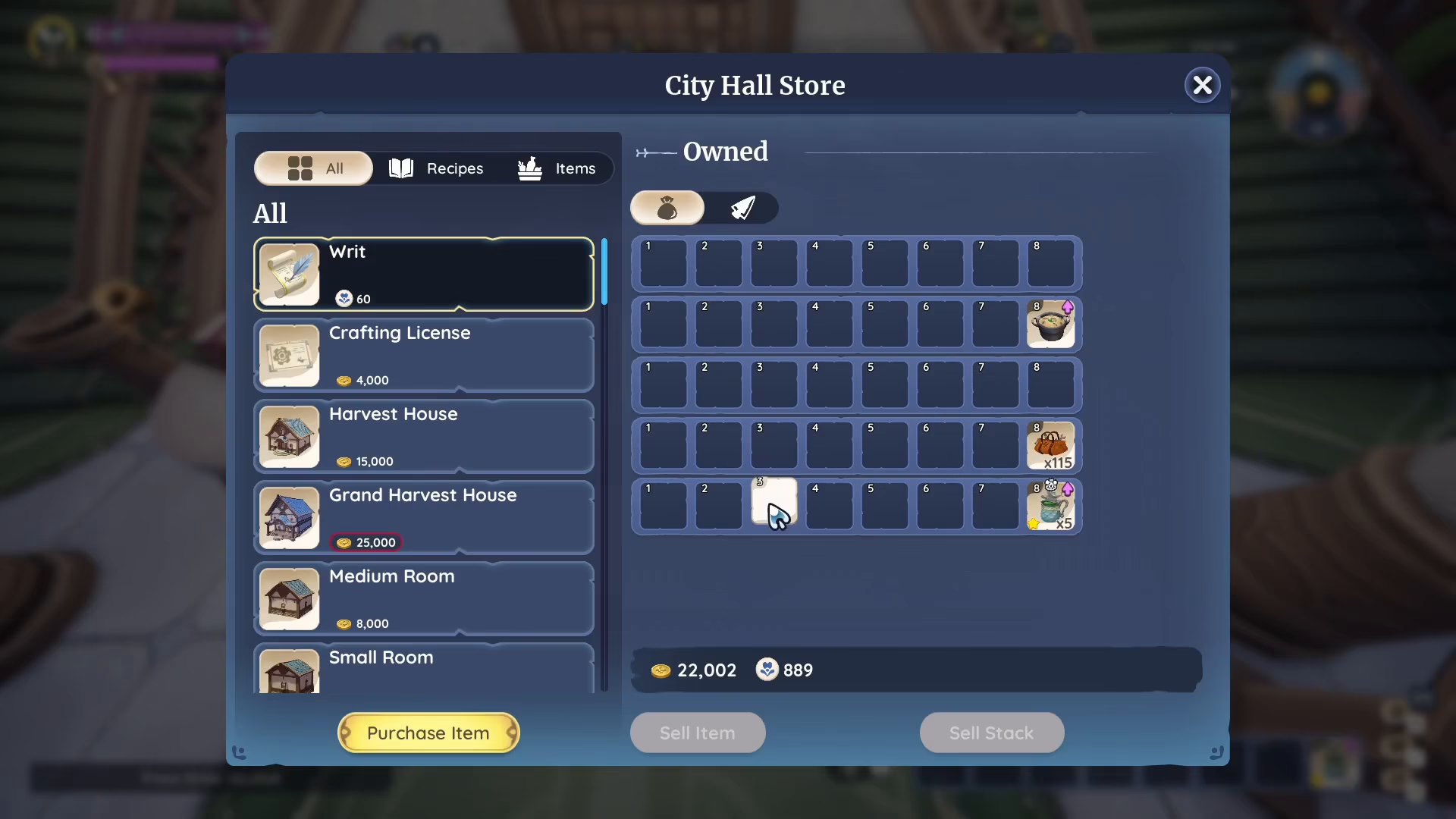
You can purchase RIDs using renown. Keep in mind that the price of RIDs will increase as you purchase more of them, so plan accordingly if you’re looking to do multiple expansions.
Room Size Options
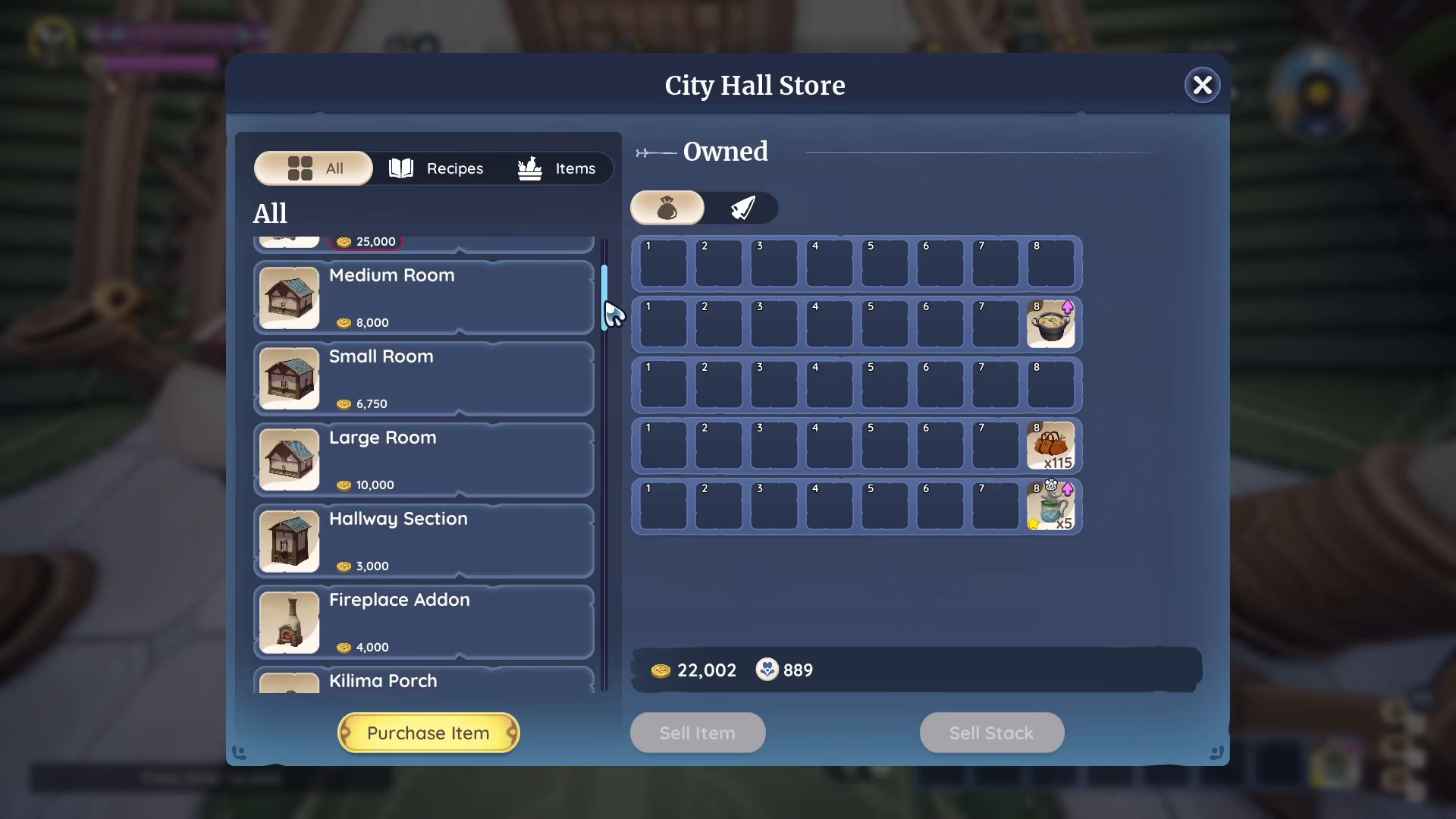
When purchasing from City Hall, you have several room size options available:
Small room
Medium room
Large room
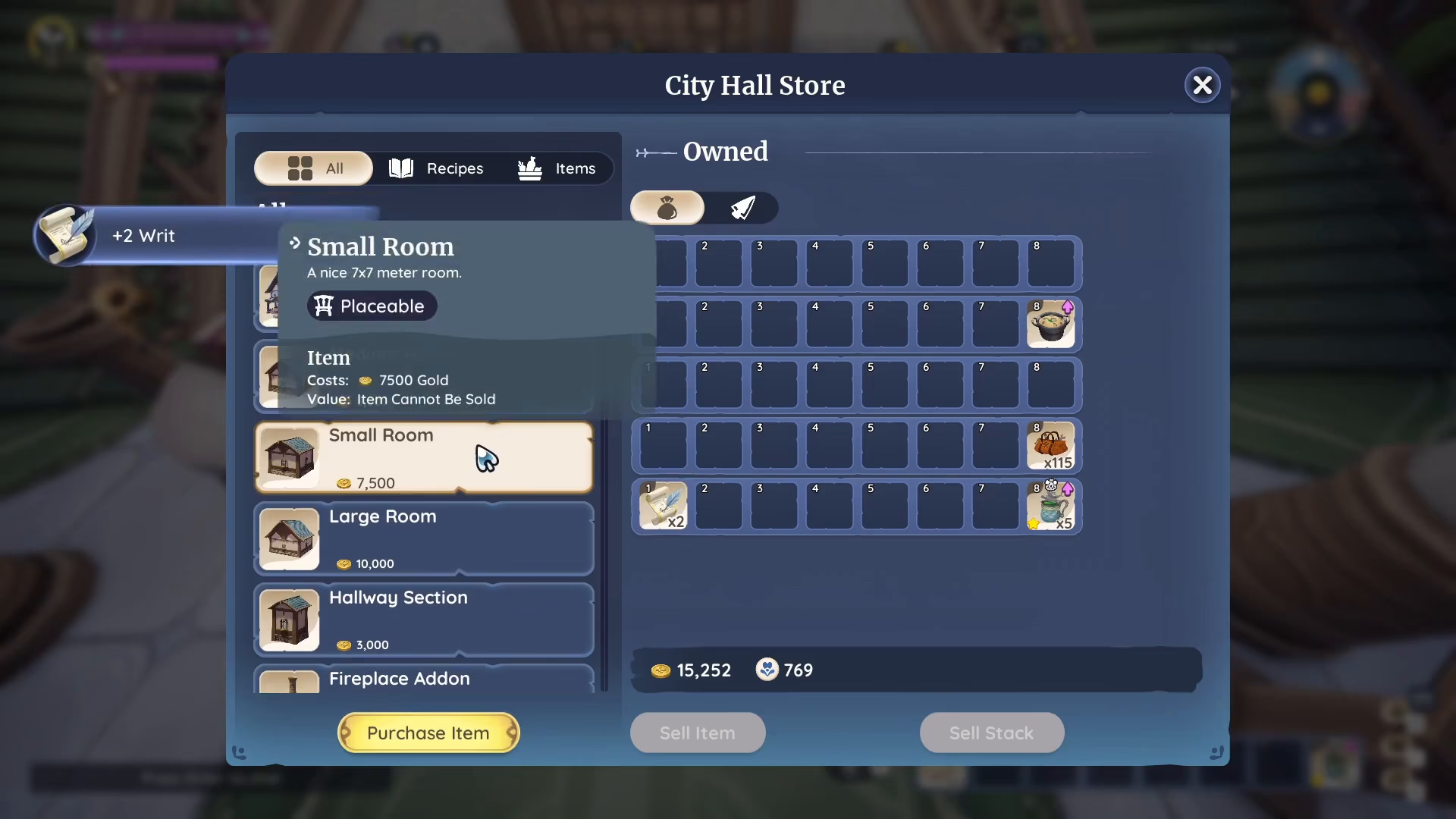
For this example, we’ll purchase a small room. You’ll need to buy two pieces of RID to unlock the small room option.
Accessing Your Housing Platform
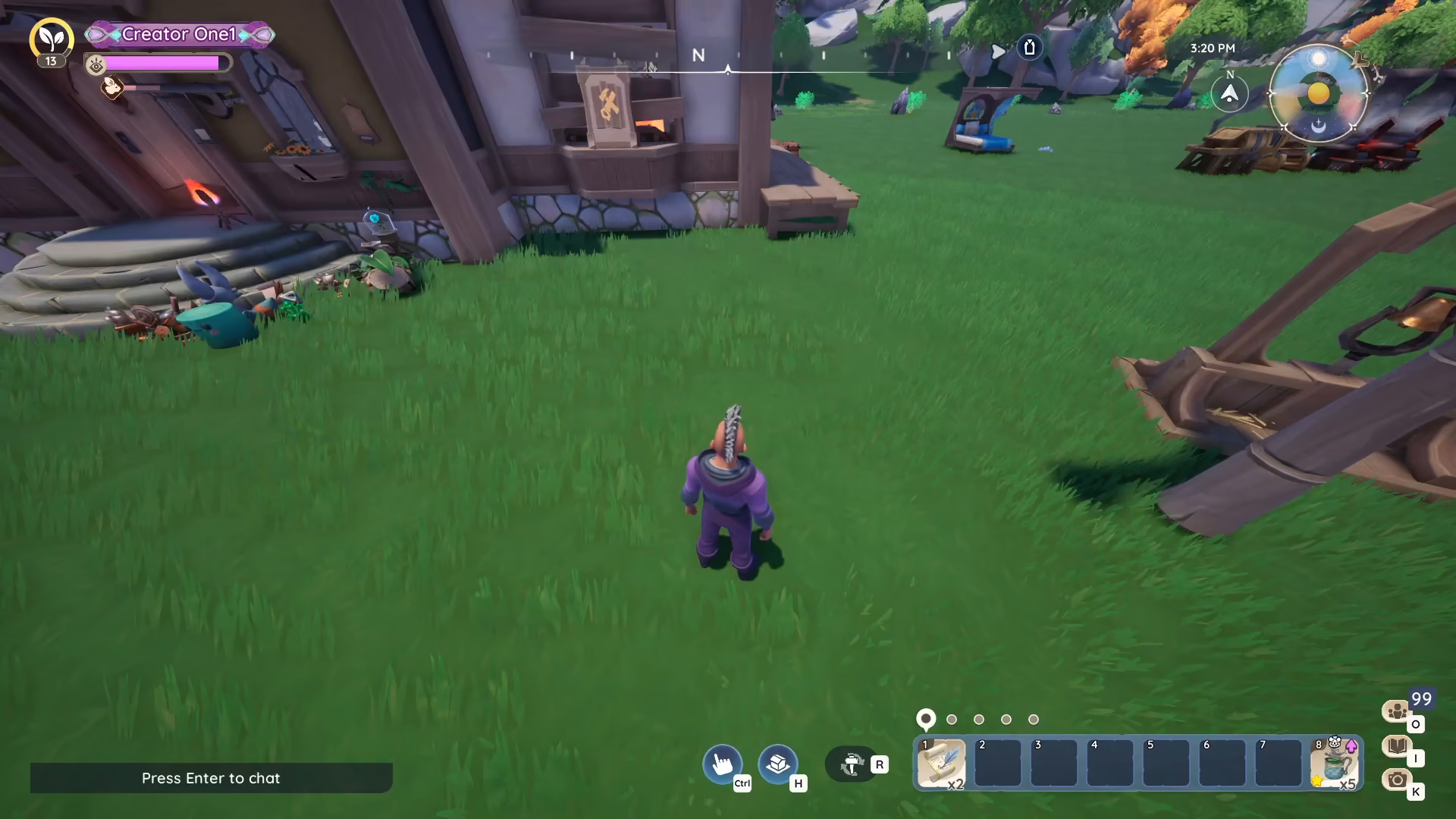
Once you’ve purchased your RIDs and room blueprints, head back to your housing platform where your house is located.
Unlocking Housing Space with RIDs
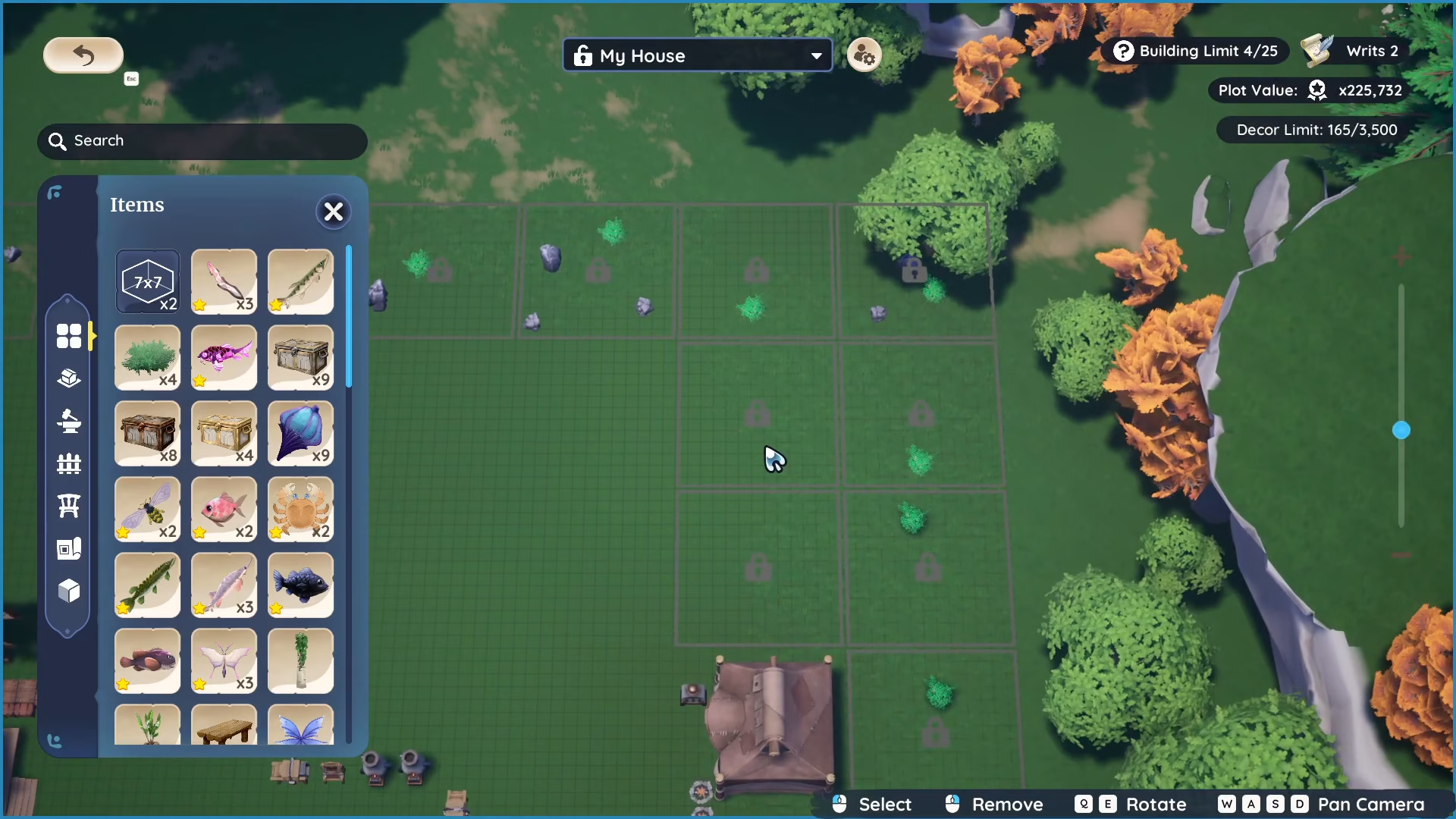
To expand your housing space, press H on your PC keyboard. This opens your housing interface and shows you the available areas for expansion.
You’ll notice locked flat areas on your platform. These locked sections can be unlocked using the RIDs you purchased earlier. This is what allows you to expand your house and add new rooms.
Placing Your New Room
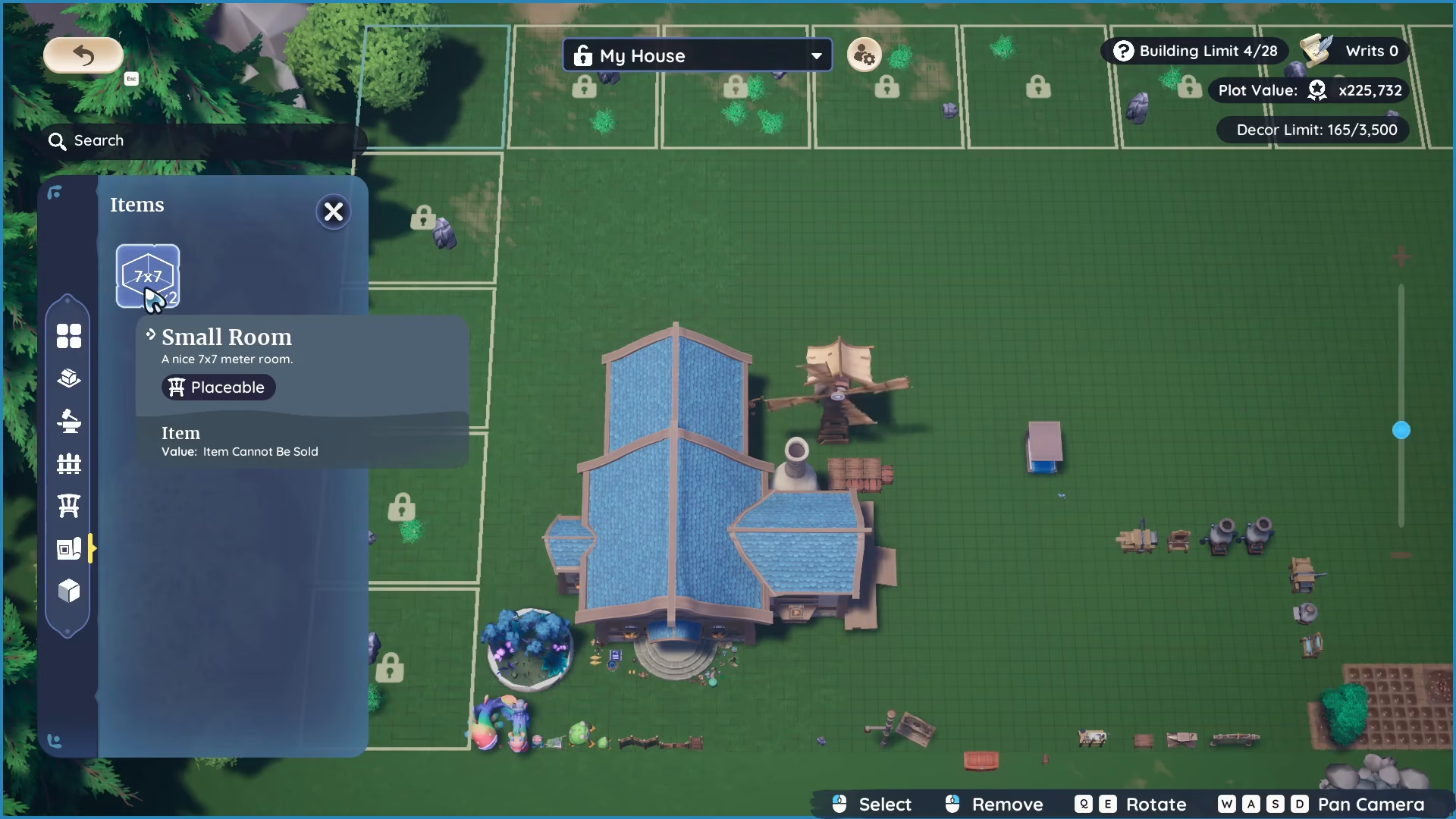
After unlocking housing space with your RIDs, go to your items and blueprints section. You’ll see the small room (or whichever room size you purchased) listed here. This is the blueprint you bought from City Hall.
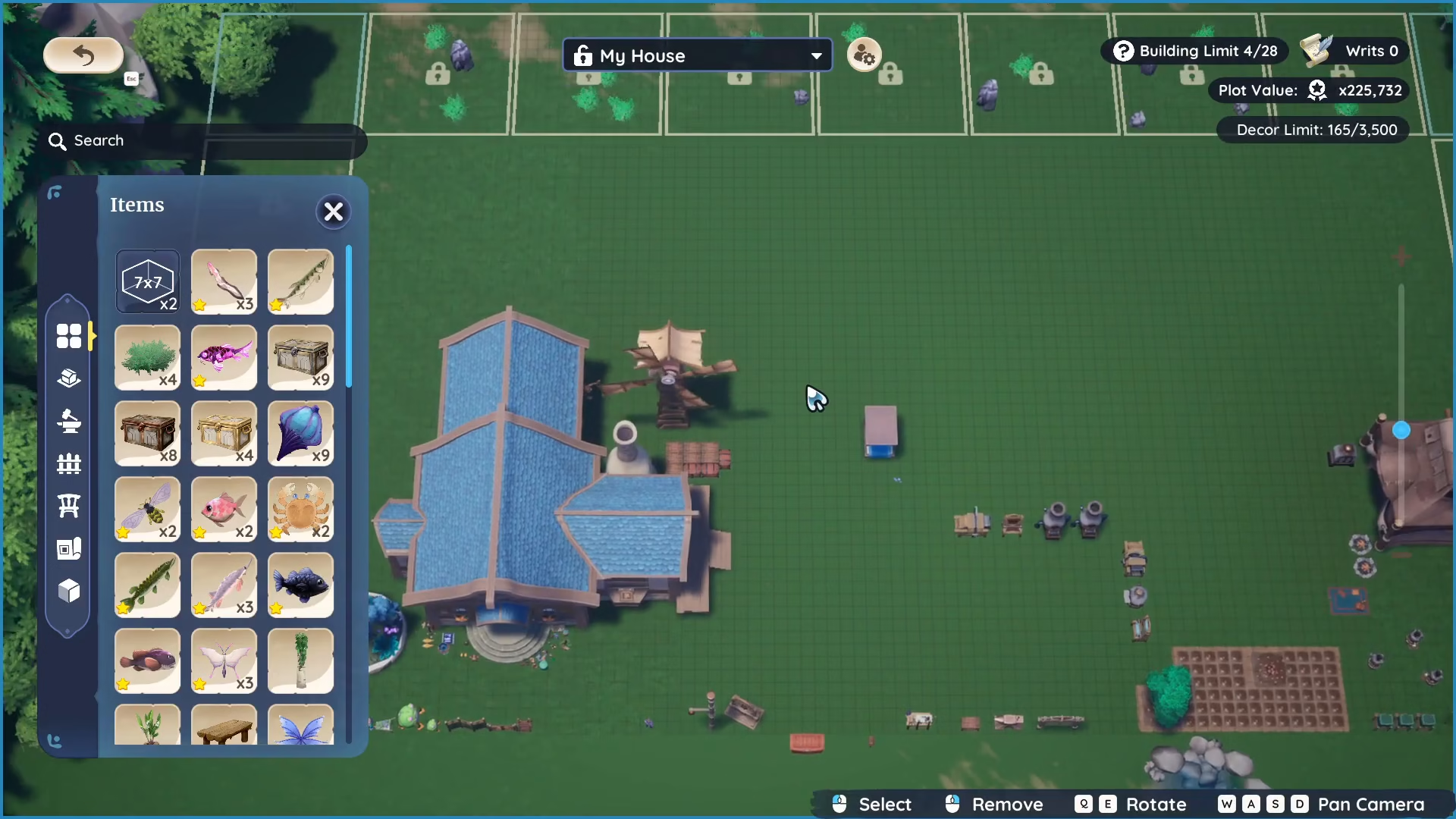
Click on the room blueprint and select a location for it on your platform. For example, you might place it at the back of your existing house to create a natural extension.
Building Requirements and Construction Time
Before your new room can be built, you’ll need to gather the following materials:
Blank wood or sapwood plant
Stone brick
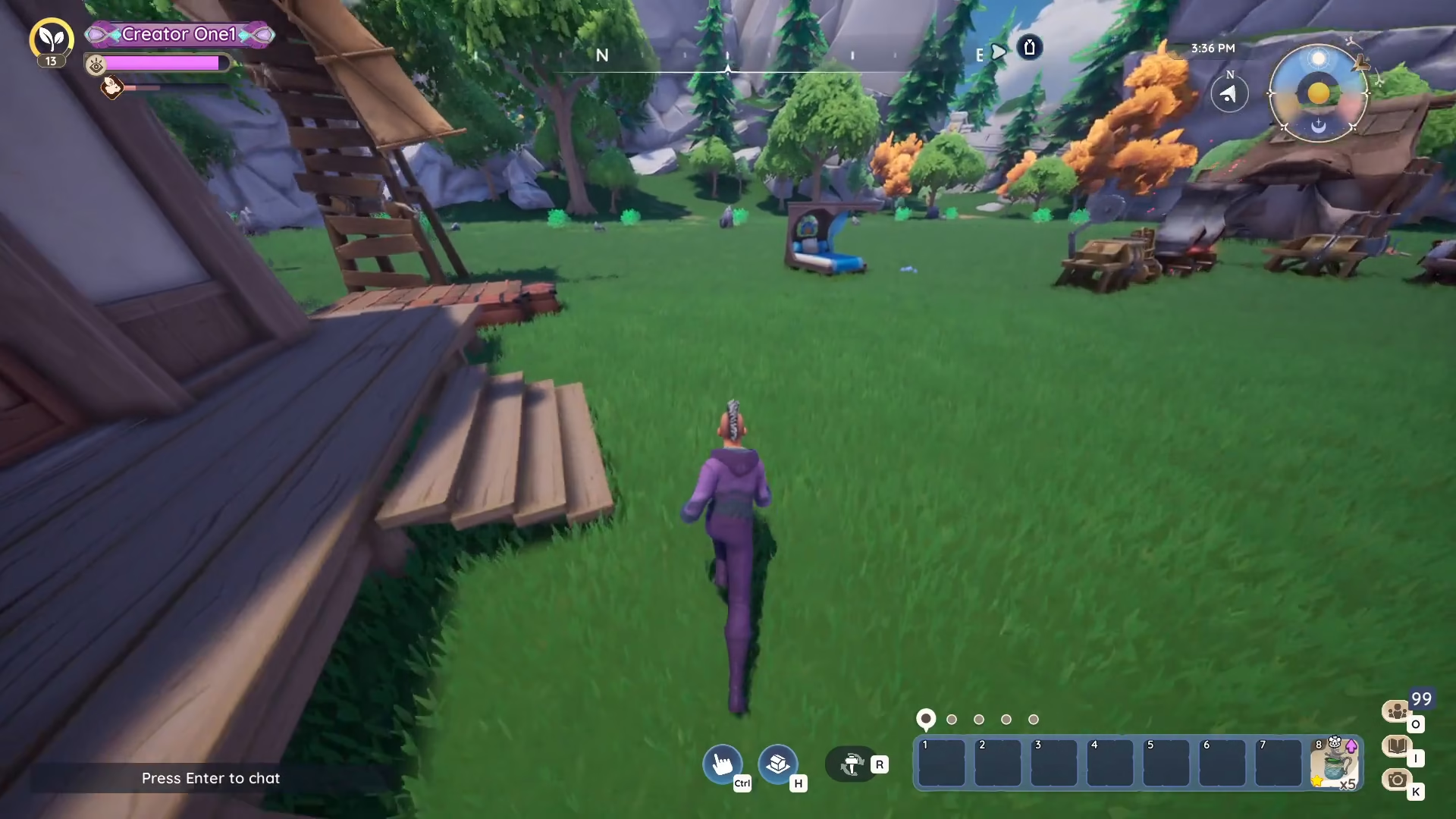
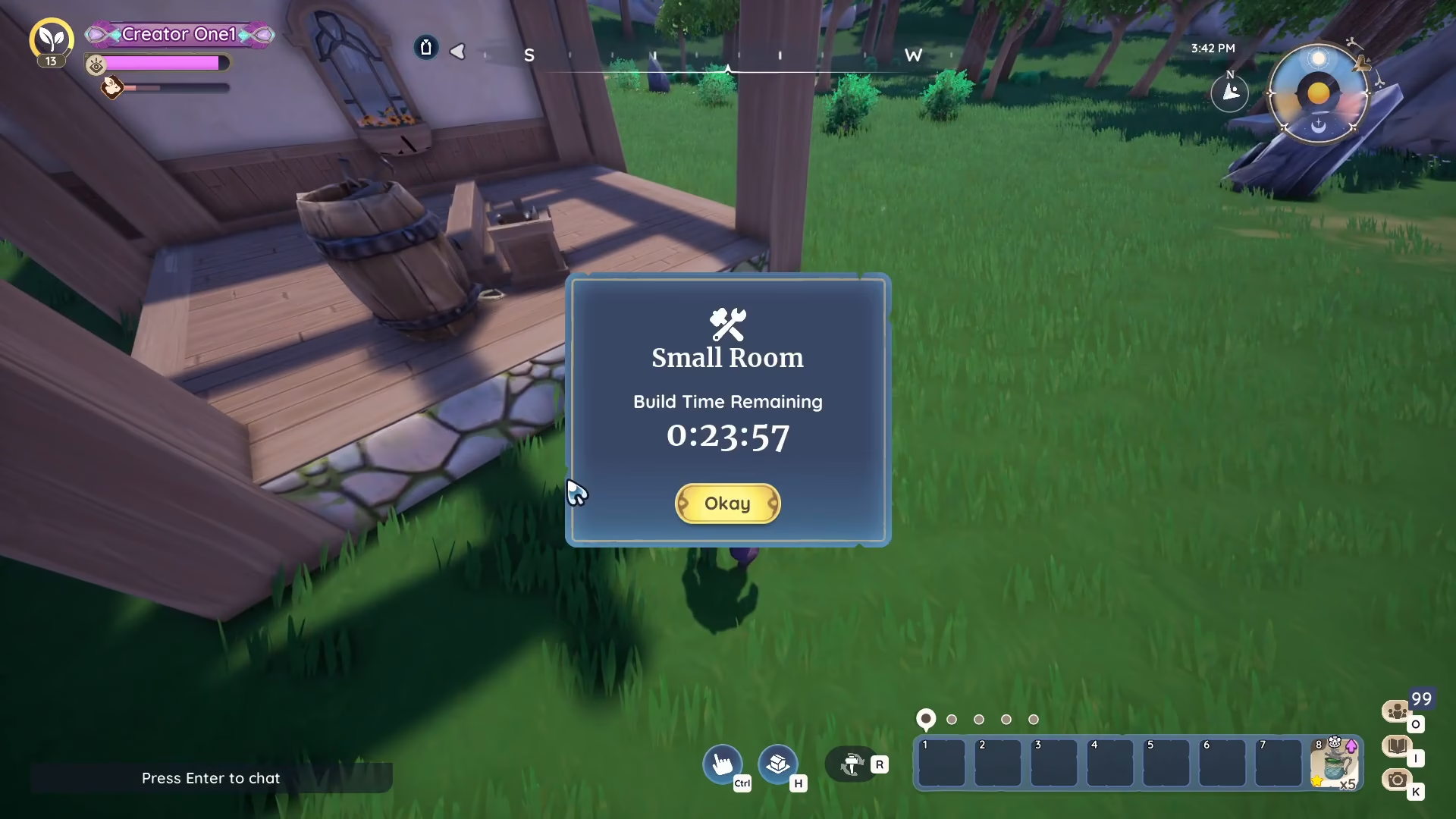
Once you confirm the placement and have the required materials, construction will begin. Building times vary—in this example, the small room took approximately 23 minutes to complete.
Your Expanded House
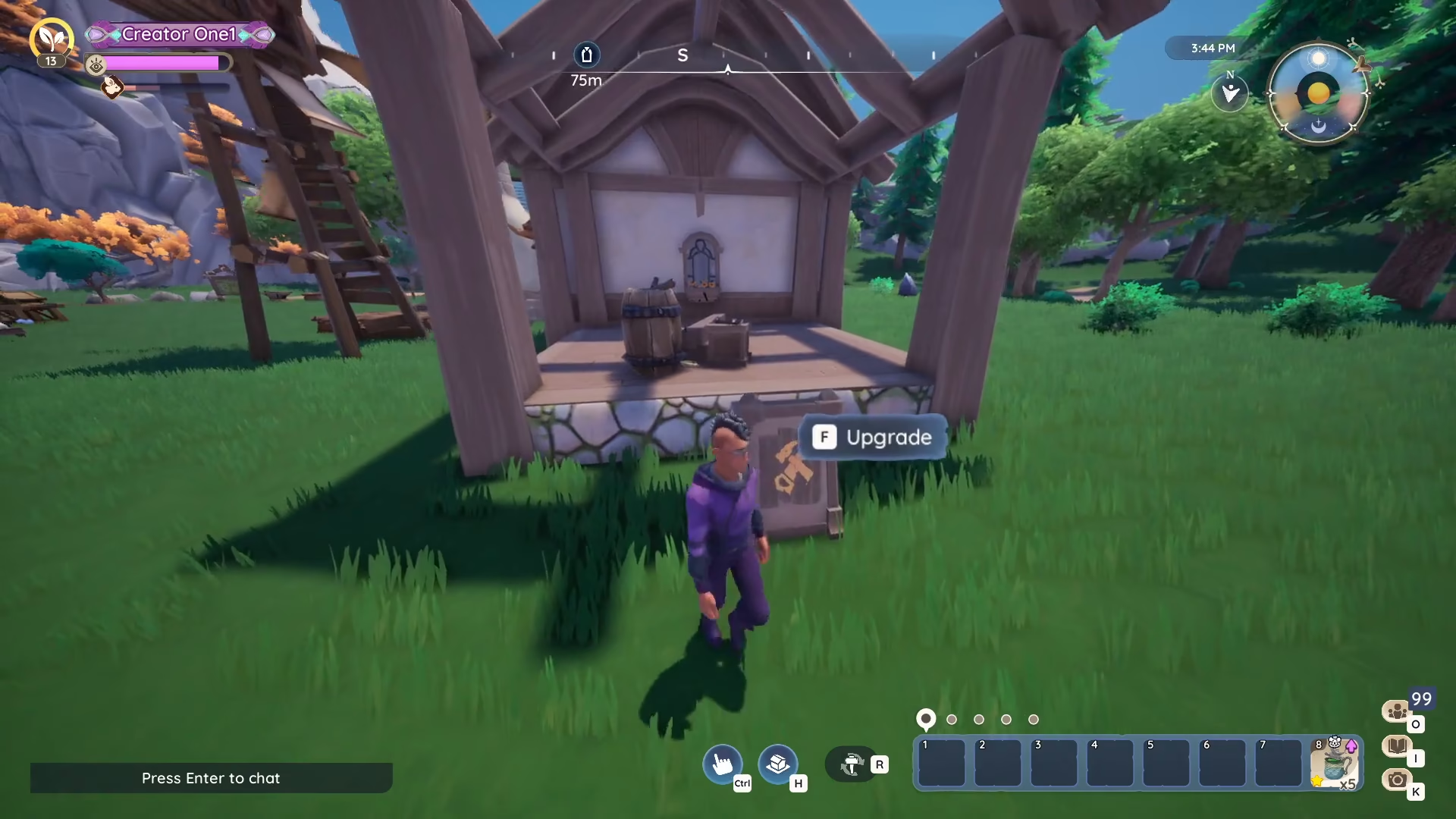
Once construction is finished, your new room will be seamlessly integrated into your house. The extension becomes part of your home’s interior, giving you additional space to decorate and customize.
Summary
Expanding your house in Palia is easy once you know the steps. Visit City Hall to purchase RIDs using renown, then select your desired room size. Return to your platform, press H to unlock housing space, place your room blueprint, gather the necessary materials (blank wood/sapwood plant and stone brick), and confirm. After the construction timer completes, your new room will be ready to use and decorate. With this knowledge, you can continue expanding your home as much as you’d like!
Want to Support?
If you would like to help us continue making these guides – please consider joining our patreon here – https://www.patreon.com/c/JaviHeals
Alternatively – you can join our discord here – https://discord.gg/zD7Gjt6MHF