
How to Join A Community In Palia
How to Join a Community in Palia
Playing Palia with friends and community members makes the game experience much more enjoyable. This guide will walk you through the simple steps to join a community in Palia so you can start collaborating and playing together with other players.
Accessing the Community Tab
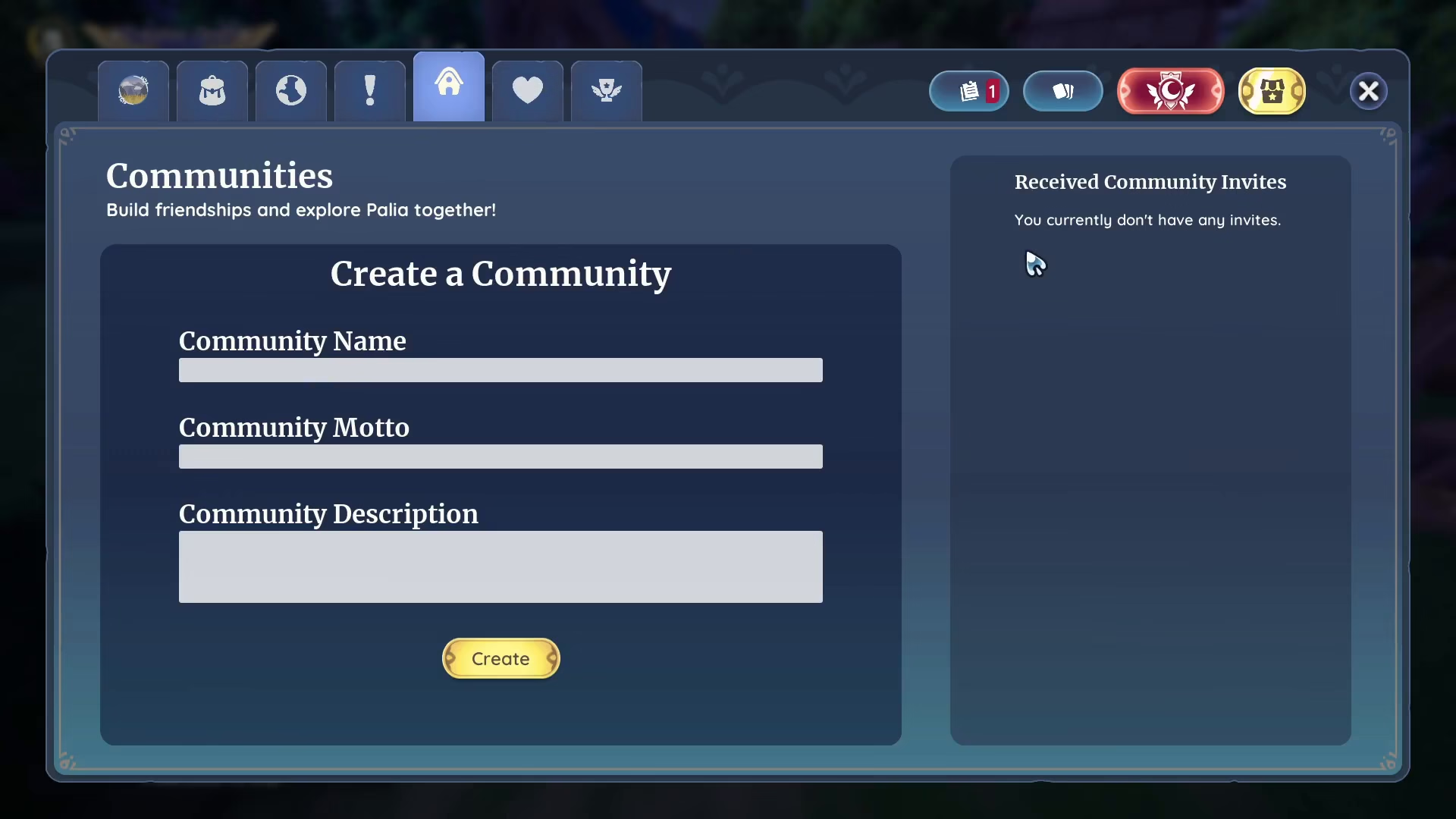
To begin joining a community, you need to open the community interface. Press the letter N key to bring up the menu. Once open, locate and select the Community tab. This is where you can view all available communities that you can join.
Finding Players and Getting Invitations
Rather than searching within the game alone, find other Palia players through popular social media platforms and gaming communities. Look for players on:
Discord
Other social platforms
Once you connect with players on these platforms, ask them to send you an invitation to their community.
Accepting Community Invitations
When you receive an invitation from a community, it will automatically appear in your Community tab. Simply accept the invitation to join that community. You’ll then be able to play and interact with all members of that group.
Creating Your Own Community
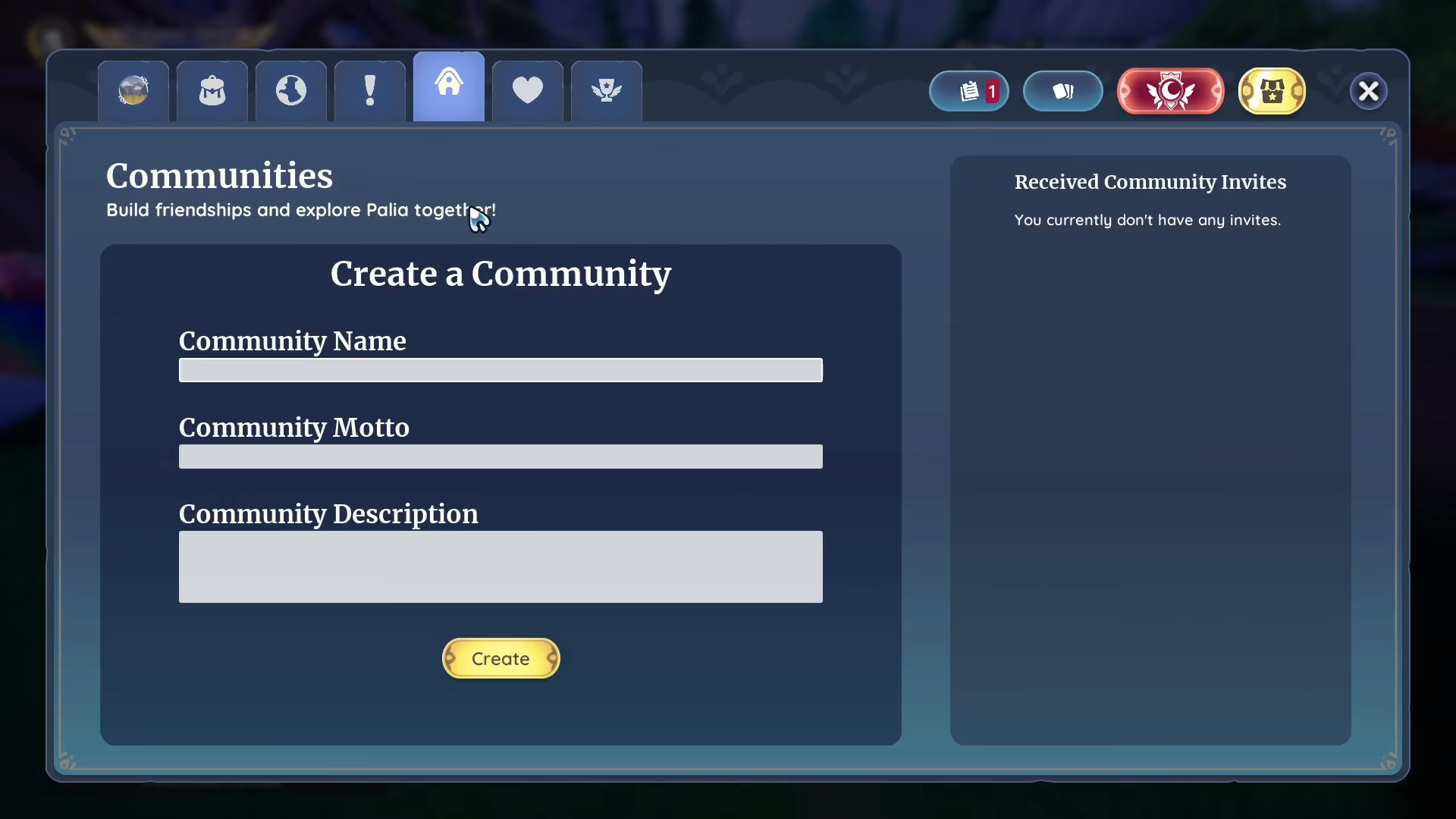
If you prefer, you also have the option to create your own community. This allows you to invite your friends and build your own group of players to enjoy Palia together.
Summary
Joining a community in Palia is straightforward: access the Community tab by pressing N, connect with other players through social media platforms, and accept their invitations. Alternatively, you can create your own community to gather your friends together for a shared gaming experience.
Want to Support?
If you would like to help us continue making these guides – please consider joining our patreon here – https://www.patreon.com/c/JaviHeals
Alternatively – you can join our discord here – https://discord.gg/zD7Gjt6MHF