
How to Jump Servers In Palia
How to Jump Servers in Palia
Server jumping in Palia is a straightforward process that allows you to switch between different game servers to join friends or explore new areas. Whether you’re looking to change locations, sync with friends, or simply experience a different server instance, this guide will walk you through all the methods available to you.
Understanding Server Jumping
Server jumping in Palia is easier than you might think. There are multiple ways to accomplish this depending on your situation and preference. Understanding these methods will help you navigate between servers smoothly and connect with other players.
Method 1: Zone Hopping Between Villages
The most straightforward way to jump servers is by traveling between villages. For example, if you’re at the boundary of Kilma village, you can travel to Bihari Bay. This action will automatically place you on a different server instance.
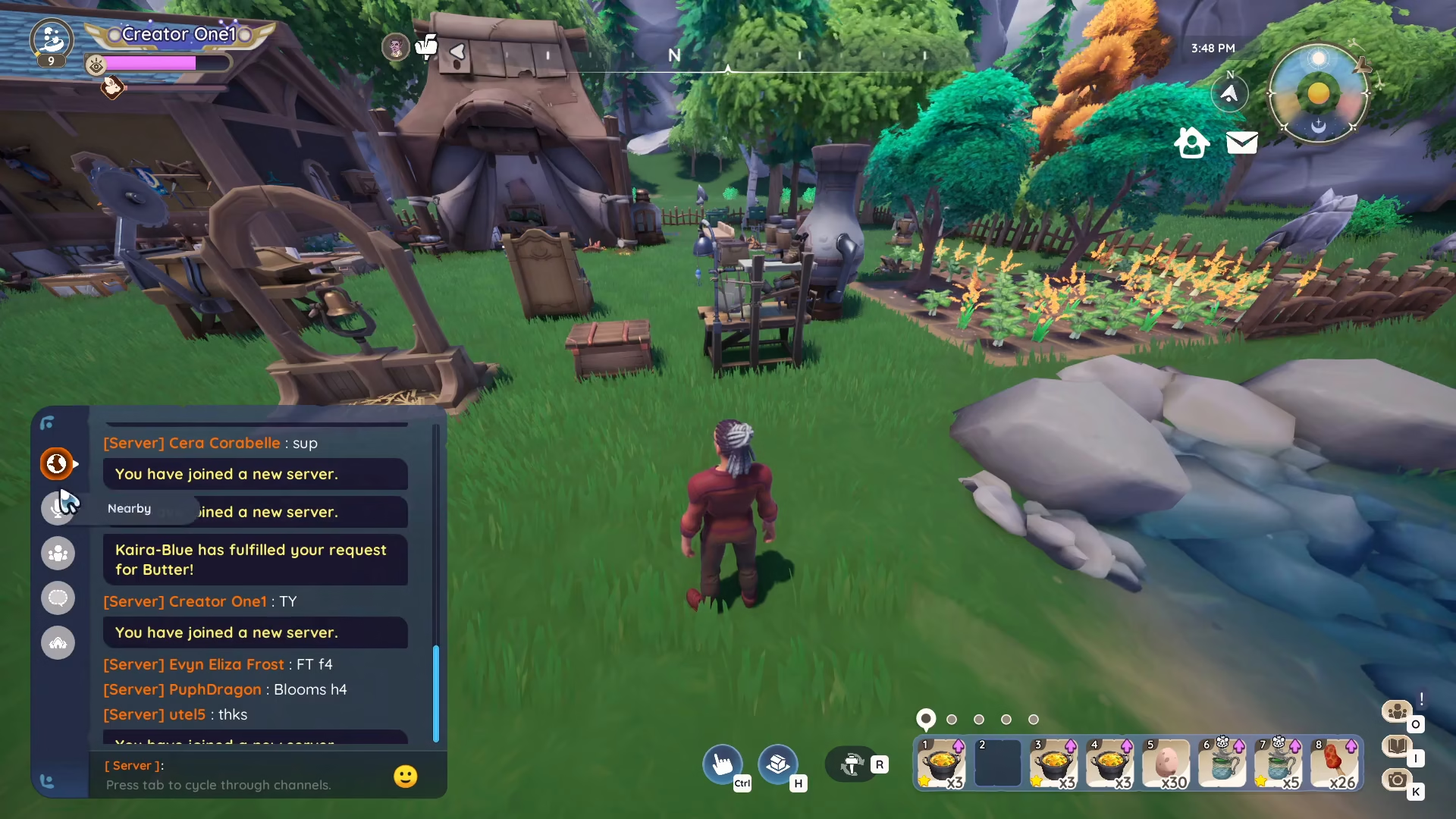
When you successfully join a new server through zone hopping, you’ll see a notification in your chat window confirming the action. Look for the yellow text message stating “you have joined another server.” This confirmation appears in your chat interface and indicates that the server switch was successful.
Method 2: Exit and Re-enter the Game
Another simple method is to completely exit Palia and log back in. When you restart the game and log back into your account, the game will automatically assign you to a different server instance than your previous session.
Method 3: Sync to a Friend’s Server
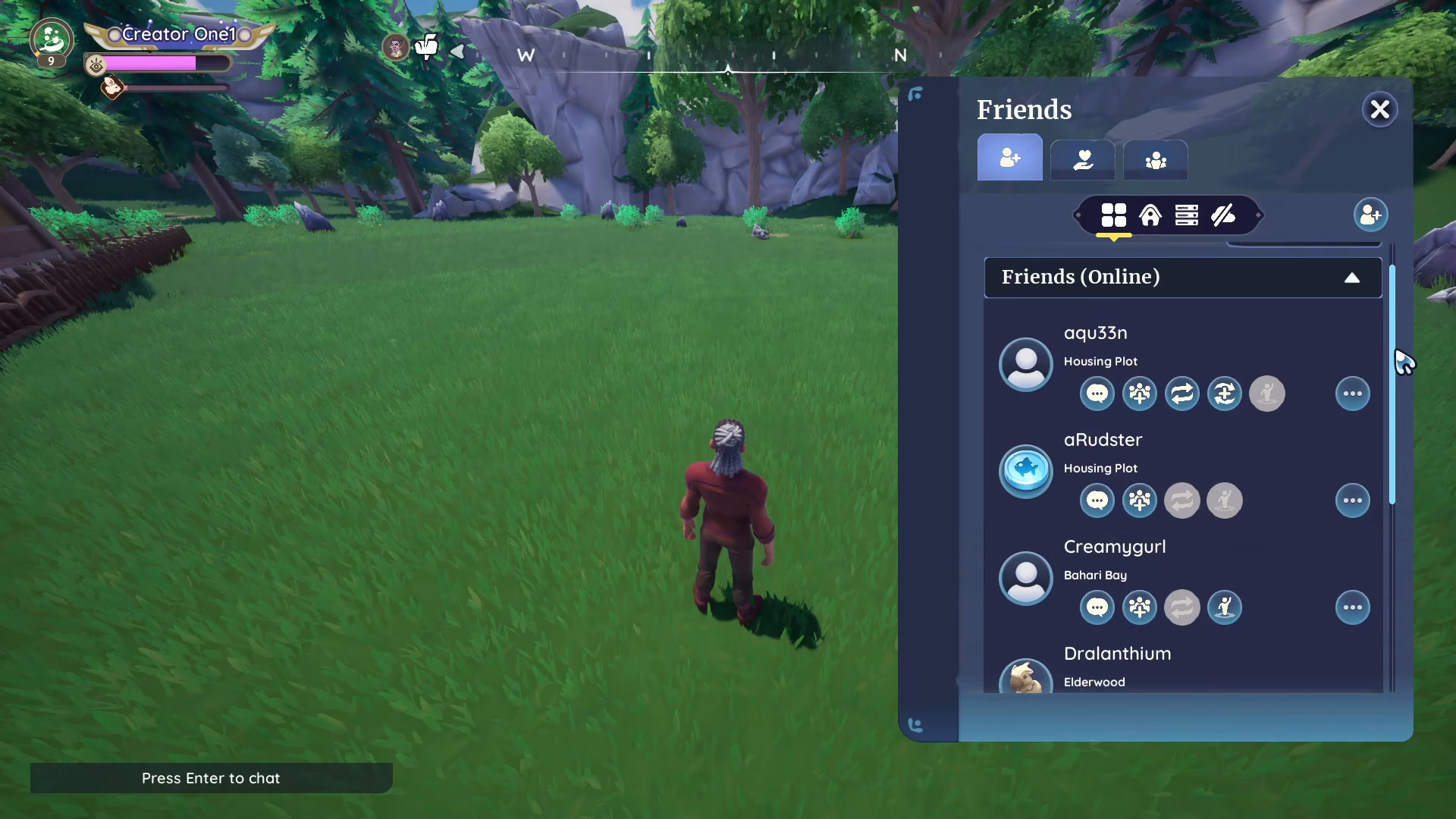
If you have friends playing on a different server, you can join their server directly. When your friend is online and on a different server, you can sync up with them by using the friend join feature.
On PC, simply click on your friend’s name and select “Join Server.” This action will immediately transfer you to the server your friend is currently playing on, allowing you to play together.
Method 4: Travel to Other Locations from Your Plot
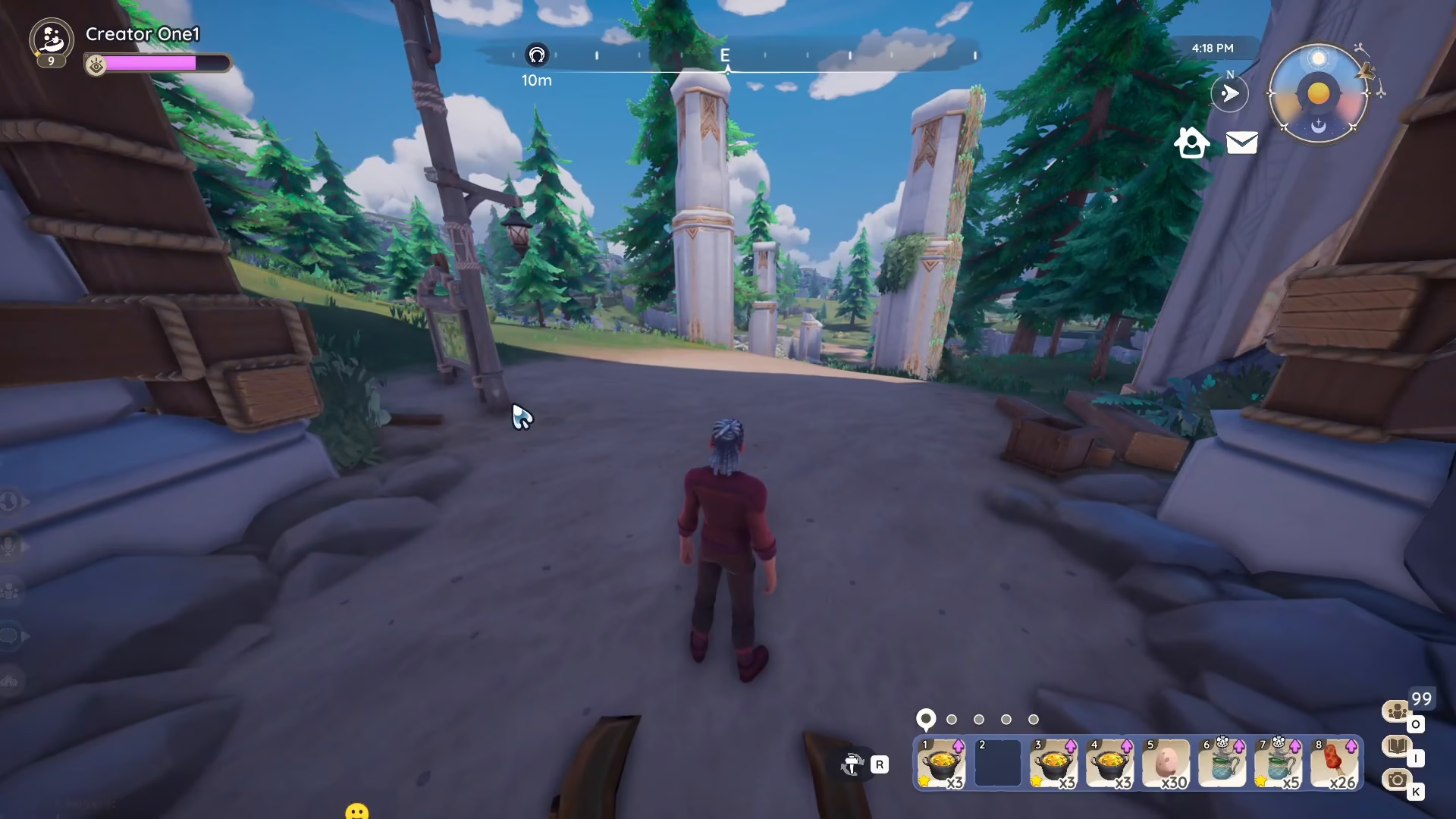
From your personal plot or home area, you can travel to various locations such as Kilma village, Bihari Bay, or other available zones. Traveling between these locations will trigger a server switch. The game loads the new server instance when you move between zones, which is why you may notice a loading screen during the transition.
Confirming Your Server Switch
When traveling between zones, be patient during the loading process. The extended loading time you experience indicates that the game is connecting you to a different server. Once the transition completes, check your chat window for the confirmation message “you have joined another server” displayed in yellow text.
Conclusion
Server jumping in Palia is a simple and essential skill for any player. Whether you choose to zone hop between villages, exit and re-enter the game, sync with friends, or travel from your plot to other locations, you now have multiple options to switch servers. Use whichever method is most convenient for your current situation, and always watch for the confirmation message in your chat window to ensure you’ve successfully joined a new server.
Want to Support?
If you would like to help us continue making these guides – please consider joining our patreon here – https://www.patreon.com/c/JaviHeals
Alternatively – you can join our discord here – https://discord.gg/zD7Gjt6MHF