How to Move Workstations in 7 Days to Die
How to Move Workstations in 7 Days to Die
Moving workstations around your base can be challenging in 7 Days to Die, but there’s a simple solution: the land claim block. This guide will show you exactly how to use a land claim block to pick up and relocate workstations like workbenches and chemistry stations with ease.
What is a Land Claim Block?
A land claim block is an essential structure in 7 Days to Die that serves two important purposes:
Prevents zombies from spawning within a certain radius of your base
Allows you to pick up and move workstations around your base
How to Craft a Land Claim Block
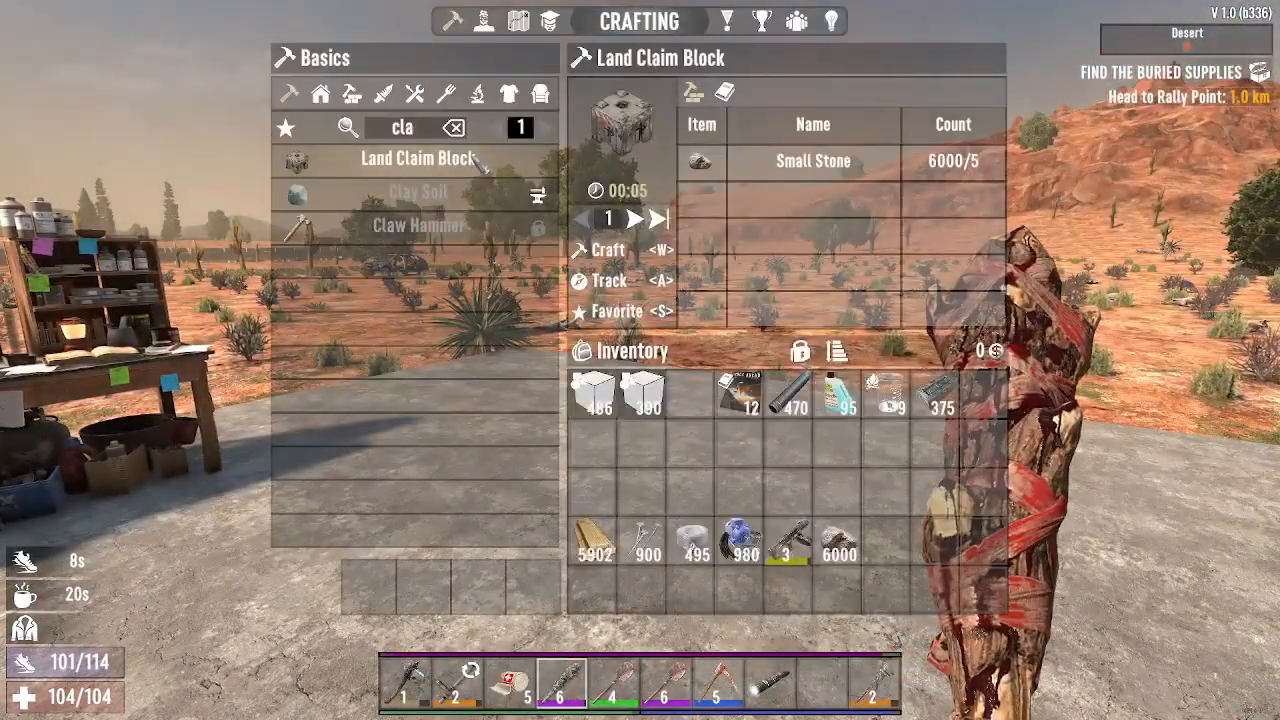
Creating a land claim block is incredibly simple and requires minimal resources. You’ll need:
Five small stones
Construction time is only five seconds, making this one of the quickest crafting recipes in the game.
How to Use a Land Claim Block to Move Workstations
Before Placing the Land Claim Block
Without a land claim block, you cannot pick up workstations. If you try to interact with a workbench or chemistry station without one, you’ll be unable to select it for movement.
After Placing the Land Claim Block
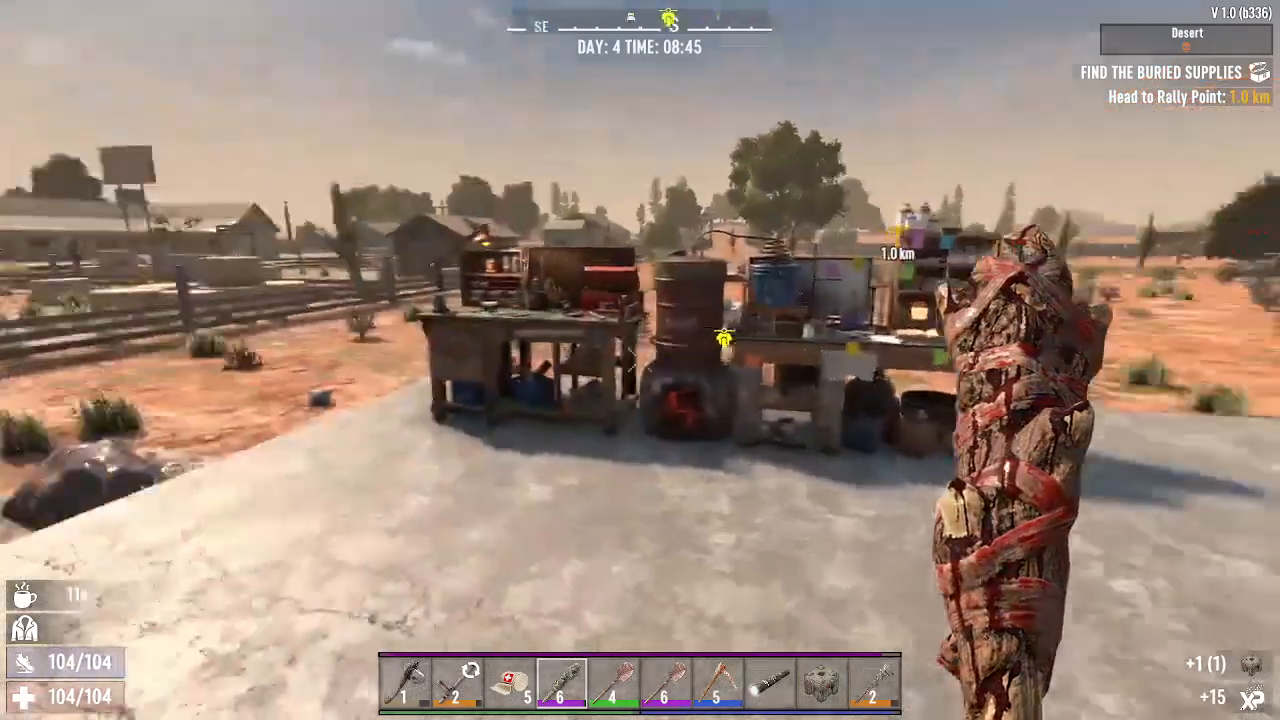
Once you’ve placed the land claim block near your workstations, the process becomes straightforward:
Hold the E key (interact button) over the workstation you want to move
Wait a moment for the station to register as pickable
The workstation will be picked up and returned to your inventory
You can now place it back down anywhere you want within your base
Summary
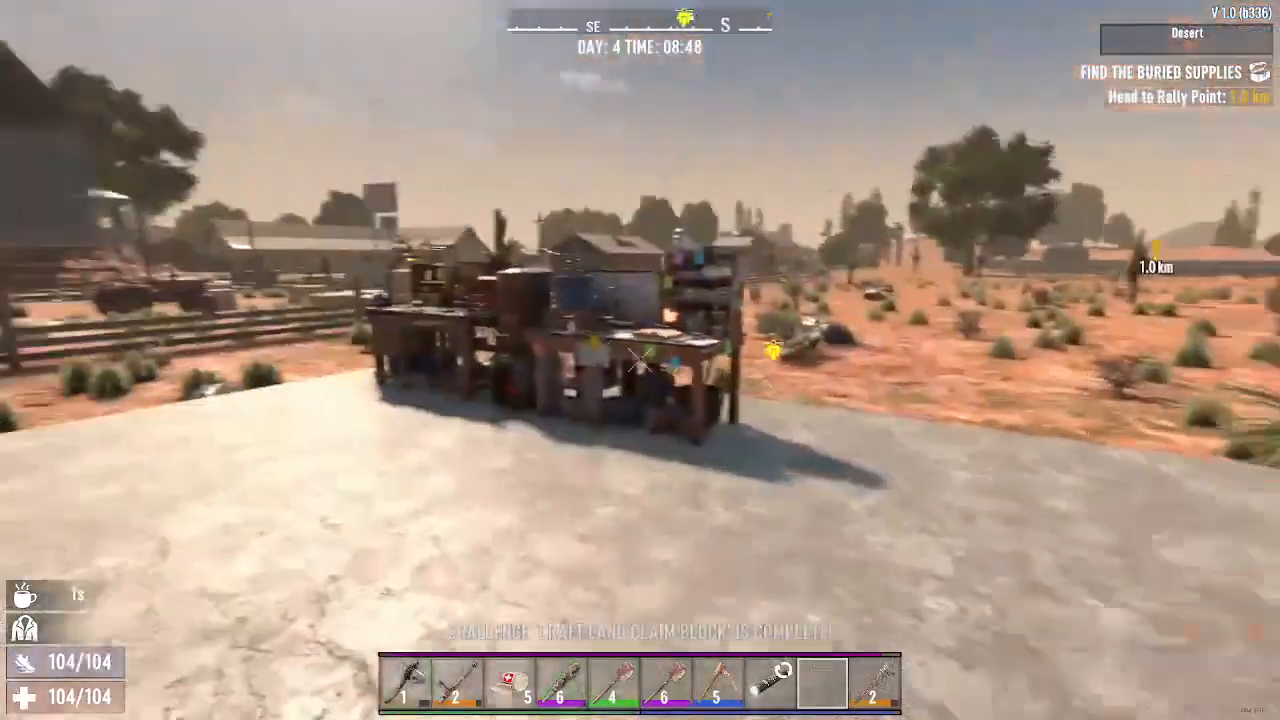
The land claim block is a game-changer for base building in 7 Days to Die. By investing just five small stones and five seconds of crafting time, you unlock the ability to freely move any workstation around your base while also preventing zombie spawns in your territory. This makes reorganizing your base layout quick and painless.
— Want to Support? —
If you would like to help us continue making these guides – please consider joining our patreon here – https://www.patreon.com/c/JaviHeals
Alternatively – you can join our discord here – https://discord.gg/zD7Gjt6MHF