How To Rotate Buildings In Age of Mythology Retold
How To Rotate Buildings In Age of Mythology Retold
Building placement is a crucial skill in Age of Mythology Retold, and knowing how to rotate your structures can significantly improve your base layout and efficiency. This guide will walk you through the simple steps to rotate buildings while placing them in the game.
Rotating Buildings: Step-by-Step Guide
Select Your Villager and Building
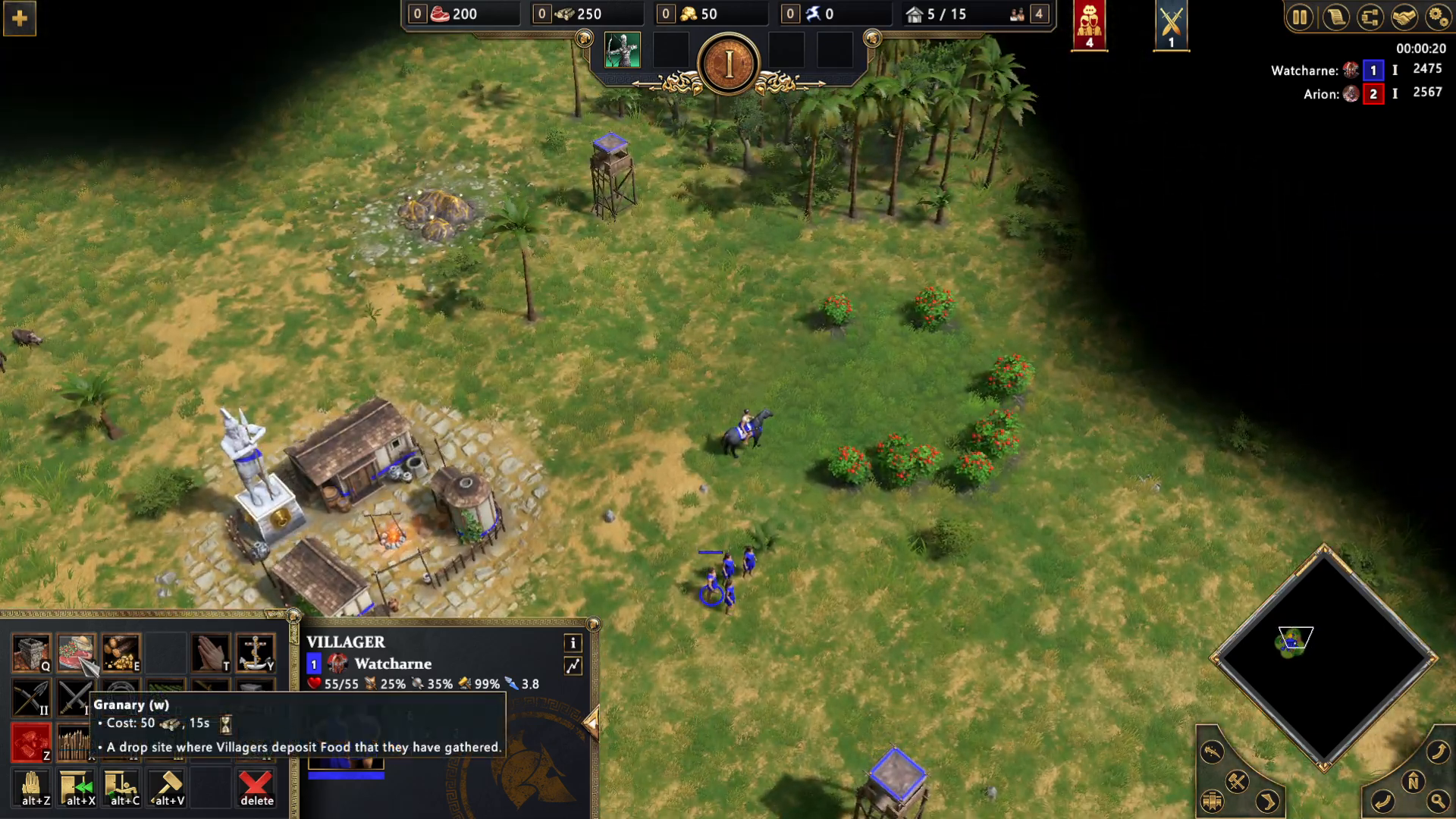
Start by choosing a villager and selecting the building you want to place. In this example, we’ll use the Greeks and construct a granary. Click on the granary option from your building menu.
Activate Rotation Mode
Once you’ve selected your building, the game will prompt you to choose a placement location. This is when you can rotate your structure. Hold down the Shift key on your keyboard to activate rotation mode.
Rotate Using Your Mouse Wheel
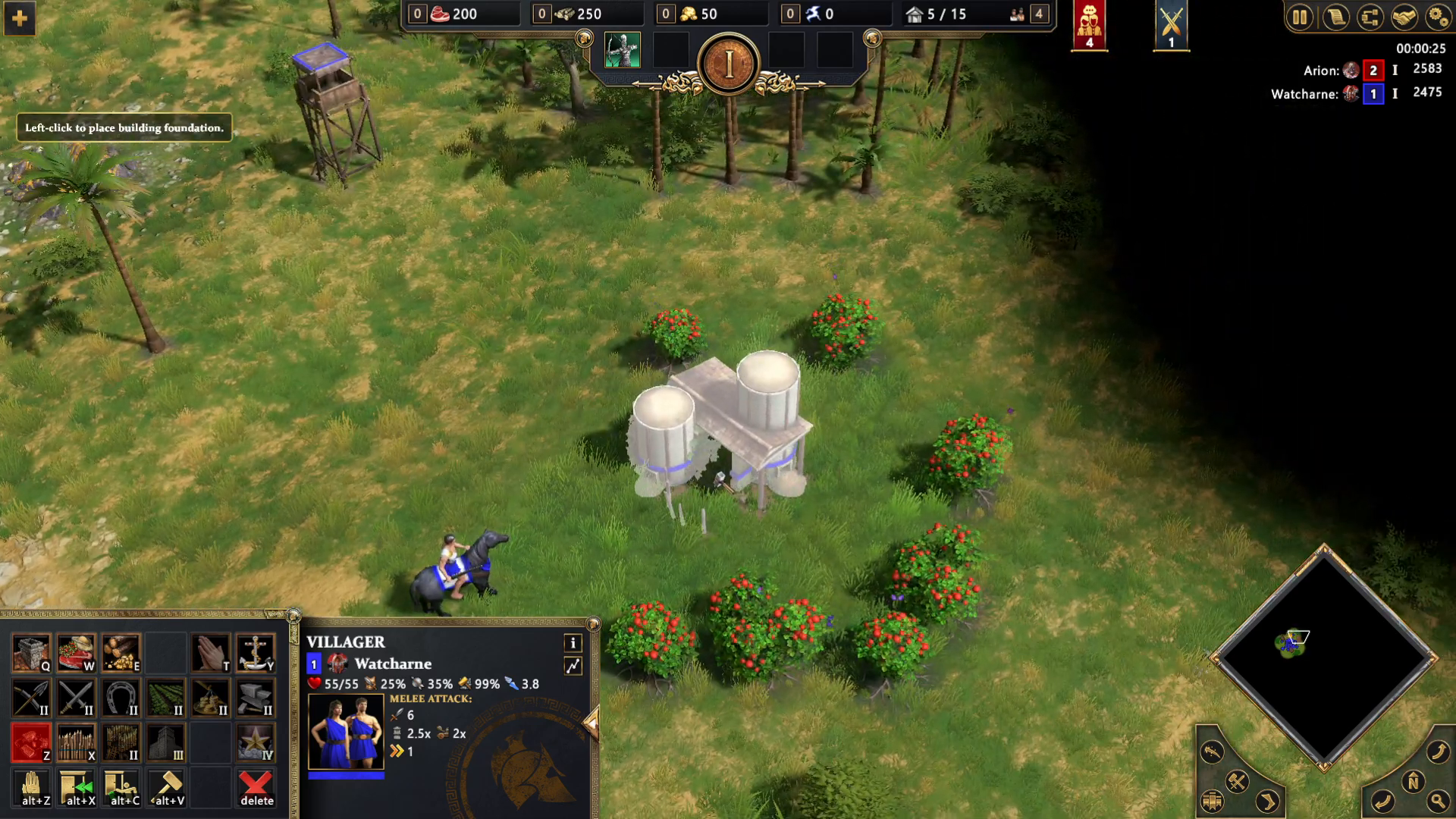
While holding Shift, use your mouse wheel to rotate the building:
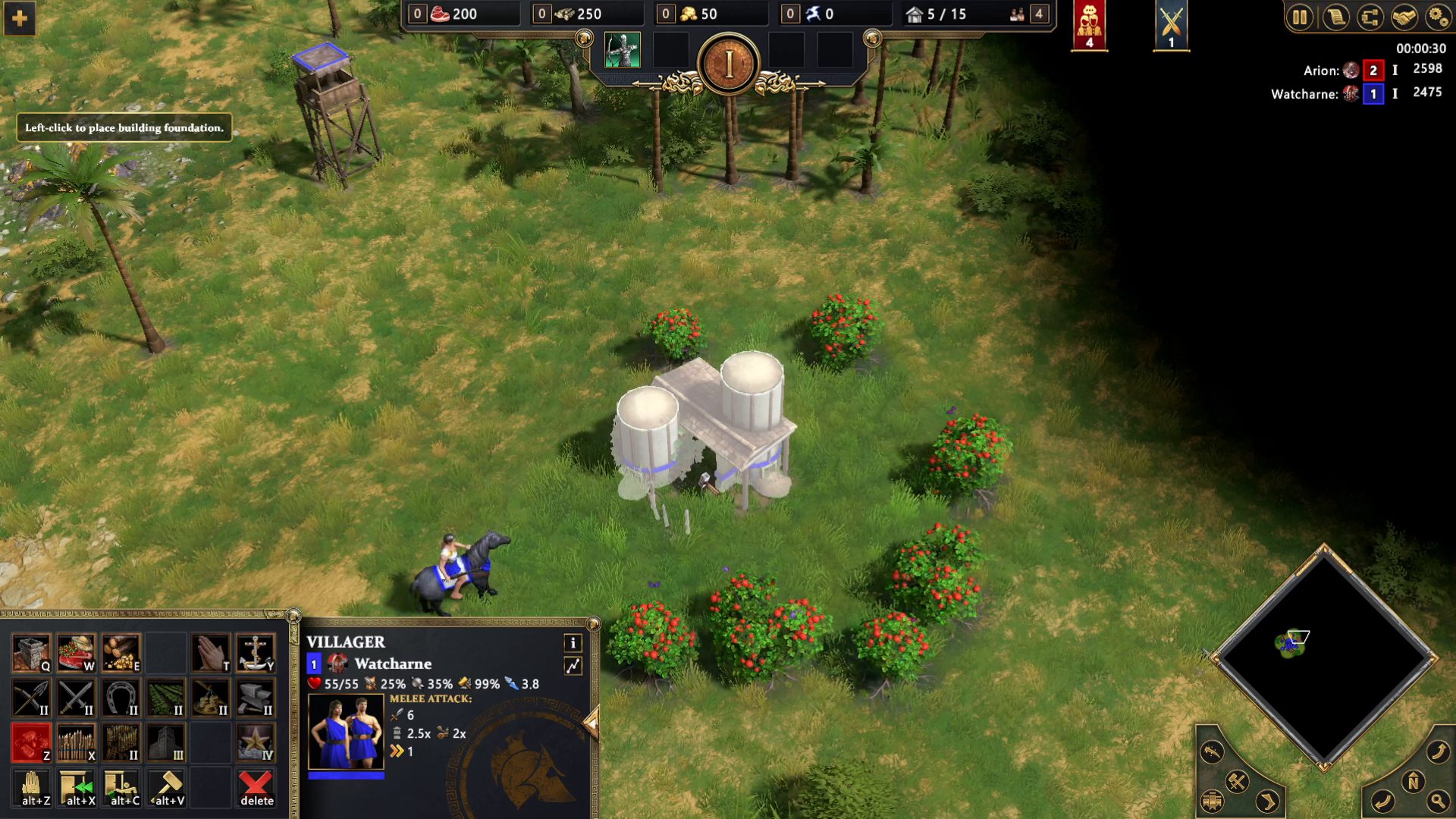
Scroll downwards with your mouse wheel to rotate the building in one direction
Scroll upwards with your mouse wheel to rotate the building in the opposite direction
Confirm Your Placement
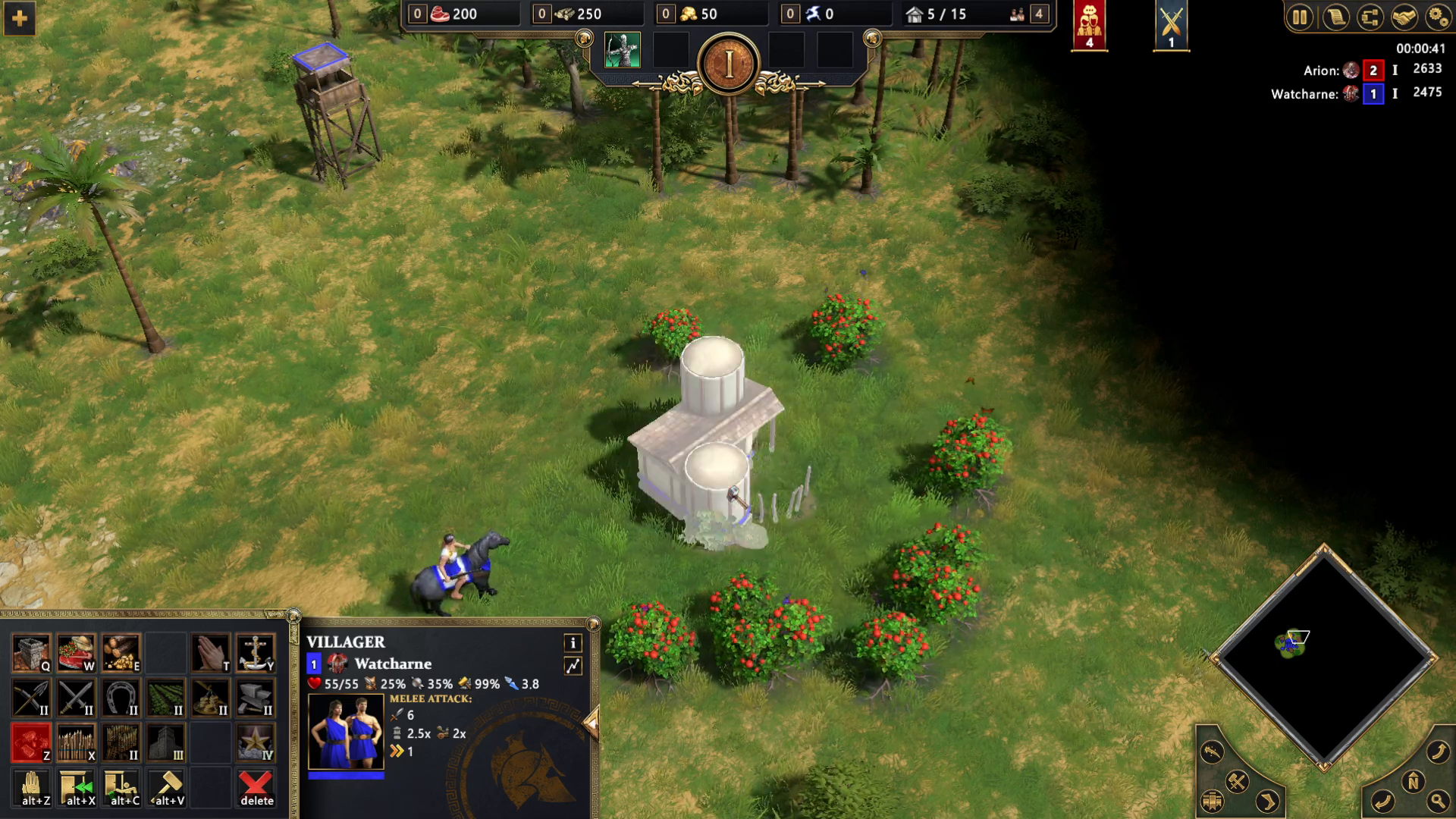
Once you’ve rotated the building to your desired angle, simply click to place it in its final position.
Summary
Rotating buildings in Age of Mythology Retold is quick and intuitive. Just remember to hold Shift, use your mouse wheel to rotate (down for one direction, up for the other), and click to place. This technique works for all buildings across all civilizations in the game, including the Greeks, and allows you to optimize your base layout for maximum efficiency.
Want to Support?
If you would like to help us continue making these guides – please consider joining our patreon here – https://www.patreon.com/c/JaviHeals
Alternatively – you can join our discord here – https://discord.gg/zD7Gjt6MHF