
How to Spawn Zombies in 7 Days to Die
How to Spawn Zombies in 7 Days to Die
Learn how to spawn any type of zombie in 7 Days to Die using the debug menu. This quick guide walks you through enabling debug mode and using console commands to spawn zombies whenever you want. Perfect for testing, practice, or experimenting with different zombie types.
Enable Debug Mode
To begin spawning zombies, you first need to enable debug mode in your game. Press F1 on your keyboard to open the console.
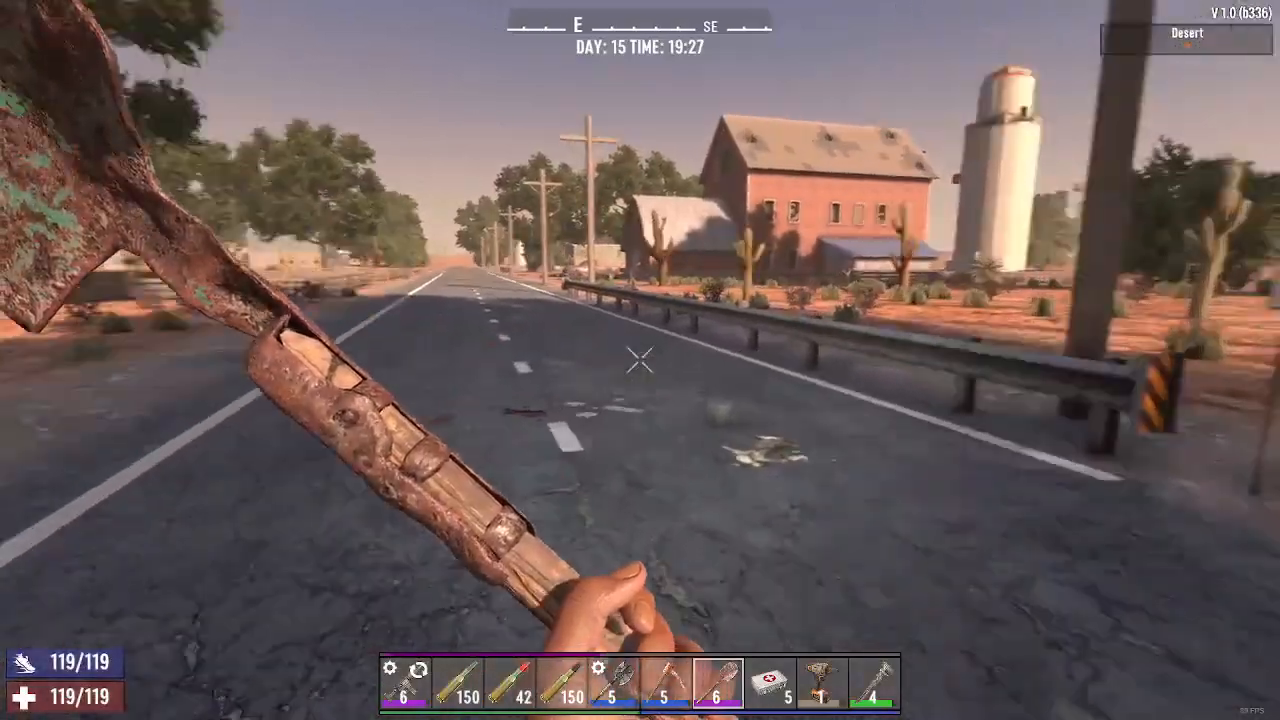
Once the console is open, type DM to toggle your debug menu on. If debug mode is already enabled, typing DM again will turn it on for your current session.
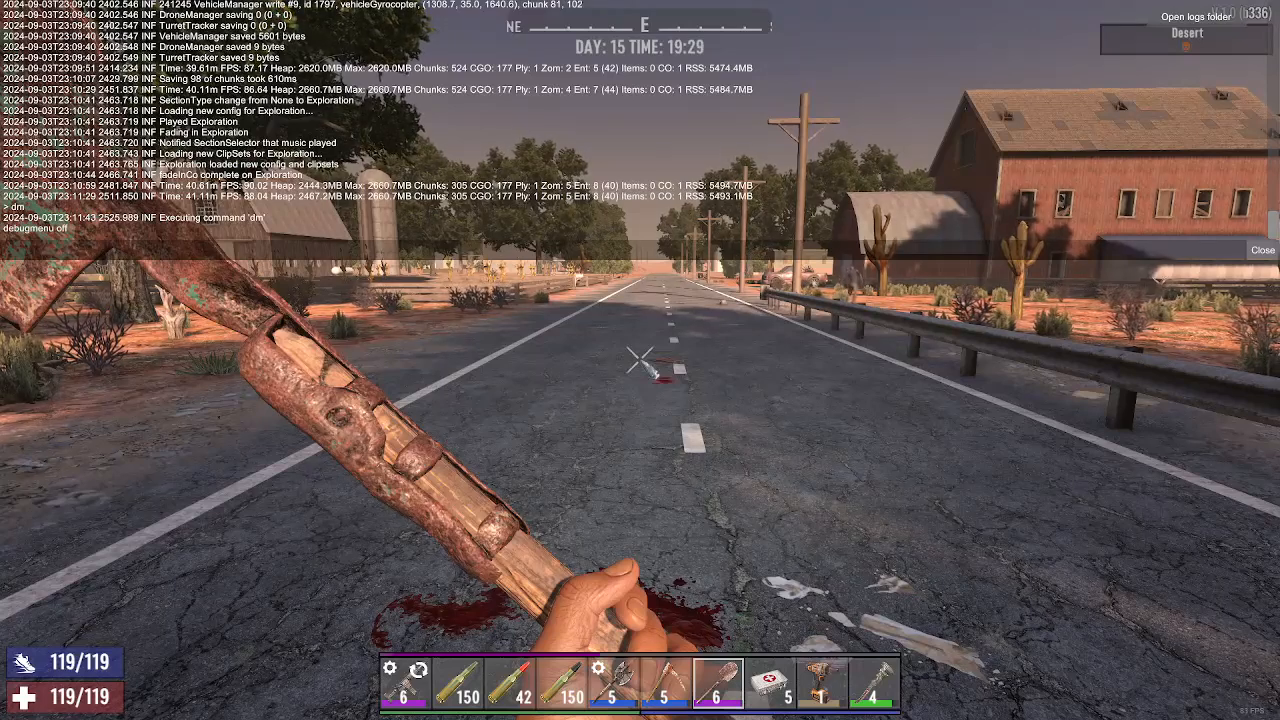
Spawn Your First Zombie
Now that debug mode is active, press Escape to close any menus, then press F6 to open the command console again.
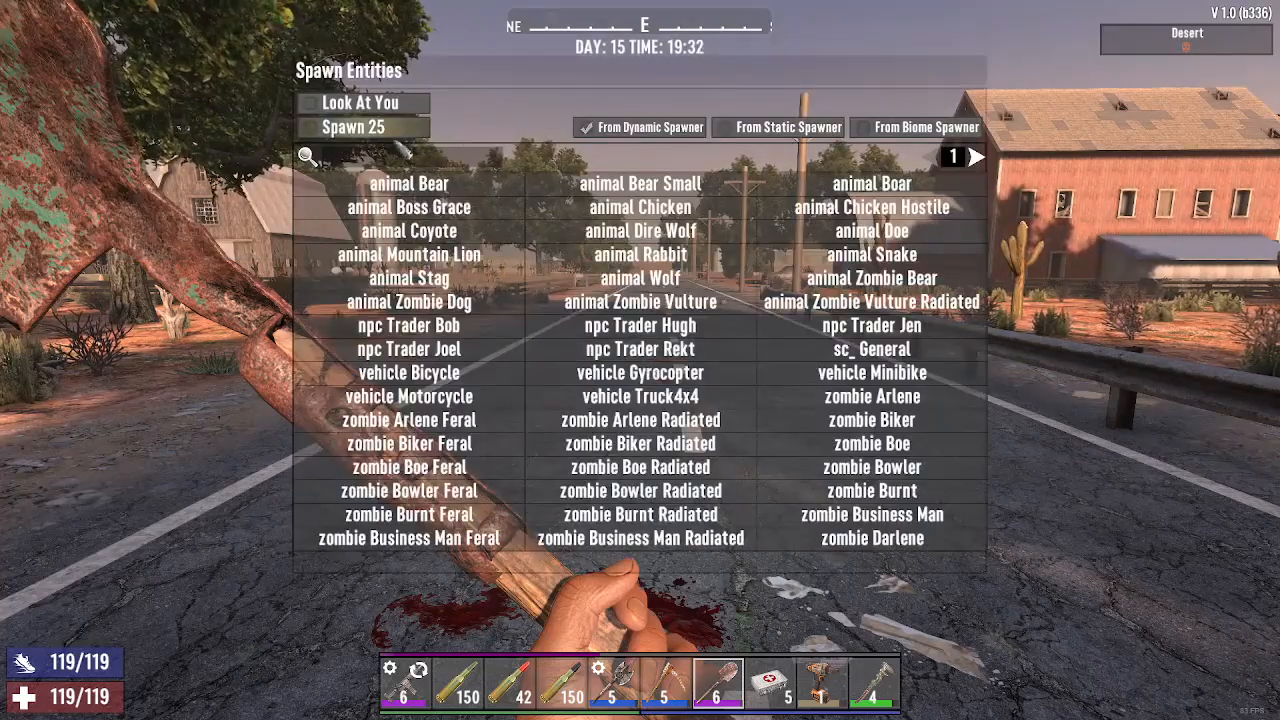
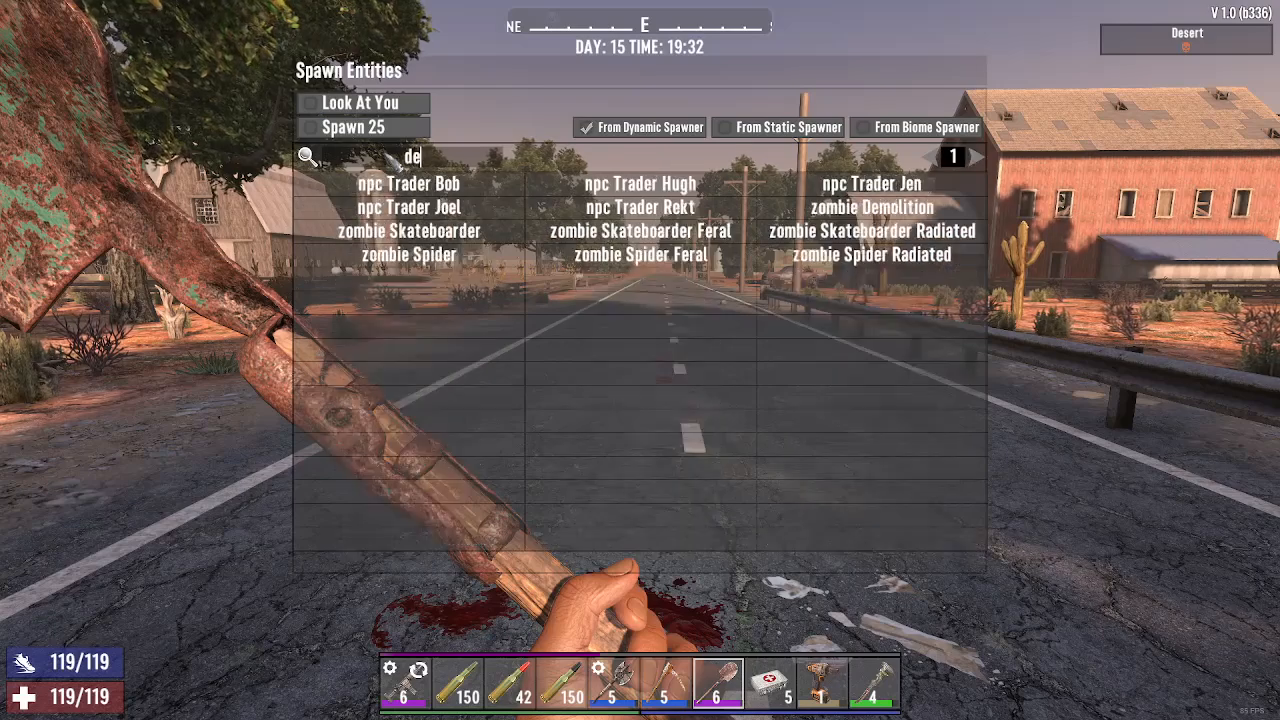
In the command console, type say demo zombie and press Enter. This command will spawn a demo zombie at your location instantly.
Spawn Any Zombie Type
The beauty of this method is its flexibility. You can replace “demo zombie” with any zombie type available in 7 Days to Die. Simply follow the same steps:
Press F6 to open the command console
Type say [zombie type] where [zombie type] is the name of the zombie you want to spawn
Press Enter to spawn the zombie
You can spawn any zombie type you want, whenever you want, making this an invaluable tool for testing, practice, or game experimentation.
Conclusion
Spawning zombies in 7 Days to Die is simple once you know the basic steps. Enable debug mode with F1 and DM, open the command console with F6, and use the “say [zombie type]” command to spawn any zombie you need. This technique is essential for players who want to practice combat, test strategies, or simply have fun experimenting with different zombie encounters.
— Want to Support? —
If you would like to help us continue making these guides – please consider joining our patreon here – https://www.patreon.com/c/JaviHeals
Alternatively – you can join our discord here – https://discord.gg/zD7Gjt6MHF