How to Spawn in Items in 7 Days to Die
How to Spawn in Items in 7 Days to Die
Spawning items in 7 Days to Die is one of the easiest ways to enhance your gameplay experience, especially if you’re using Creative Mode. This guide will walk you through the simple steps to quickly spawn any item you need, from basic tools to advanced equipment for base upgrades.
Getting Started with Creative Mode
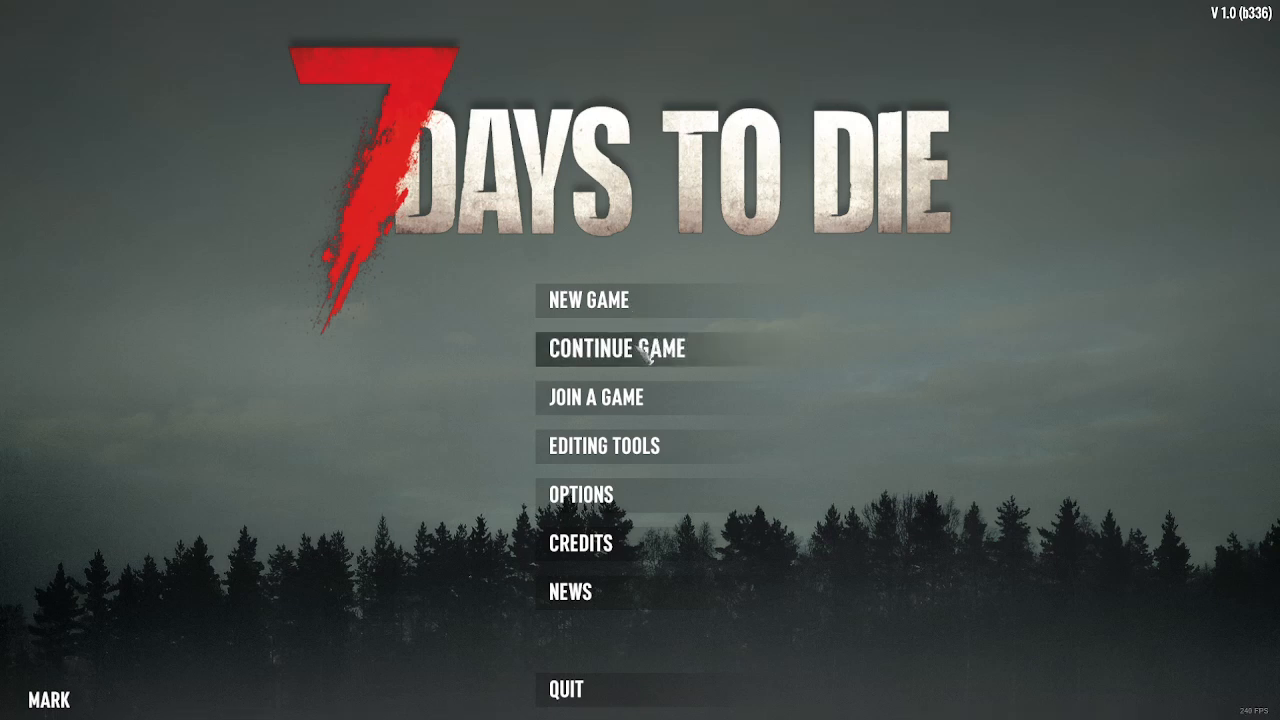
The easiest way to spawn items in 7 Days to Die is by using Creative Mode. To begin, load an existing game by clicking “Continue Game” to avoid having to create a new file.
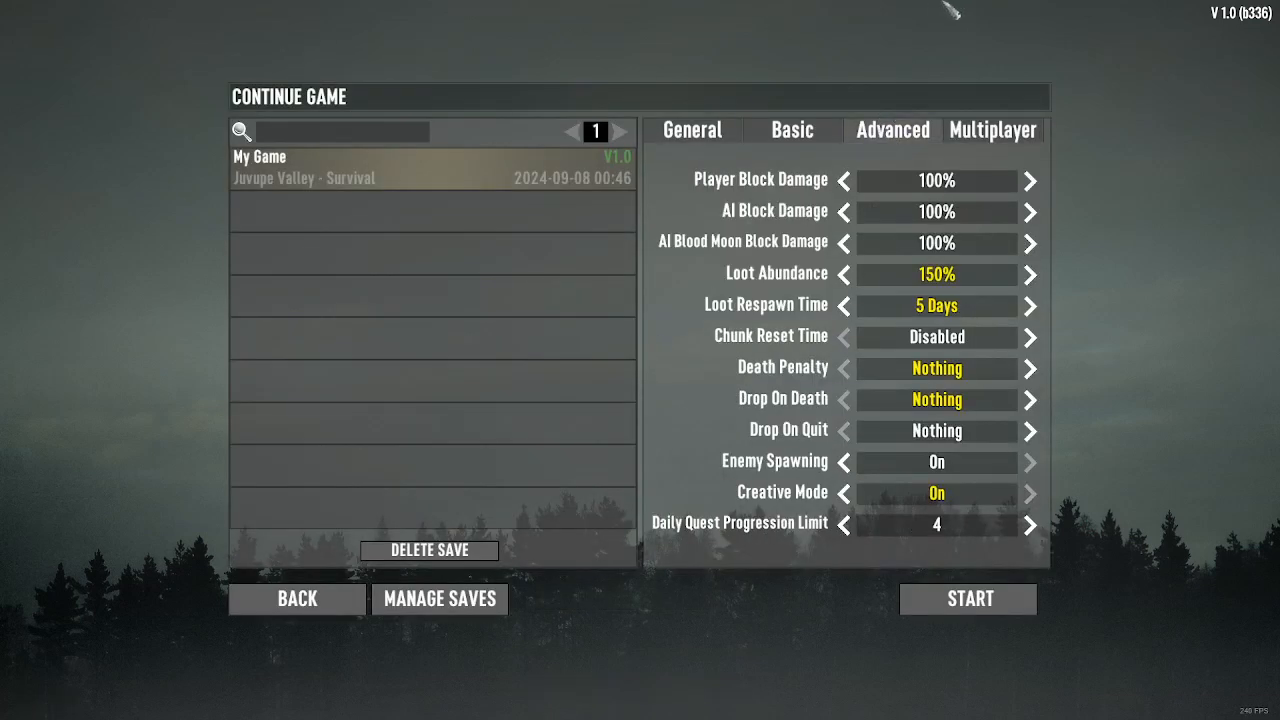
Once you’ve selected your game, navigate to the Advanced settings and verify that Creative Mode is enabled. You should see the Creative Mode toggle switched on before starting your game.
Spawning Items Using the Creative Menu
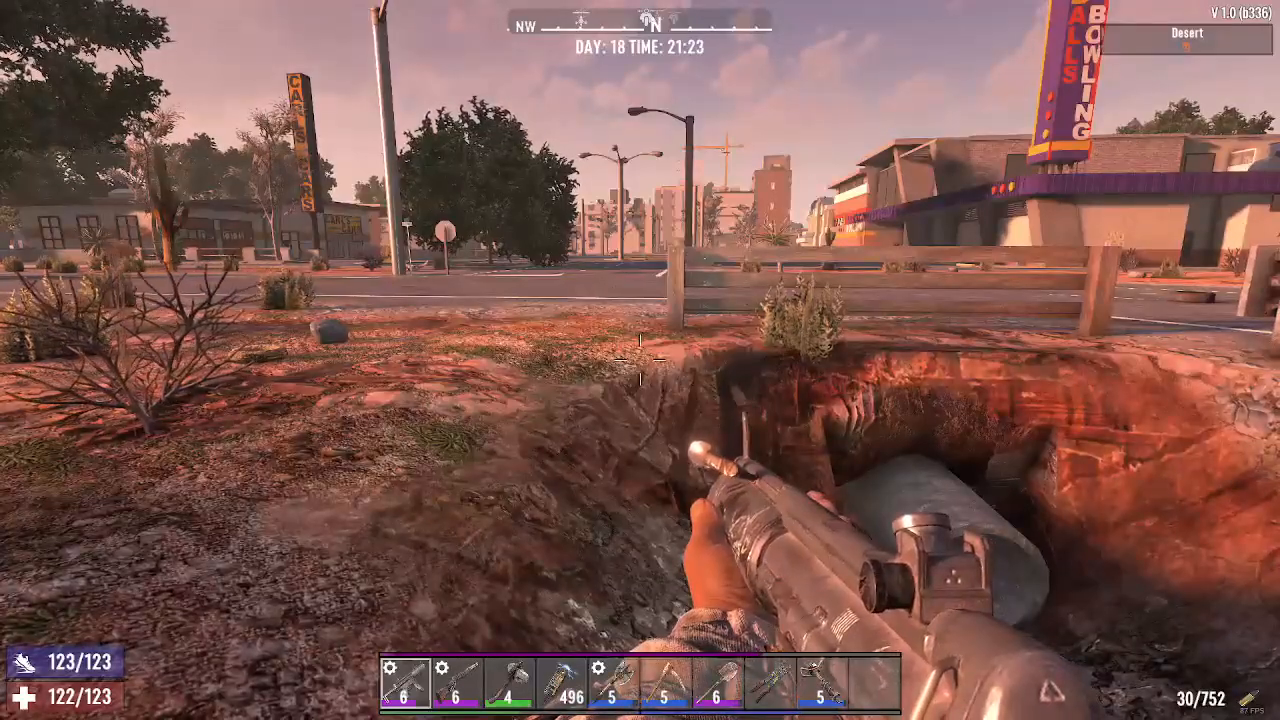
After your game loads, you’re ready to spawn items. The process is straightforward and only requires a few steps.
Opening the Creative Menu
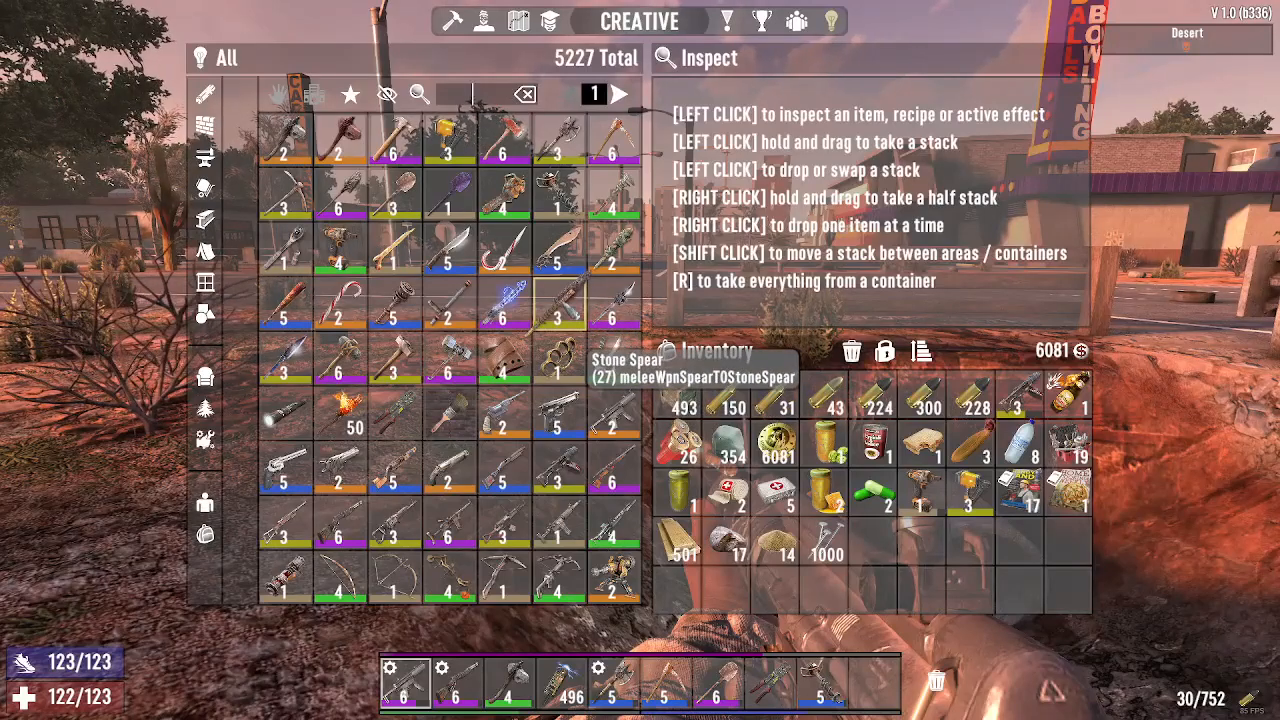
Press the U button to open the Creative Mode menu. This will display the item spawning interface where you can search for and select any item in the game.
Searching for and Selecting Items
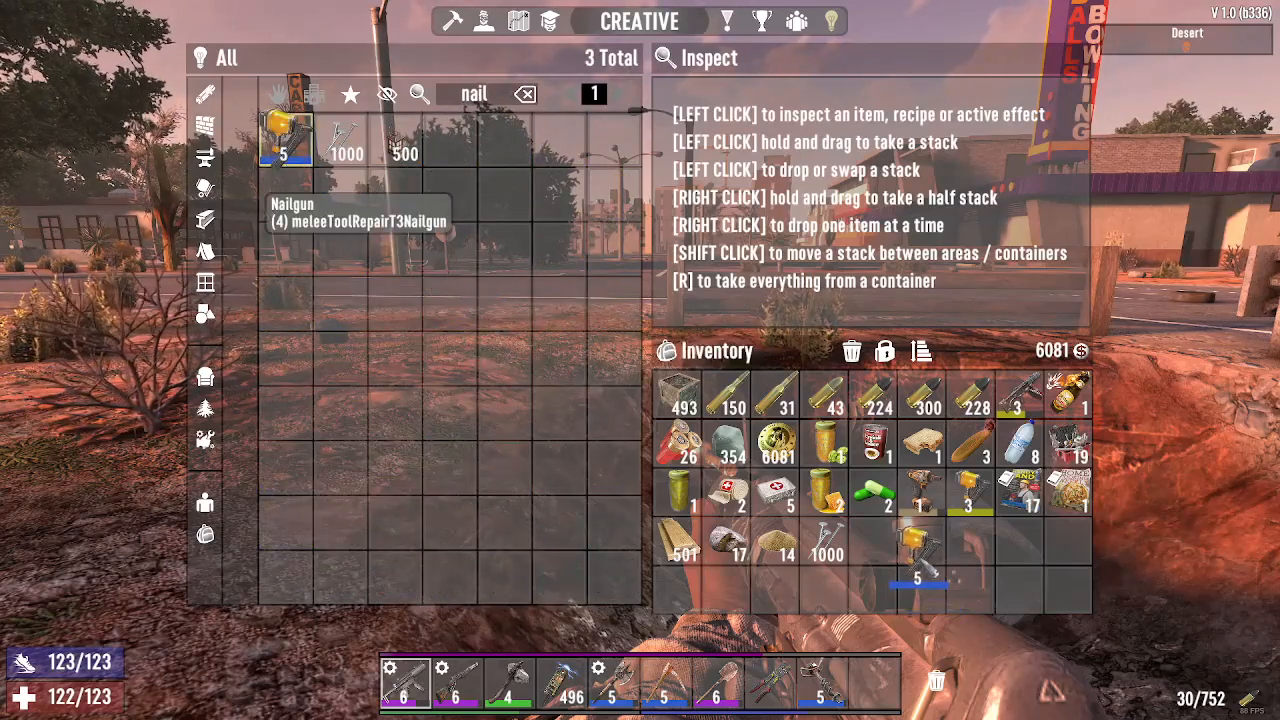
Once the Creative Menu is open, type the name of the item you want to spawn. For example, if you want to upgrade your base faster, you can type “nail gun” to quickly locate that item in the menu.
Adding Items to Your Inventory
After finding your desired item in the Creative Menu, simply drag it from the menu directly to your inventory bar. This action immediately spawns the item and adds it to your available equipment.
Summary
Spawning items in 7 Days to Die using Creative Mode is a quick and efficient process. By enabling Creative Mode in your Advanced settings, pressing U to open the menu, searching for your desired item, and dragging it to your inventory bar, you can instantly equip yourself with any tool or resource you need. Whether you’re gathering materials for base upgrades like a nail gun or preparing for survival challenges, this method gives you instant access to everything in the game.
Want to Support?
If you would like to help us continue making these guides – please consider joining our patreon here – https://www.patreon.com/c/JaviHeals
Alternatively – you can join our discord here – https://discord.gg/zD7Gjt6MHF