
How to Teleport in 7 Days to Die
How to Teleport in 7 Days to Die
Teleportation in 7 Days to Die is a useful mechanic that allows you to quickly move across the map, whether you’re traveling to other players or returning to favorite locations. This guide will walk you through the different teleportation methods available in the game and how to execute them using console commands.
Understanding Teleportation Options
There are three main ways you can teleport in 7 Days to Die:
Teleport another player to your location
Teleport yourself to another player’s location
Teleport to specific map coordinates
How to Teleport a Player to You
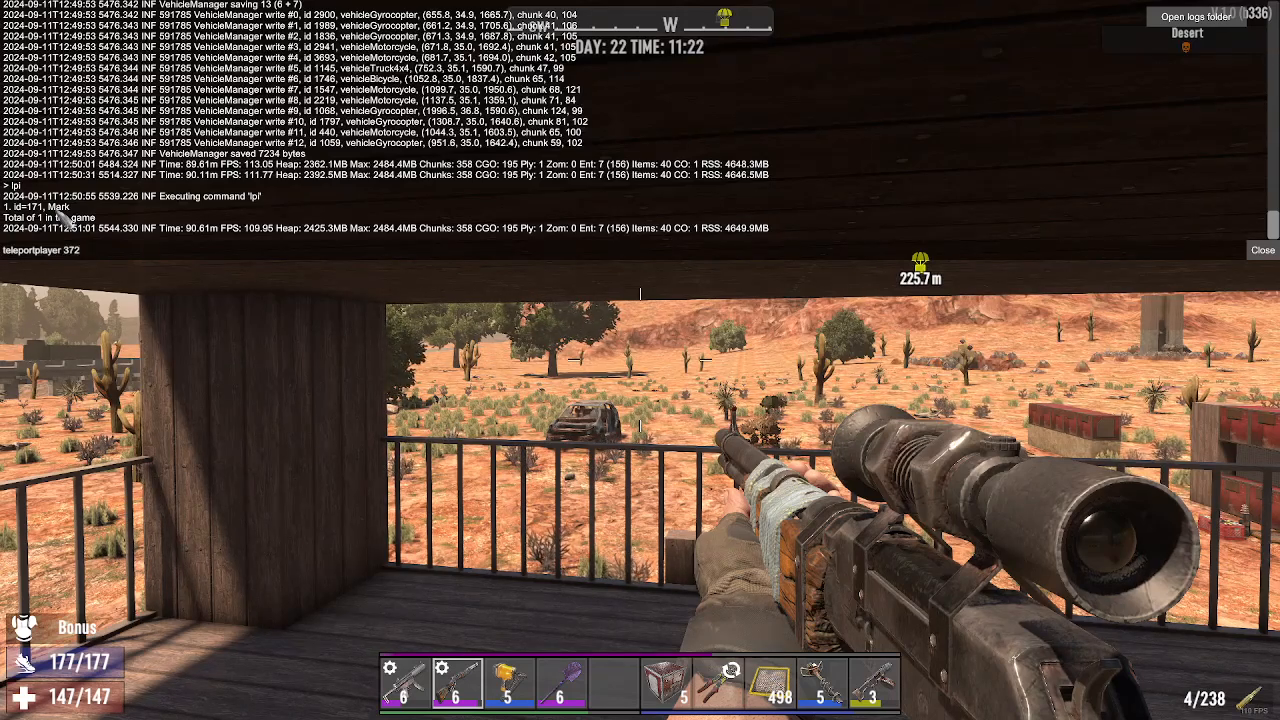
If you want to bring another player to your location, you’ll need to use the console commands. First, press F1 to open the console and type LPI to display the player IDs for all connected players.
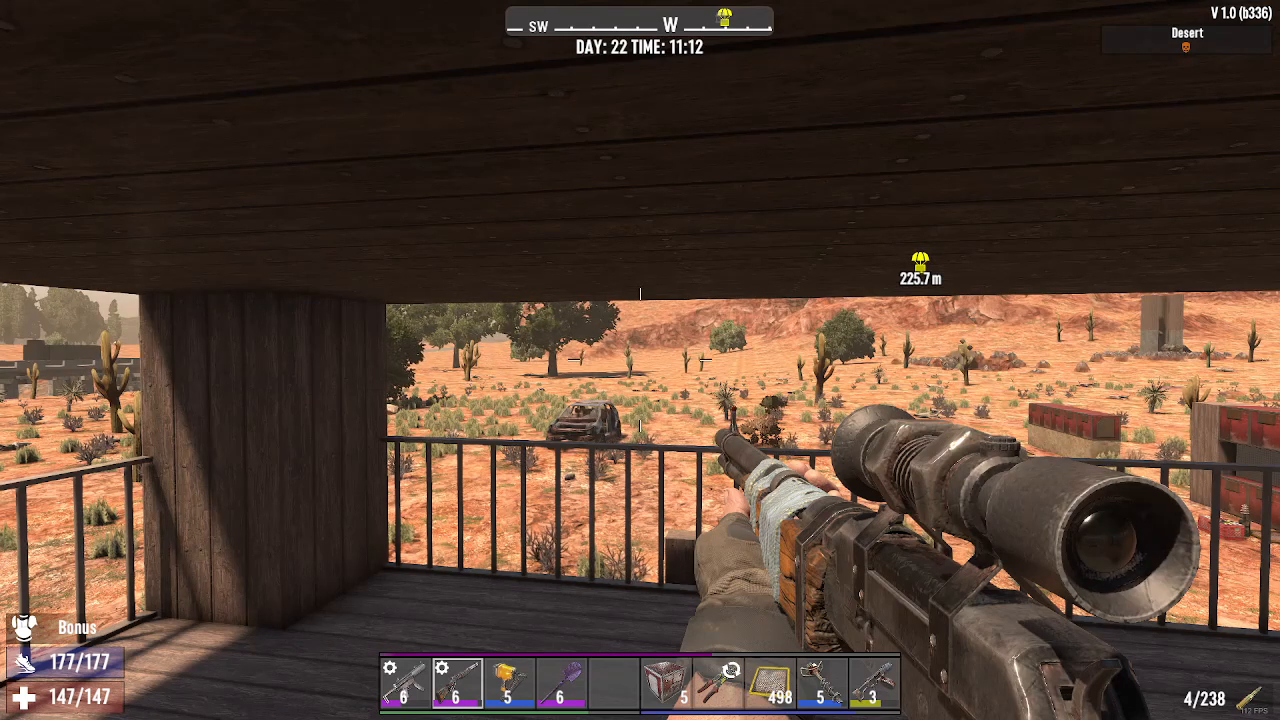
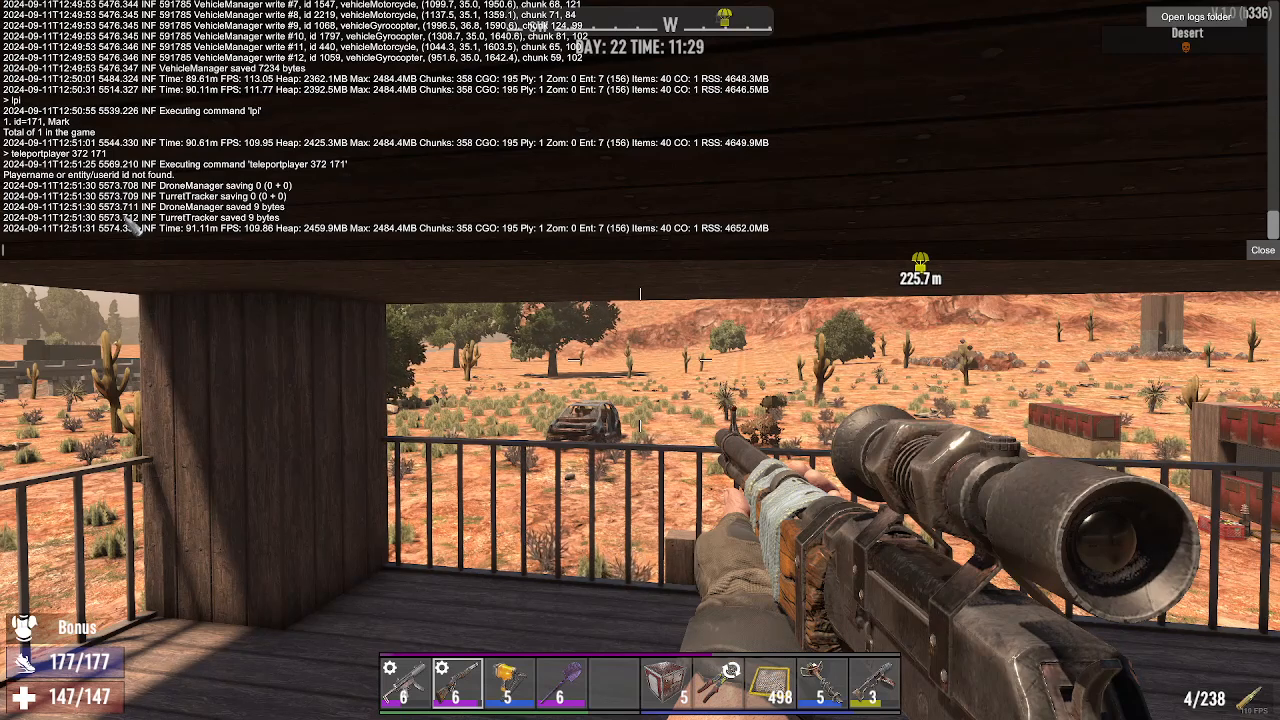
Next, you’ll type the teleport command with the following syntax: teleportplayer (note: no spaces in the command). After the command, enter the player ID of the person you want to teleport, followed by your own player ID. For example, if you want to teleport player 372 to you (player 171), you would type: teleportplayer 372 171.
How to Teleport to Another Player
You can reverse the teleport command to go to another player instead. Simply swap the order of the player IDs in the command to teleport yourself to their location.
How to Teleport to Specific Coordinates
If you want to teleport to a specific location on the map, you’ll need to know the X, Y, and Z coordinates of your destination. Press F1 to open the console and type LP to display your current coordinates. These will appear in the format: X, Y, Z (for example, 657, 38, 1636.7).
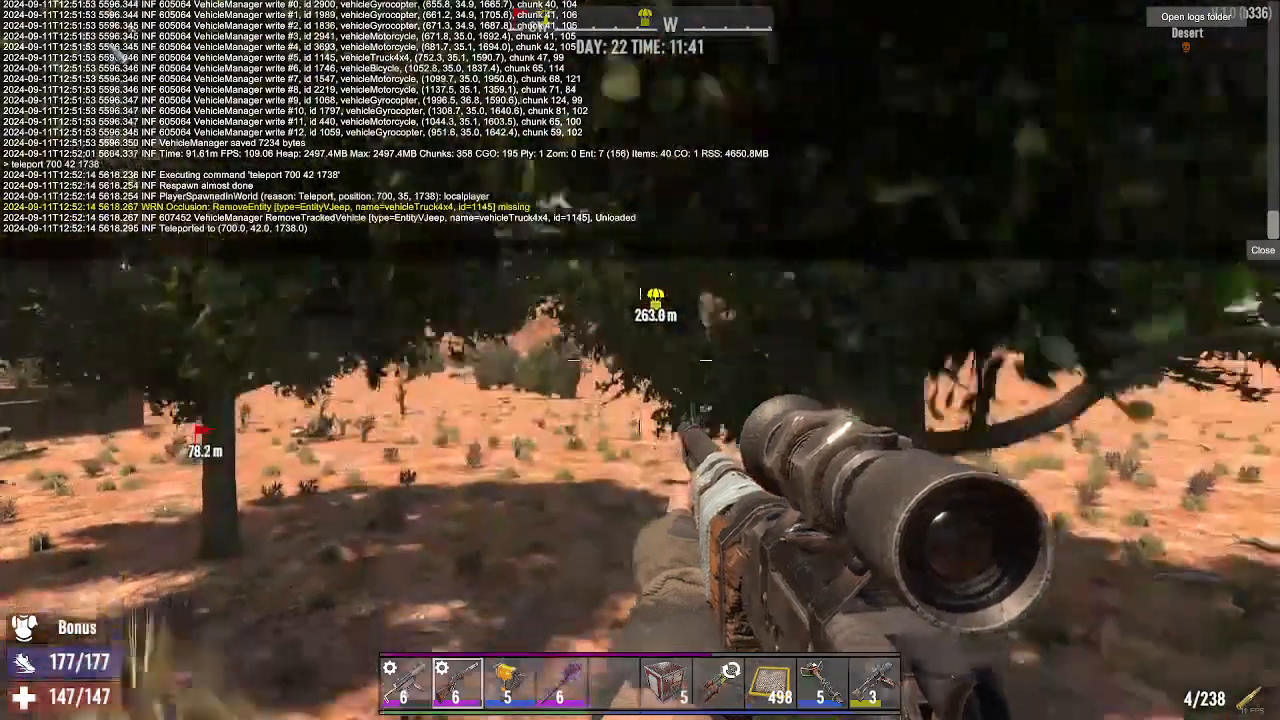
Once you have your target coordinates, type teleport followed by the three coordinate values. For example: teleport 700 42 1738. Press Enter and you’ll instantly be transported to those coordinates.
Saving Coordinates for Future Travel
As you explore the game world, you may discover Points of Interest (P.O.I) or locations you’d like to revisit without having to travel across the map by bike, car, or on foot. When you find a location worth returning to, simply press F1, type LP, and note down the coordinates displayed. You can save these coordinates in a notepad or document for easy reference later in your playthrough.
Summary
Teleportation in 7 Days to Die is straightforward once you master the console commands. Use LPI to view player IDs, teleportplayer to move players between locations, and LP and teleport to navigate to specific coordinates. This feature is invaluable for quickly accessing distant locations and coordinating with other players on multiplayer servers.
Want to Support?
If you would like to help us continue making these guides – please consider joining our patreon here – https://www.patreon.com/c/JaviHeals
Alternatively – you can join our discord here – https://discord.gg/zD7Gjt6MHF