How to Turn On Flashlights in 7 Days to Die
How to Turn On Flashlights in 7 Days to Die
In 7 Days to Die, managing your lighting equipment is essential for survival, especially when exploring dark areas or navigating at night. This guide will walk you through the simple process of turning on flashlights and other light sources attached to your vehicles or weapons.
Basic Flashlight Controls
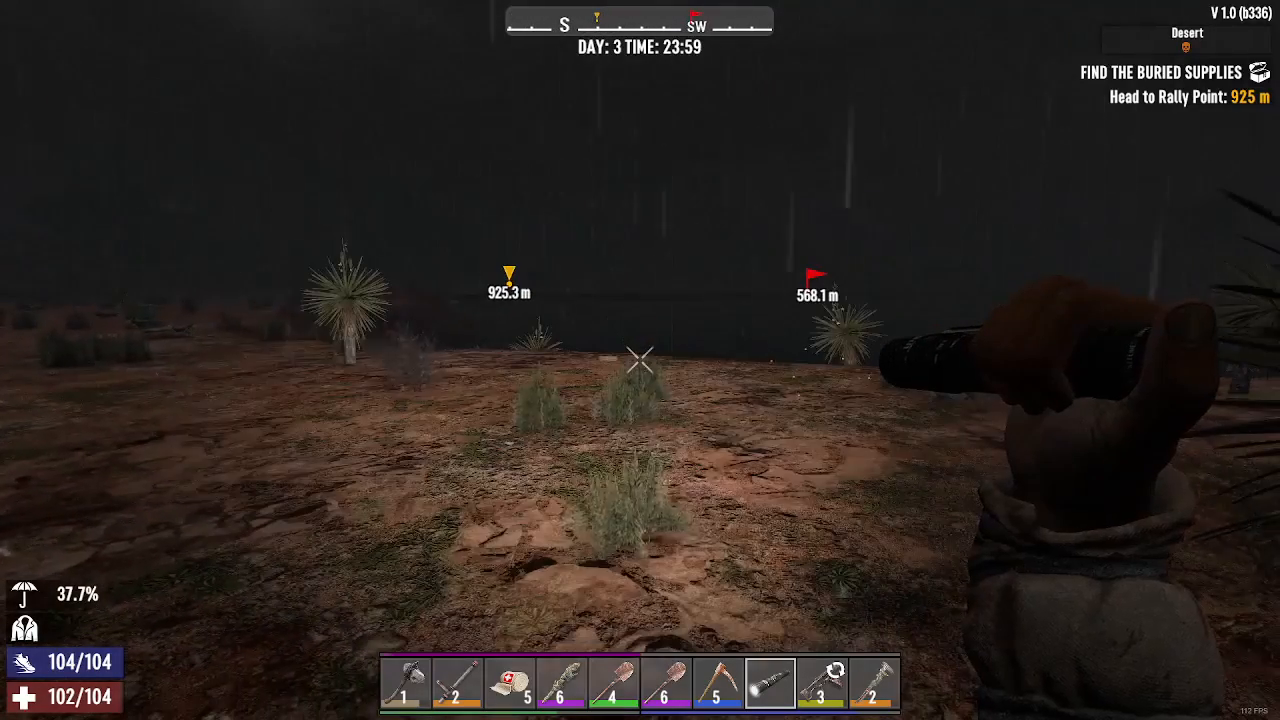
Activating a flashlight in 7 Days to Die is straightforward. When you have your flashlight equipped in your hand, simply press the F key to turn the light on.
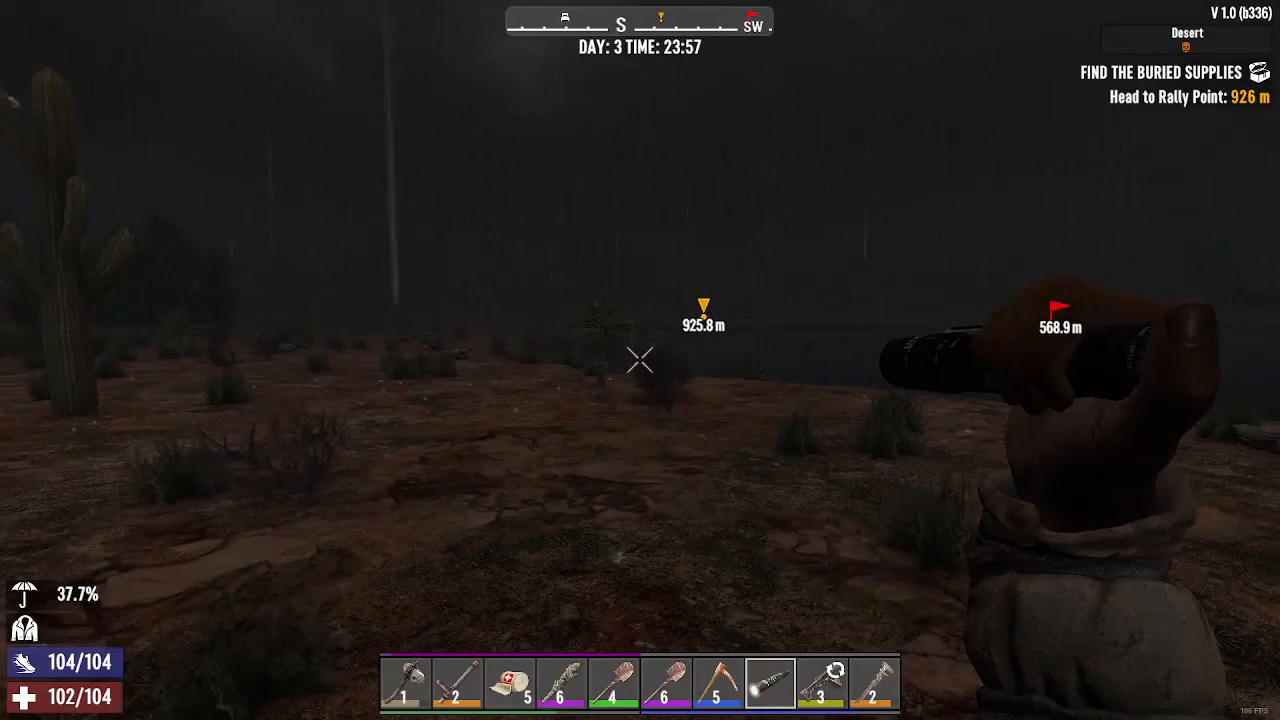
To turn the flashlight off, press the F key again. This toggle system makes it easy to conserve battery power or adjust your visibility on demand.
Using Lights on Vehicles and Weapons
The same F key control applies to any light sources you may have attached to a vehicle or a gun. Once you’ve equipped the item with an attached light source, the F key will toggle that light on and off just as it does with a standard flashlight.
Summary
Turning on flashlights and attached light sources in 7 Days to Die is as simple as pressing the F key when the item is equipped. Press F once to turn the light on, and press F again to turn it off. This essential mechanic helps you navigate dark environments safely and manage your equipment efficiently throughout your survival journey.
Want to Support?
If you would like to help us continue making these guides – please consider joining our patreon here – https://www.patreon.com/c/JaviHeals
Alternatively – you can join our discord here – https://discord.gg/zD7Gjt6MHF