How To Use the Government Subsidy Mod In Farming Simulator 25
How To Use the Government Subsidy Mod In Farming Simulator 25
The Government Subsidy Mod is a powerful tool in Farming Simulator 25 that allows you to generate periodic income in your game world. This guide will walk you through the complete installation and setup process, so you can start earning subsidies right away.
Installing the Government Subsidy Mod
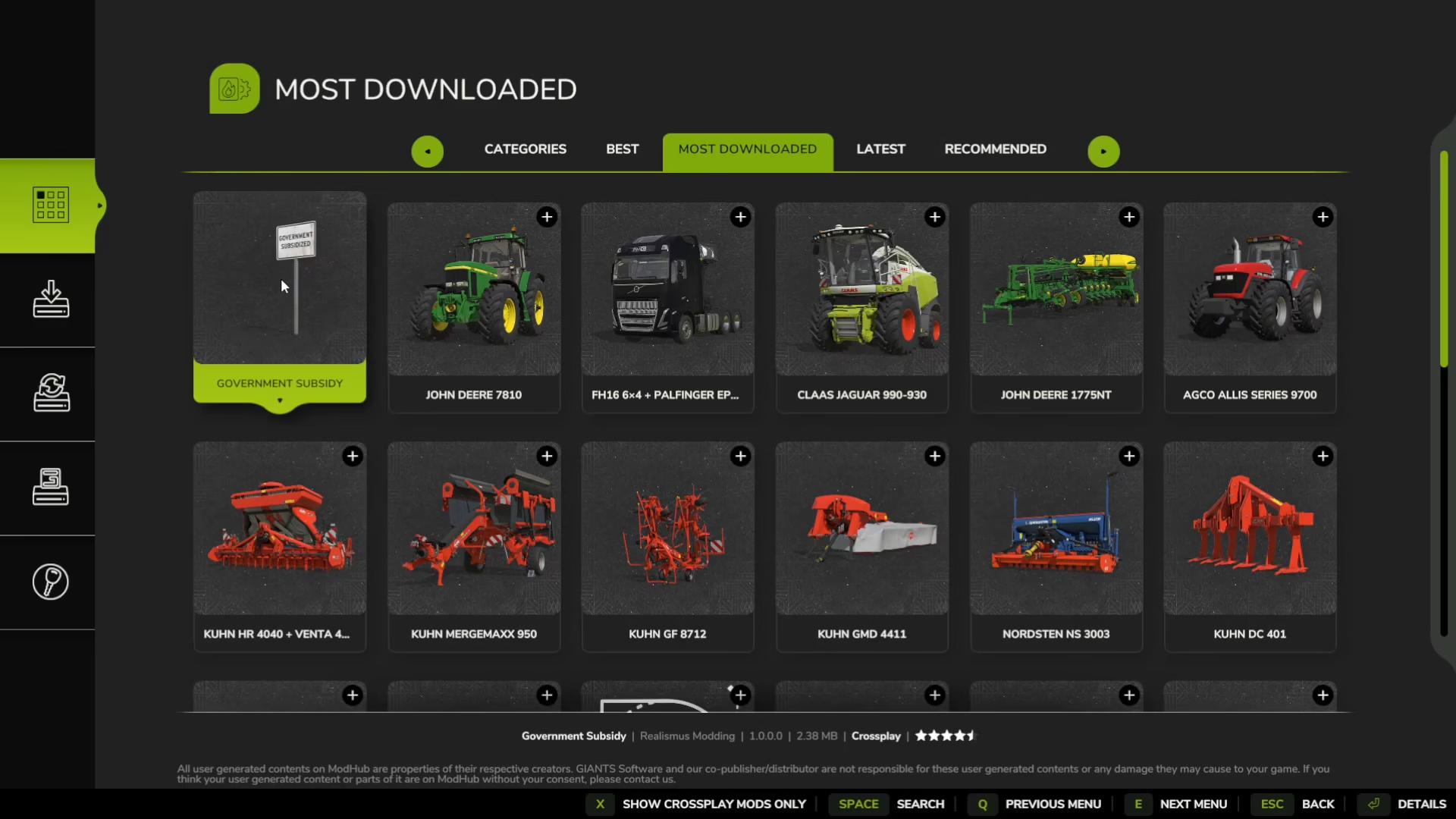
Start by navigating to the main menu of Farming Simulator 25. From here, access the downloadable content section where you’ll find the Government Subsidy mod among the most downloaded options.

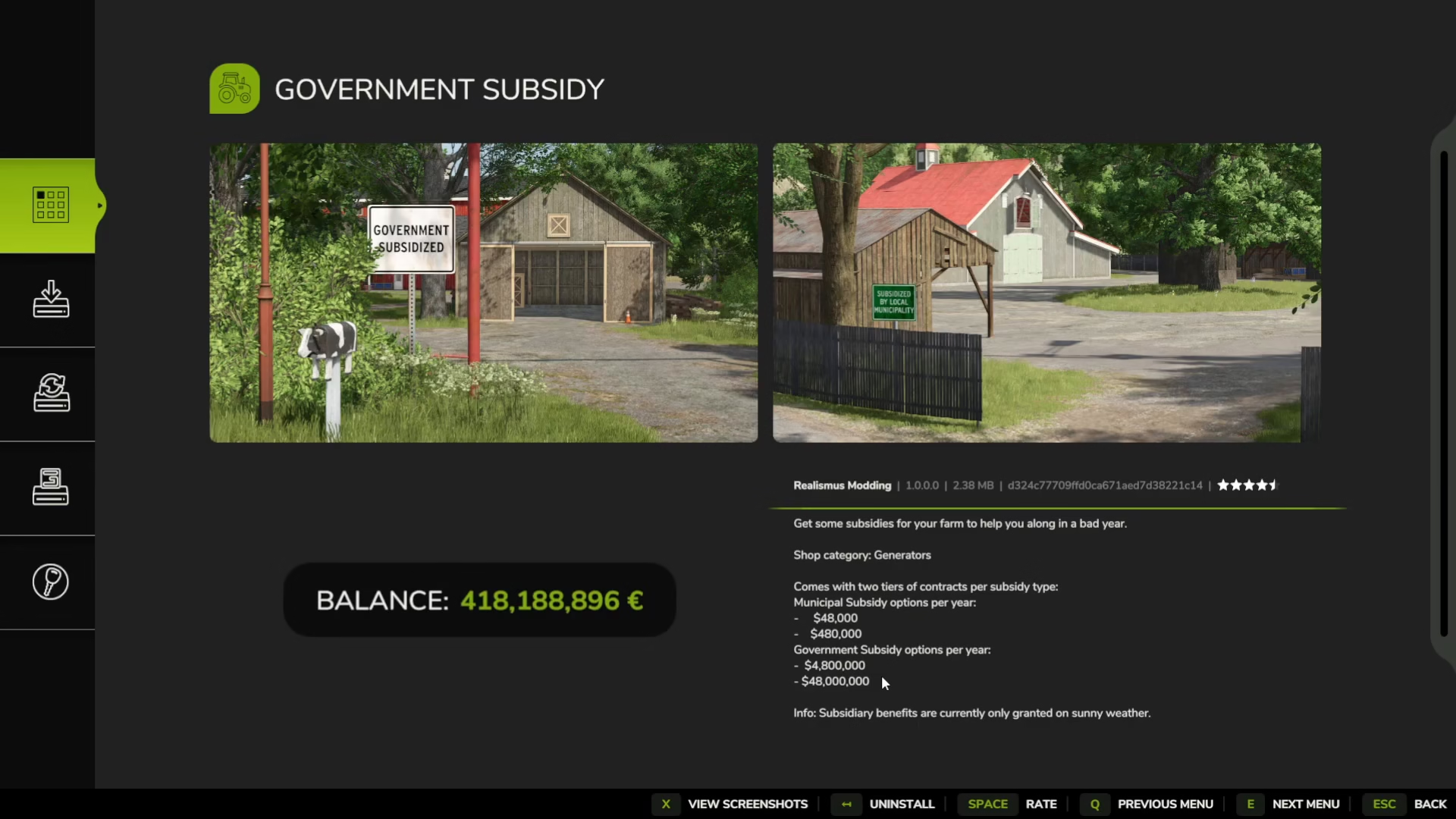
Double-click on the Government Subsidy mod to view its details. This mod works by allowing you to cheat in money periodically throughout your game. It comes with two tiers of contracts per subsidy type: 48,480 and 4.8 and 48 million.
Click the install button to add the mod to your game. If you already have it installed, the button will show an uninstall option instead.
Loading Your Save Game
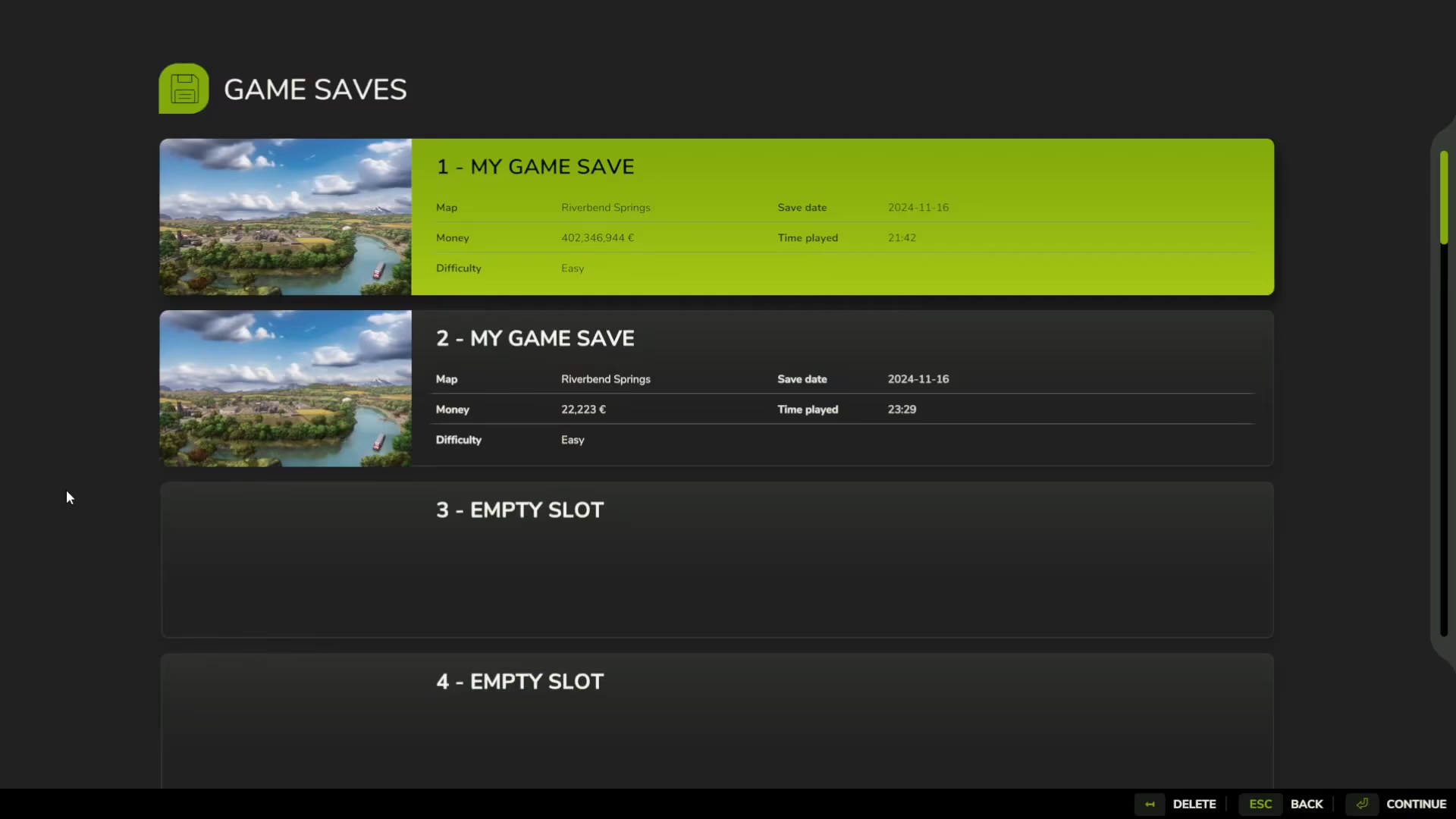
Once the mod is installed, navigate to Career mode and select the save game you want to play. Double-click on your save to access the mods and DLC settings.
Make sure the Government Subsidy mod is highlighted in green, indicating it is selected for this save. If it’s not active, double-click it again to enable it. Once you confirm it’s green, you’re ready to start the game.
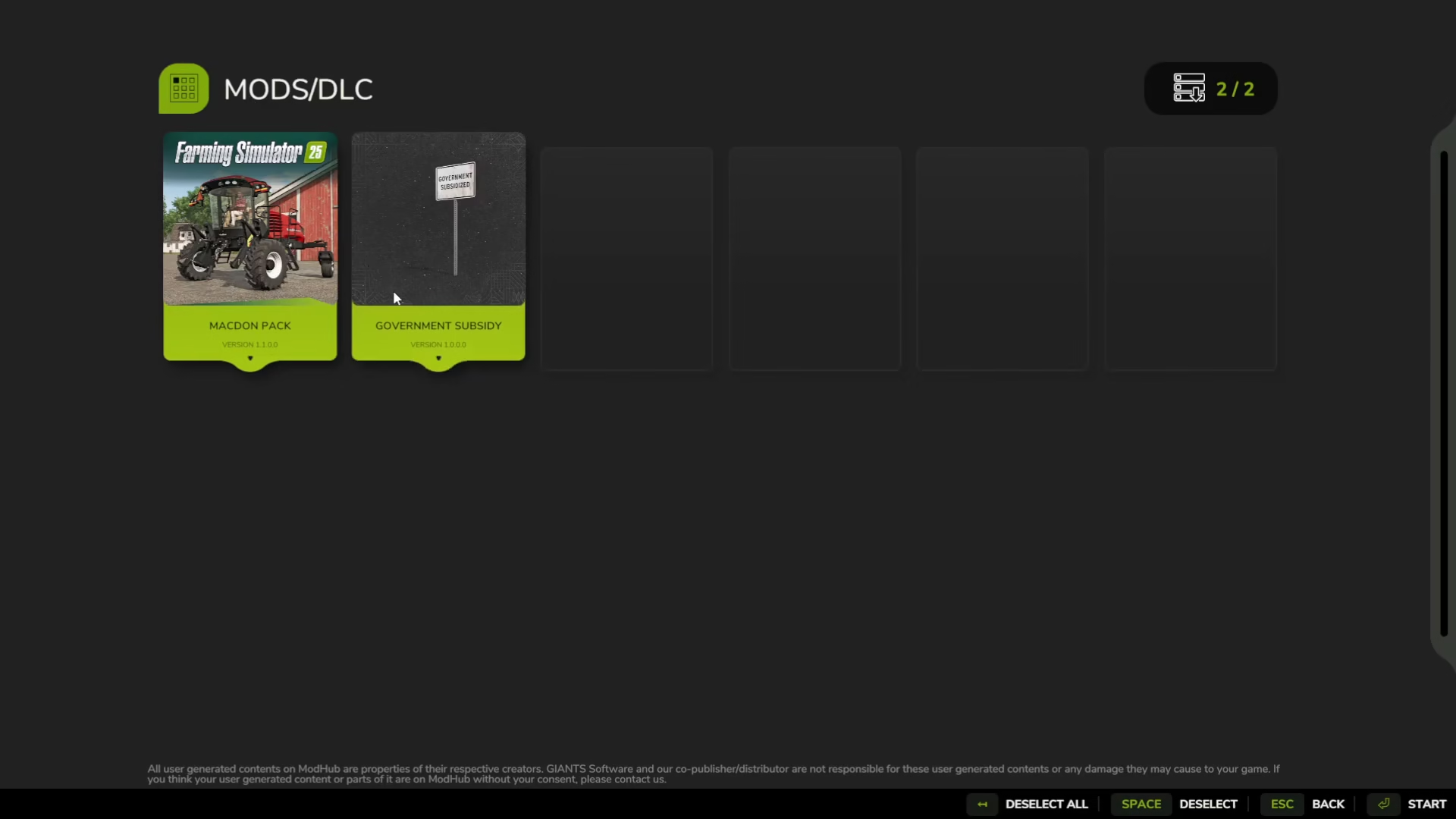
Placing Subsidy Generators In-Game
After loading into your game world, you’ll need to activate Build Mode. On PC, press Shift + P to enter build mode.

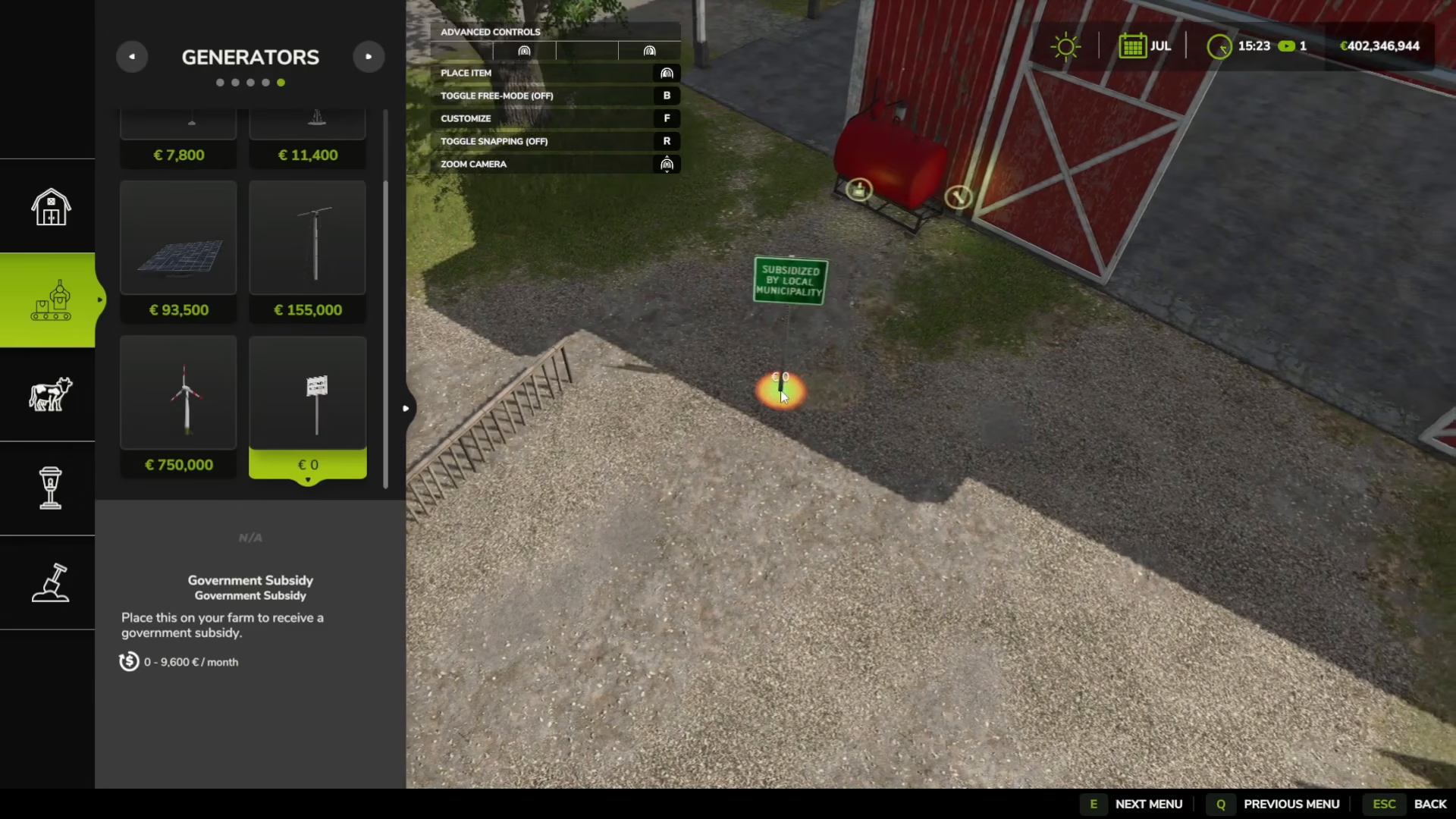
Once in build mode, locate the second icon on the left side—it resembles a conveyor icon. Click on it to access the generators menu.
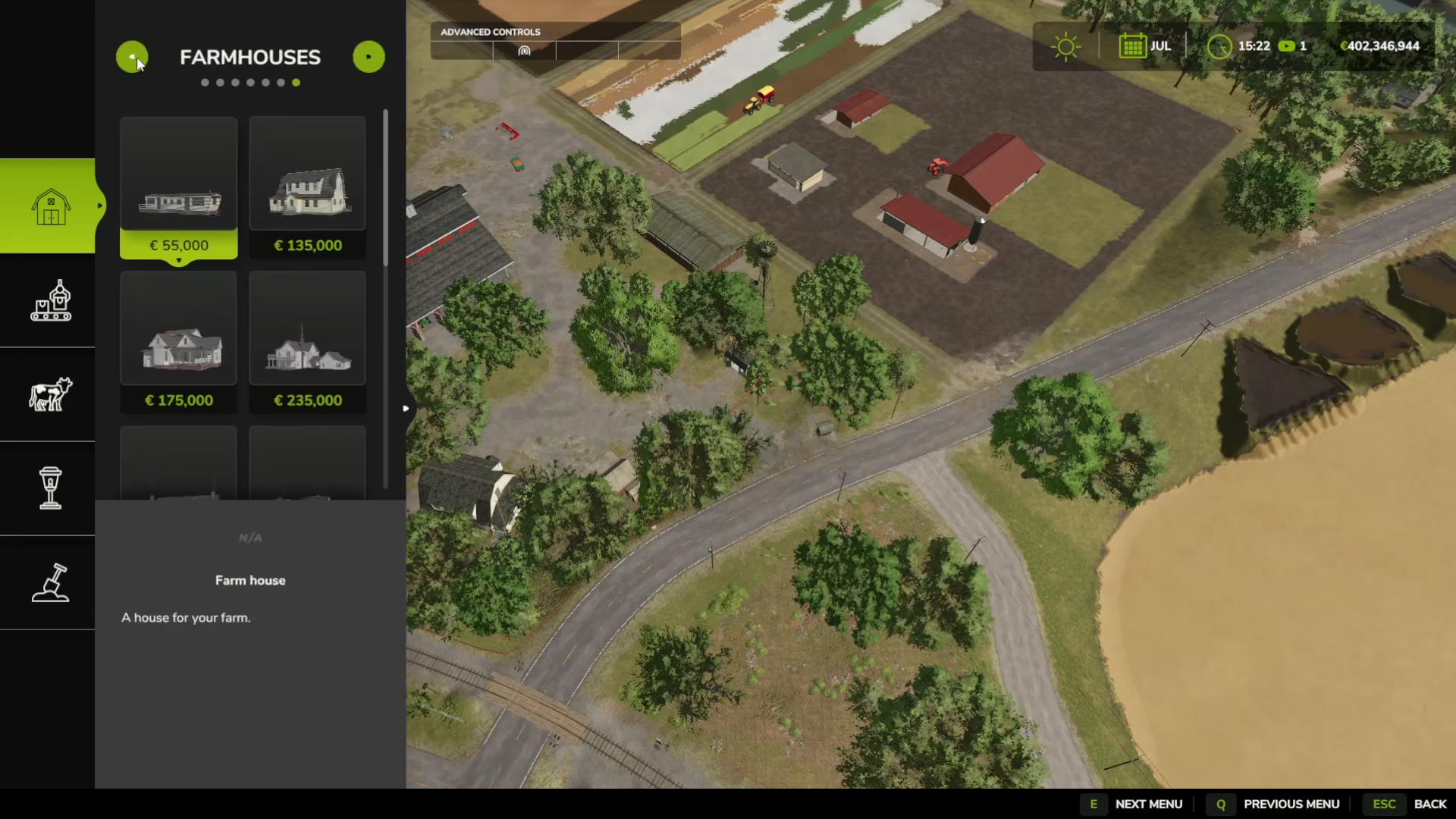
Selecting and Customizing Your Subsidy
In the generators menu, scroll down to find the Government Subsidy option. This is where you’ll place your subsidy generators in the game world.
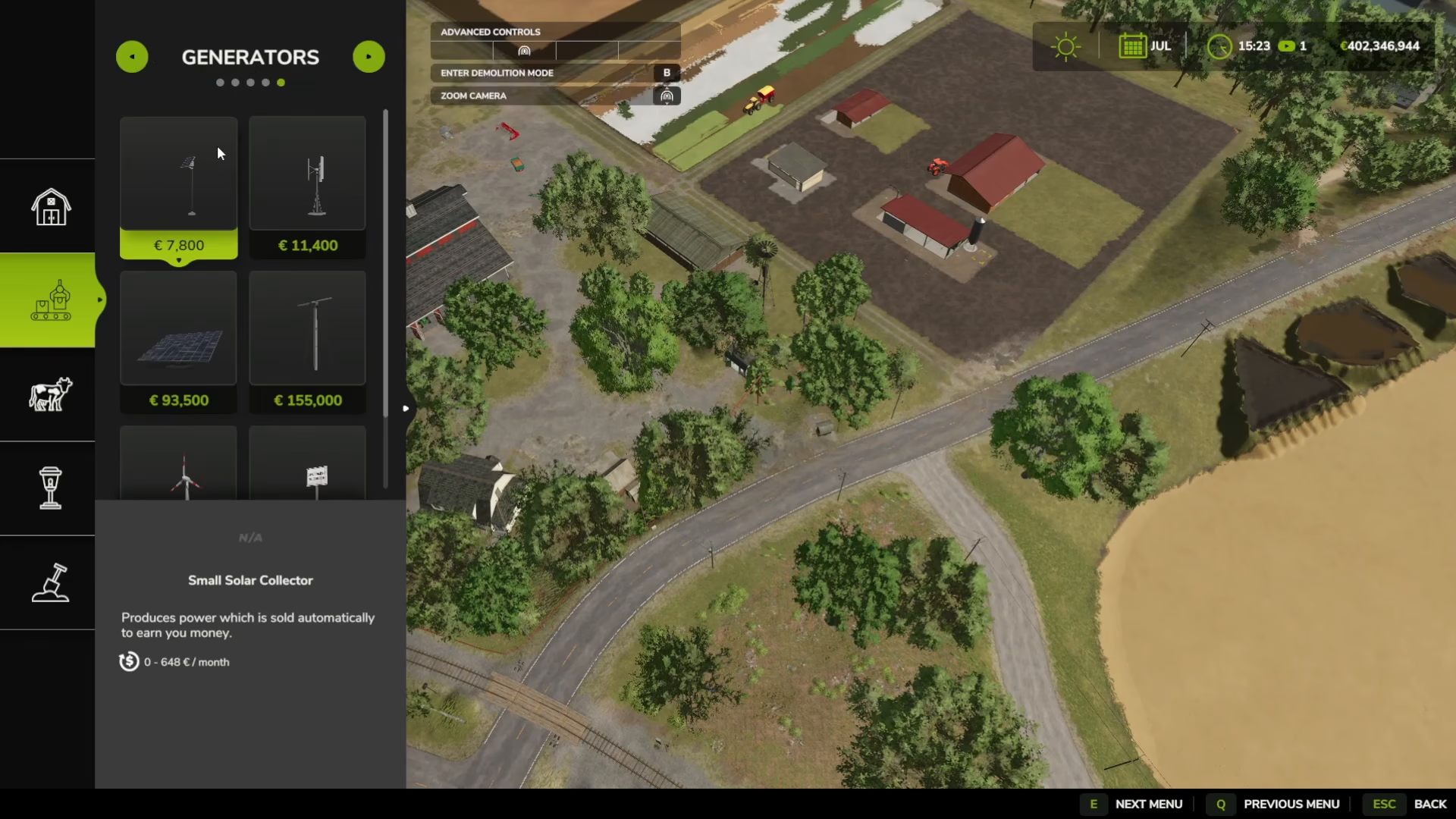
Click on Government Subsidy to begin placing it. Before placing it, press F to customize the subsidy and choose your desired payout tier.
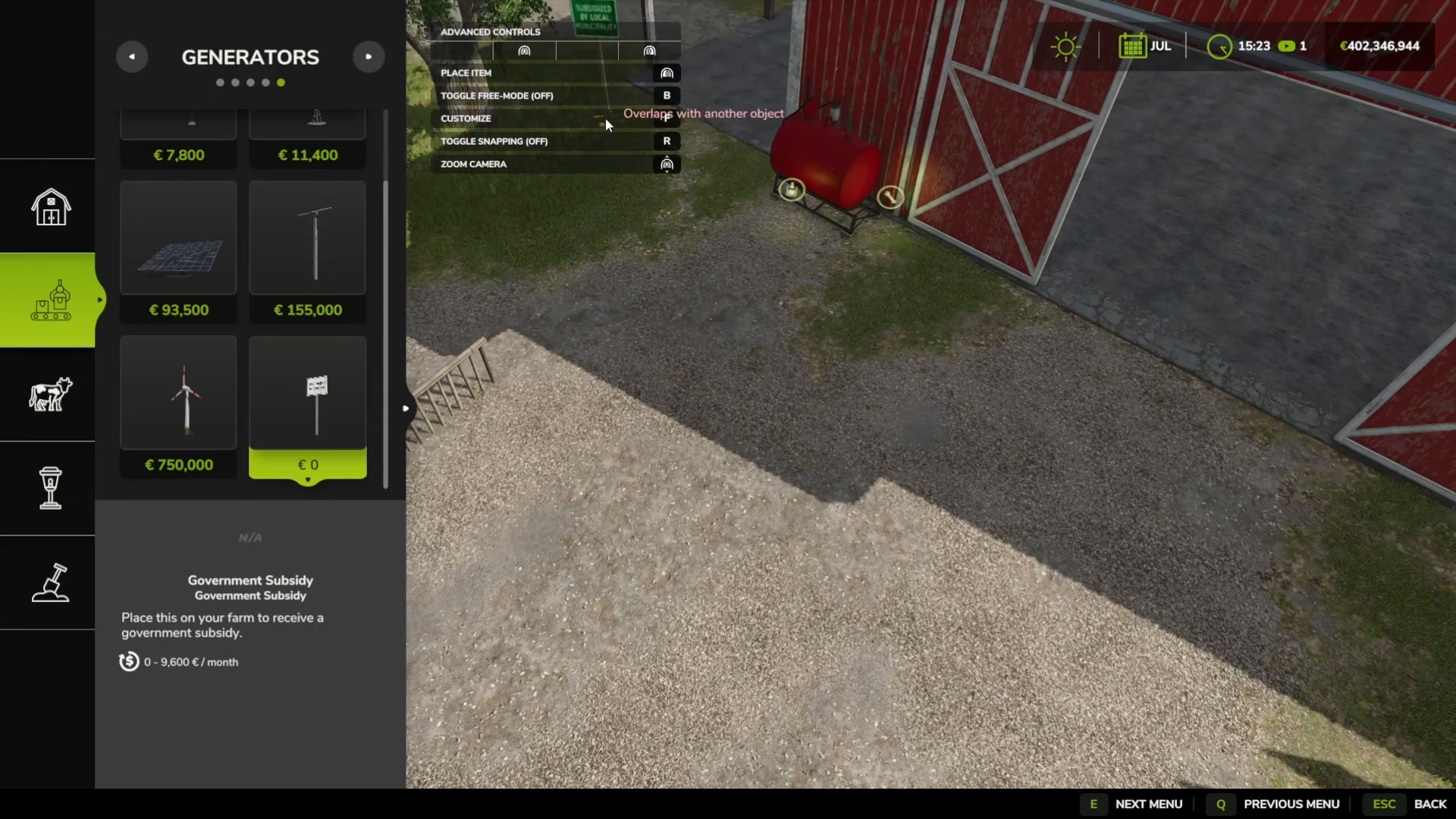
Choosing Your Subsidy Tier
When you customize the subsidy, you’ll see several payout options available, including 4,040,400 and 4 million per month. These tiers allow you to decide how much income you want to receive.
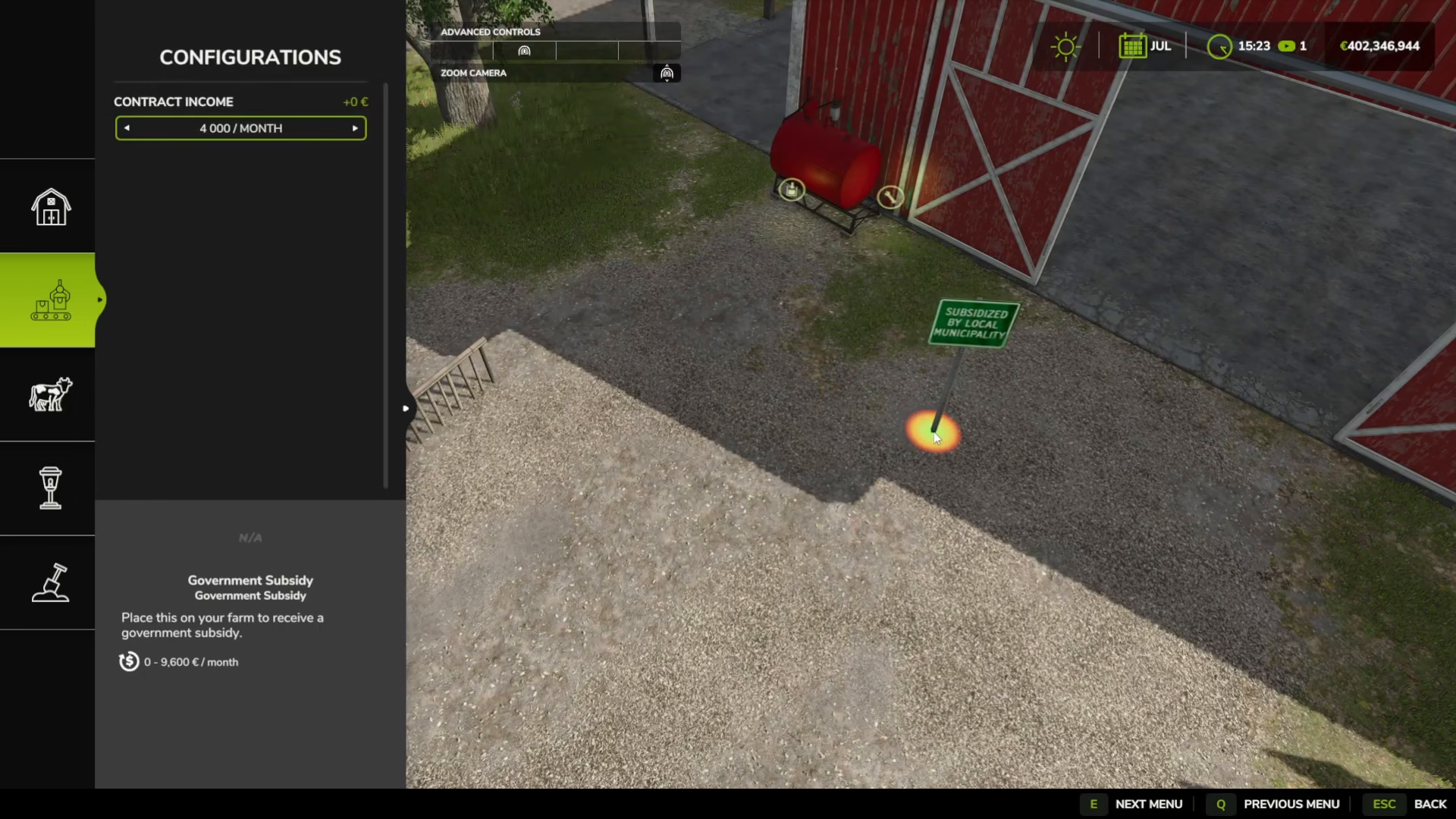
Select your preferred amount and click to place the generator in your game world. The good news is that these subsidy generators are completely free to place.
Maximizing Your Income
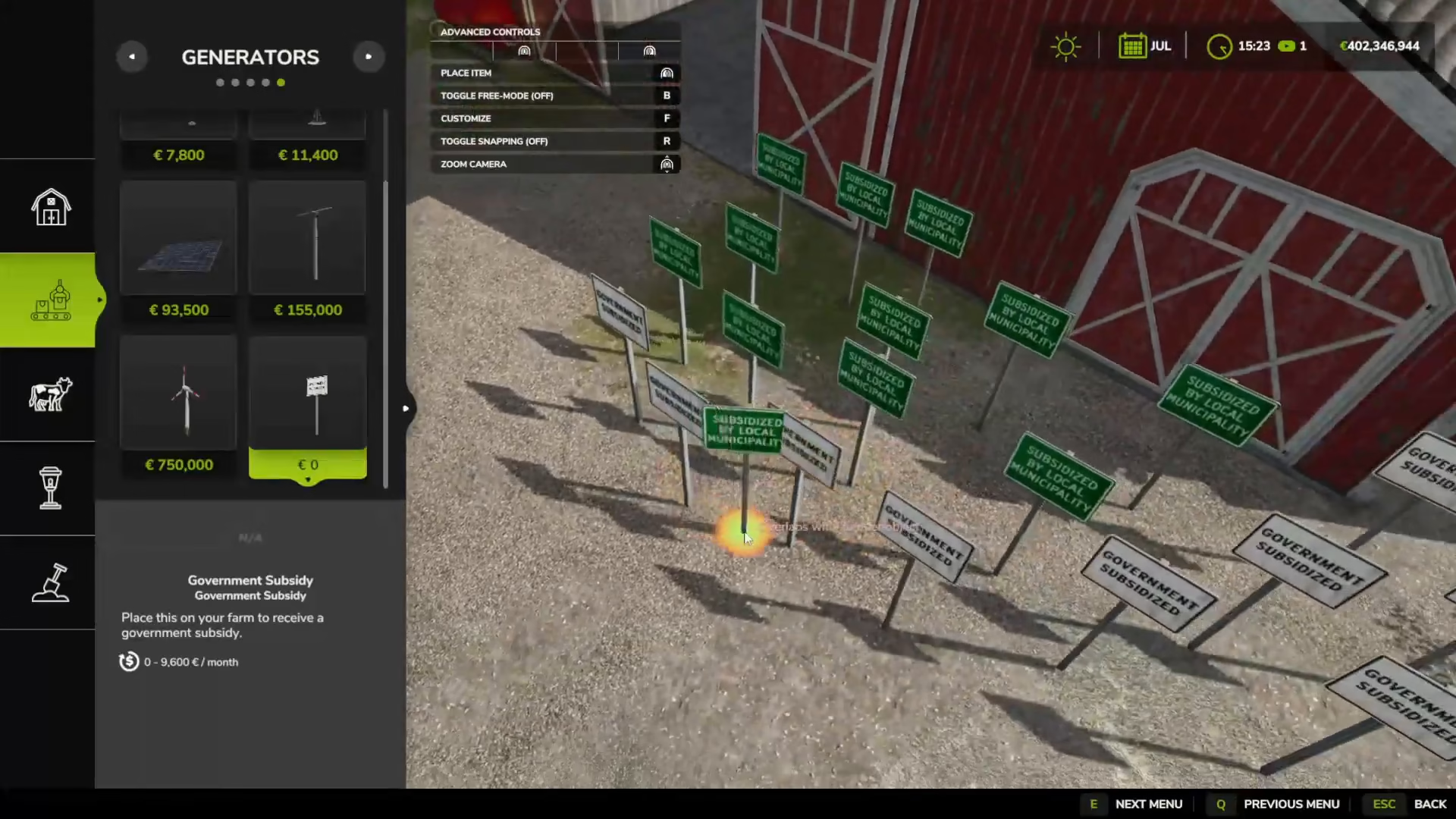
Every time you sleep or the day advances to the next month, you’ll automatically receive the payment from your subsidy generator. You can place multiple subsidy generators throughout your game world, and they can be of different tiers.
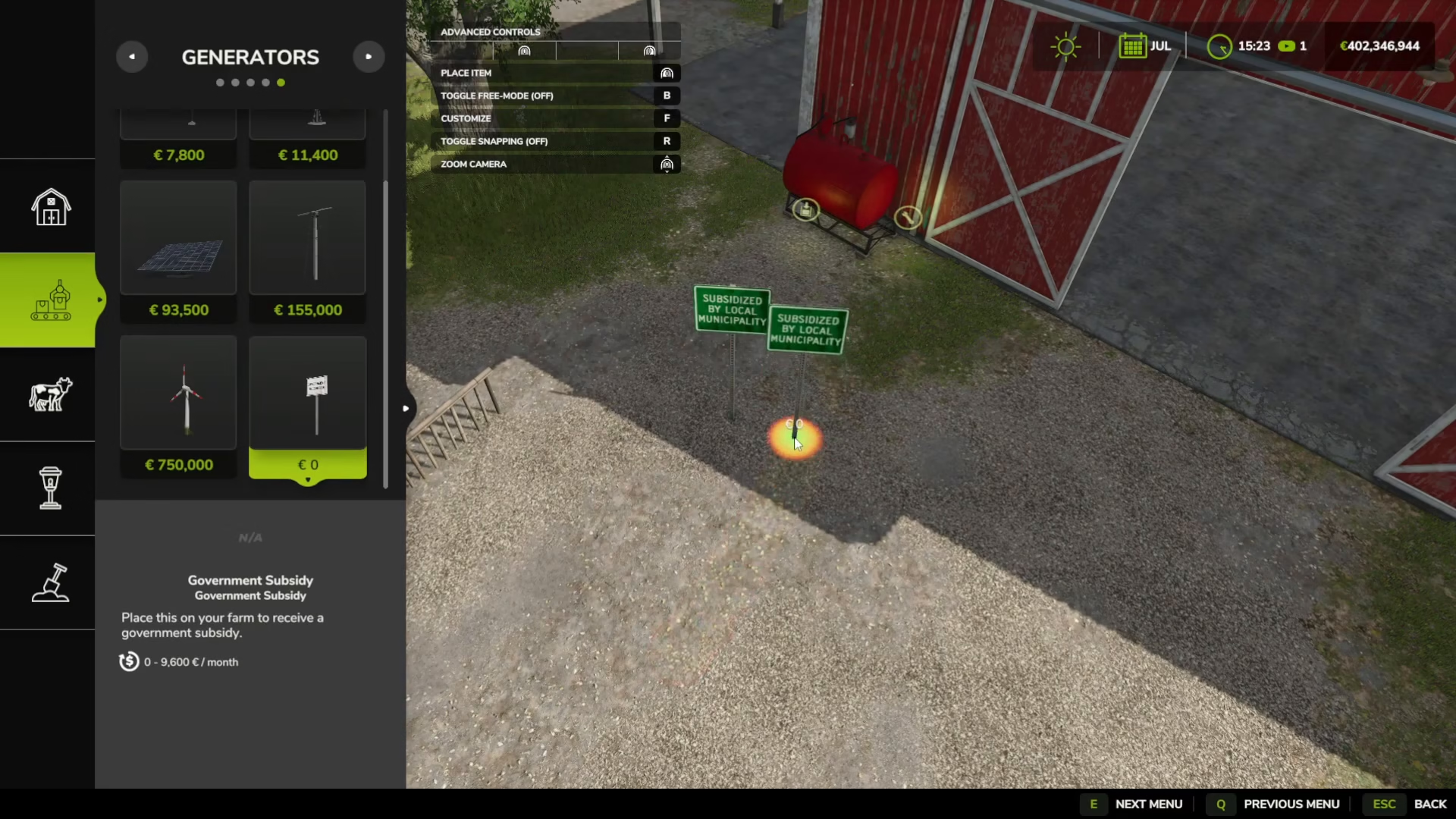
By strategically placing multiple generators with varying income amounts, you can create a diverse revenue stream. Each time you sleep or advance to the next season, all active subsidies will pay out, giving you consistent and varying income throughout your farming career.
Summary
Using the Government Subsidy Mod in Farming Simulator 25 is straightforward: install the mod from the downloadable content menu, enable it in your career save, enter build mode with Shift + P, navigate to generators, place the Government Subsidy generator, customize your payout tier by pressing F, and place it in your world. You can add as many generators as you want with different income levels to create your ideal revenue stream. Every time you sleep or advance a month, you’ll earn your subsidies automatically.
Want to Support?
If you would like to help us continue making these guides – please consider joining our patreon here – https://www.patreon.com/c/JaviHeals
Alternatively – you can join our discord here – https://discord.gg/zD7Gjt6MHF