How To Use Greenhouses in Farming Simulator 25
How To Use Greenhouses in Farming Simulator 25
Greenhouses are a key production feature in Farming Simulator 25 that allow you to grow crops passively and generate consistent income. In this guide, we’ll walk you through everything you need to know about setting up and operating greenhouses, from acquiring water to managing your production output.
Understanding Greenhouse Types
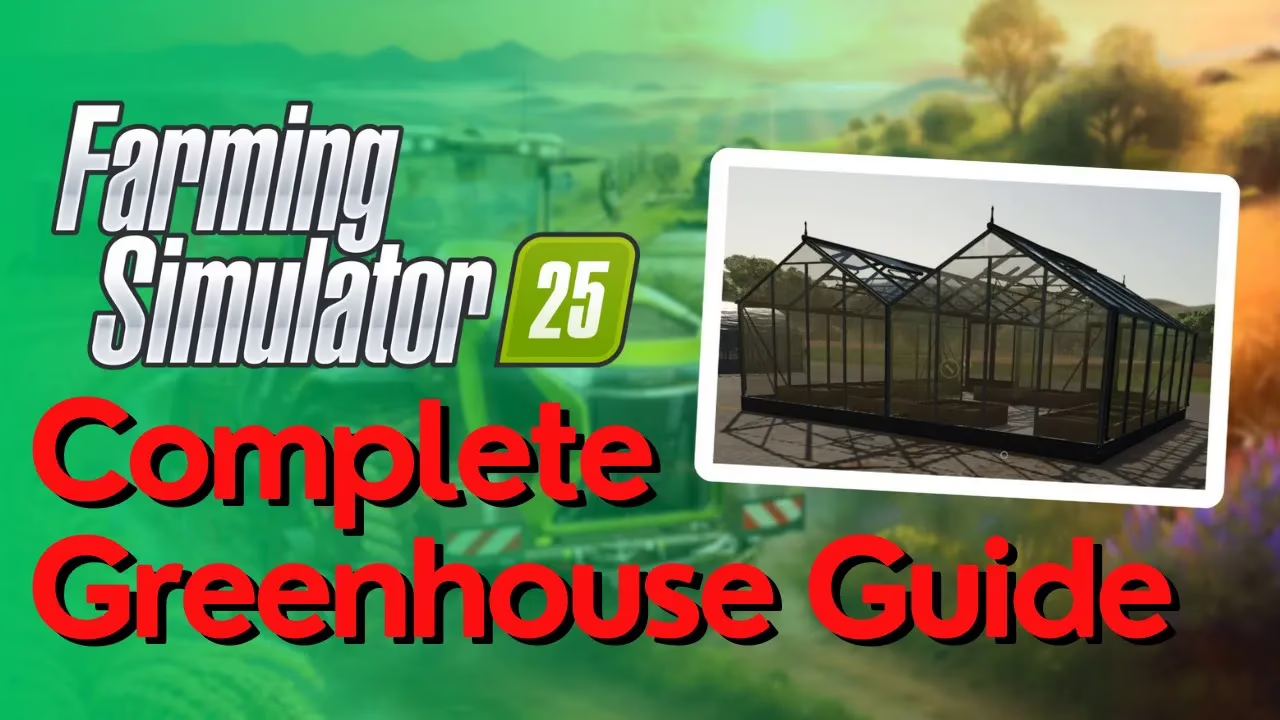
Farming Simulator 25 features three different types of greenhouses, each with distinct capabilities and storage capacities. The main differences between them lie in their size and literage capacity, which determines how much product they can store. The mushroom greenhouses are specialized for mushroom production, while the large tarp and glass greenhouses can produce a wider variety of crops including vegetables like chili peppers.
Getting Water for Your Greenhouse
Purchasing a Water Barrel
The first step in operating a greenhouse is ensuring you have a reliable water supply. To acquire water, you’ll need to purchase a liquid transporter barrel. Navigate to your menu and select the store. Scroll down to the animals section where you’ll find various barrel options ranging from cheap to expensive models. The more expensive barrels can perform additional functions, but any barrel will work for basic water transport.
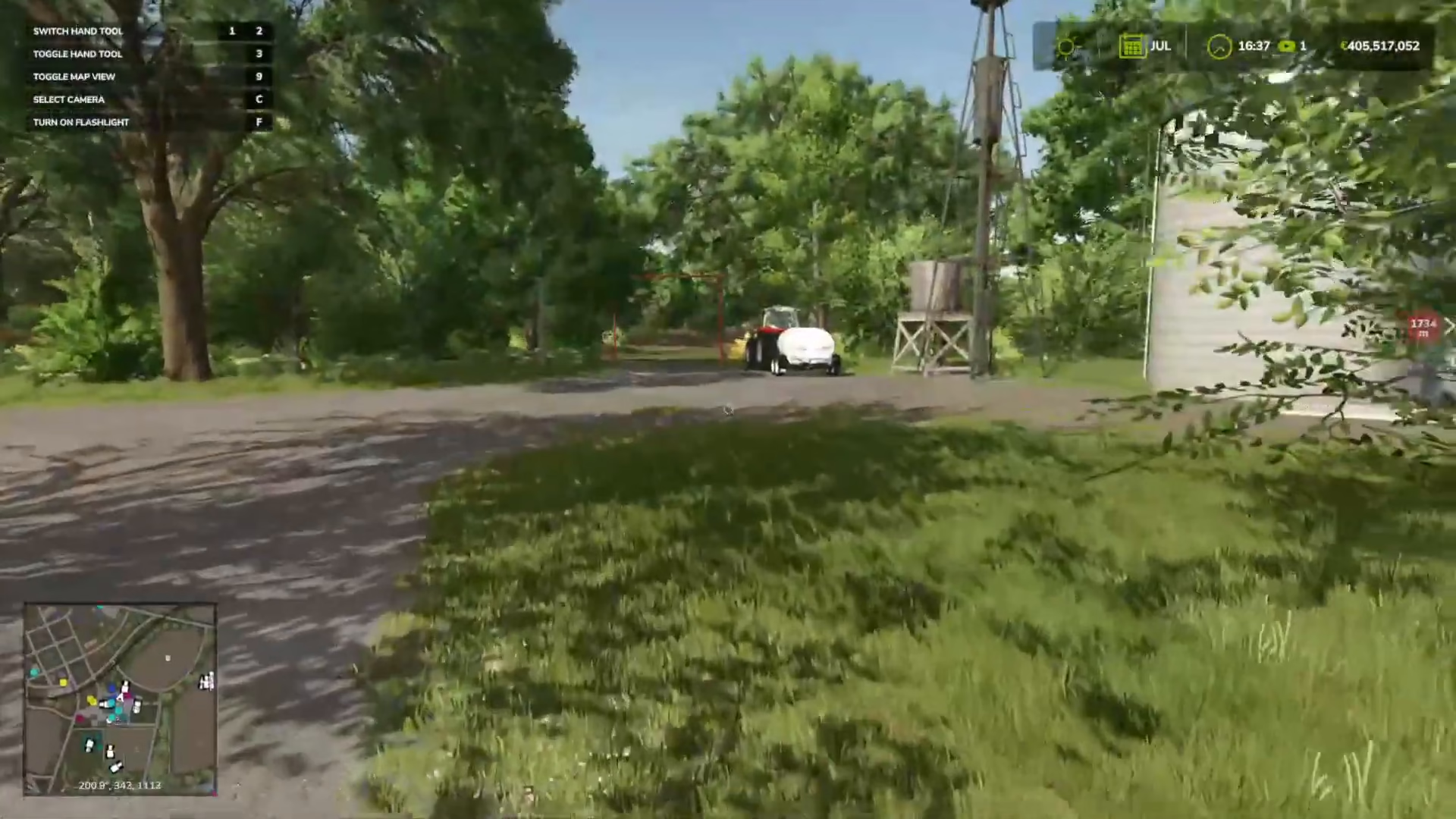
Attach your chosen barrel to your tractor and you’re ready to source water.
Water Sources: Towers vs. Rivers
You have two options for filling your water barrel. If you’re using a starting farm, you’ll already have a water point available on your property. These water points look like small structures and are typically located near the farm buildings.
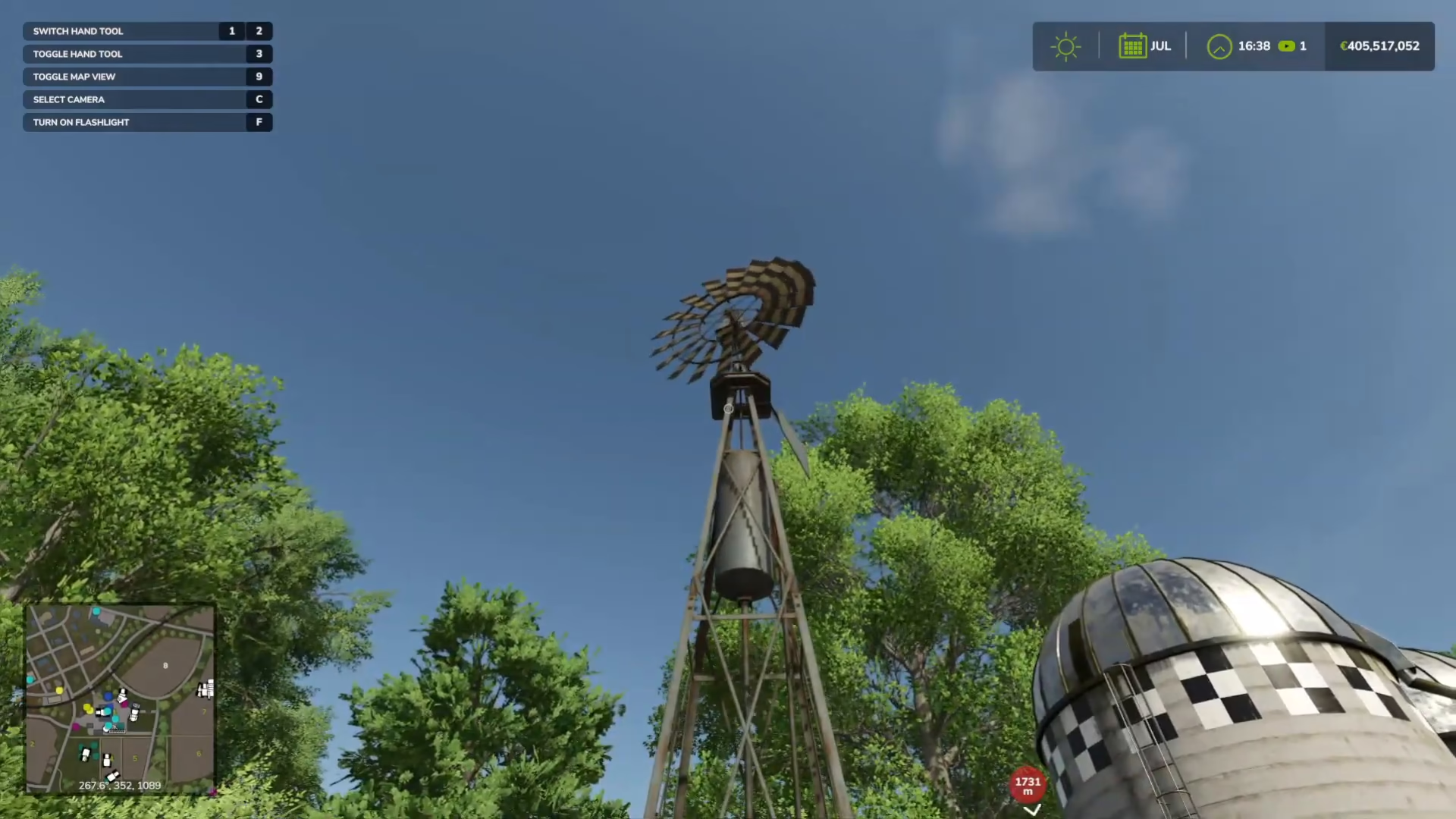
Alternatively, you can build a water tower. Access the build menu, navigate to containers, and look for the windmill with water tank icon at the bottom of the list. Note that using the water tower requires payment each time you refill.
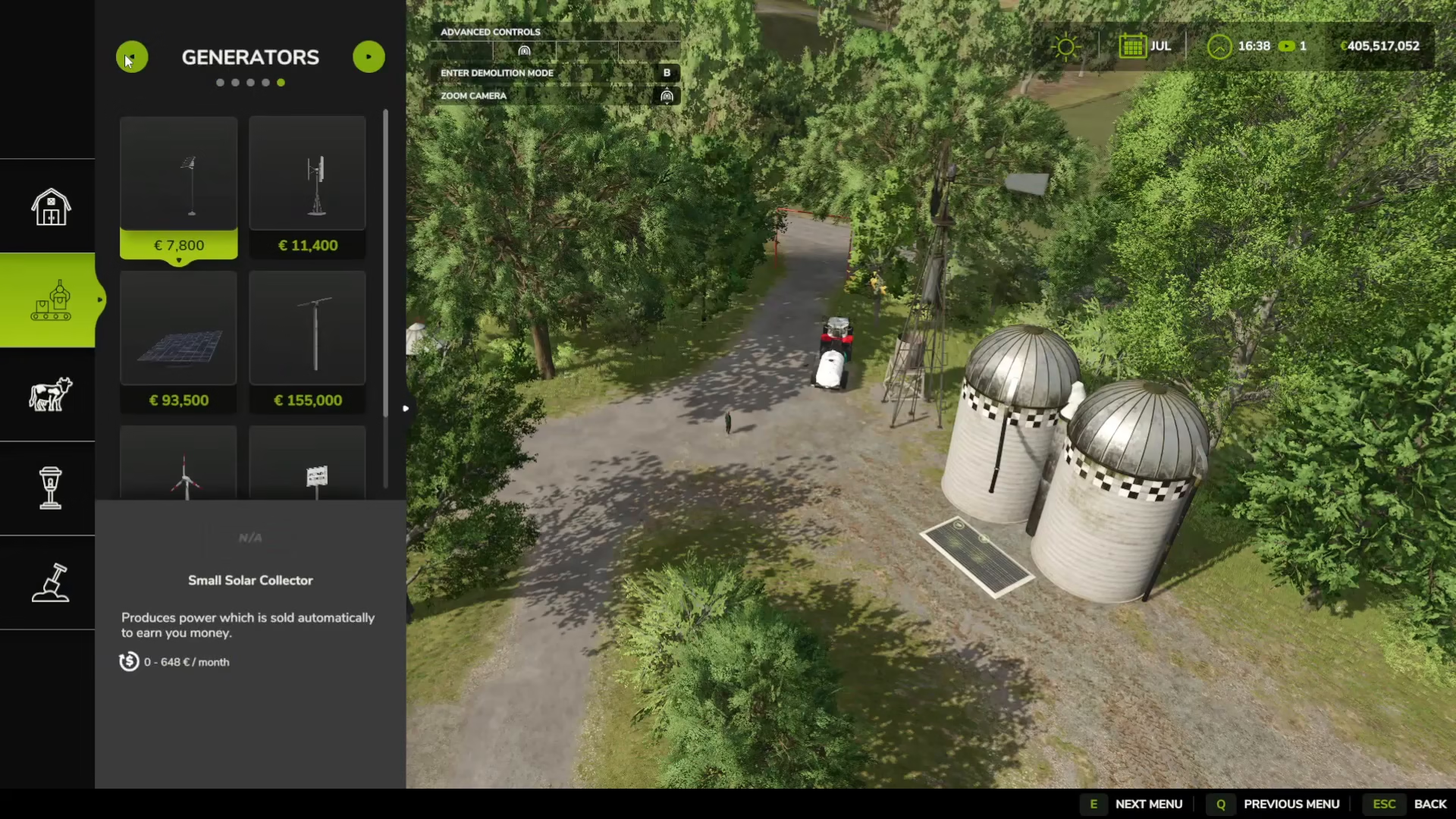
For a free water source, simply reverse your barrel down to a river or lake. This method costs nothing and provides unlimited water access.
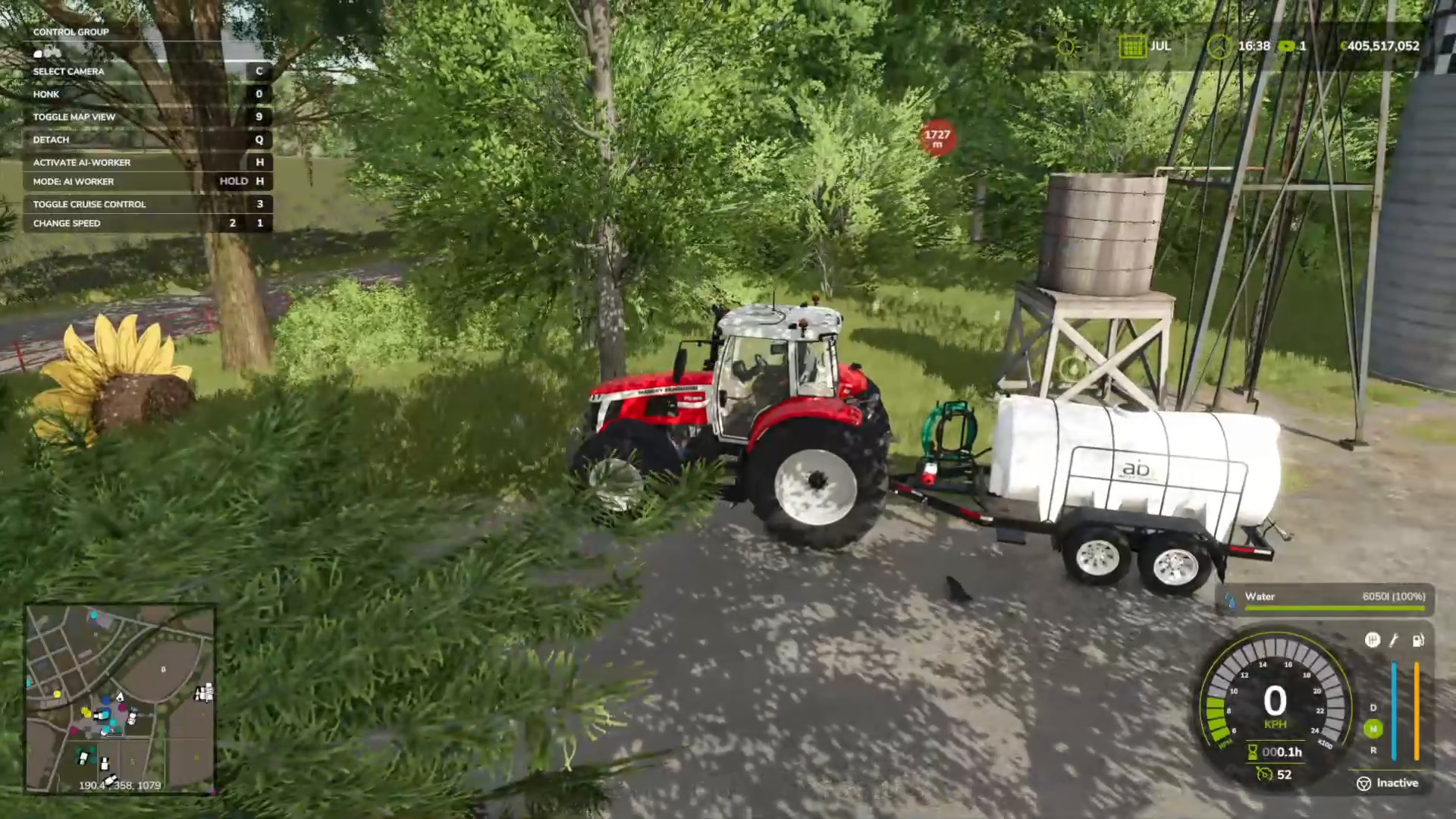
To refill your barrel at a water tower, drive up to it and use the R key (on PC) when the keybind appears on the top left of your screen. The barrel will fill automatically.
Filling Your Greenhouse with Water
Once your barrel is full, drive your tractor and barrel to your greenhouse. You’ll see a small water icon appear at the front of the greenhouse, and the bottom of the screen will display the prompt “I for dump water.”
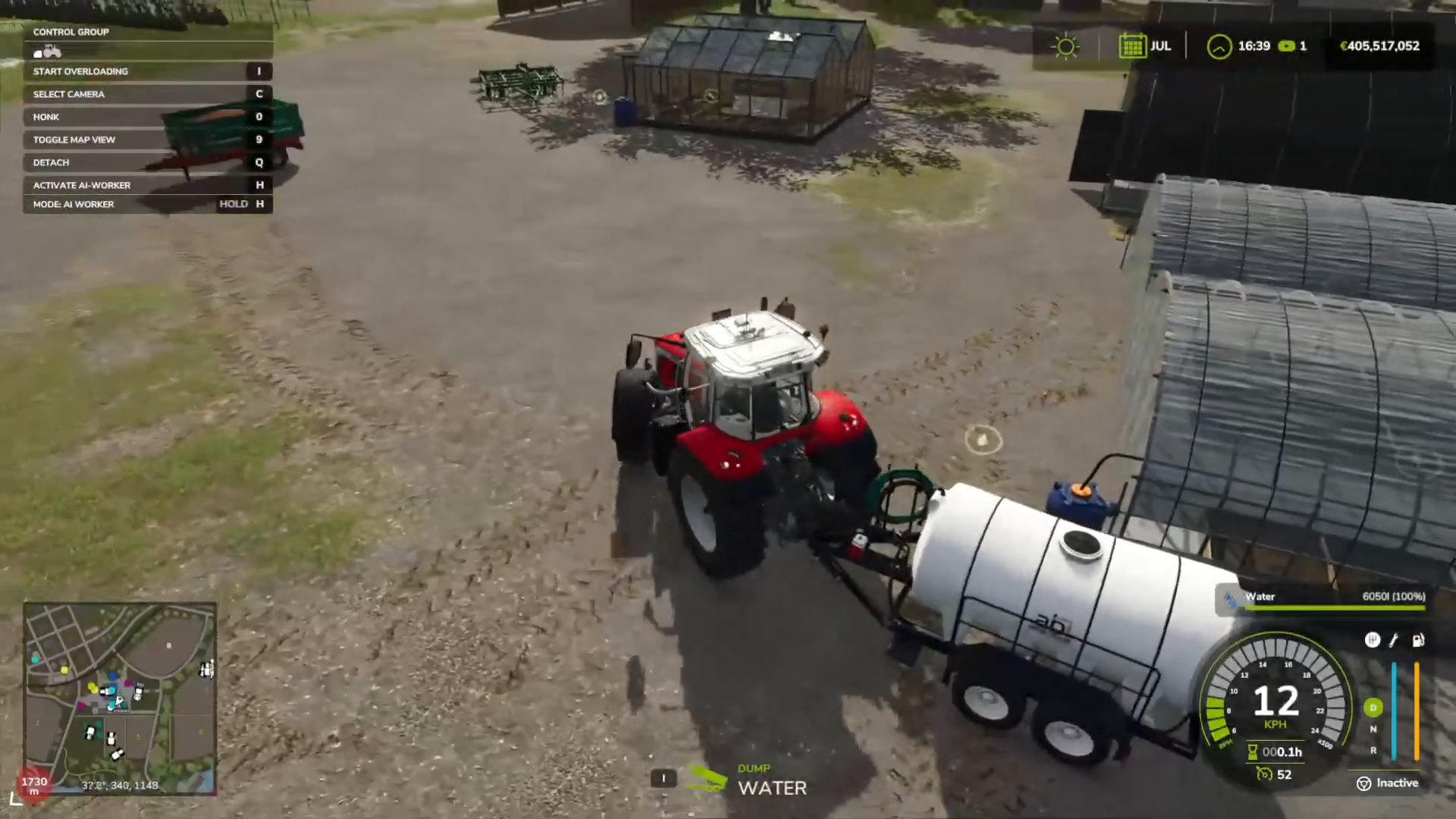
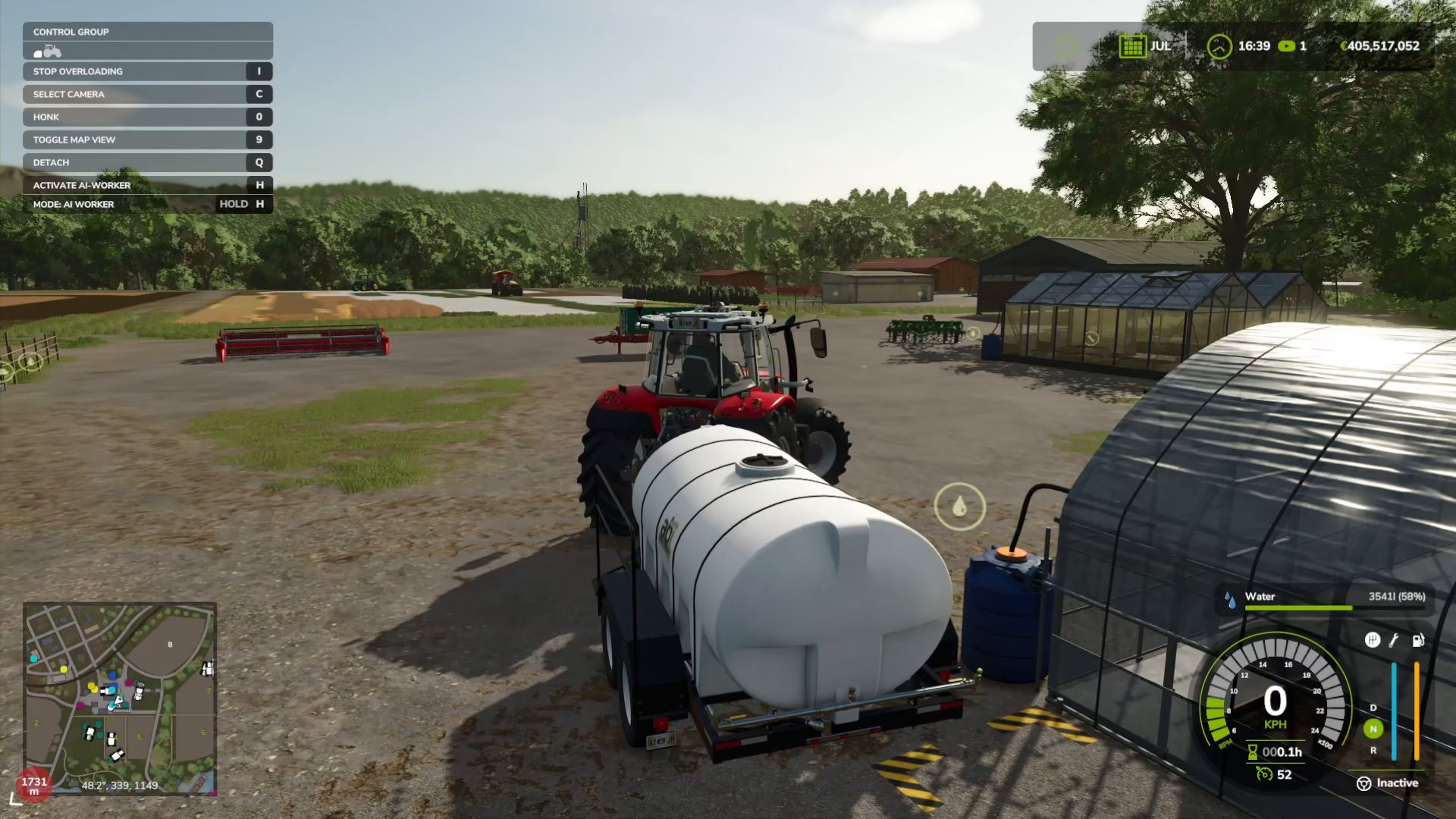
Press I to begin dumping the water into the greenhouse tank. You’ll see the water level decrease in your barrel and increase in the greenhouse storage on the right side of your screen. This process continues until your barrel is completely empty.
Entering and Managing Your Greenhouse
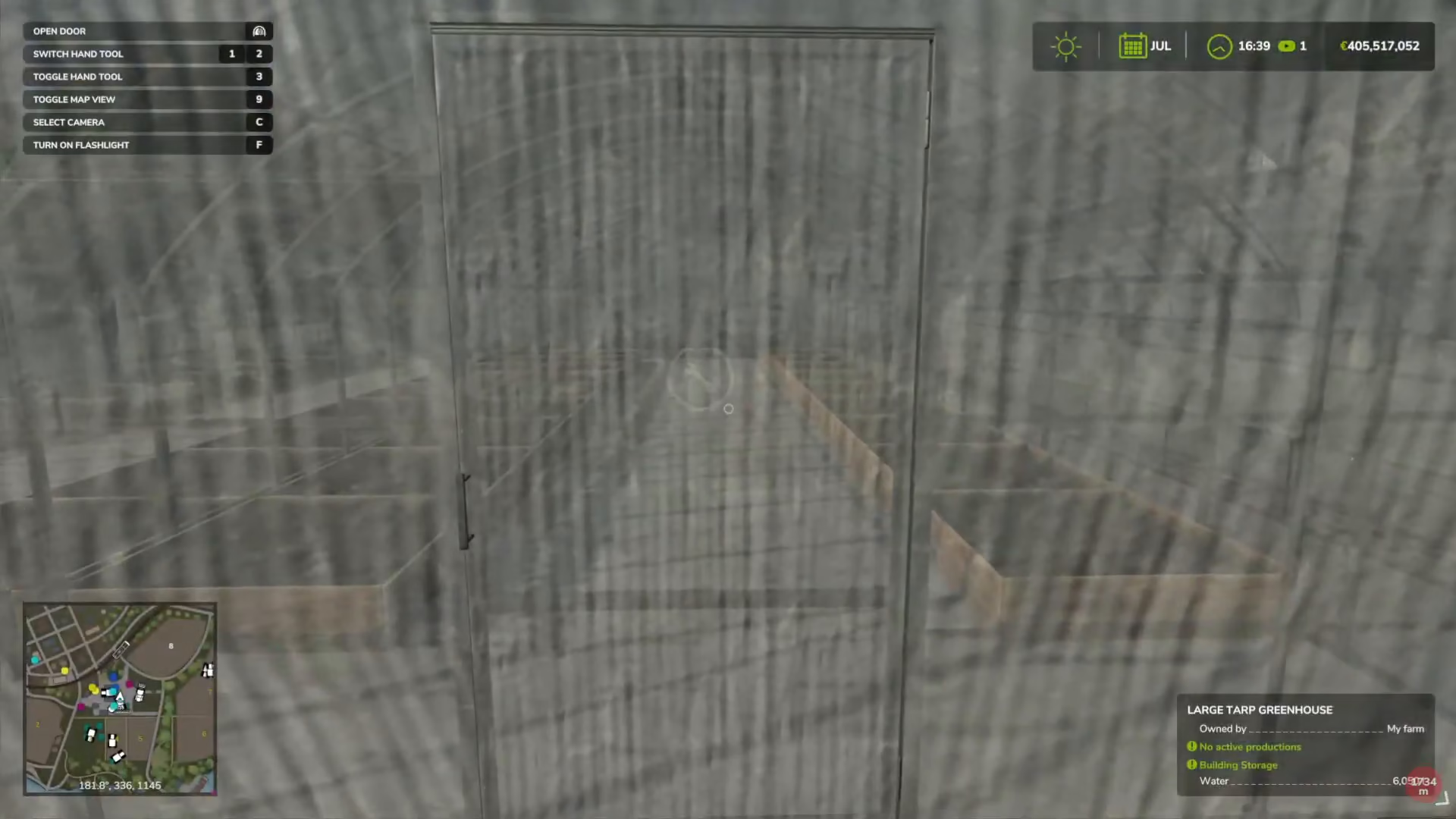
After filling your greenhouse with water, left-click on the door to enter and access the interior. Inside, you can interact with the greenhouse management system.
Accessing the Greenhouse Menu
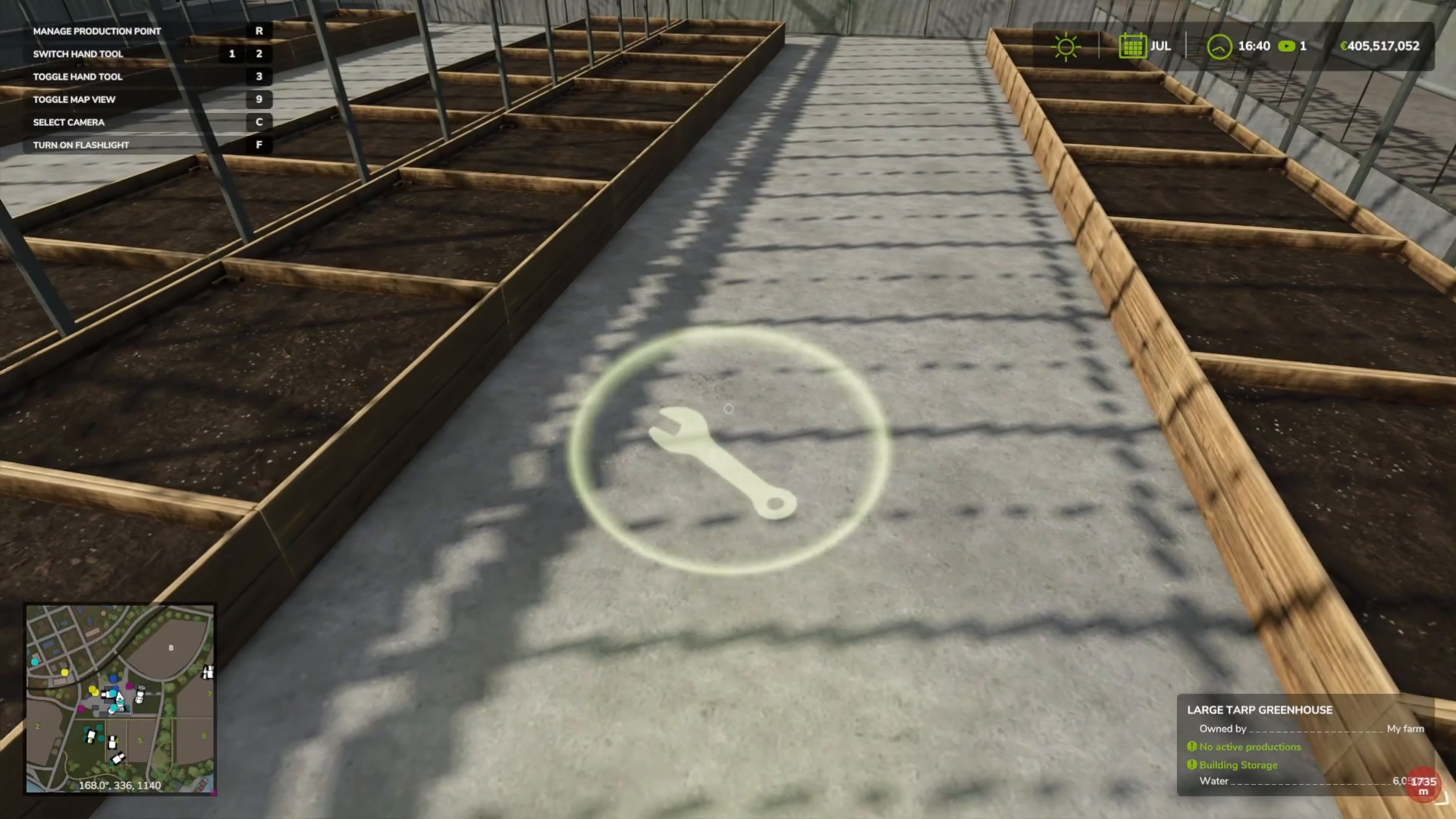
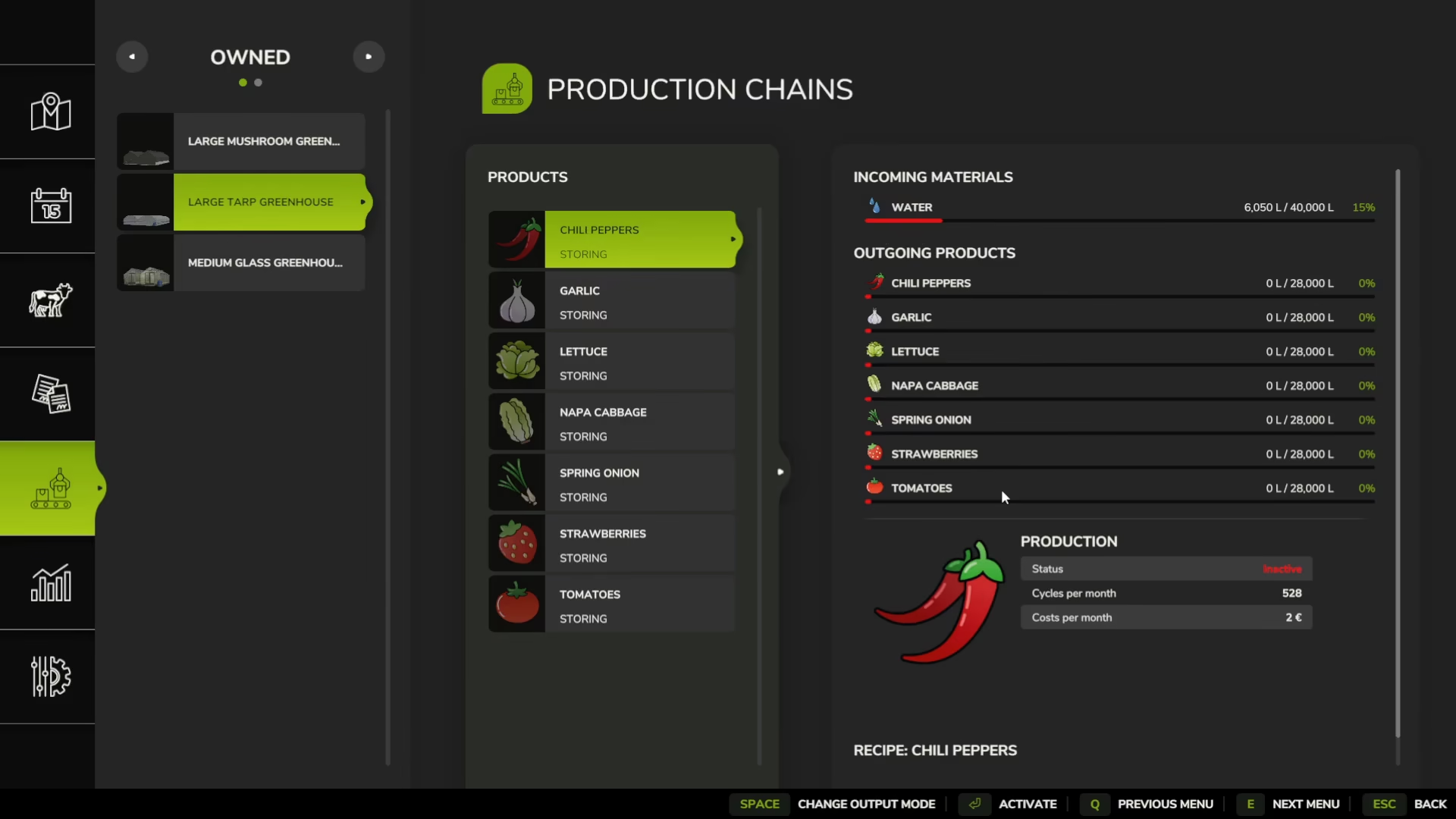
While inside the greenhouse, interact with the management production point. This will open a menu displaying all your greenhouses and their current status. From here, you can access multiple greenhouses at once and monitor water levels, active productions, and available crop options.
Choosing Your Crop Output
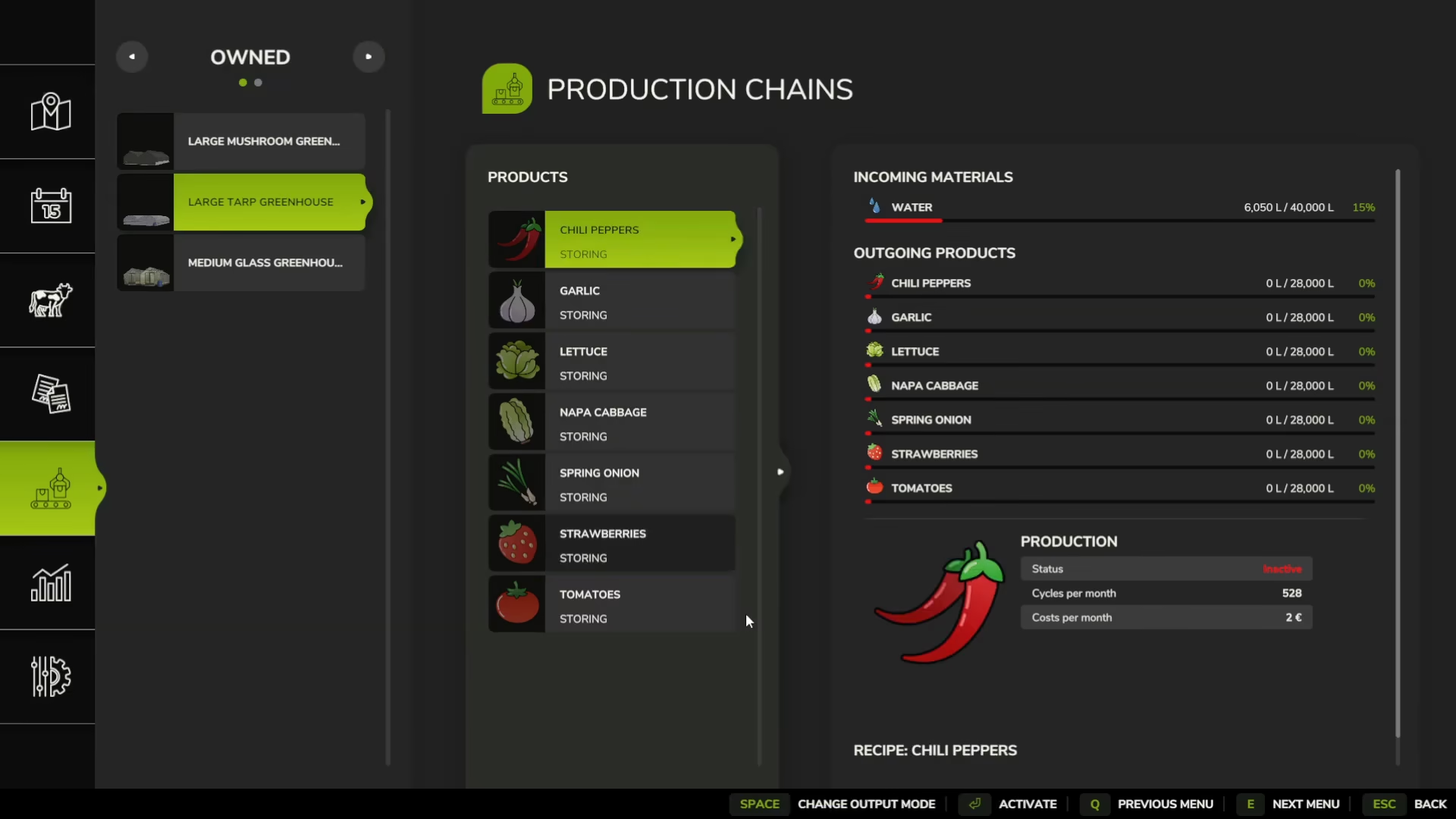
Each greenhouse type supports different crops. Mushroom greenhouses are limited to mushroom production, while the larger tarp and glass greenhouses can produce a variety of vegetables. When you open the management menu, you’ll see all available output options for each greenhouse.
To select your crop, use the “change output mode” option. For example, let’s use chili peppers as our production choice.
Output Modes: Selling, Distributing, and Storing
Storing Mode
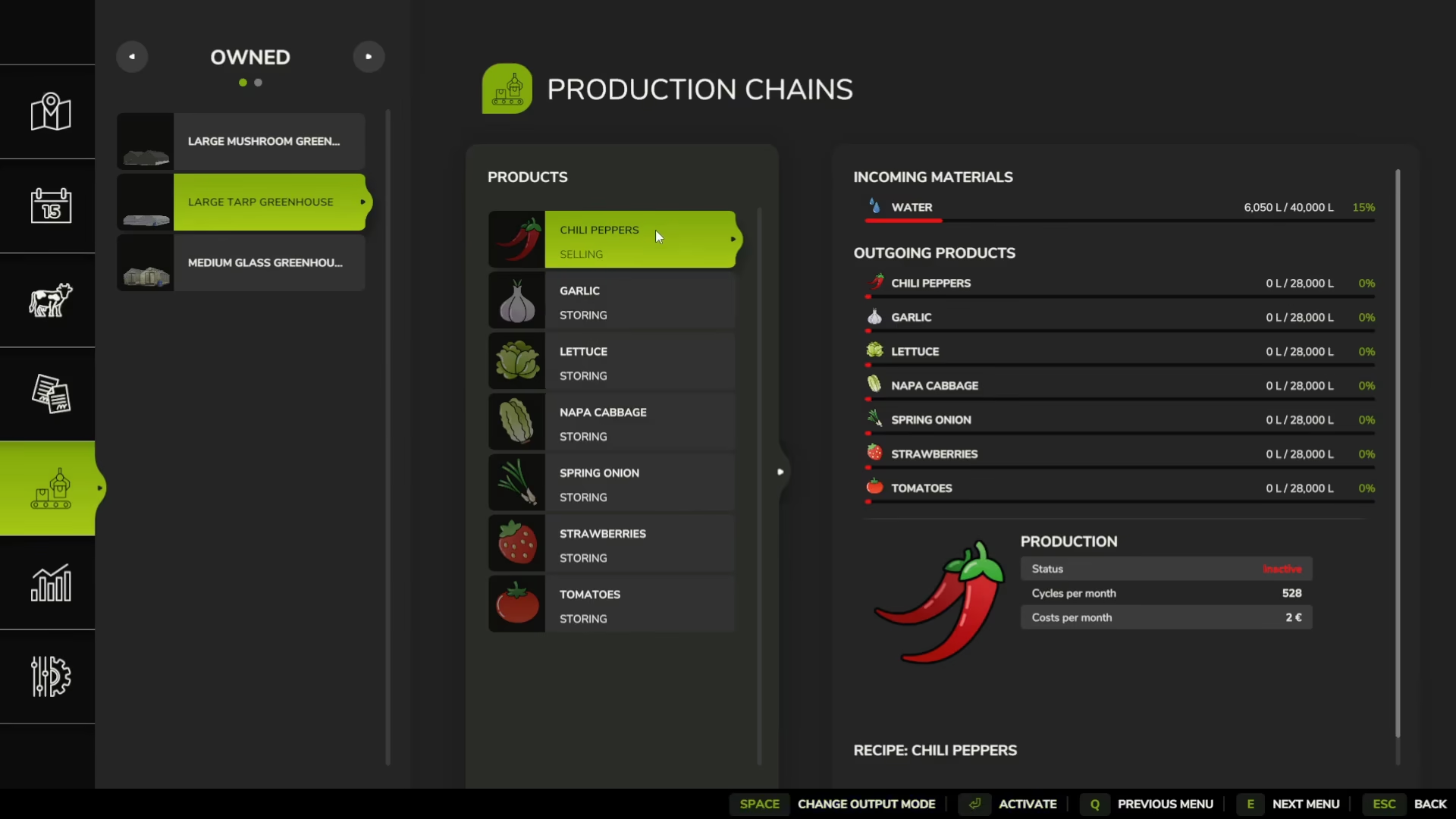
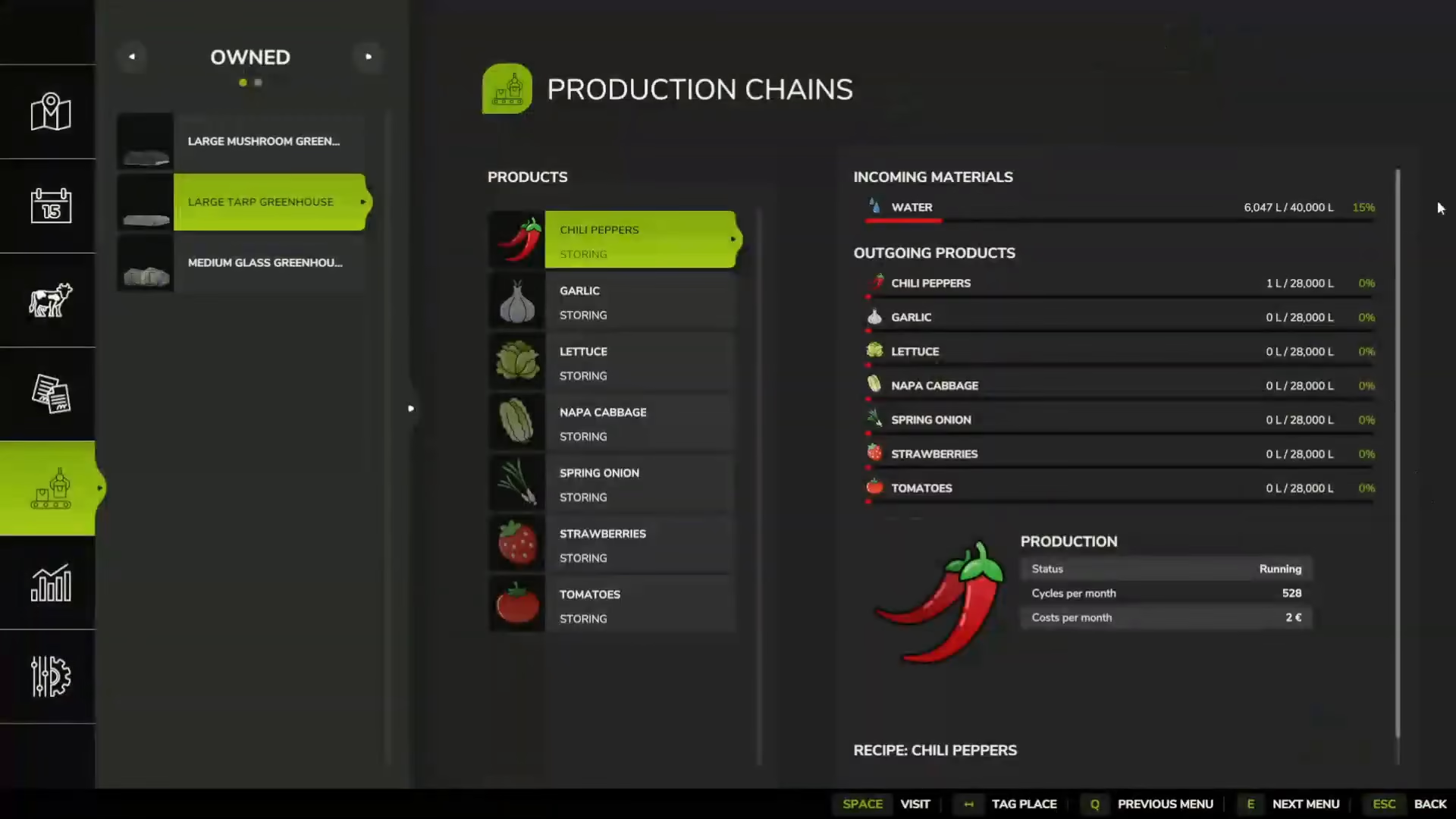
When you change the output mode, you have three options: selling, distributing, or storing. In storing mode, your greenhouse will accumulate crops up to its maximum capacity of 28,000 liters. This option is ideal if you want to stockpile products before selling them in bulk.
Automatic Selling
If you select the selling mode, your greenhouse will automatically sell the crops it produces, providing you with a steady income stream without manual intervention.
Distribution Mode
Distribution mode sends your produced crops to production plants across the map that require them as raw materials for manufacturing other goods. This mode helps you build an integrated production chain.
Activating Your Greenhouse
Once you’ve selected your crop and output mode, activate the greenhouse. The system will display the monthly operating cost (for example, 2 euros per month) and show how many production cycles will occur per month.
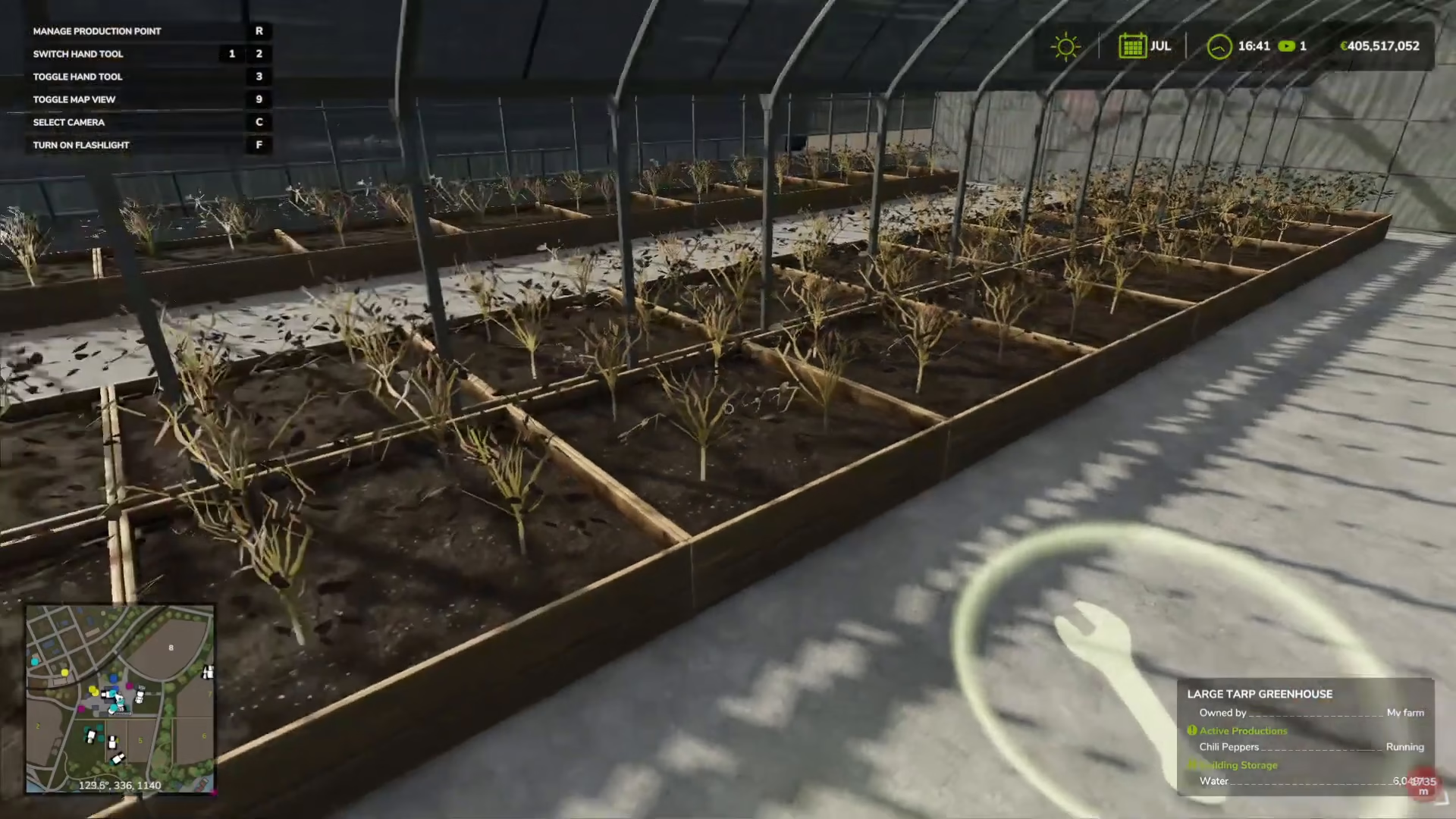
After activation, your crops will begin growing automatically, provided the greenhouse maintains adequate water levels.
Monitoring Production and Storage
As your greenhouse operates, products accumulate in the storage unit located outside. You can see the storage icon with a small symbol indicating it’s active. Standing next to the storage unit displays valuable information in the bottom right corner of your screen, including the current amount stored (for example, 1 liter of chili peppers) and what is currently being produced.
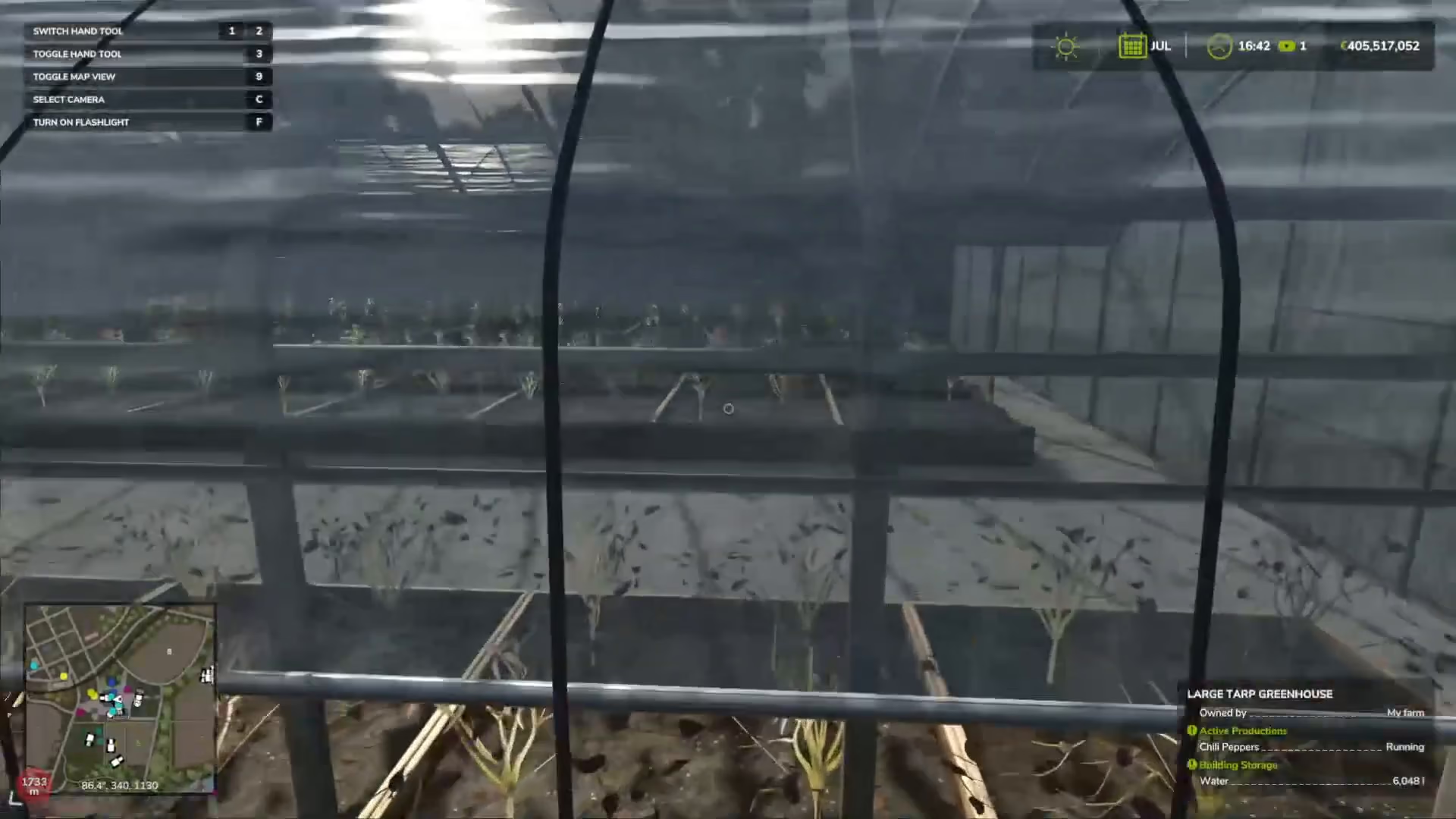
When you enter the greenhouse interior, you can monitor the exact storage levels. In our example, the chili pepper production stores 1 liter out of the maximum 28,000 liters capacity. Since production generates 528 liters per month, your storage will fill up fairly quickly.
Understanding Greenhouse Sizes and Capacity
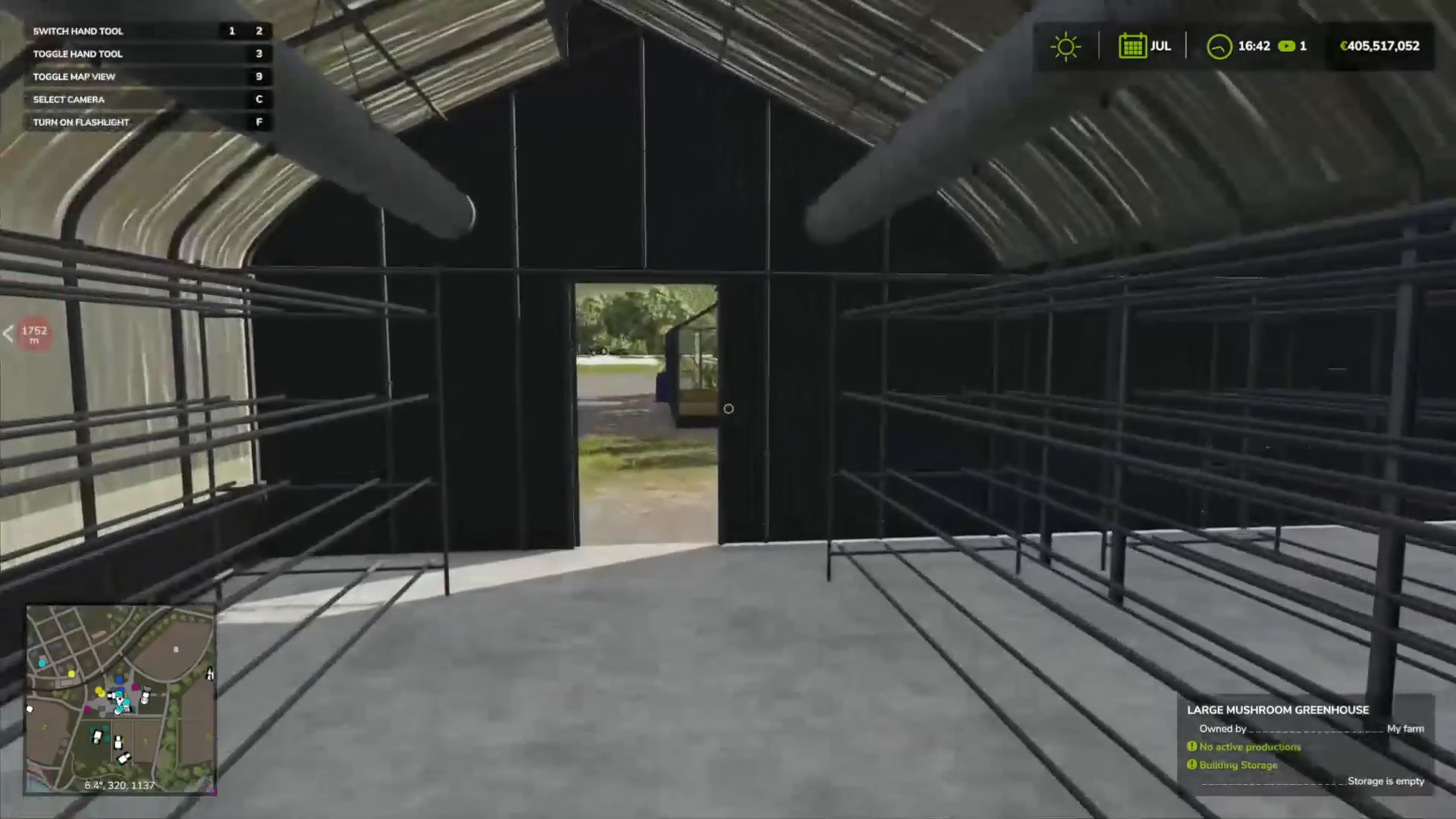
The primary difference between greenhouse models is their size and storage capacity. Each greenhouse type comes in various sizes, indicated by the number of planters on the shelves inside. For example, you might have capacities of 28,000 liters, 12,024 liters, and 14,000 liters depending on the model.
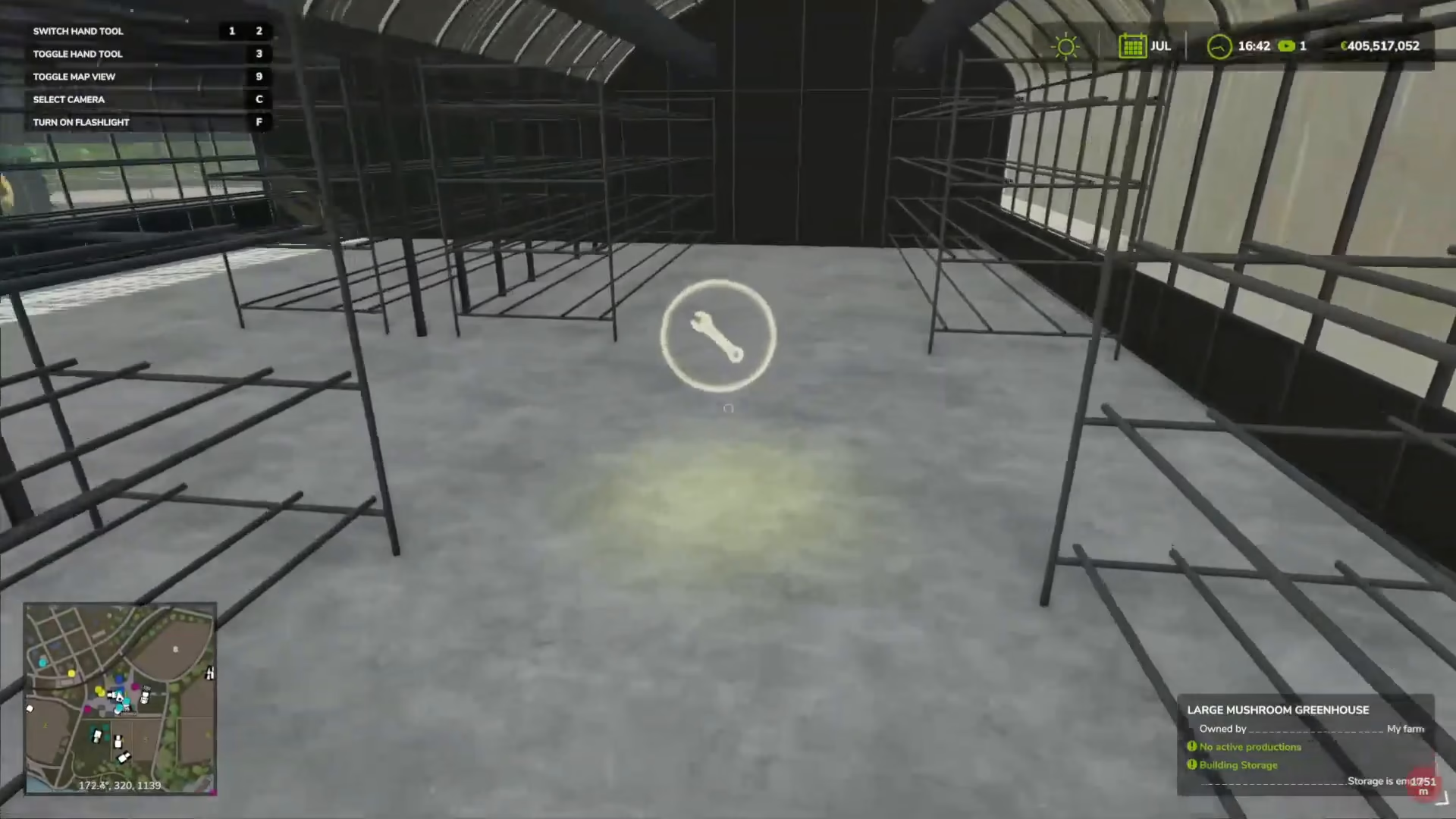
While larger greenhouses store more product, they all generate the same amount of crop per production cycle. Mushroom greenhouses are typically smaller specialized units, while large tarp and glass greenhouses come in multiple size options.
Summary
Greenhouses in Farming Simulator 25 provide a passive income source once they’re properly set up. The key steps are acquiring a water barrel, filling it from a tower or river, delivering water to your greenhouse, selecting your crop type and output mode, and activating production. With adequate water supply, your greenhouse will generate crops automatically, requiring minimal ongoing management. The only difference between greenhouse models is their storage capacity and size, so choose based on your production goals and available space on your farm.
— Want to Support? —
If you would like to help us continue making these guides – please consider joining our patreon here – https://www.patreon.com/c/JaviHeals
Alternatively – you can join our discord here – https://discord.gg/zD7Gjt6MHF